Table of Contents
After experiencing Blinko, you will be really impressed with how it handles the basic challenge most of us face when using note-taking apps.
Some people have been using Obsidian for years and love its powerful features, but recently they discovered something that really caught their attention. Blinko, a free, open-source note-taking app, promises to bring many of the best things about Obsidian while removing the complexities that sometimes slow down progress. After trying Blinko, you'll be impressed with how it handles the basic challenge most of us face when using note-taking apps. The challenge is to quickly jot down thoughts without getting bogged down in organization.
Blinko's Quick Capture Box takes the hassle out of
Take notes now, edit later
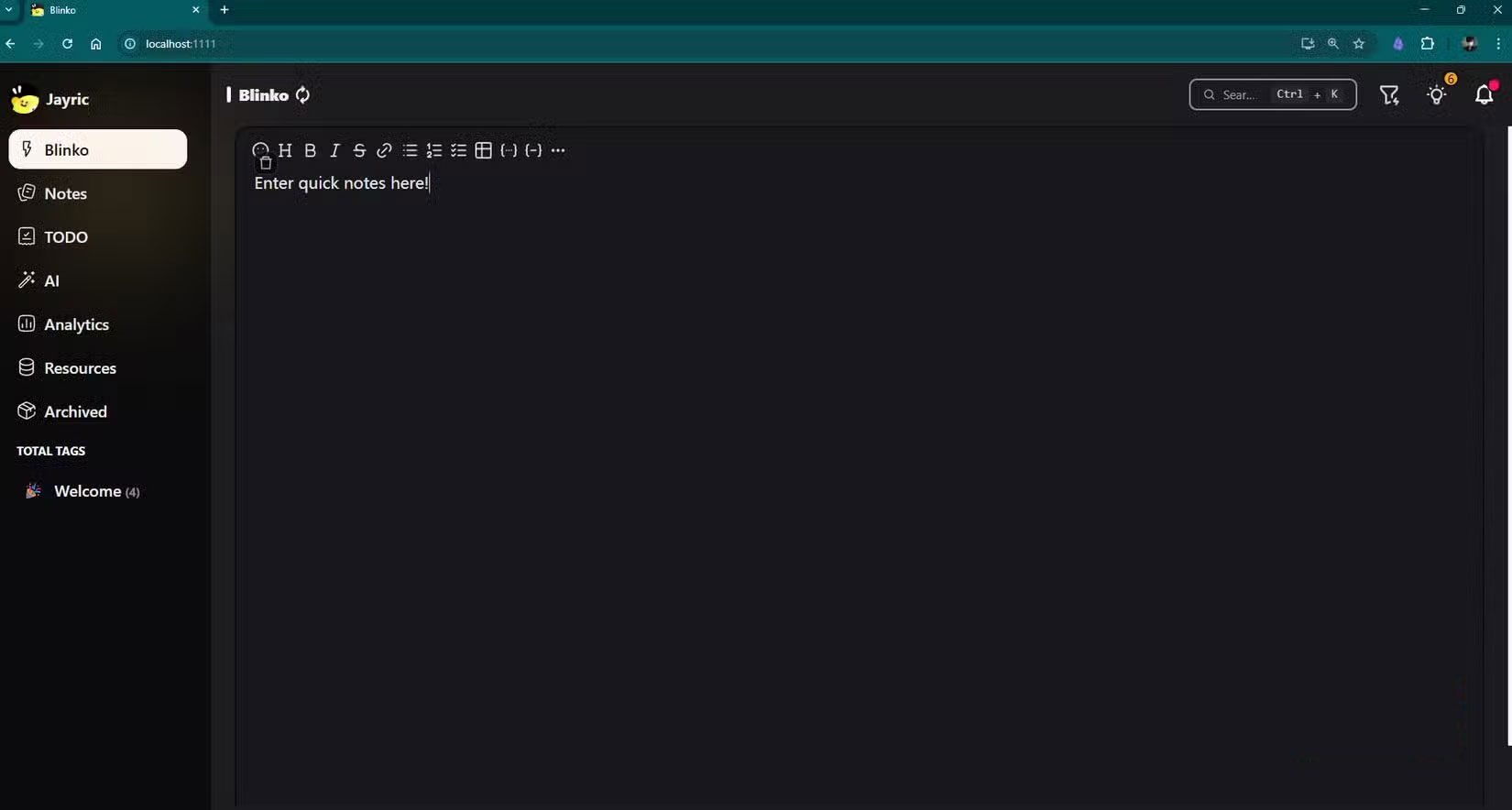
The biggest problem with note-taking apps is the ability to quickly capture ideas. Blinko has Quick Capture, which solves this problem perfectly. Instead of having to stop to create a new file or decide where to save it, you just type your idea into the box and hit save. It's like a shared inbox for your brain, where ideas are safely stored until you have time to process them properly.
Blinko organizes these quick saves into three categories:
- Blinko : Entries are "quick notes" for temporary memorization, which can be automatically archived over time.
- Notes : Handles fixed, structured content with full formatting, tags, and referencing capabilities.
- Todos : Manage tasks and checklists to keep track of action items that need to be completed.
You can switch between these three types of captures by clicking the single colored icon in the lower left corner of Quick Capture.
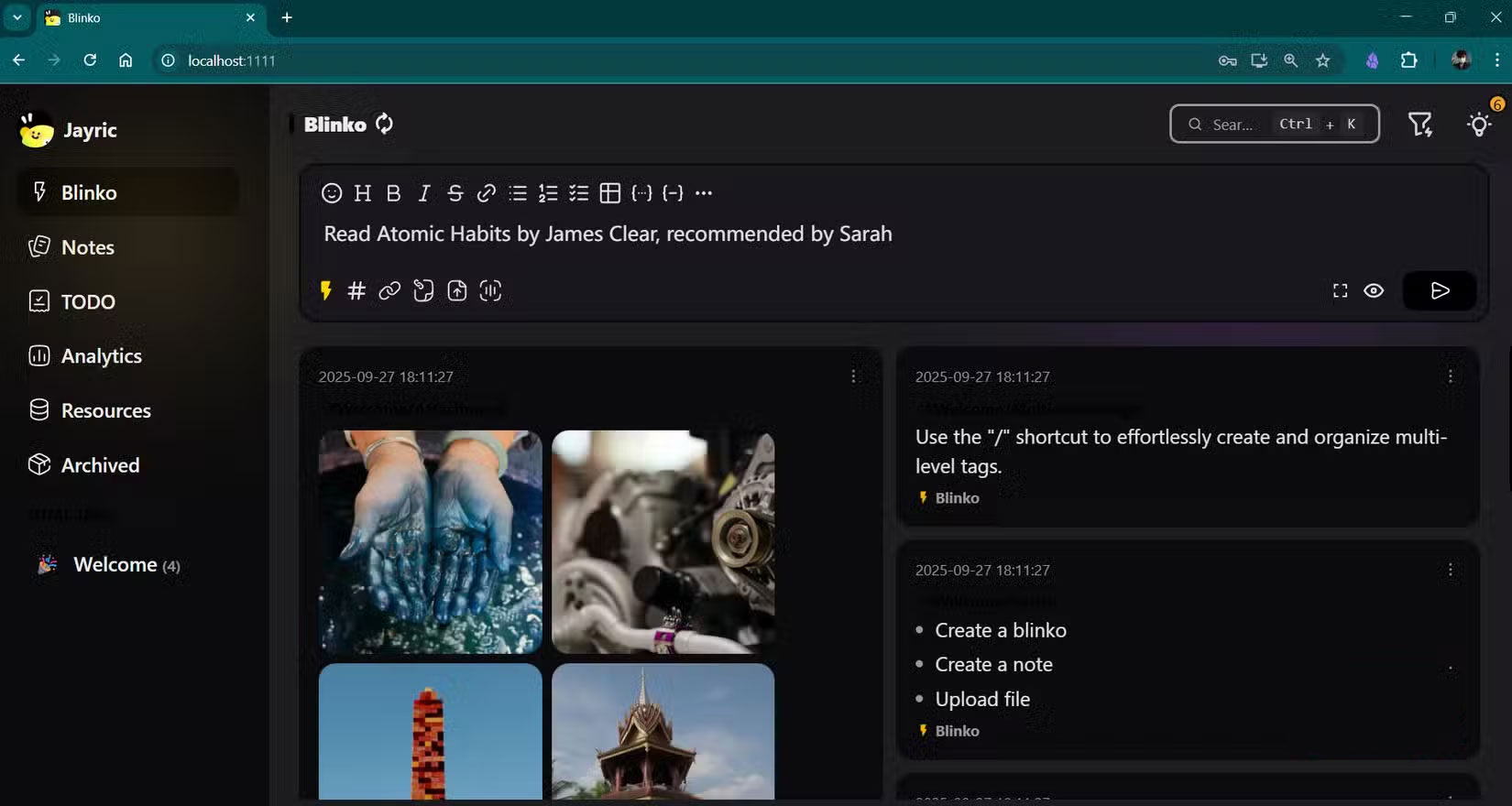
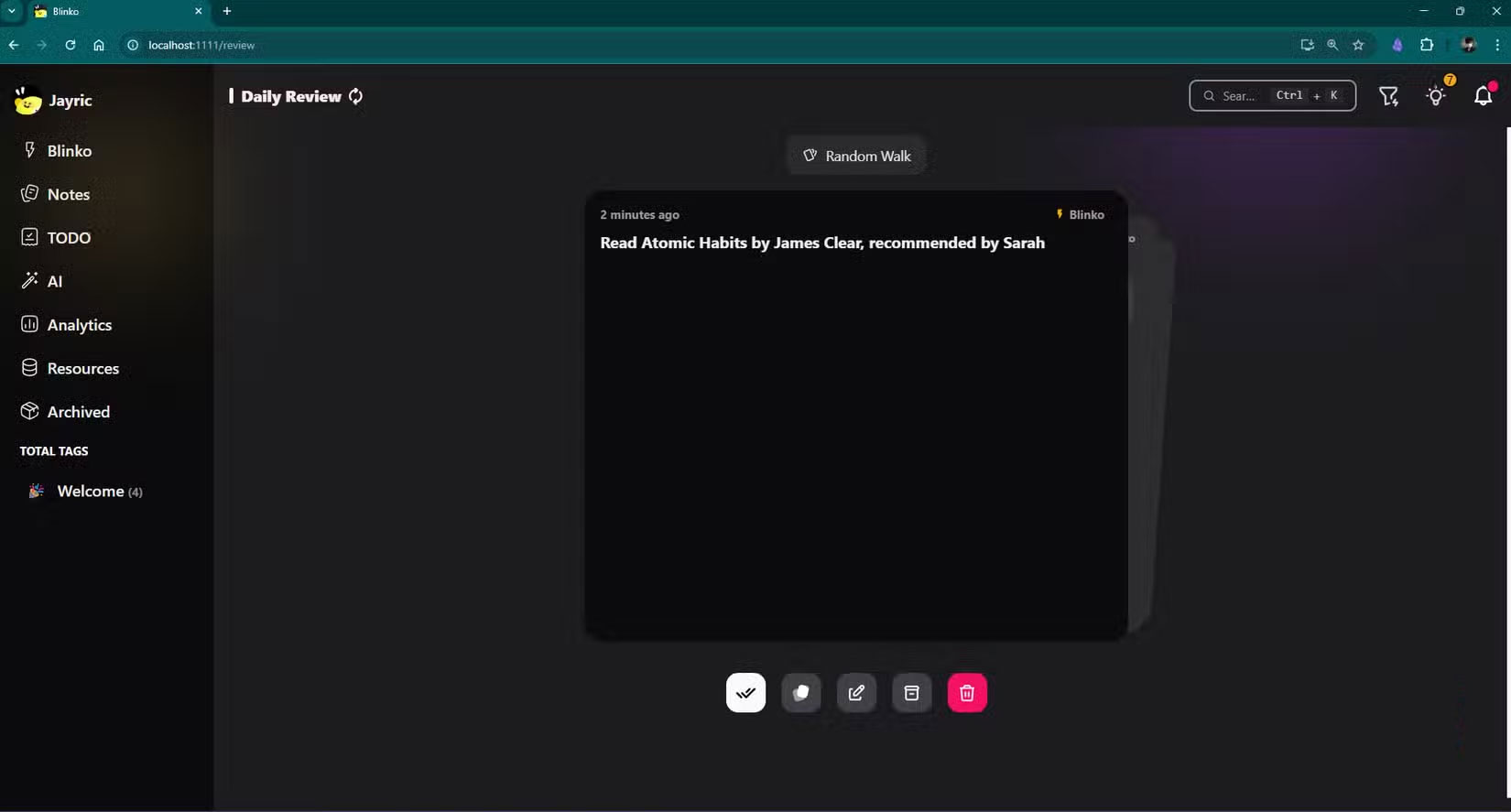
Imagine you're in a meeting and someone mentions a recommended book. In Obsidian, you'd need to pause, create or navigate to a note, then format your entry. With Blinko, you'd simply type "Read Atomic Habits by James Clear, recommended by Sarah" into Quick Capture and save it as Blinko.
Search AI that truly understands context
Let Blinko's AI assistant find notes for you
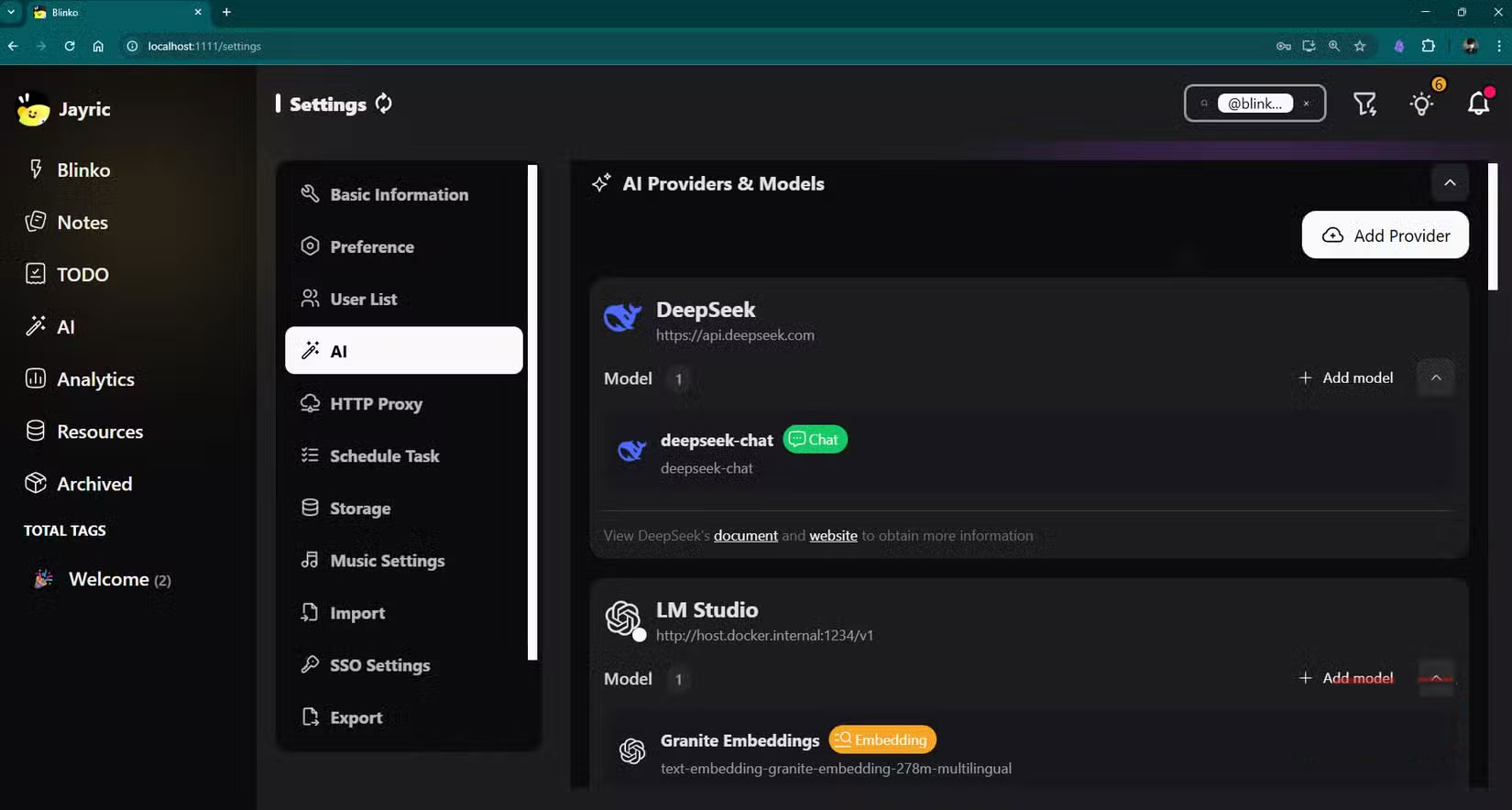
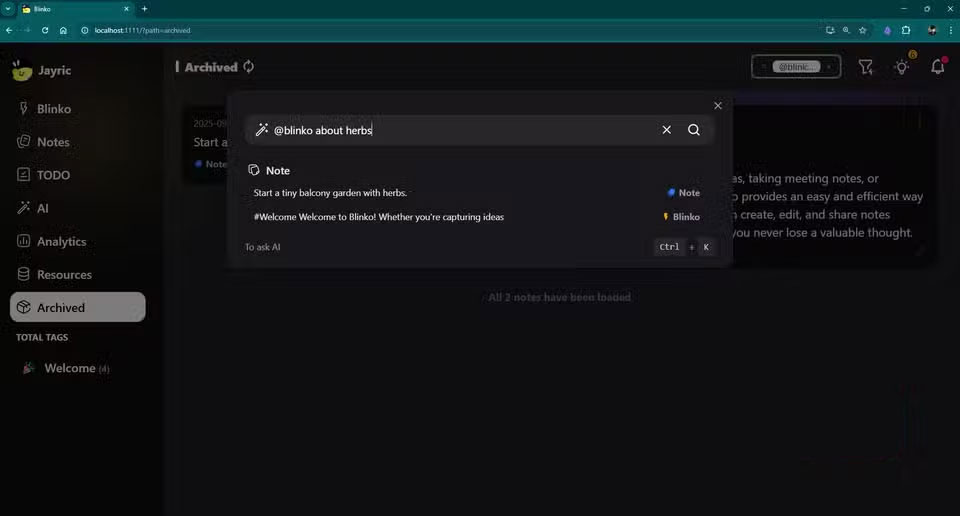
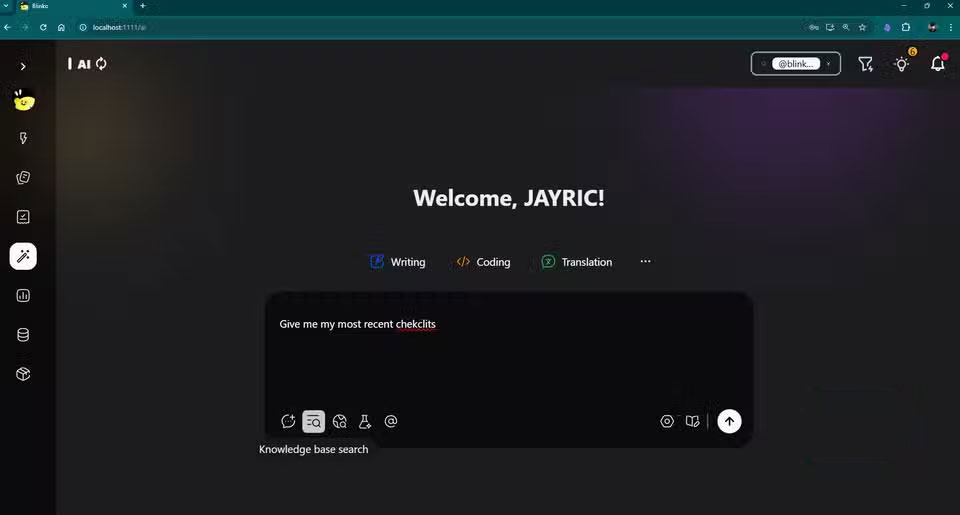
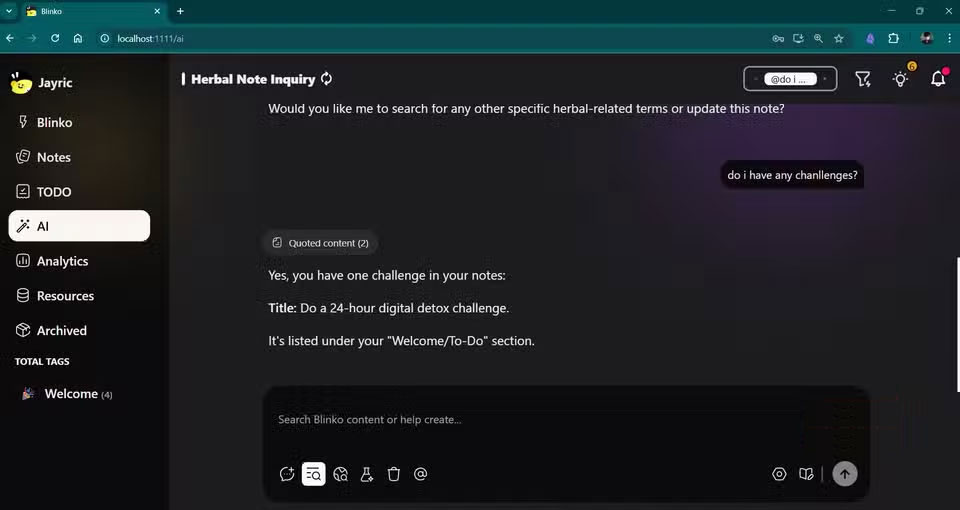
Another feature that makes Blinko fast is its AI search. Obsidian's search is good, but it relies heavily on precise keywords and manual tagging. Blinko takes a completely different approach with its AI-powered search system. Instead of having to dig through folders or try to remember exactly how you phrased something, you can ask questions in natural language and get relevant results.
Let's say you jotted down a quick note a few months ago about an interesting project, but can't remember what you called it. In Obsidian, you might search for terms like "personal," "project," or "DIY" and hope for the best. In Blinko, you can search for "My notes on herbs and balconies?" and the AI will understand the intent behind your query, suggesting notes based on meaning rather than just word combinations. You don't even have to construct a complete sentence or even spell it correctly; the AI will do its best to find the notes for you.
Self-hosting puts you in control
No complicated syncing - everything stays on your machine
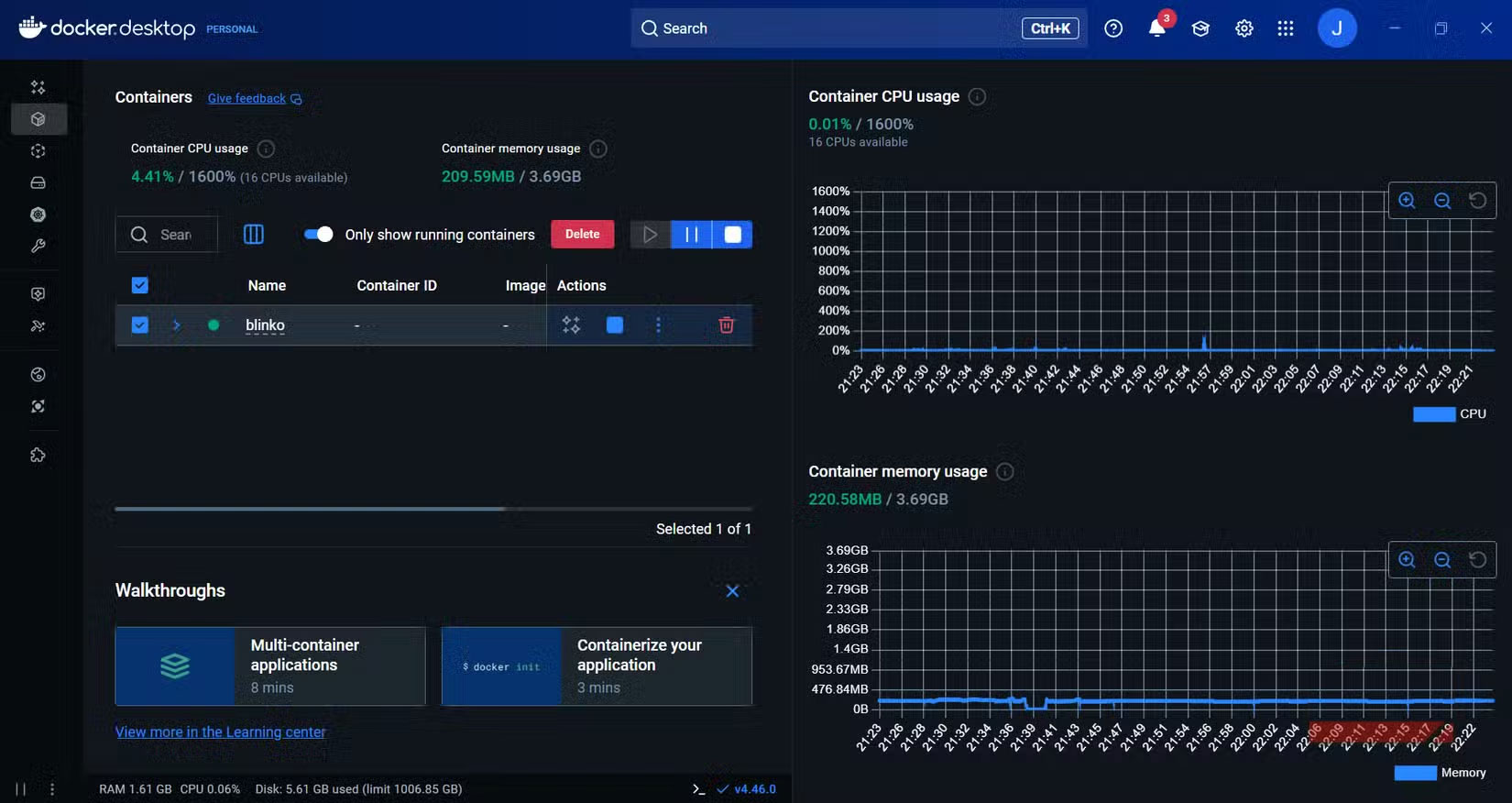
While there are a number of open source note-taking apps to choose from, Blinko is one that you can host yourself, ensuring your data and note-taking app will last forever. In practice, complete privacy and data ownership. You don't have to worry about any company shutting down in the future and losing your data.
The practical benefits extend beyond data ownership. Since everything runs on your hardware, Blinko is incredibly responsive, as there's no latency like when sending a request to a remote server. Opening Blinko, searching through notes, or adding new content is almost instantaneous. This is especially noticeable when using Quick Capture Box. The feedback loop is so immediate that it feels more like you're typing in a native desktop app than using a web-based tool.
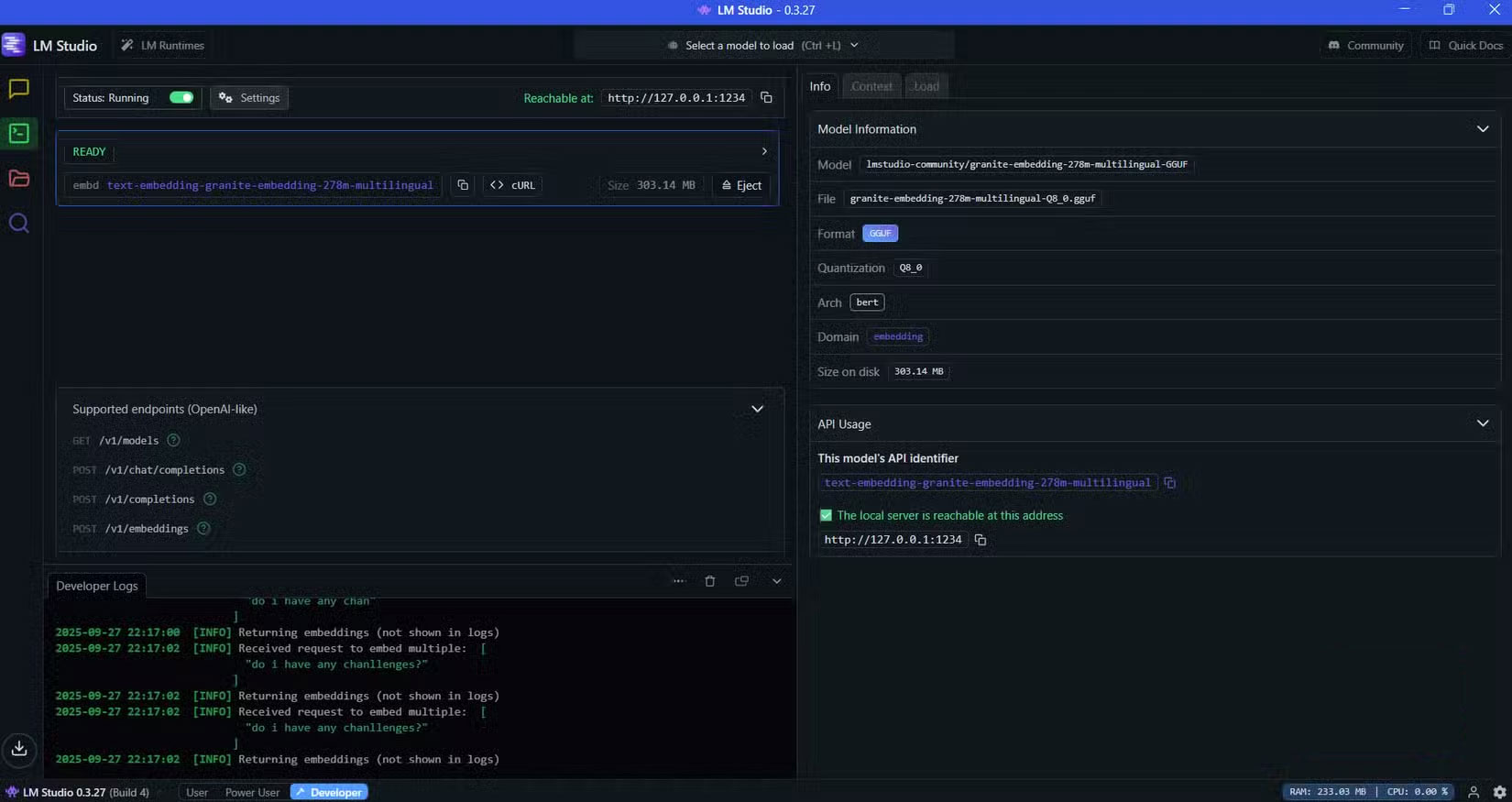
A self-hosted setup also means you can access your notes from anywhere with an internet connection, but unlike cloud services, you decide who has access and how your data is handled. If you work with sensitive information or simply want to keep your thoughts private, this level of control is invaluable.
FAQ
What should you know about blinko?
In practical terms, after experiencing Blinko, you will be really impressed with how it handles the basic challenge most of us face when using note-taking apps.
Why does blinko matter?
The article highlights that after trying Blinko, you'll be impressed with how it handles the basic challenge most of us face when using note-taking apps.
What is the main takeaway?
The main takeaway is that blinko has Quick Capture, which solves this problem perfectly.
Related Articles
 How to Play Pokémon GO on a Computer6 minutes read
 How to Play Pokémon GO on a Smartphone6 minutes read
 26 Types of Poké Balls Explained: Part 25 minutes read
 How to Earn and Use Stardust in Pokémon GO5 minutes read
 Pokémon GO Eggs: Incubation and Hatching Guide4 minutes read
 26 Types of Poké Balls Explained: Part 18 minutes read
Reader Comments 0
Sign in with email or Google to join the discussion.