Table of Contents
This guide provides a clear, practical overview of "Bitchat - Messaging App Without Internet". It organizes the most useful details, explains important considerations, and highlights the steps or choices that matter most.
What is Bitchat?
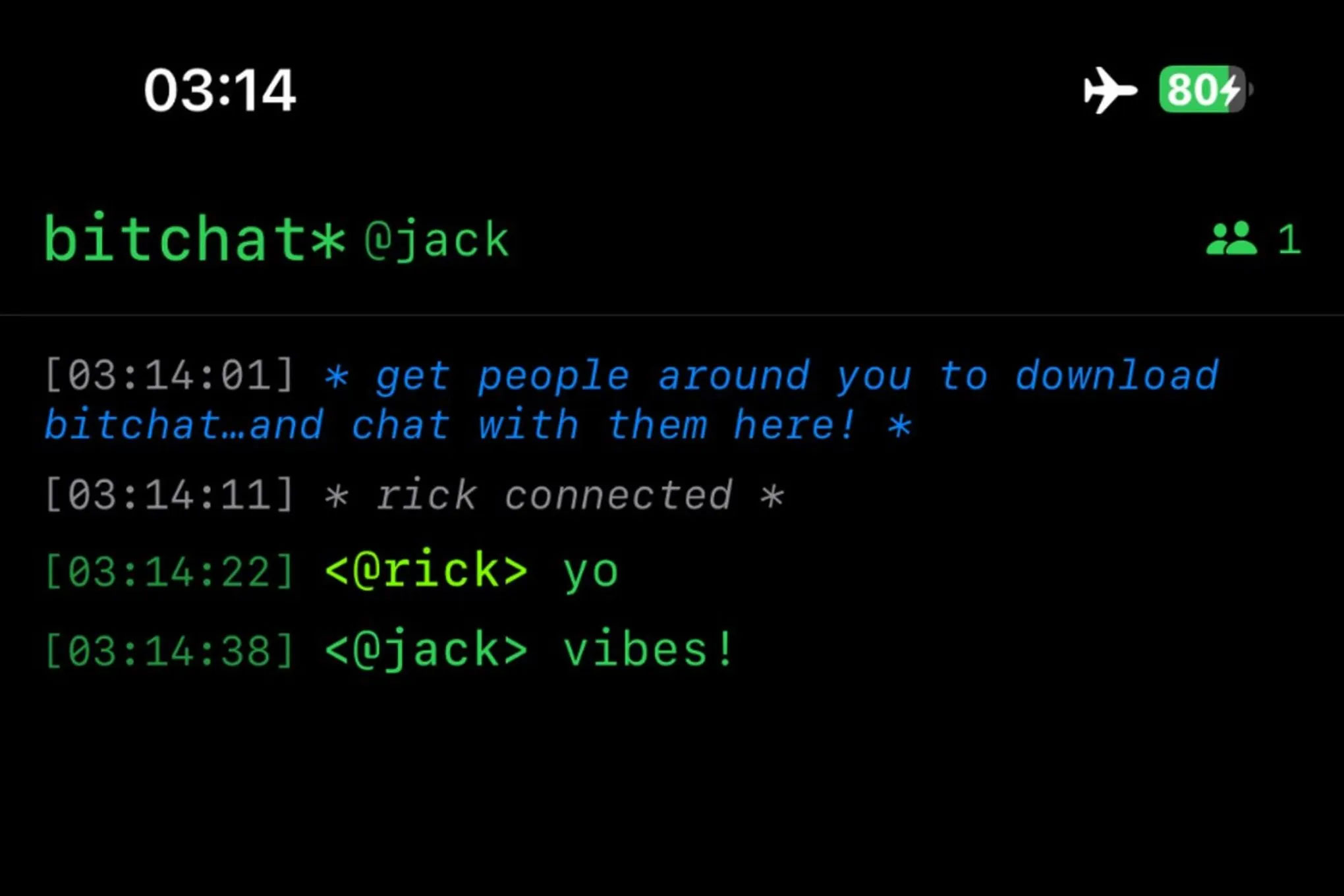
Like Twitter and Bluesky, Bitchat is a social networking app, but not a social media platform. Instead, Bitchat is a peer-to-peer messaging app, and is unique among the myriad of messaging options available, in that it doesn't operate over the Internet.
Instead of connecting to WiFi or a cellular network, Bitchat is designed to work over Bluetooth, specifically Bluetooth Low Energy (BLE) mesh networking. This theoretically allows Bitchat to work even when the network is down. In the event that you can't connect to a cellular network or WiFi, Bitchat will still work. (Although expanding satellite communication could give Bitchat some competition.)
How does Bitchat work?
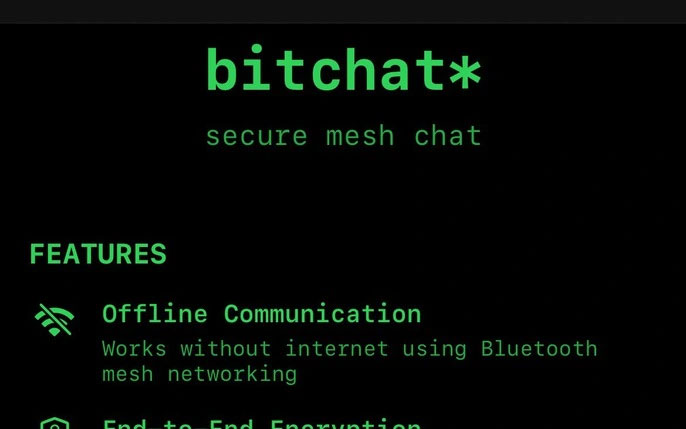
According to the app's white paper, Bitchat relies on the devices running it to communicate with each other over BLE. This means your device connects to other users' devices within Bluetooth range, their devices connect to other devices within Bluetooth range, and so on. A "local cluster" consists of devices within Bluetooth range (typically 10m, although the white paper says around 9m), with a "bridge node" that can connect those clusters when they overlap in range. With enough devices, you'll create a network where one user can message another far away from their normal Bluetooth range.
It's similar to how networks like Apple's Find My work. Products like AirTag communicate via Bluetooth with other devices on the Find My network. But while your iPhone will connect to the internet to update your AirTag's location, Bitchat never needs an internet connection: It's all Bluetooth-based.
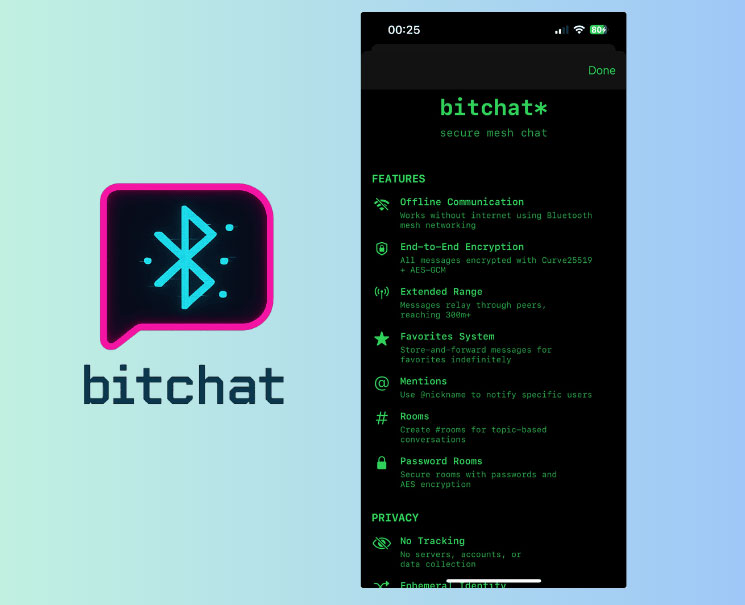
The design also takes into account users who aren't present when you send a message. If you send a message to a regular user, it will be cached for up to 12 hours before being sent, although messages you send to a "favorite peer" can be cached indefinitely. Direct messages are end-to-end encrypted, while group messages (Bitchat supports group messaging) can be password-protected if you want. You can set up group messages, or "channels," with channel names prefixed with the # character (e.g. #channelname), and transfer ownership of group chats if you want.
Bitchat may not be secure at this time
While Dorsey claims the app is focused on user privacy and security, it's not perfect. The app's github page even displays a warning at the top of the page that reads: "The private messaging and channel features have not been externally reviewed for security and may contain vulnerabilities. Do not use for sensitive use cases and do not rely on the security of the app until it has been reviewed. The app is a work in progress. Public local chat (the core feature) has no security issues ." According to TechCrunch, that warning was not present when the app first launched.
TechCrunch highlights several security issues that testers have discovered while using the app. One found that it was possible to spoof another user's identity and trick the app into marking them as a "Favorite" — a feature that's supposed to ensure that the user's identity is correct. Another user took issue with the app's "forward secrecy" feature, which is supposed to prevent bad actors from successfully cracking the encryption even if they gain access to the encryption key for your messages. Another user discovered a security flaw that could allow bad actors to spill memory to another location, giving hackers the ability to attack.
It's clear that the app still has a lot of work to do to perfect its security and privacy features, so Now, it's probably not a smart idea to try it out — or at least don't send sensitive information.
How to Try Bitchat
If you're willing to accept the security risks, you can try Bitchat today — although it's a bit complicated to set up. There's a TestFlight beta program for iPhone and Mac, but it's full.
Bitchat's GitHub page has three options for setting up on Mac: You can set up and run the app via XcodeGen, which is the recommended method; Swift Package Manager; or start an Xcode Project manually by copying all the Swift files from the Bitchat folder on GitHub.
It's best to wait until the app is finished on iPhone and Mac before trying it out, but if you have any friends in your area who are using Bitchat, you should be able to start chatting.
FAQ
What is Bitchat?
Like Twitter and Bluesky, Bitchat is a social networking app, but not a social media platform. Instead, Bitchat is a peer-to-peer messaging app, and is unique among the myriad of messaging options available, in that it doesn't operate over the Internet.
How does Bitchat work?
According to the app's white paper, Bitchat relies on the devices running it to communicate with each other over BLE. This means your device connects to other users' devices within Bluetooth range, their devices connect to other devices within Bluetooth range, and so on. A "local cluster" consists of devices within Bluetooth.
What should you know about bitchat may not be secure at this time?
While Dorsey claims the app is focused on user privacy and security, it's not perfect. The app's github page even displays a warning at the top of the page that reads: "The private messaging and channel features have not been externally reviewed for security and may contain vulnerabilities. Do not use for sensitive use cases.
How to Try Bitchat?
If you're willing to accept the security risks, you can try Bitchat today — although it's a bit complicated to set up. There's a TestFlight beta program for iPhone and Mac, but it's full.
Related Articles
 Free Messaging App Without Internet7 minutes read
 How to Enable Rcs Messaging on Android9 minutes read
![[Infographic] Selecting a Suitable Messaging Application for](/data/thumbs_200x120/[infographic]-selecting-a-suitable-messaging-application-for-enterprises_thumbs_200x120_teY9FSCJb.jpg) [Infographic] Selecting a Suitable Messaging Application for8 minutes read
[Infographic] Selecting a Suitable Messaging Application for8 minutes read Top 5 Messaging Apps to Replace Telegram4 minutes read
 How to Text, Video Chat on Airmink Without an Account3 minutes read
 8 Top Messaging Apps for Android and iOS: Best Options Compared8 minutes read
Reader Comments 0
Sign in with email or Google to join the discussion.