Table of Contents
This updated guide examines 5 Best Messaging Apps for Businesses 2020 and organizes the essential facts, background, and practical takeaways in clear American English.
Let's find out 5 best messaging apps for businesses 2020 with the following article.
Slack
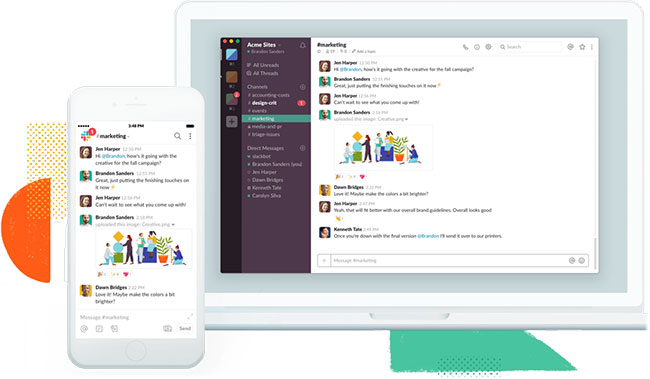
Price per capita per month : $ 8 | Free version : Yes | Audio call : Yes | Video call : Yes | Screen sharing : Yes
Advantages
- Extensive set of tools and options
- Highly customizable
- Integration with many other collaboration tools and Office software
Defect
- Expensive
- Can make new users feel overwhelmed
- The quality of audio and video calls needs to be improved
- Useful tips for mastering Slack
Slack is a great and powerful group messaging app, with an extensive collection of settings and options. It's one of the best, but also the most expensive, messaging apps on the list.
- Download Slack
Glip by RingCentral
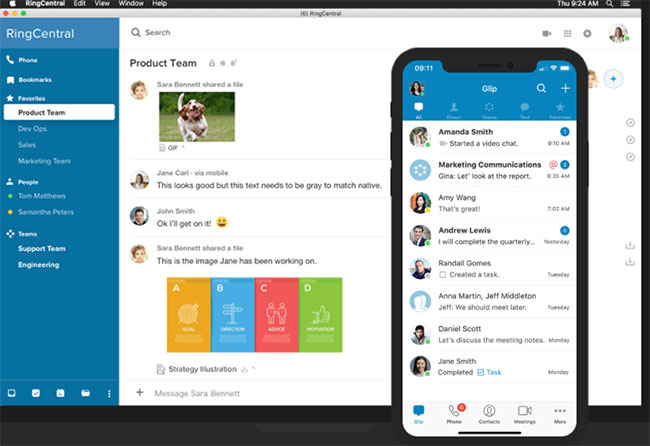
Price per capita per month : $ 5 | Free version : Yes | Audio call : Yes | Video call : Yes | Screen sharing : Yes
Advantages
- Includes collaborative document editing, PDF Markup tools, and group calendars
- Good channel and group admin options
Defect
- There can only be one account per email address
- There are no threaded conversations or notifications when a keyword appears
Glip by RingCentral adds a few special components to the business messaging tool, but lages behind rivals due to a lack of features.
- Download Glip
Zoho Cliq
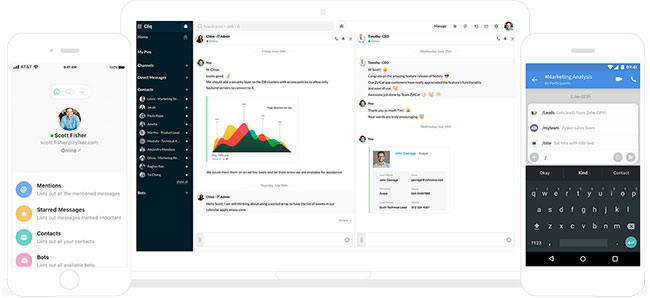
Price per person per month : $ 2 | Free version : Yes | Audio call : Yes | Video call : Yes | Screen sharing : Yes
Advantages
- Show multiple conversations at once
- There is a Forking option to isolate important discussions
- Simple tool for making calls
- Inexpensive
Defect
- There is no notification when the keyword appears
- Better options are required for the Out of Office and Do Not Disturb modes.
Zoho Cliq has many of the same good features as group messaging apps like Slack and adds the ability to view multiple channels in one window, for a very low price.
- Download Zoho Cliq
Microsoft Teams
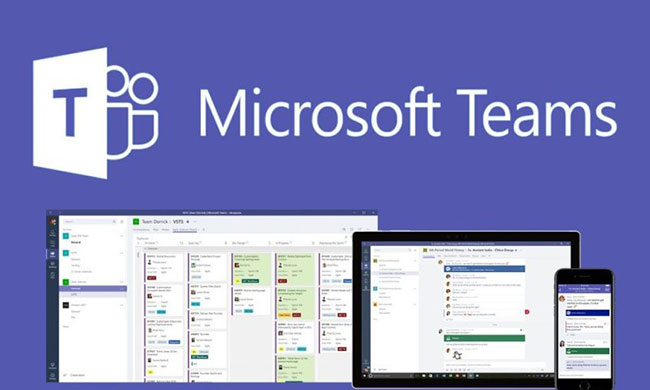
Price per capita per month : $ 5 (VND 115,000) | Free version : Yes | Audio call : Yes | Video call : Yes | Screen sharing : Yes
Advantages
- Highly customizable
- Tight integration with other Microsoft Office applications
- Rich integration options
- Includes Office 365 business accounts
Defect
- Really set up for use in Microsoft environments, not elsewhere
- Design gives a sense of solemnity and obedience to the rules, which can interfere with open dialogue
Microsoft Teams offers many features, including close connectivity to Office 365. This is a great group messaging application, if your organization uses Microsoft products.
- Download Microsoft Teams
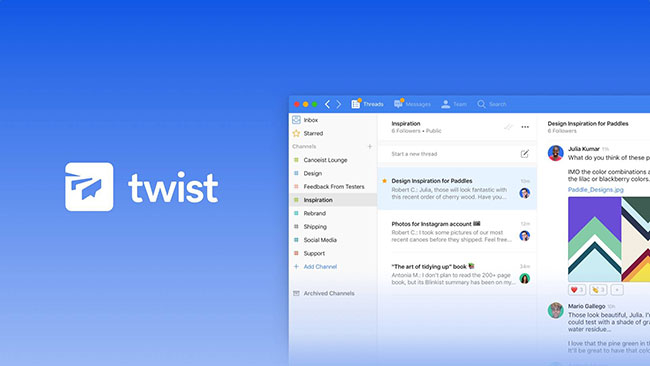
Twist
Price per capita per month : $ 5 | Free version : Yes | Audio call : No | Video call : No | Screen sharing : No.
Advantages
- Very suitable for teams not in the same place
- Great Time Off feature (notice of break time)
- Reliable editing tool
- Good price
Defect
- No audio or video calls, screen sharing, notifications when keywords appear or pinned
- Integration limited
Twist performs well in group messaging and feels comfortable to use. Great app for teams that operate in many different locations and have a few outstanding features. However, the Twist still has room for improvement.
- Download Twist
FAQ
What is 5 Best Messaging Apps for Businesses 2020 about?
It provides a structured overview of messaging apps, explains the main context, and highlights practical takeaways for readers.
Why does this topic matter?
Understanding the main concepts helps readers evaluate the issue, avoid common mistakes, and make better-informed decisions.
How should readers use this information?
Use the guidance as a practical starting point, confirm details that may have changed, and follow current product, safety, or security recommendations.
Related Articles
 What Is an Encrypted Messaging App? Are They Really Safe?8 minutes read
 Chat, Google's All-new Messaging App That Replaces Android Message and SMS4 minutes read
![[Infographic] Selecting a Suitable Messaging Application for](/data/thumbs_200x120/[infographic]-selecting-a-suitable-messaging-application-for-enterprises_thumbs_200x120_teY9FSCJb.jpg) [Infographic] Selecting a Suitable Messaging Application for8 minutes read
[Infographic] Selecting a Suitable Messaging Application for8 minutes read Skype: the Best Messaging App for Windows 105 minutes read
 Top 3 Best Free Messaging Applications in Vietnam Today8 minutes read
 WhatsApp Introduces New WhatsApp Business for Businesses3 minutes read
Reader Comments 0
Sign in with email or Google to join the discussion.