Table of Contents
AppFlowy combines pages, block-based writing and database views in a Notion-style workspace. It is worth evaluating if you want structured notes and project boards with local-app and self-hosting options. The key decision is which deployment you need: local personal use, managed cloud or a supported self-hosted service.
Pages and database views
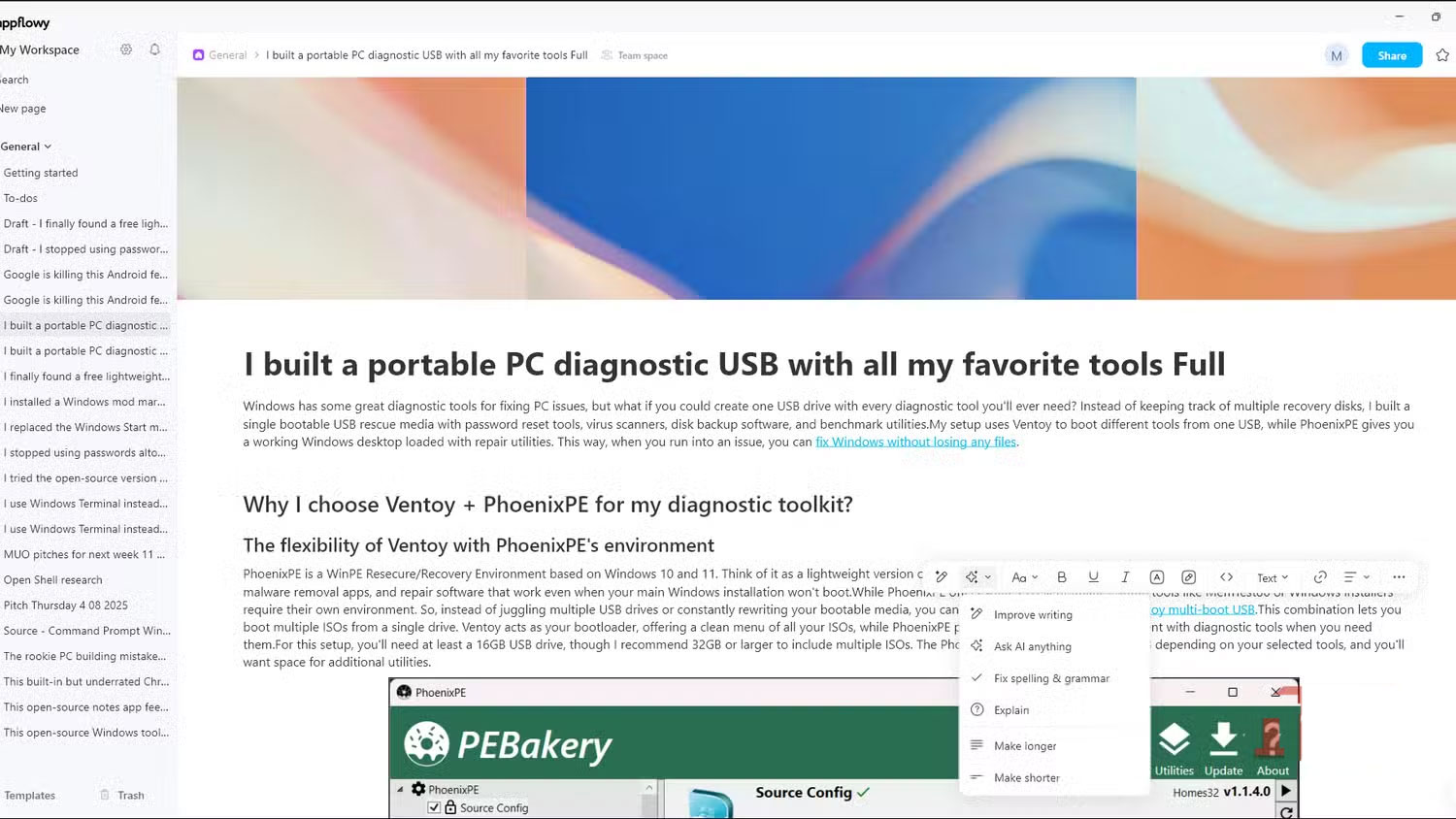
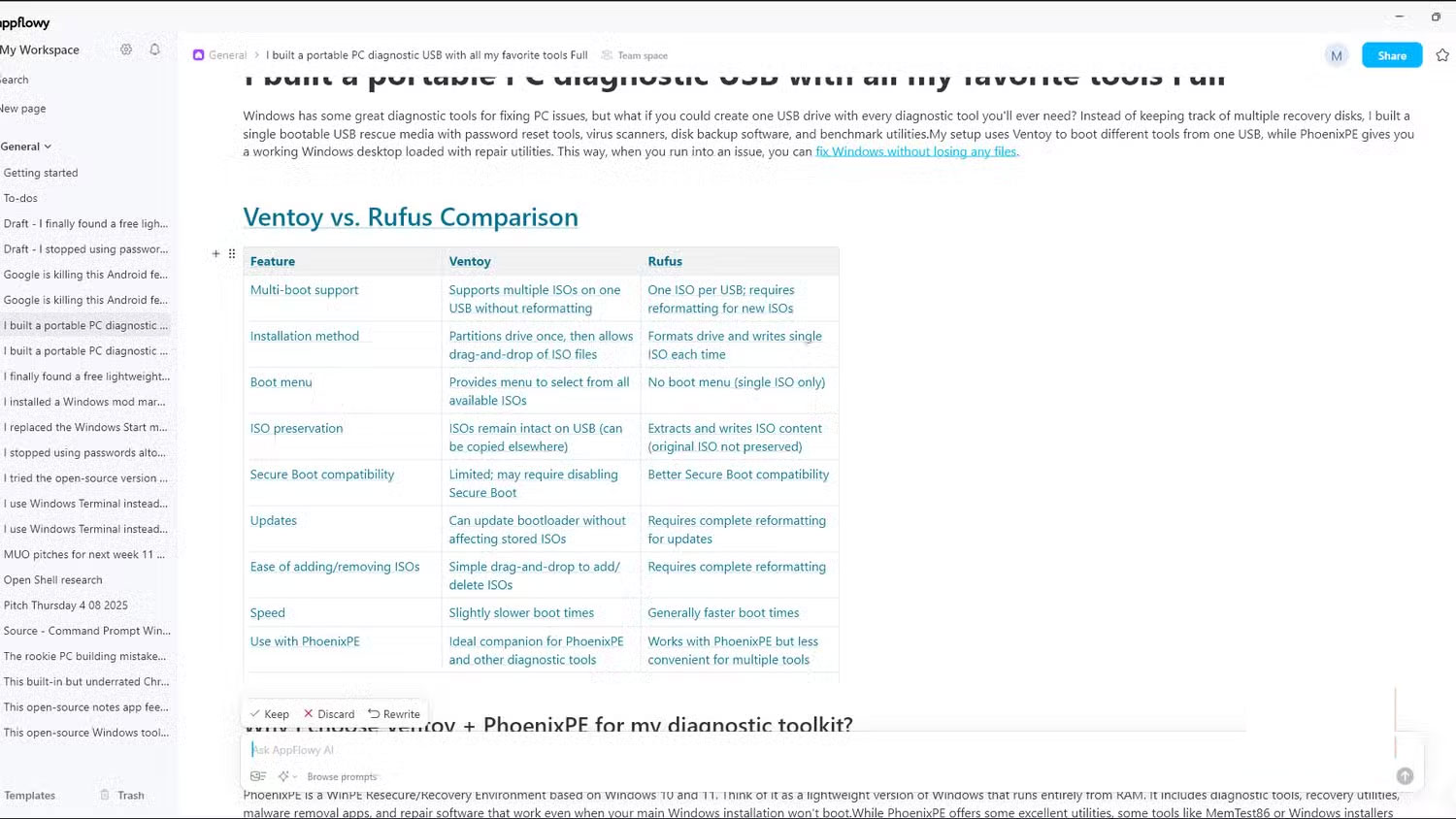
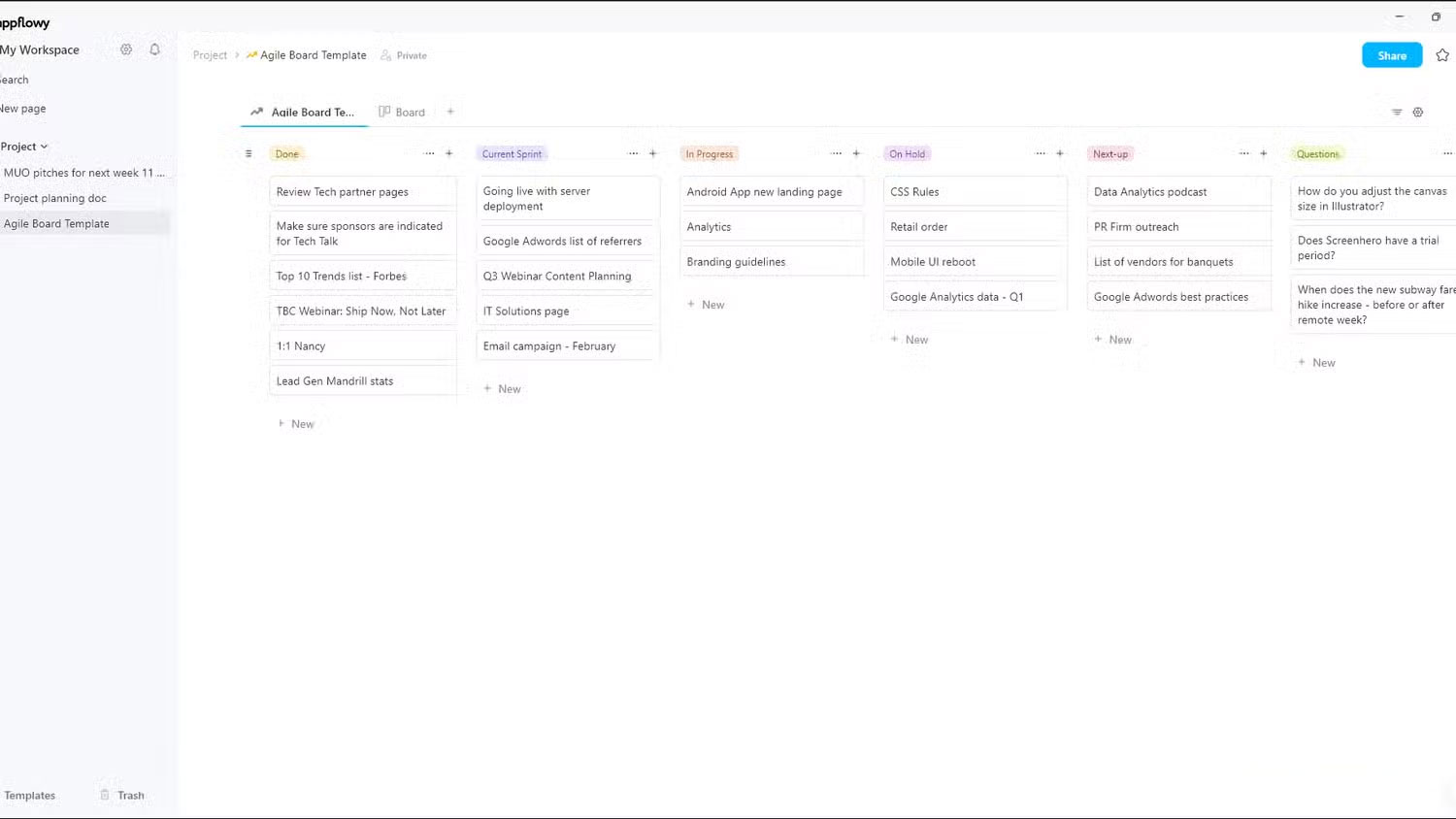
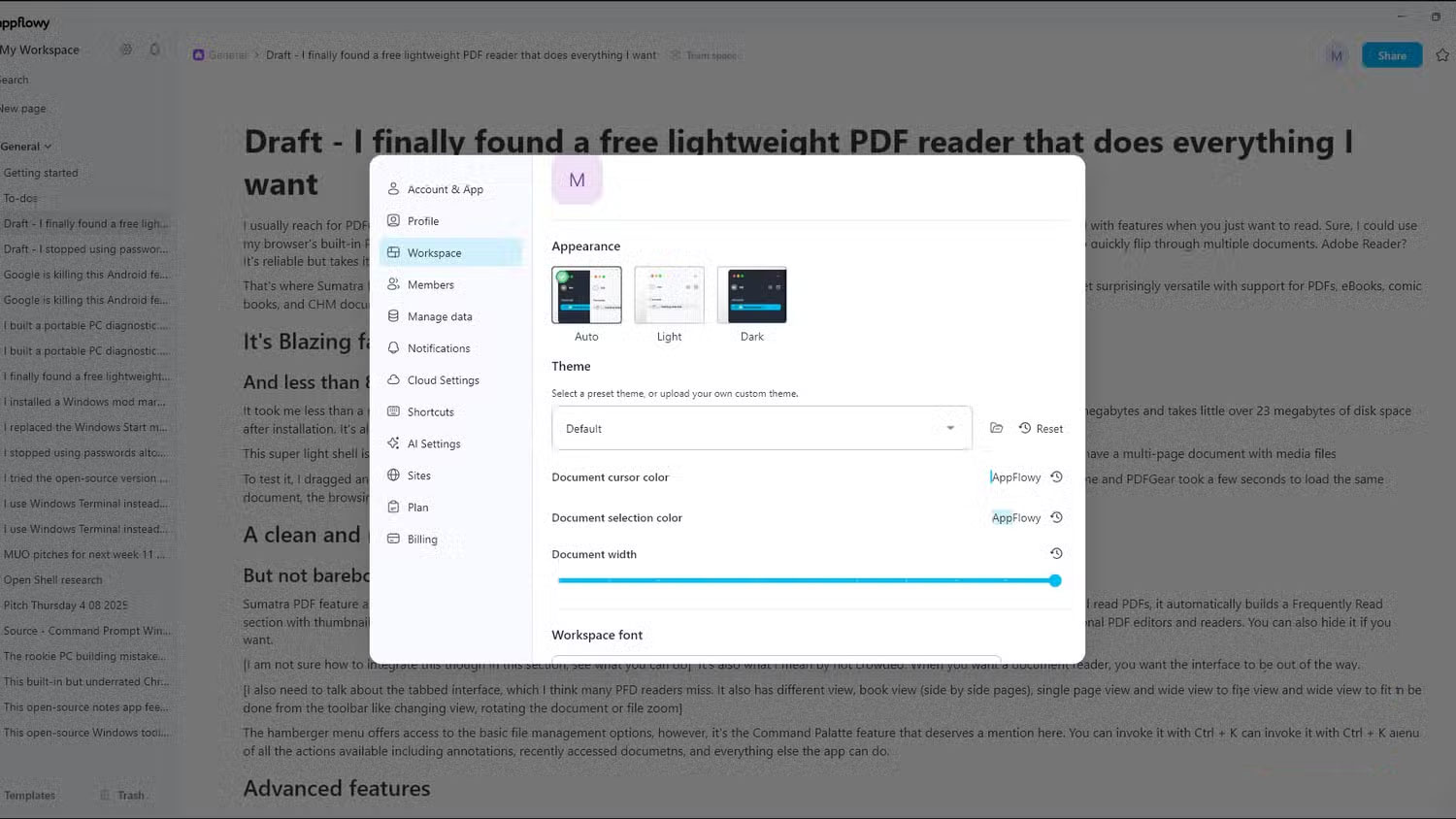
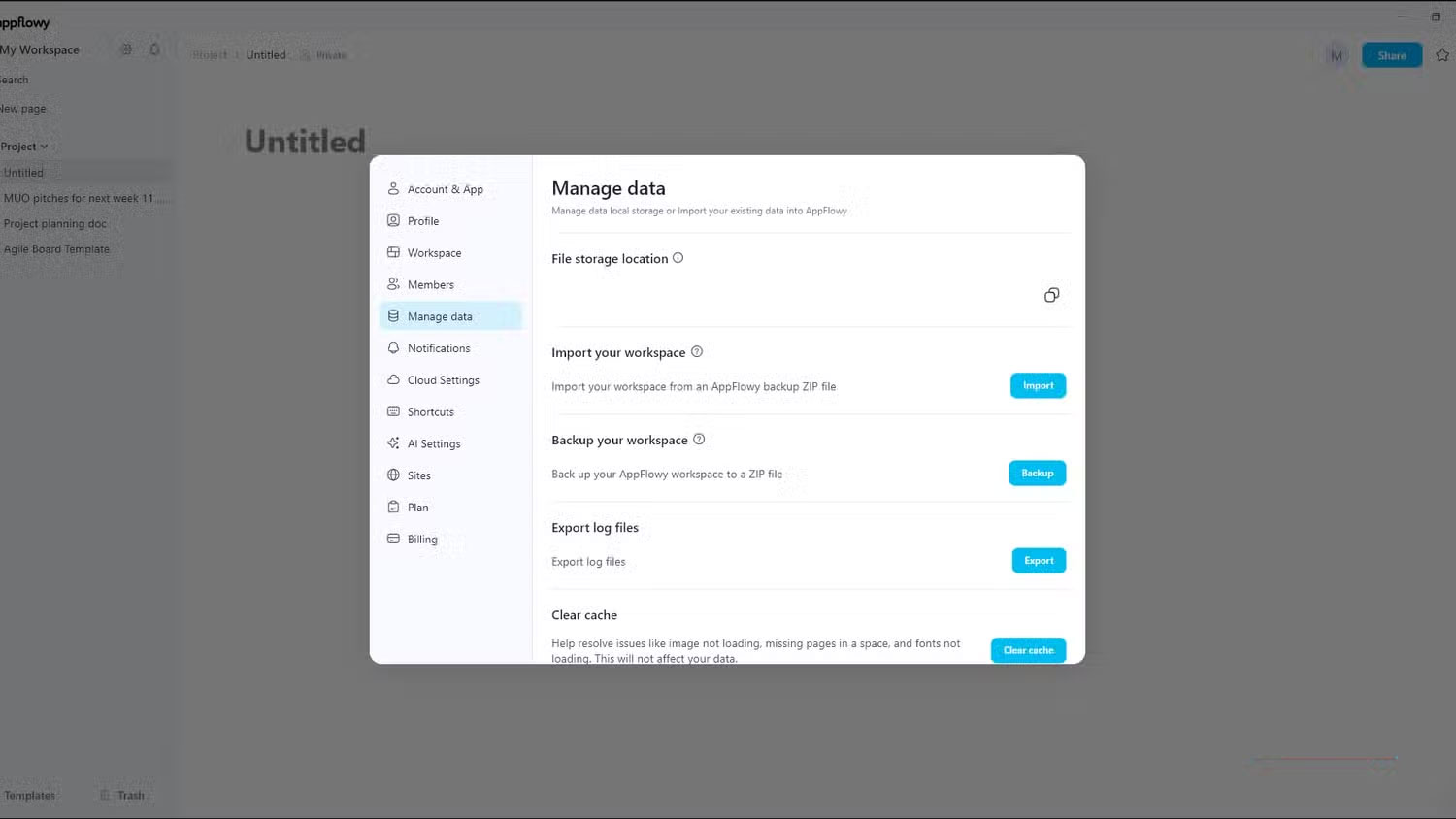
The editor organizes content into blocks and nested pages. Databases can present information in views such as a grid or board, letting you use the same records for different workflows.
Start with one small project: a page for notes and a task database with a status field. Try moving tasks through a board and locating the same information in a table. This reveals whether the editing and database model suits you without rebuilding your entire existing workspace.
A familiar interface does not establish feature parity with Notion. Test any formulas, relationships, templates, imports or integrations you depend on in the actual AppFlowy version you plan to use.
Offline editing and synchronization
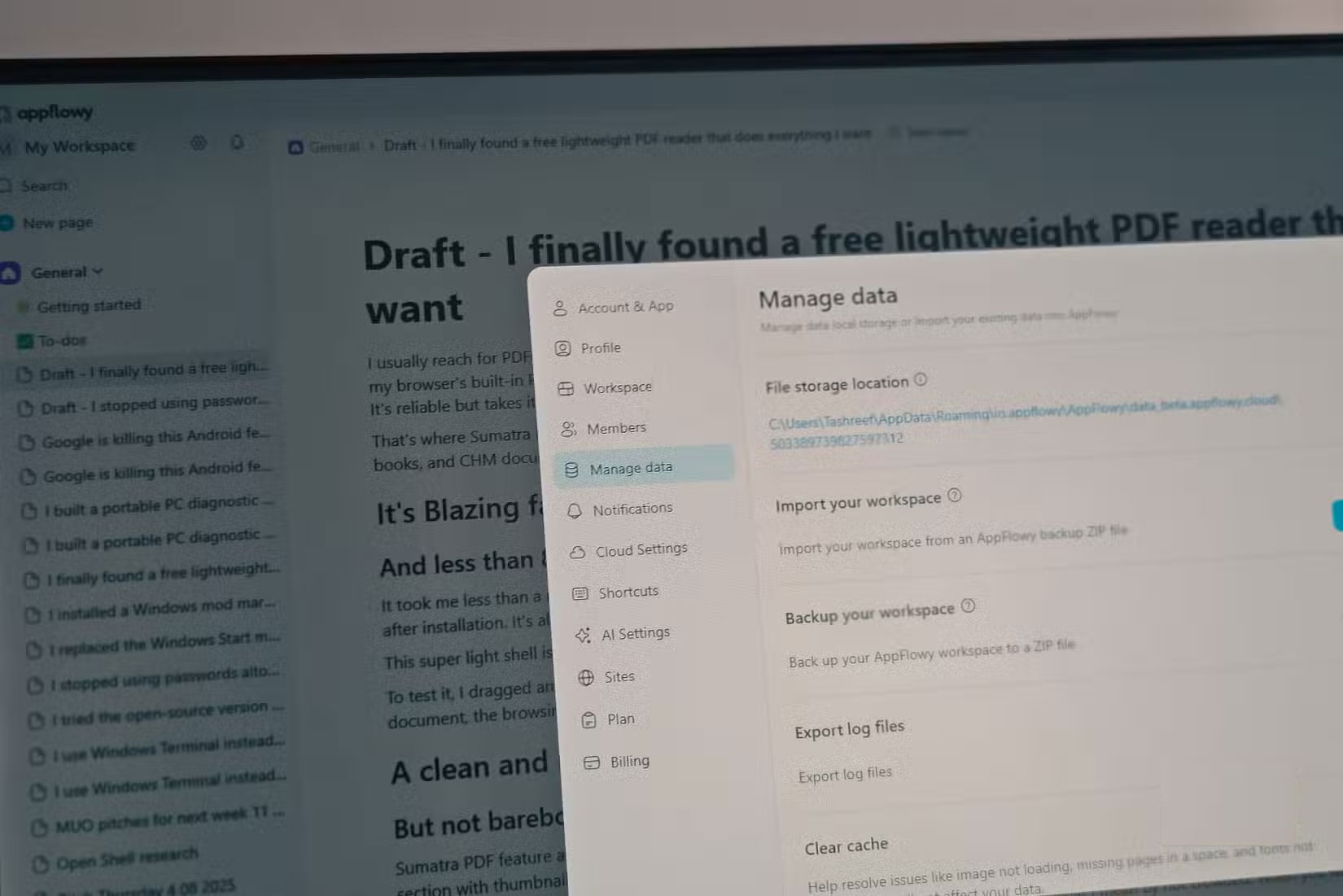
AppFlowy's native apps support offline work, but local availability, cloud synchronization and collaboration are different capabilities. Before relying on it while disconnected, open the needed pages and attachments, test an edit offline, then reconnect and confirm that it synchronizes.
Do the test on each device you intend to use. A local copy is not a backup, and an external embed or online service can still require connectivity. If comparing with Notion, review Notion's offline preparation and limits rather than assuming it has no offline support.
Collaboration depends on the service and plan
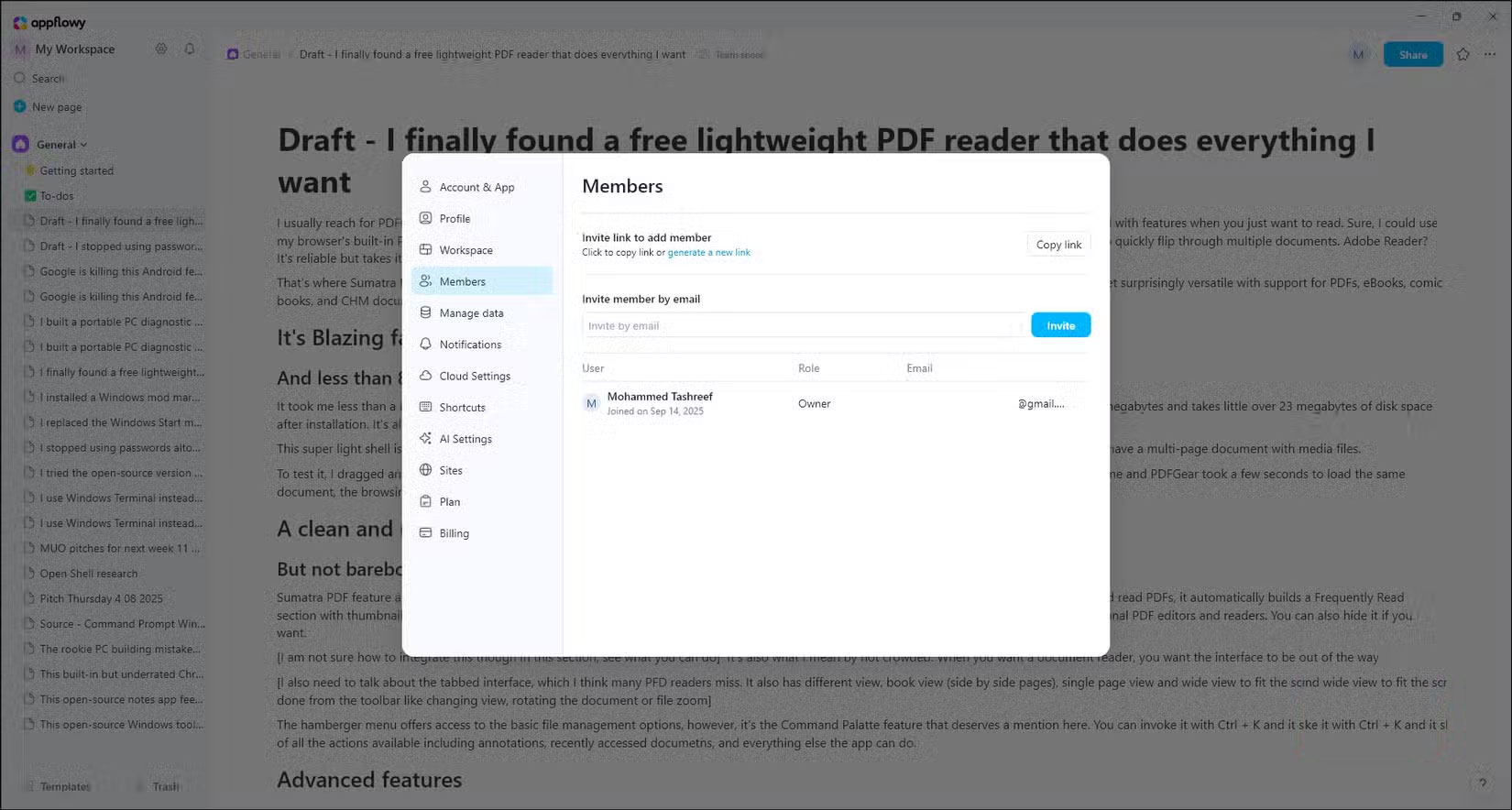
AppFlowy offers shared-workspace and page-collaboration features, but the number of members, guest permissions and included tools depend on the deployment and plan. Avoid treating an old screenshot or a past free-tier allowance as a current entitlement.
Invite a test collaborator to a non-sensitive page. Check viewing, commenting and editing separately, then verify what the guest can see outside that page. Include simultaneous edits and attachment access in the trial.
Open-source client and self-hosted services are different
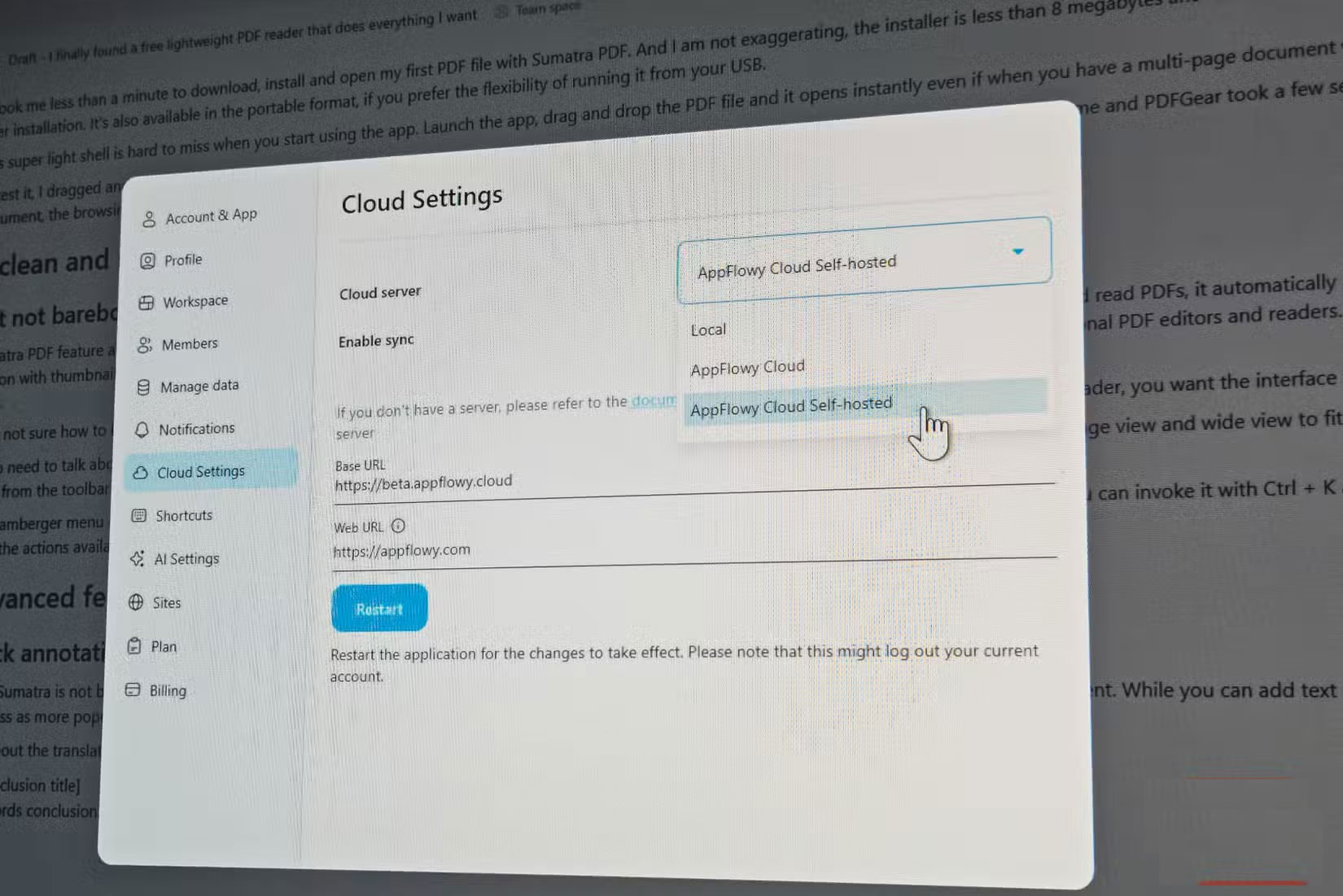
AppFlowy publishes open-source client code, while its current production cloud services and supported self-hosted distribution have their own licensing and plan terms. Self-hosting does not automatically remove all user limits or make every server component open source.
The official self-hosted distribution explains its deployment models and commercial license. Administrators remain responsible for their infrastructure, backups, updates and access configuration. Choose the current official deployment instructions instead of assuming an old community setup is equivalent.
Check costs before migrating
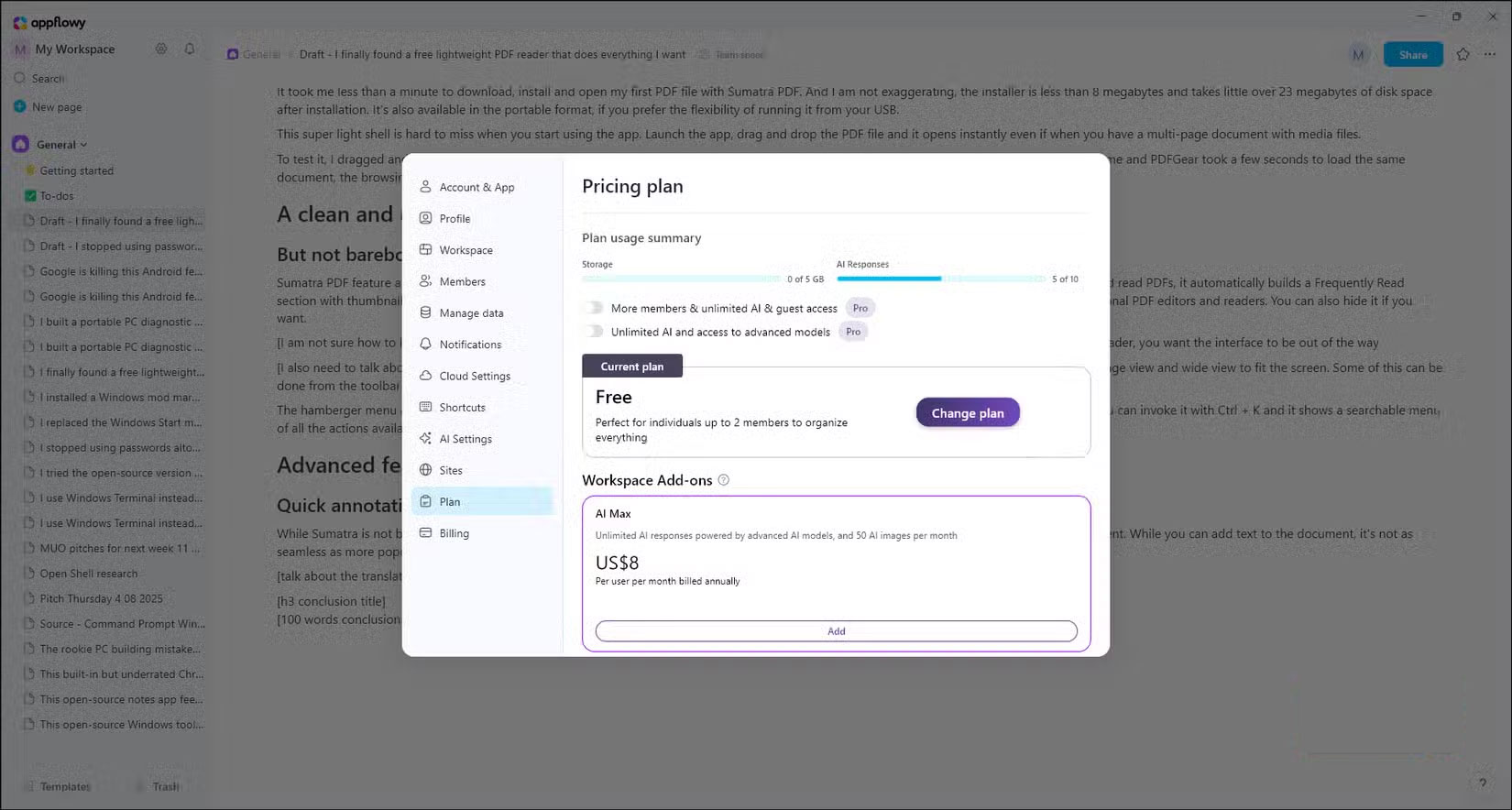
Review the current cloud and self-hosted plans for storage, file-upload size, members, guests, history and any AI allowances. The older claims of 5GB storage and unrestricted self-hosting should not be used to plan a current deployment.
Compare the full cost, including hosting and administration time, against the tools you will actually use. A free personal plan may be enough for notes while being unsuitable for a larger team.
A practical switching checklist
- Import a small representative sample and inspect formatting and attachments.
- Rebuild one important database view and check required properties.
- Test offline editing, reconnecting and a second device.
- Verify export and backup recovery before moving essential data.
- Check guest access and any AI data-processing settings.
For other approaches, compare open-source note-taking apps. Keep your original workspace available until AppFlowy has passed the workflows that matter to you.
Related Articles
 6 Best Open Source Note Taking Apps
 Can Pokemon Go be played on a computer? The answer is yes!
 Summary - How to play Pokemon GO, virtual reality game catch Pokemon on smartphone
 Poké Ball Types Explained: Generations III–V (Part 2)
 How to Earn and Use Stardust in Pokémon GO
 How to Hatch Eggs in Pokémon GO
Reader Comments 0
Sign in with email or Google to join the discussion.