Table of Contents
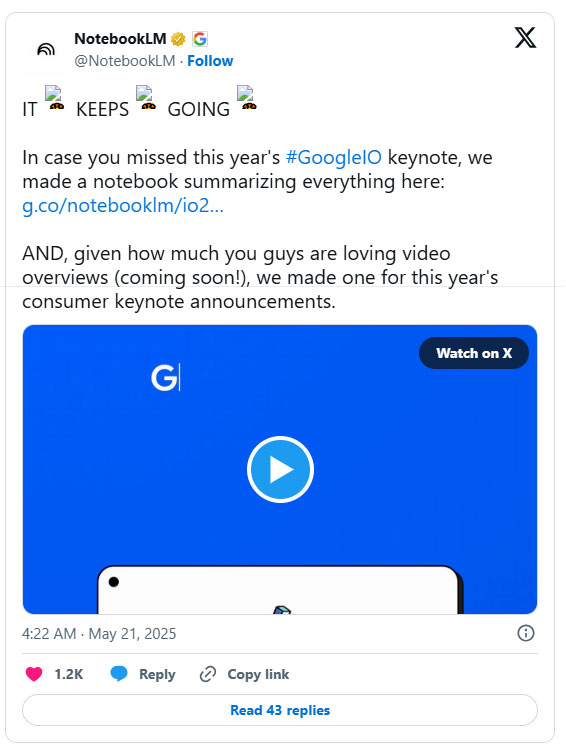
To turn notes into a narrated video in NotebookLM, open a notebook with your sources and select Video Overview in Studio. Google’s help pages now refer to NotebookLM as Gemini Notebook. The feature is available in the web interface, while the mobile app can have limitations.
Generate a Video Overview
- Open or create a notebook and add the sources you want the video to cover. You need edit access to generate a video.
- In Studio, select Video Overview. Open the customization options if you want to choose a format or language, or direct the video toward a particular question.
- Select Generate. When the video appears in Studio, play it and compare important claims and diagrams with the original documents.
Give the video a specific job
For a class review, try an instruction such as “Explain how the three processes differ, using the diagram from the lecture notes. End with two distinctions to remember.” For a quick orientation, focus on the key terms or one section instead of asking for a summary of everything.
For help organizing inputs, see the TipsMake guide to NotebookLM sources and Studio. See how to review notes with Audio and Video Overviews for a study workflow. Google’s Video Overview help lists current format and language options.
Related Articles
 6 AI Note-Taking Apps for Meetings, Study, and Personal Notes
 7 best application notes for programmers
 Synthesia AI: A detailed look at how to use Synthesia to create AI-powered videos.
 5 Free Note-Taking Apps That Easily Beat Paid Options
 A feature every note taking app needs!
 7 best note-taking apps for students
Reader Comments 0
Sign in with email or Google to join the discussion.