Table of Contents
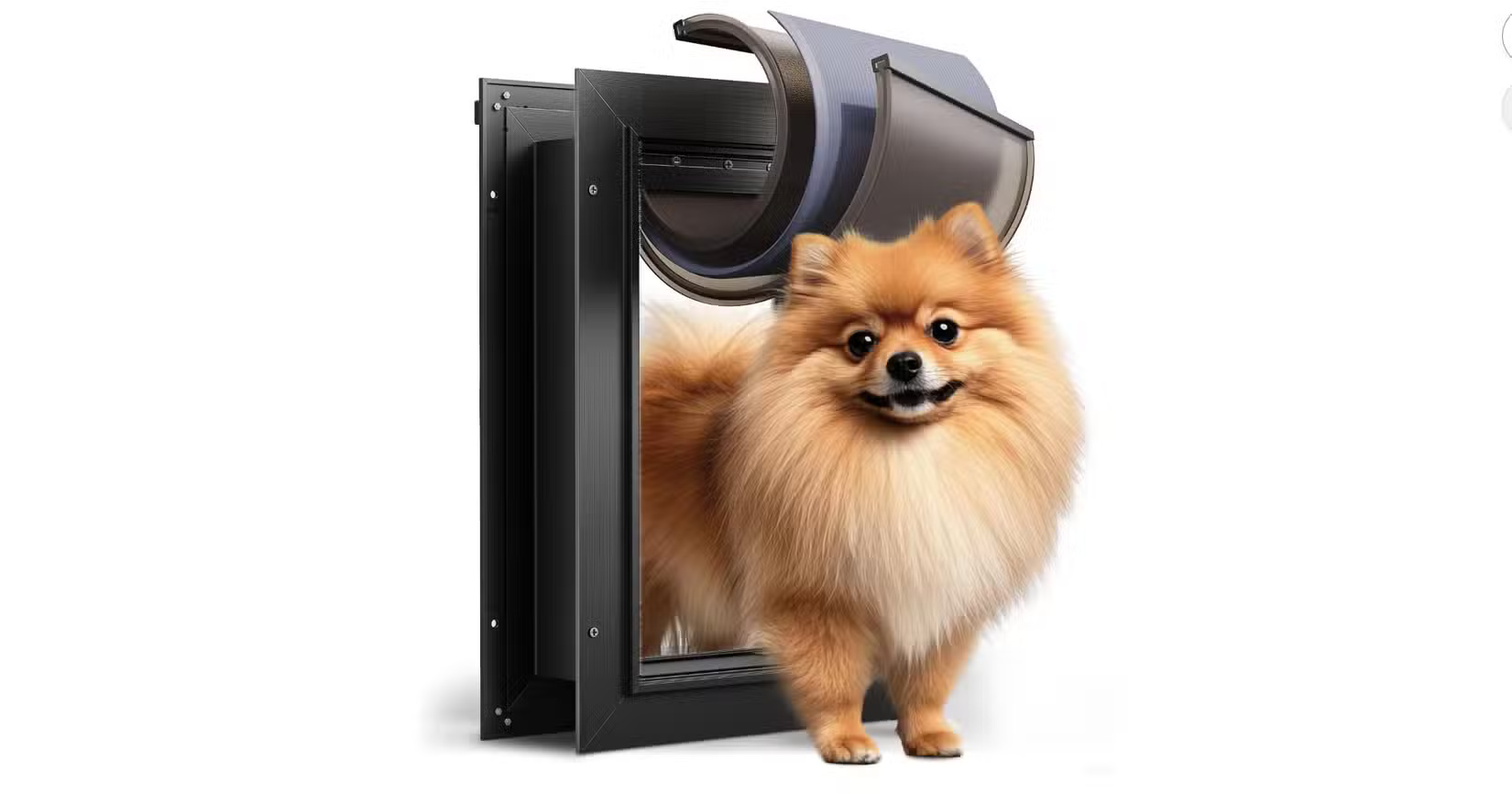
A polished product photo can be generated, retouched, or copied from another store. Before buying, check whether the seller can show you the exact item or variant you’ll receive. A consistent description, real-world buyer photos, and clear return terms are more useful than guessing how the image was made.
Read the description for the exact variant
Match the selected size, color, material, and quantity to the listing. For a shirt, check whether the pictured design is the one printed on the selected style. For furniture, compare dimensions with a tape measure at home. If the listing says an image is illustrative, ask what details can differ in the delivered product.
Look for buyer photos of the same item
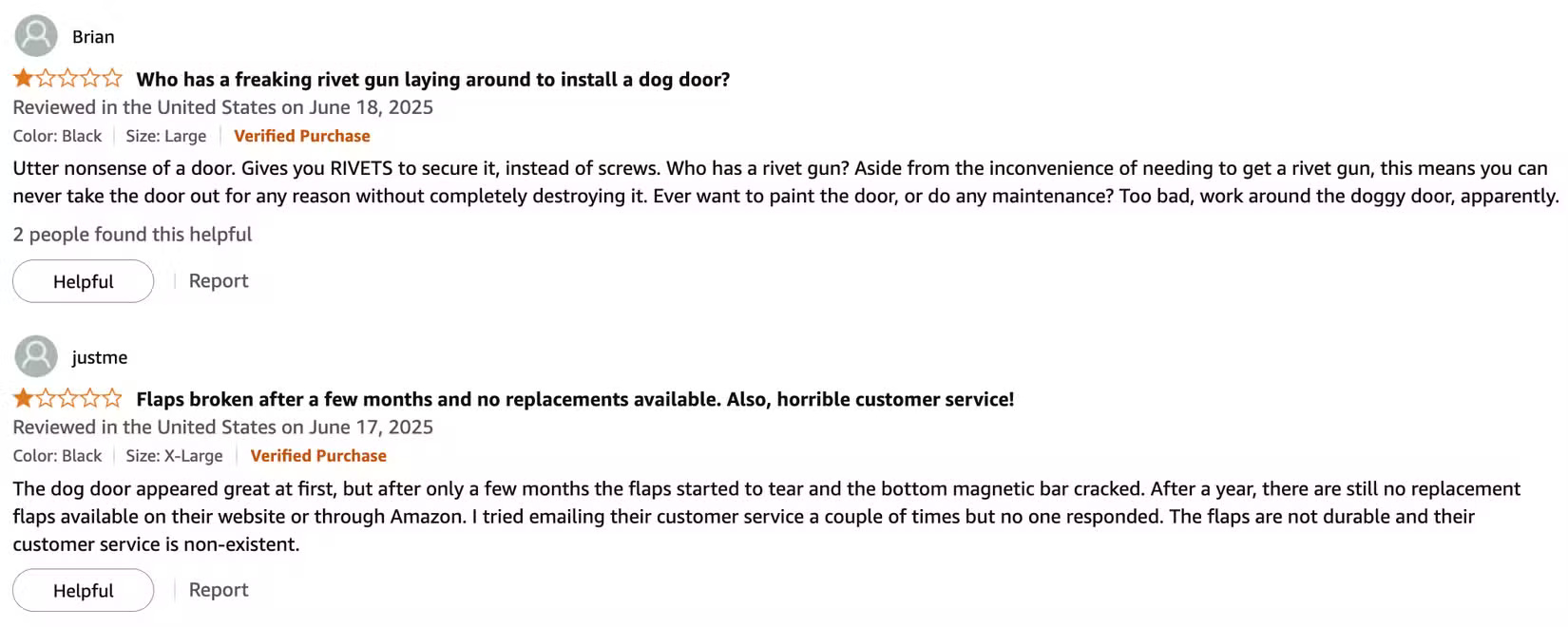
Read recent reviews that mention the variant you’re considering. Photos showing labels, seams, or the item in use can help you compare it with the listing. Repeated wording, reviews for unrelated items, or images that don’t match the selected model reduce how much you can learn from the rating.
Compare photos from different angles
Look at details that should stay consistent, such as buttons, port positions, labels, and patterns. If they change across photos, ask the seller to clarify. Try a reverse image search to see where else the image appears. Several sellers may legitimately use the same manufacturer photo. Look for conflicting model names or a seller claiming an image is of a specific used item when it appears in unrelated listings.
Compare the total price for the same model
Search for the model number or exact specifications and include shipping and return costs. A low price can reflect a sale, a different configuration, or a misleading listing. If you can’t verify which item is included, ask before ordering.
Check the seller and keep payment on the marketplace
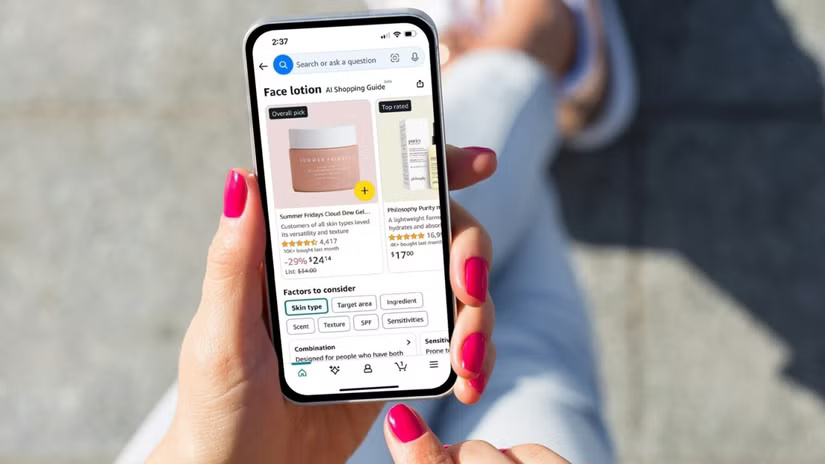
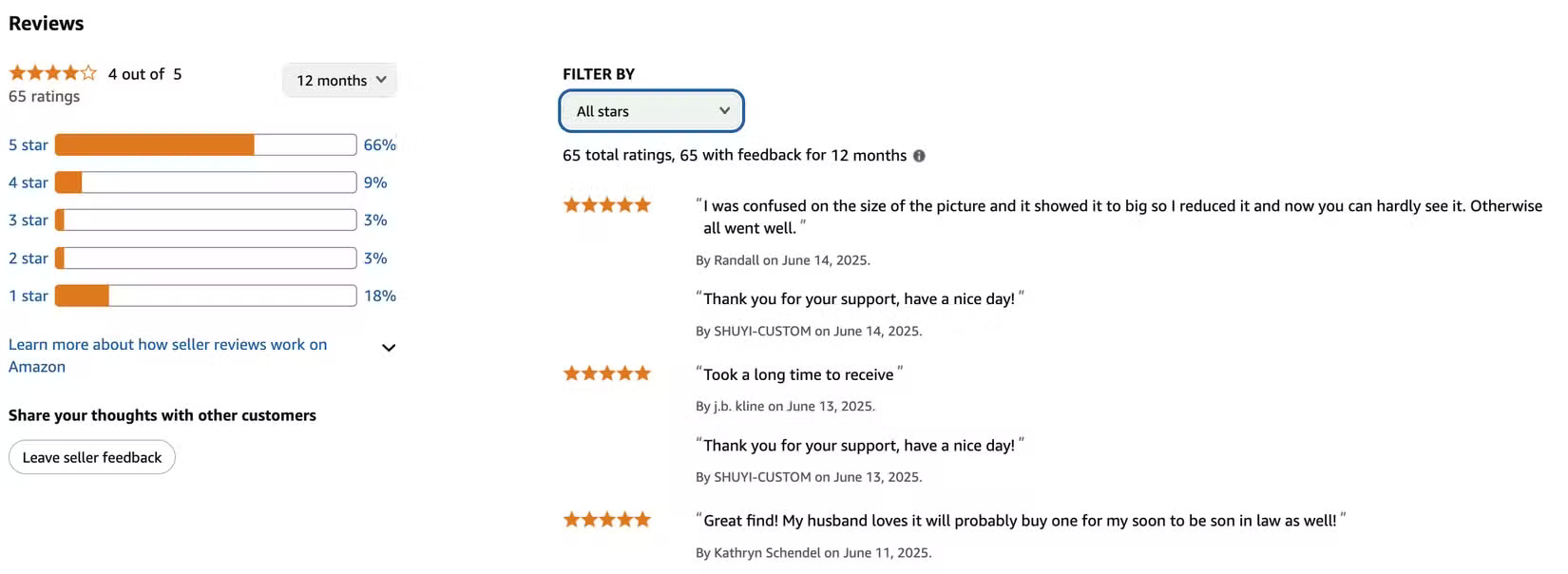
Review the seller’s history and check who handles returns, who pays return shipping, and what the marketplace can do if the item differs from the listing. For an unfamiliar store, check browser privacy and security settings and keep security warnings enabled. Stay in the marketplace checkout so its buyer protections can apply, and keep a copy of the listing and messages. The FTC marketplace guide explains what to check before paying.
Related Articles
 Light Shop: Evaluating the pros and cons of a film that is expected to be as successful as Moving
 The Hidden Dangers of TikTok Shop You Need to Know Before Shopping
 Brother Hai’s Pho Restaurant: Four Endings and Key Choices
 Instructions for checking shopping cart on TikTok Shop
 How to use Shopee to register online sales
 Instructions for purchasing 0% installment purchase on Sendo
Reader Comments 0
Sign in with email or Google to join the discussion.