Table of Contents
This updated guide compares ways gimp's latest update makes photoshop obsolete and highlights the details that matter most. GIMP is a free and open source image editing software. While it is aimed at a different market than the professional standards of Photoshop, hobbyists and home creators or enthusiasts can all switch to GIMP and make Photoshop a thing of the past in their workflow.
9. Updated Intuitive Interface
GIMP 3.0 was released in March 2025, 7 years after 2.0. While minor releases happen regularly, this major stable release brings both major and minor updates. An updated user interface is one of the major updates in GIMP 3.0.
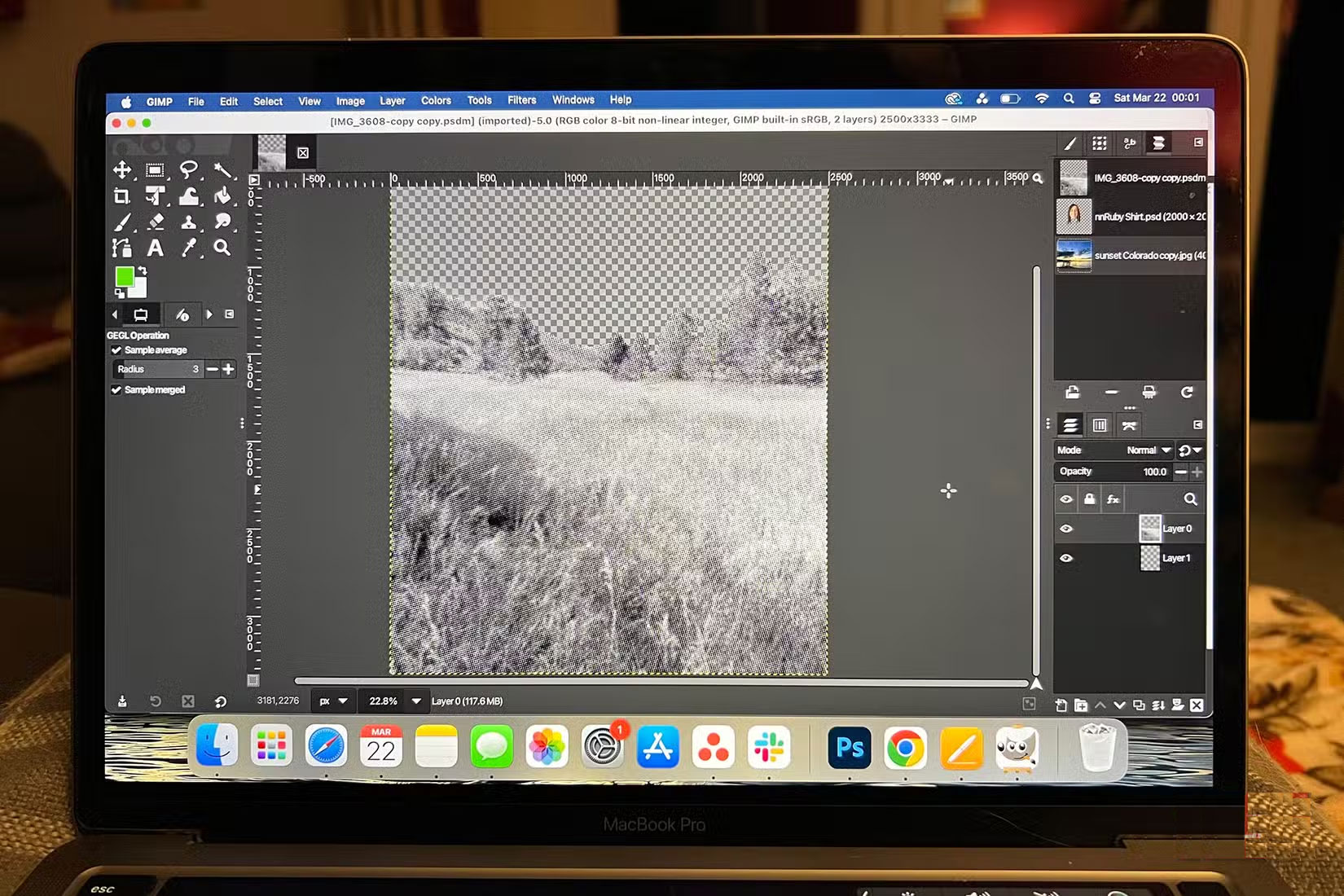
The graphics toolkit has been updated from GUI to GTK3, bringing GIMP's interface in line with modern desktop applications.
Photoshop's interface is often the de facto standard for creative software, with tools like Photopea replicating it almost exactly. GIMP's interface in 3.0 isn't too different from Photoshop's, so you'll have a familiar feel and menu logic if you make the switch.
8. Non - destructive Editing
With GIMP's updated features, this tool introduces non-destructive filter editing functionality to better match Photoshop.
Non-destructive editing lets you make mistakes, change your mind, experiment, or go back to the beginning without much hassle. GIMP's non-destructive filters are applied as their own active layer rather than automatically being merged into your image. This lets you continue editing the image below the filter, or apply changes to the filter without affecting the image underneath.
GIMP also introduces off-canvas editing, a feature you will not find in Photoshop. This allows the canvas to expand as you draw wider or taller than the existing layer or canvas.
7. Support PSD Files and Other Files
PSD files are the native file format of Photoshop, which simply stands for PhotoShop Document. Although PSD files are native and created in Photoshop, this file format has become a popular direct format for other creative software.
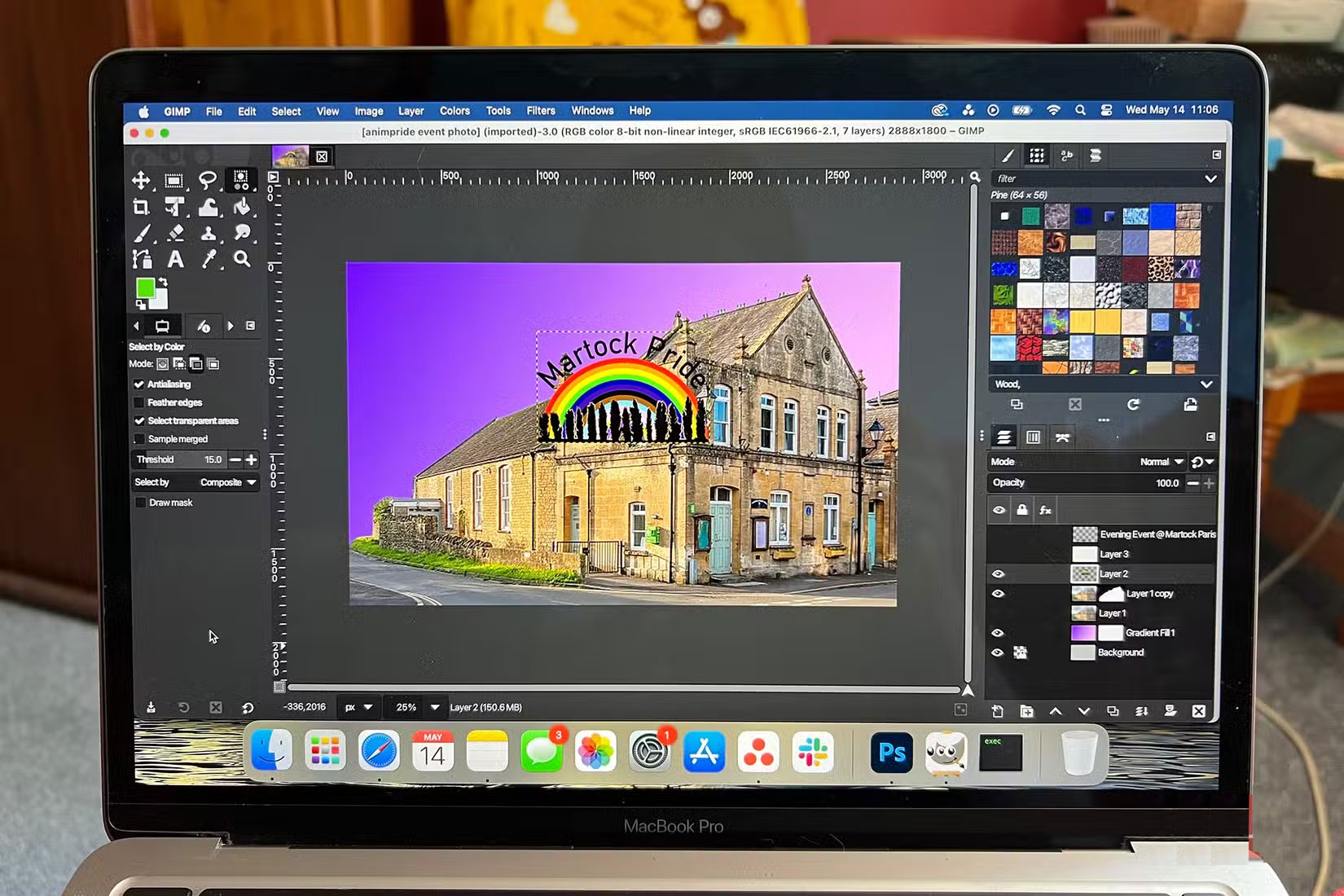
PSDs retain layers, smart objects, image effects, and other edits, so they can be opened and worked on continuously without merging. You can open PSD files in many programs, but GIMP currently has better support for them.
GIMP improved PSD support in the 3.0 update in March 2025. Although PSD support was available in previous versions, these improvements allow for better compatibility when importing and exporting PSD project files.
6. Powerful Brush Tool
GIMP's Brush Tool offers unlimited brush sizes. Whereas Photoshop's brush sizes are limited after a certain level, potentially limiting your creative options in terms of scale or speed.
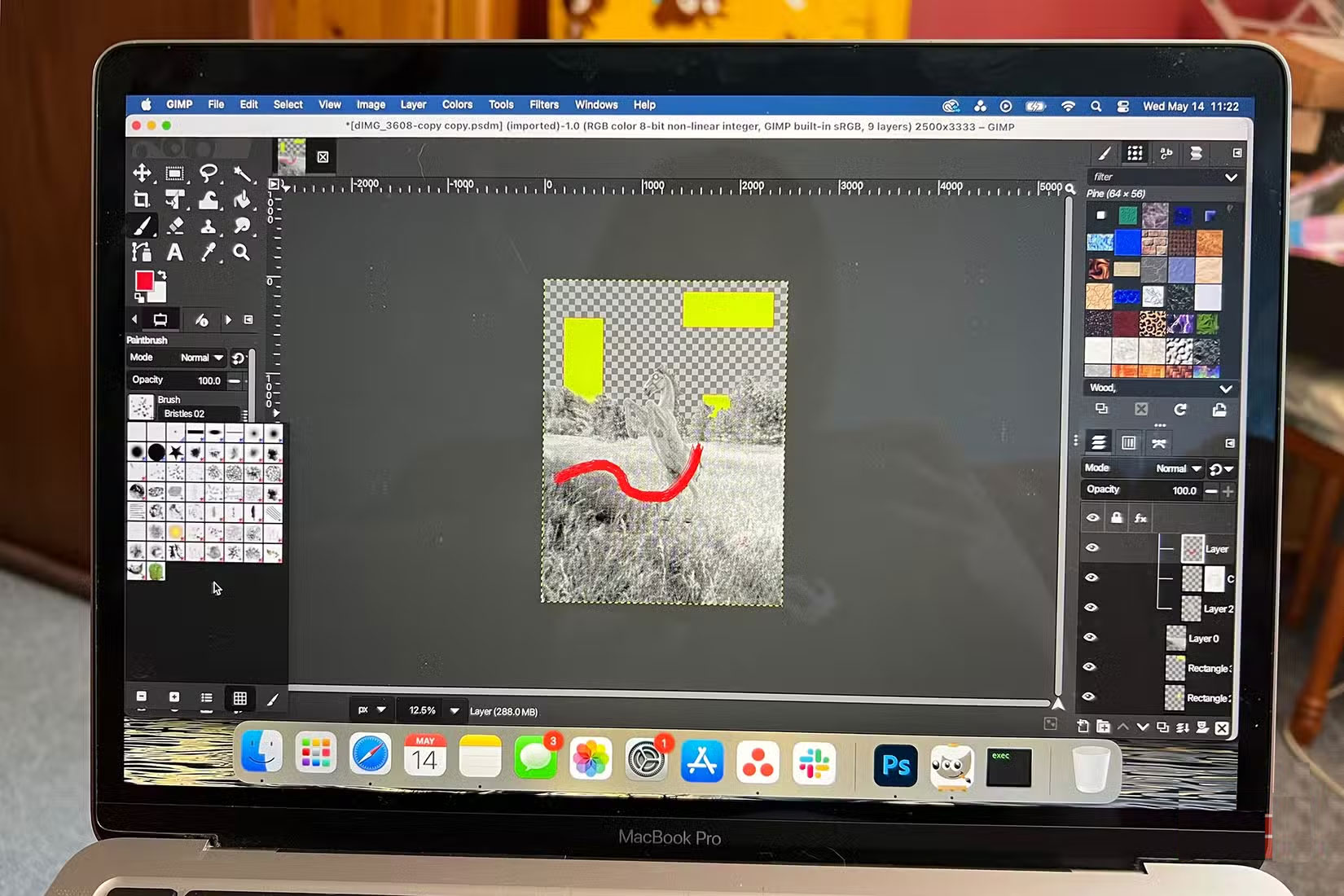
The brush tools and libraries that GIMP provides are full of brushes, from black stamps to textured color brushes and even animated brushes—brushes that change as you swipe them across the canvas.
GIMP's powerful brush library and brush tools are some of its best features.
5. Wider Platform Support Range
Photoshop has reached the limit of its platform support with only Windows and Mac systems. GIMP was designed to be compatible with operating systems major and minor. The 3.0 update allows GIMP to run natively on appropriate platforms like Wayland, and it also retains support for X11.
GIMP can be installed natively on Windows, Mac, Linux, and other non-mainstream operating systems. Its latest update also improves tablet input support for a better tablet experience.
Because GIMP provides its source code for anyone in the community to use, modify, and learn from, GIMP is completely customizable to your own needs—something Photoshop is not. This lets you use GIMP to suit your needs instead of tailoring your needs to fit the software.
4. Improved Selection Tools
GIMP has great selection tools and is constantly improving them.
New in GIMP 3.0 is the introduction of a future stable tool: Paint Select. This tool is similar to Photoshop's Quick Selection tool. It lets you paint over selected areas with a brush. This tool speeds up your workflow when selecting large areas of similarity, but can require precision around the edges. This feature is currently unstable and must be enabled in GIMP's playground settings in the dialog box.
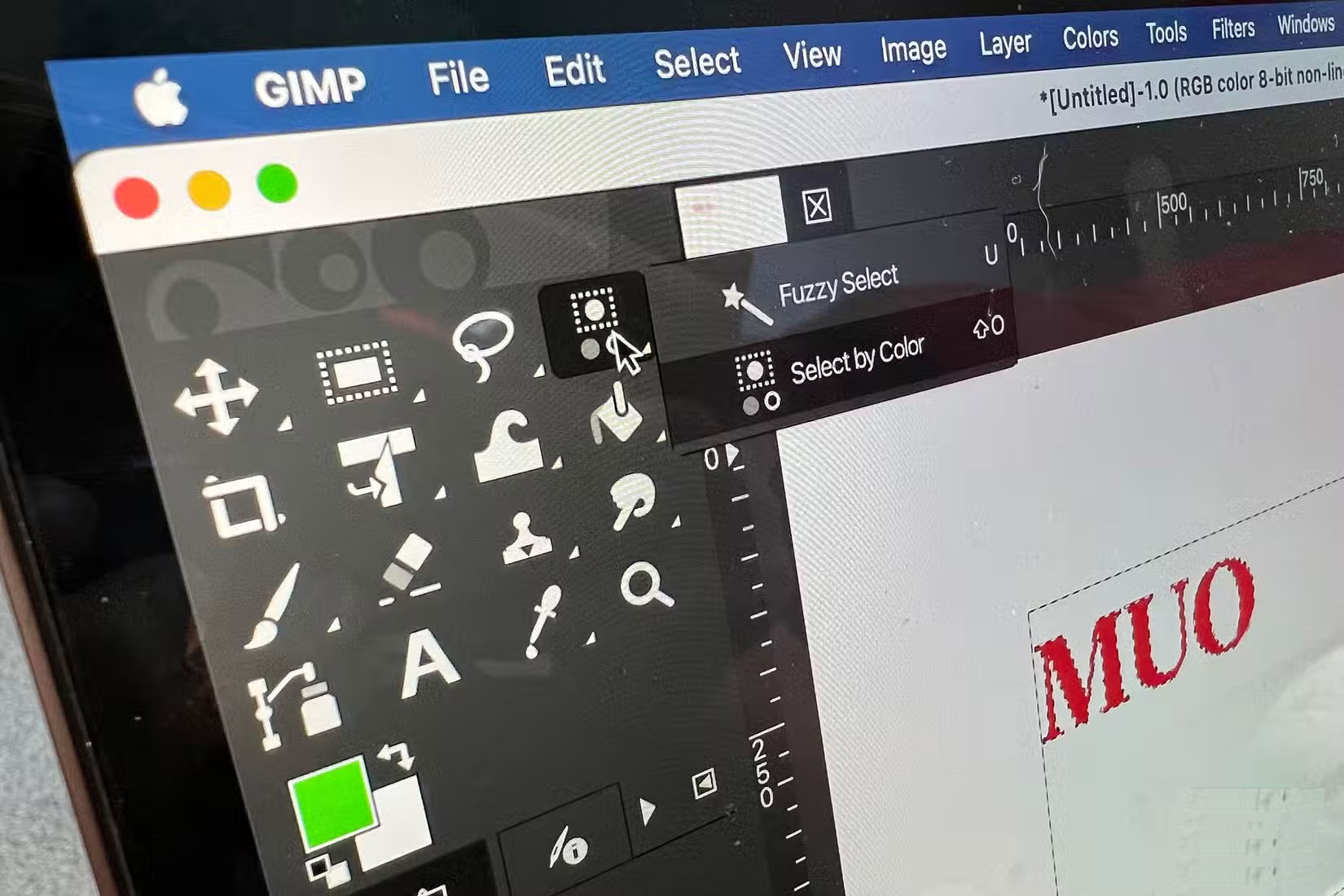
You can now select multiple items on the canvas more easily than in previous versions of GIMP. Previously, you had to select them through the layers panel, but now, using common shortcuts, you can select multiple elements, paths, or layers directly from the canvas.
3. Better Text Support
You can now apply edits and filters to live text, while still having the ability to continue rewriting without losing your edits. This is something that is hard to find in other software. Photoshop only lets you apply minimal changes to live text, such as adding strokes or fills.
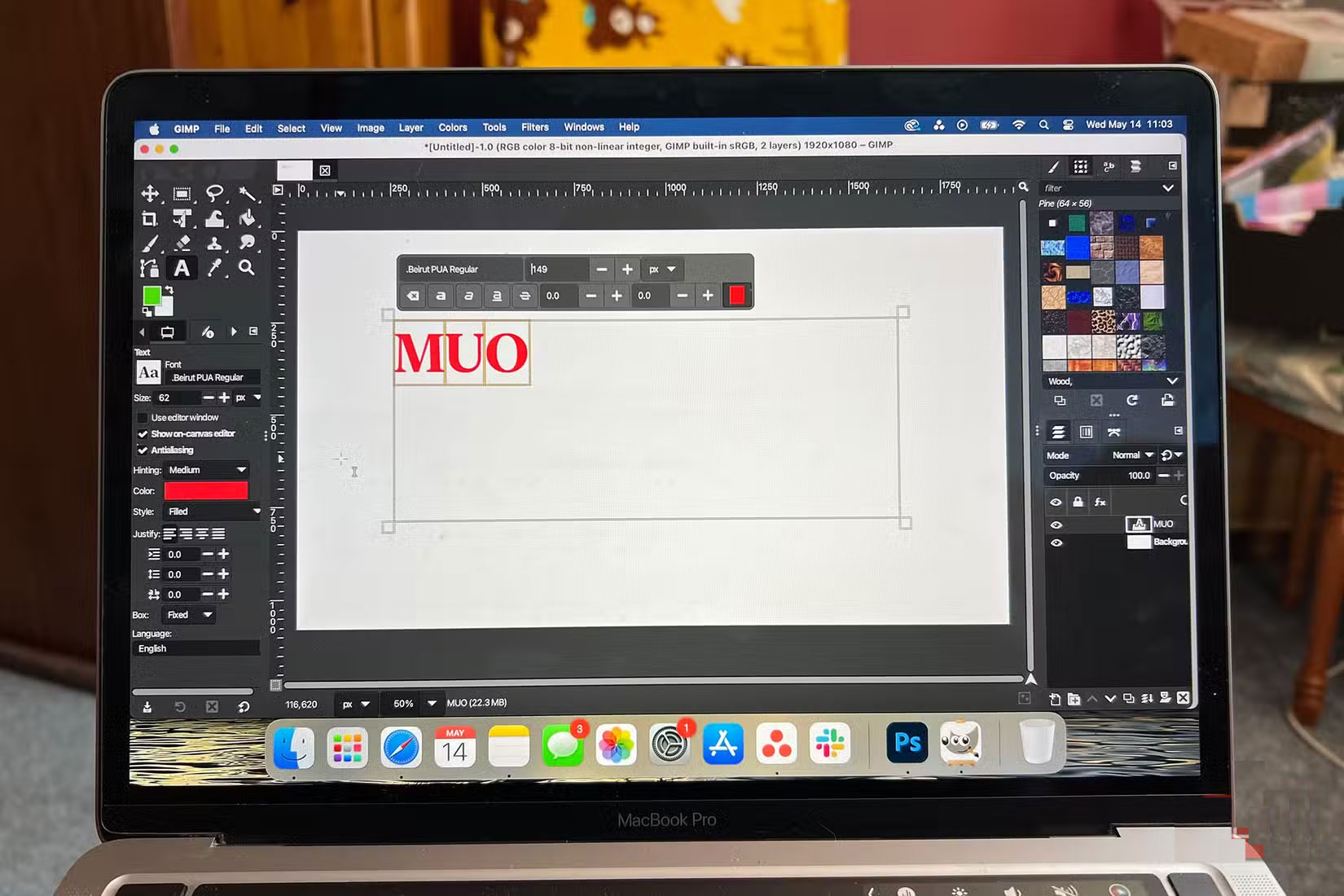
GIMP lets you format text and apply borders and drop shadows while still maintaining editability. You can make other changes like setting the font, size, or even style. GIMP 3.0 also includes non-destructive text borders.
2. Open Source Gives You More Control
One feature of GIMP that is not new, but might make you reconsider using Photoshop and switch to GIMP, is that it is an open source tool. GIMP runs on the open GNU General Public License, which not only ensures free access to the tool for anyone, but also better security.
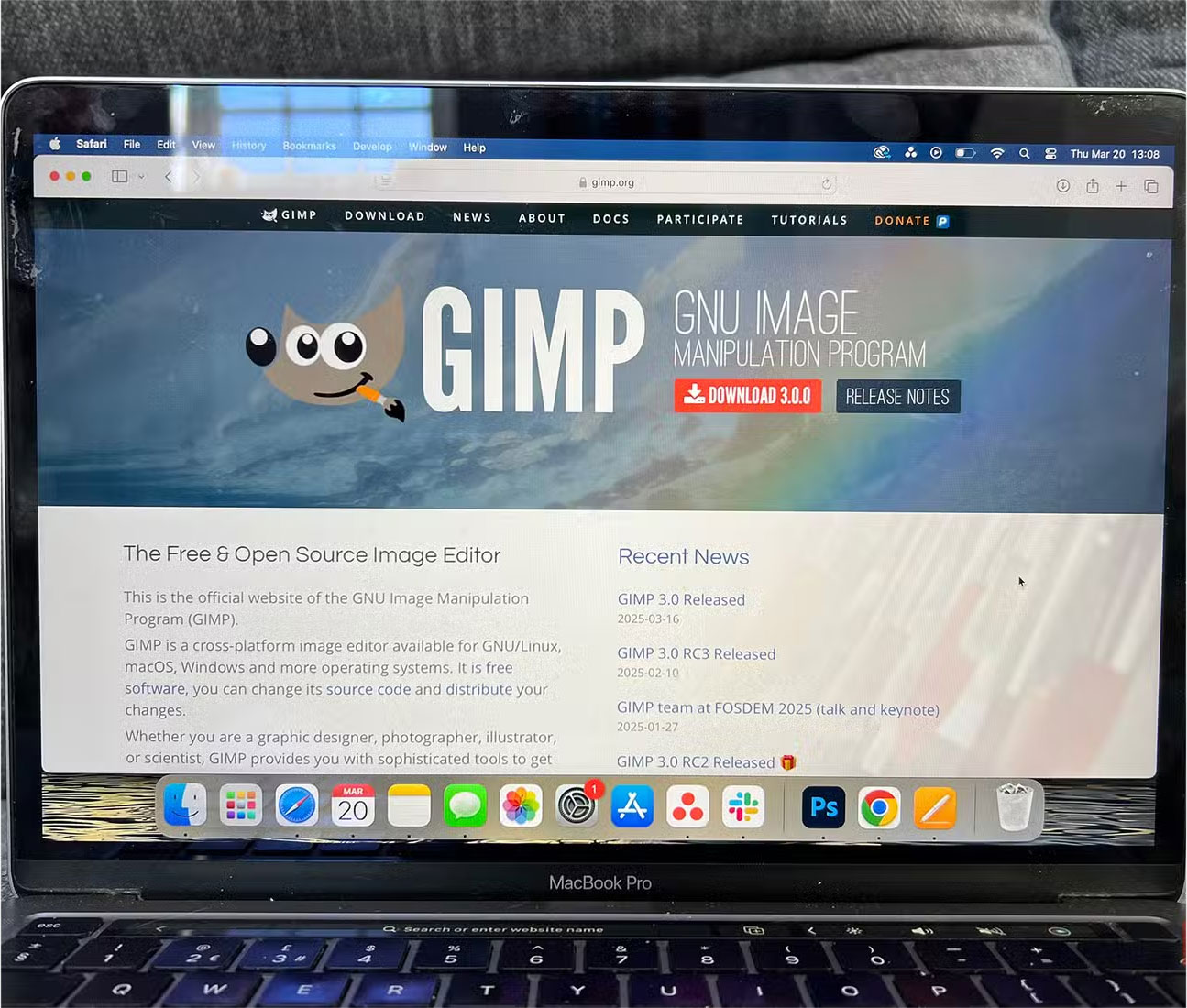
Under the GNU General Public License, GIMP can be freely distributed or modified. Therefore, you can fully customize GIMP through the source code.
Open source projects do not have the same funding or support, but the communities that build them are often healthier, with the best interests of the program in mind rather than profit. You can even become part of the community and contribute to the project.
1. GIMP Is Completely Free
One of the main reasons why GIMP might make your Photoshop experience obsolete is that GIMP is completely free, unlike Photoshop and other Adobe products.
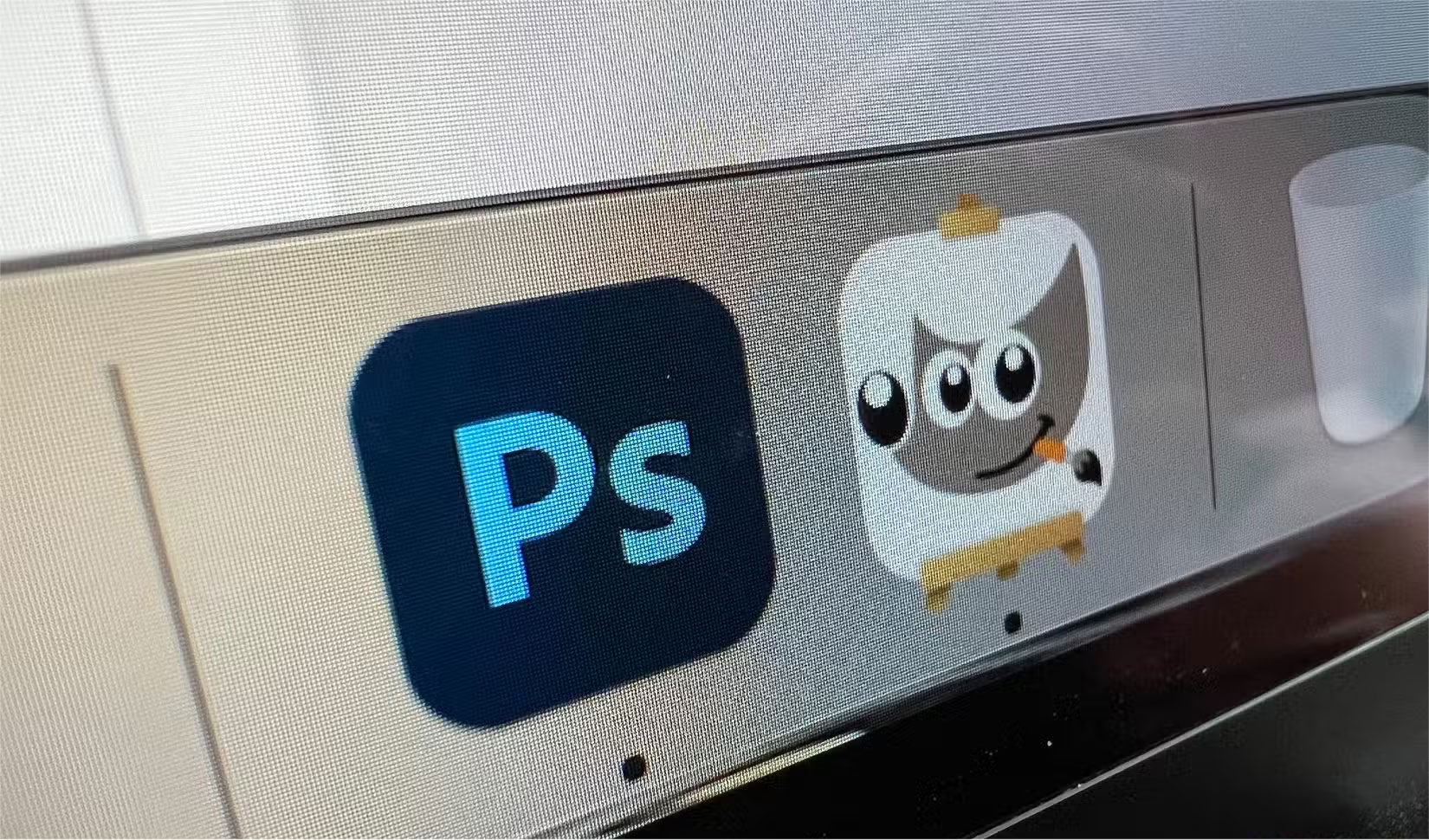
While this isn't a new feature in GIMP, it is something to remember when deciding to switch from Photoshop or which software to learn when you're new to your creative journey. Price is a big factor, and ongoing subscriptions like Photoshop's become a huge financial investment, whether you use the tool much or not.
If you're new to graphic design or photo editing, finding high-quality free tools is your best bet until you have a better understanding of your needs and capabilities. Once you subscribe to Photoshop — or other Adobe software — it is hard to get out of the system, and you'll be paying hundreds, if not thousands, of dollars over the course of a few years. Great for pros, but not great for enthusiasts or beginners.
FAQ
How were the ways gimp's latest update makes photoshop obsolete options evaluated?
The comparison focuses on practical features, ease of use, limitations, compatibility, and the type of user each option is most likely to help.
Which option is best for beginners?
Beginners should prioritize a clear interface, useful documentation, reliable support, and the core features needed for their first project.
Should I choose a free or paid option?
Start with a free option when it covers your needs. A paid plan may be worthwhile when you need advanced tools, commercial rights, collaboration, or professional support.
Related Articles
 Photoshop 22.4 Is Available, New Features Added, Improved3 minutes read
 3 Ways to Update Windows 10 to the Latest 2026 Update11 minutes read
 Photoshop's New Pen Tool Makes It Easier to Draw Curves3 minutes read
 3 Ways to Update Windows 10 to the Latest Update 2023: Top Picks and Buying11 minutes read
 How to Update Itunes to the Latest Version6 minutes read
 5 Easy Ways to Improve Photoshop Skills8 minutes read
Reader Comments 0
Sign in with email or Google to join the discussion.