Table of Contents
Google One is worth keeping if you need extra room for Gmail, Google Photos and Drive. Moving Drive files to another provider can free some space, but it does not increase your Gmail or Photos quota. If your main need is desktop sync, encrypted file storage or backups across computers, one of these seven services may fit better.
1. OneDrive for Microsoft 365 users
Compare the total cost of Microsoft 365 and storage if you already use desktop Word, Excel or PowerPoint. Microsoft says new and upgraded Family subscriptions moved to a shared 2 TB pool starting October 8, 2026. Older Family plans may still have a 1 TB per person allowance until their transition. Check your account before assuming six separate terabytes are included.
2. Sync.com for private file storage
Sync.com offers end-to-end encrypted file storage. Review the individual plan comparison for version history, sharing options and renewal pricing. Before moving an archive, test sign-in recovery and confirm that you can retrieve an older file version on your chosen plan.
3. MEGA for large collections
MEGA can suit a large file collection when your priority is storing and sharing files. Compare storage and transfer quotas separately. Having room to store an archive does not guarantee that you or the recipient can download it all at once within the plan’s transfer allowance.
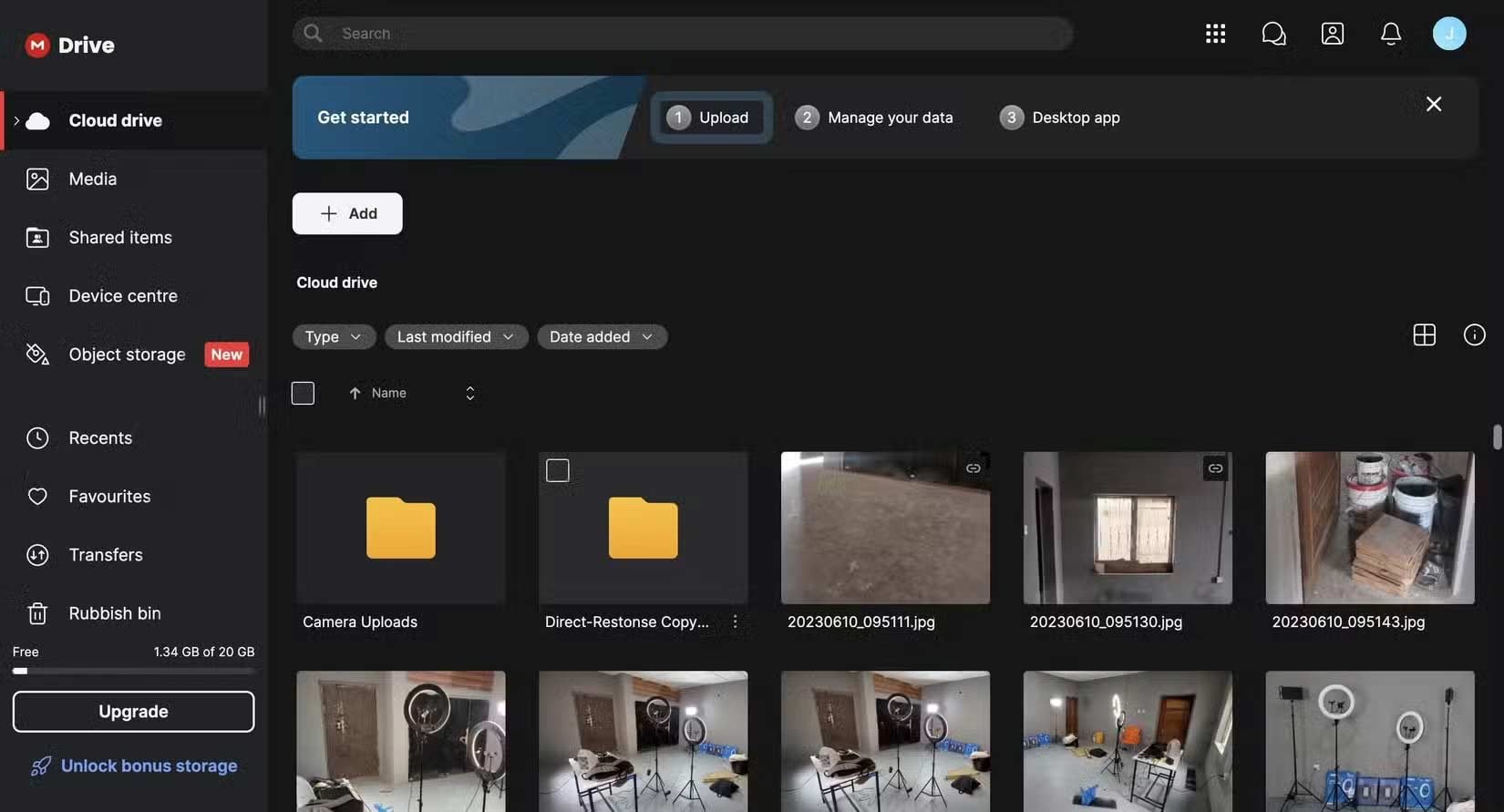
4. Dropbox for desktop file sync
Dropbox Plus includes 2 TB. Its online-only option can help when a laptop has limited disk space. Mark files you need while traveling as available offline and verify they open before disconnecting.
5. Box for document workflows
Box is useful if you need to send files for signature and track document versions. The Box Personal Pro listing shows 100 GB total storage and a 5 GB limit per upload. Check sharing and permissions on the actual plan, since some controls vary between personal and business subscriptions.
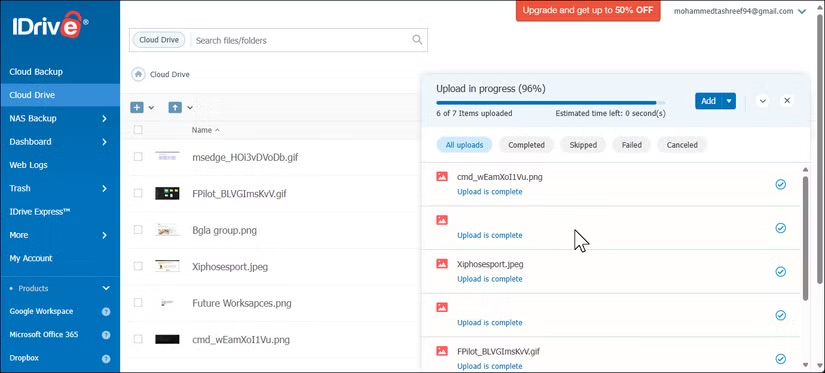
6. IDrive for backing up multiple computers
IDrive Personal is aimed at backup across multiple computers for one user. Compare the renewal price and test a restore before depending on it. If you mainly want to edit the same live folder on two devices, check the difference between sync and backup.
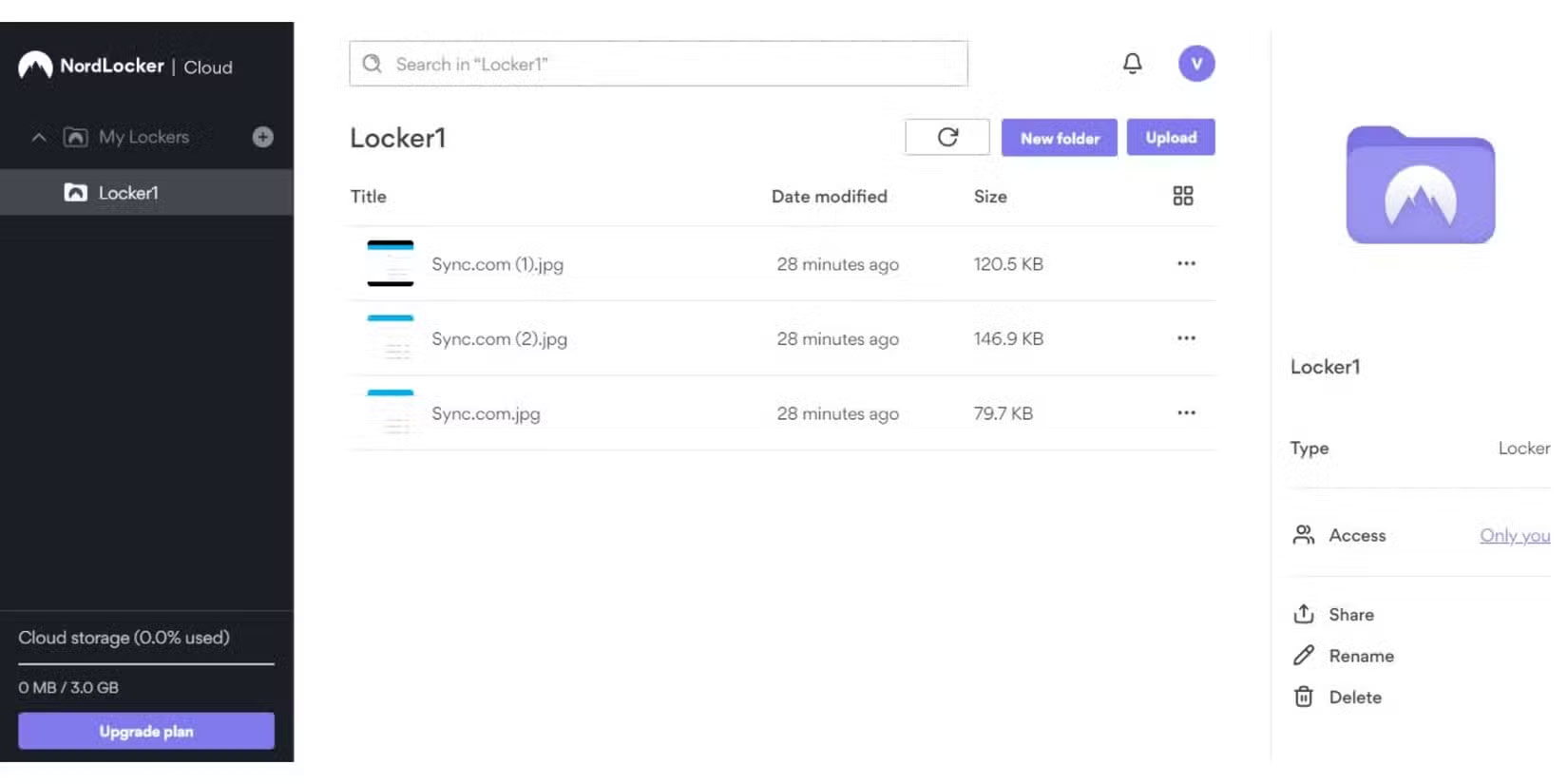
7. NordLocker for a smaller encrypted archive
NordLocker offers encrypted cloud storage with a free tier for testing. Try uploading, sharing and retrieving a test file on the devices you use. Check the cost and recovery process of the plan you intend to keep.
What to compare before moving files
Separate your Google Drive usage from Gmail and Photos. Compare how much space you can free with what you would pay after introductory pricing ends. Copy a small folder first and test synced files, offline access and a restore. Keep an independent backup before removing your original files.



Reader Comments 0
Sign in with email or Google to join the discussion.