Table of Contents
pCloud, Box, MobiDrive, Proton Drive and IDrive offer free tiers that can help you try a different file-storage workflow. Choose by file-size limits, supported devices, sharing and recovery features—not only the advertised capacity. These services do not all provide the same kind of storage, sync or backup.
Compare the free tiers
| Service | Advertised free storage | Important qualification |
|---|---|---|
| pCloud | Up to 10 GB | The maximum requires unlock steps; it is not all granted at signup. |
| Box Individual | 10 GB | 250 MB per-file upload limit. |
| MobiDrive | 20 GB | 200 MB per-file upload limit on the free tier. |
| Proton Drive | 5 GB | Check current device features and account limits. |
| IDrive Basic | 10 GB | Check the distinction between backup and Cloud Drive features. |
Plans and limits can change. Confirm the offer on the provider’s site before moving a large collection.
pCloud: try its file-access workflow
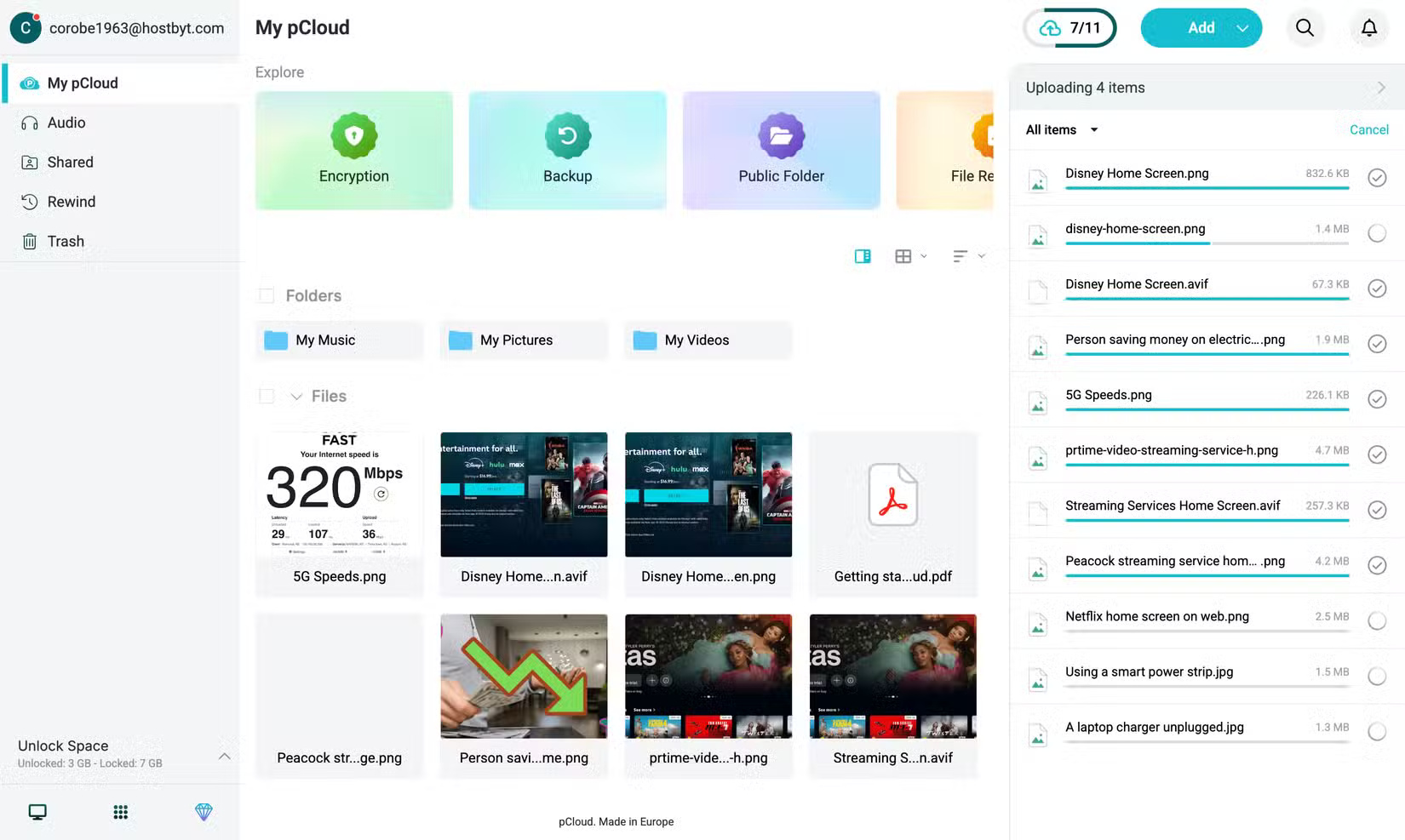
pCloud offers desktop, mobile and web access. Its free storage can be useful for testing how files behave across your devices. Check the account’s actual available capacity after signup rather than planning around the maximum immediately.
Do not assume all files have zero-knowledge encryption simply because pCloud offers that feature. Its optional Encryption/Crypto service is separate from ordinary storage, and lifetime storage plans do not automatically include it. Read the coverage and recovery conditions before placing sensitive material there.
Box: suitable for smaller document files
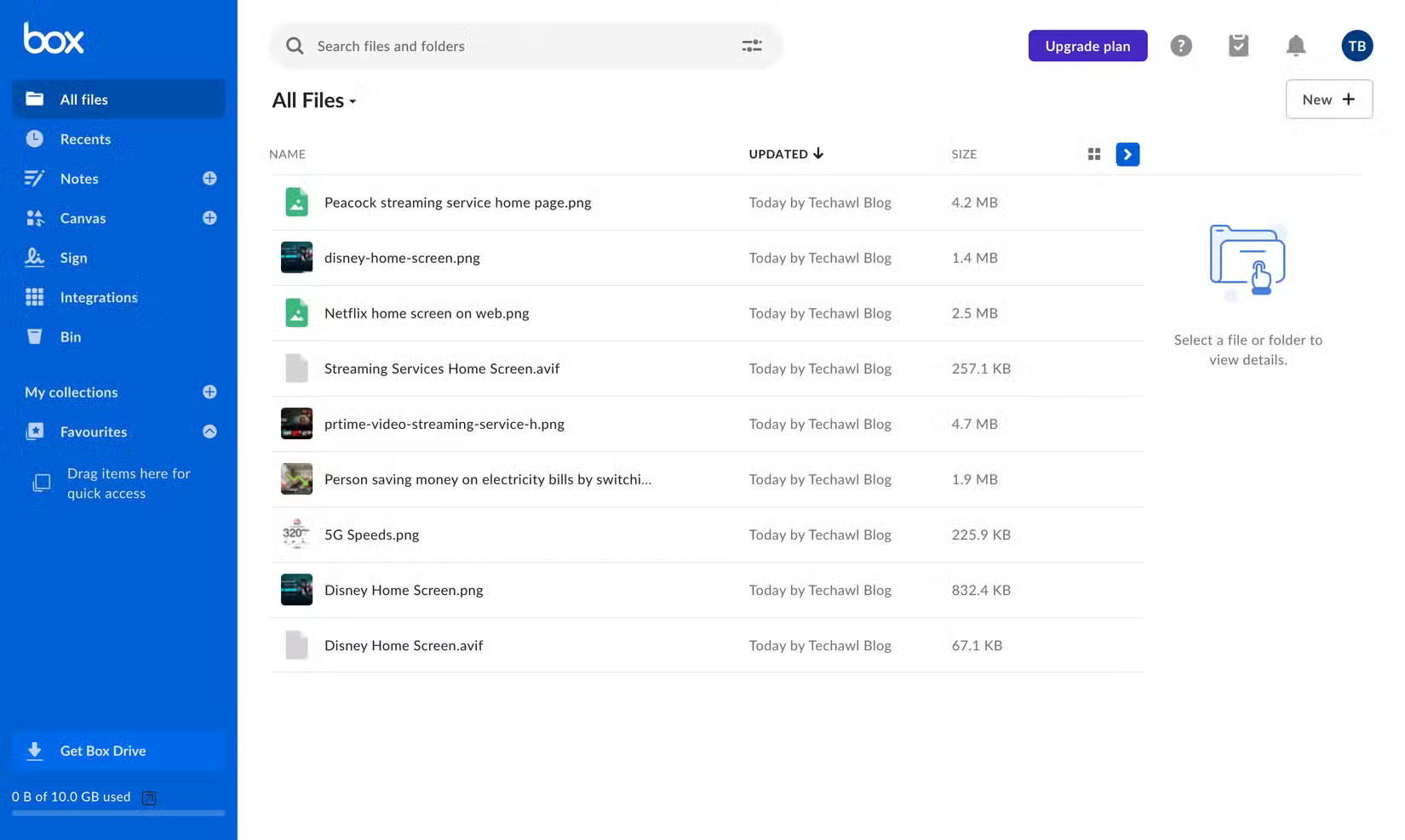
Box Individual’s free tier is most practical when individual files fit its upload limit. A collection of documents may fit even when one large video does not. Test sharing with an intended recipient and check the file-version allowance before depending on rollback.
Business-oriented features advertised elsewhere on the site may belong to a different plan. Compare the Individual plan itself.
MobiDrive: more free capacity, with a small-file ceiling
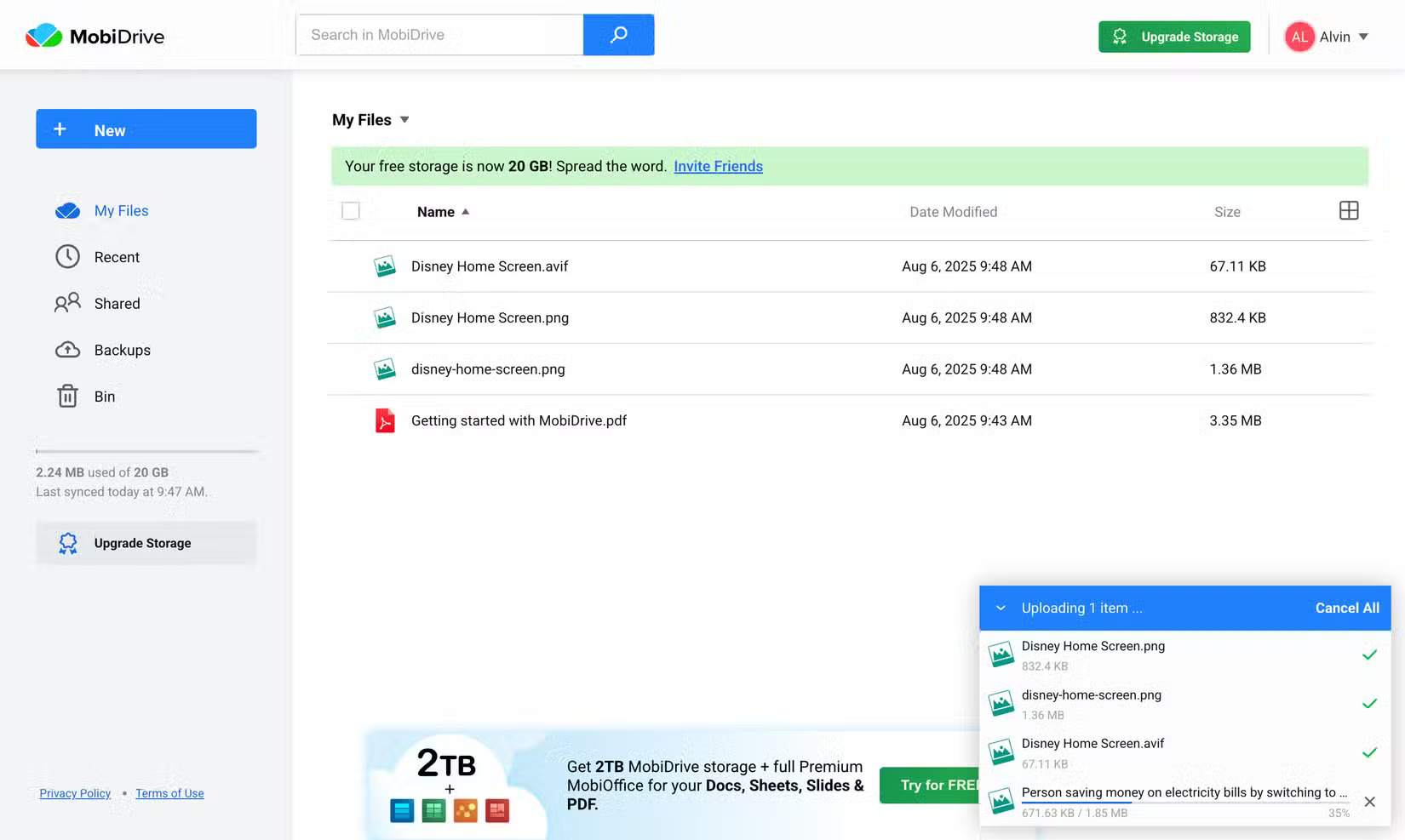
MobiDrive can be used alongside MobiSystems productivity apps, but check its standalone storage offering if you do not need an office suite. The free capacity is larger than several alternatives here, while the 200 MB per-file limit can constrain videos, archives and large PDFs.
Try a representative file before uploading your collection. Total capacity and maximum upload size are separate limits.
Proton Drive: an encryption-focused option
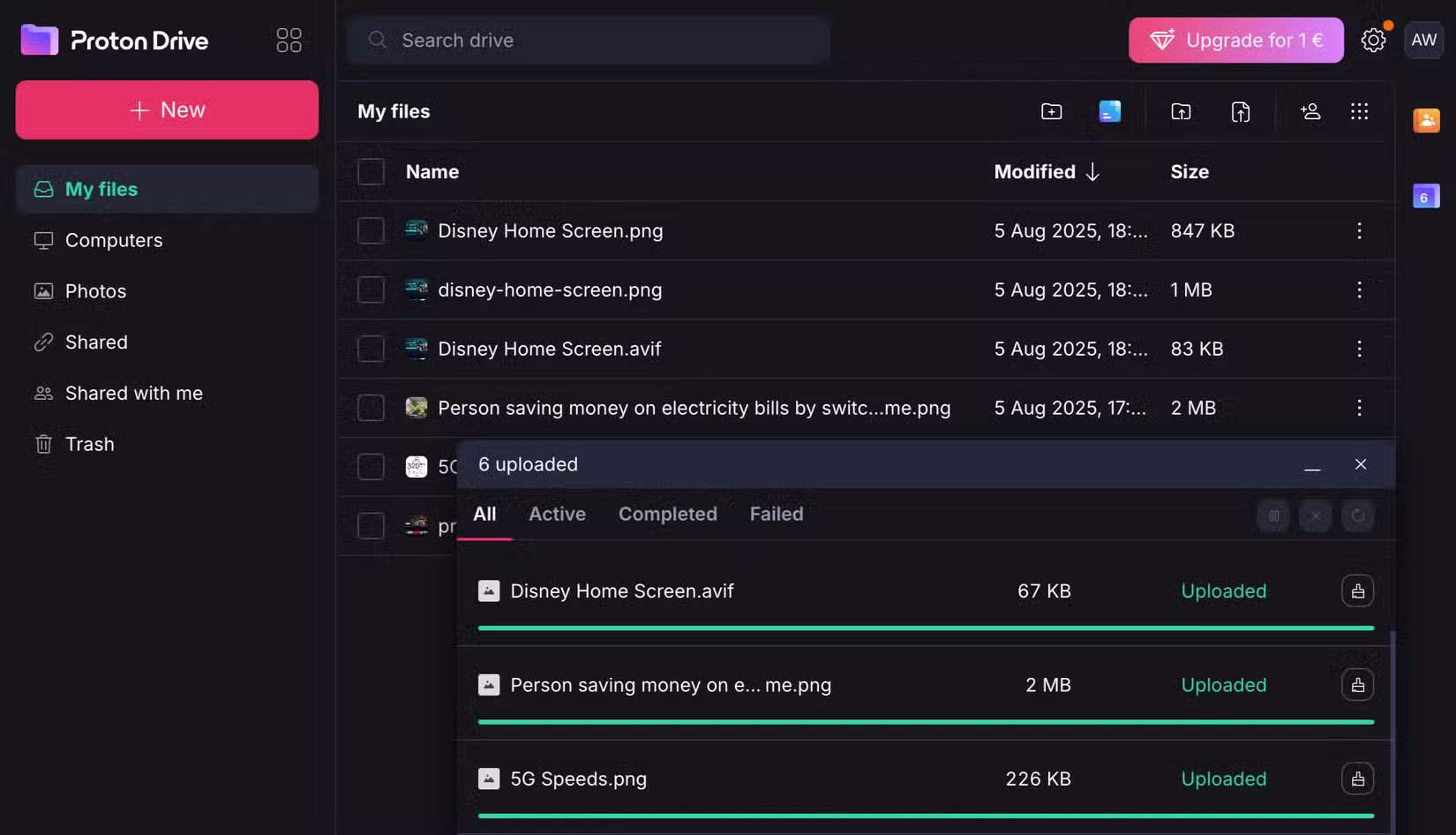
Proton Drive provides end-to-end encryption for its stored content. That can be a reason to consider it, but encryption does not remove the need for account security, recovery planning or careful sharing.
Check whether the features you need—such as synchronization, photo handling or document collaboration—work on each of your devices. Keep recovery information safely and test access before relying on it.
IDrive: evaluate backup as well as file access
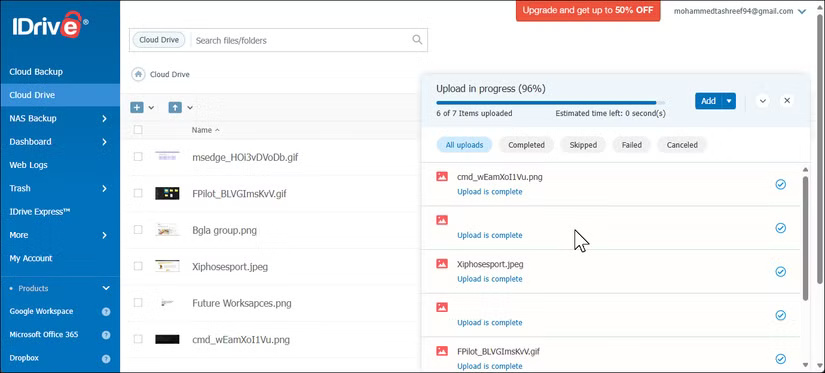
IDrive Basic provides a way to test the service without buying a large storage plan. Pay attention to whether you are configuring backup jobs or the Cloud Drive synchronization workflow; they solve different problems.
Run a small restore test, not just an upload test. A successful progress bar does not by itself show that you can recover the files you need.
Before switching services
- Test your largest file and the file types you actually use.
- Check sharing permissions and whether a link is public or restricted.
- Review deleted-file retention and version history.
- Confirm offline access and account recovery.
- Keep your existing copy until the new one has been downloaded and checked.
See sync versus backup before treating a cloud folder as your only protection. The backup basics guide explains why independent copies and tested recovery matter.
Related Articles
 How to Combine Multiple Free Cloud Accounts for Huge Storage Space
 The best cloud storage application for Android
 Photo storage app - Top 5 free & safest photo storage apps
 10 tips to keep cloud storage safe and secure
 8 Cheapest Cloud Storage Providers
 How to use AnyTrans for Cloud to manage cloud services
Reader Comments 0
Sign in with email or Google to join the discussion.