Table of Contents
An Amazon Echo can do more than play music and set timers. These five features help with everyday household tasks, but some require a specific Echo model, a compatible smart-home device, or support in your language and region. Check those requirements before buying extra hardware.
1. Use a supported Echo as a temperature sensor

Certain Echo models can report room temperature and work with a compatible thermostat. Do not assume every Echo includes a temperature sensor or that temperature sensing also means humidity sensing.
For an Amazon Smart Thermostat, check which external sensors appear as eligible in the Alexa app. Amazon explains that selecting multiple supported Echo sensors uses their average reading; this is not independent heating or cooling control for each room. See Amazon's external temperature sensor setup.
Place a sensor away from direct sun and unusual heat sources, then compare the reading with how the room feels. A sensor can improve the information available to the thermostat, but it does not guarantee a particular reduction in electricity bills.
2. Announce a door or window opening

A compatible contact sensor can trigger an Alexa routine that speaks a message on a selected Echo. Give sensors clear names, such as “back door,” so the announcement identifies the right opening.
- Link the supported sensor service to Alexa and confirm the sensor appears.
- Create a routine using that sensor's opening event as the trigger.
- Choose the spoken message and receiving Echo, plus any available schedule restrictions.
- Open and close the door to test the event before relying on it.
Ring provides instructions for Ring-triggered Alexa routines. Available triggers depend on the device and integration. An Echo announcement is a convenience alert, not a replacement for an alarm system or its official notifications. A screen display or wired network connection is not required for every setup.
3. Try Whisper Mode for quieter replies
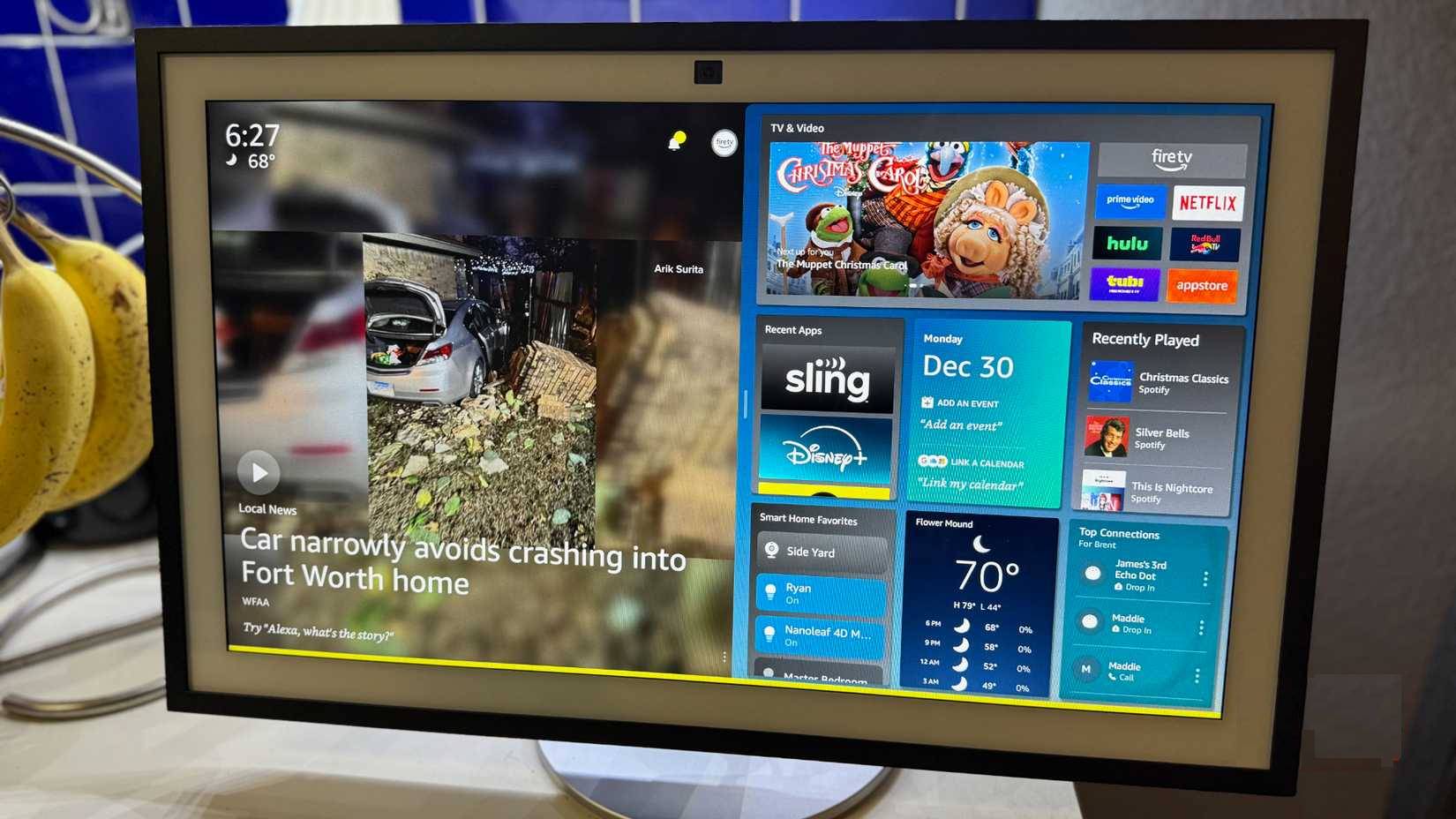
Where supported, say “Alexa, turn on Whisper Mode,” then try a whispered request nearby. You can also look for Whisper Mode in the Alexa app's voice-response settings; menus and availability vary.
The feature lets Alexa answer a whispered request quietly. It is not a setting that guarantees every alarm, notification, or music session will be quiet. Check volume and notification settings separately before using an Echo near someone sleeping. Amazon describes the feature in its Alexa feature guide.
4. Broadcast a household announcement
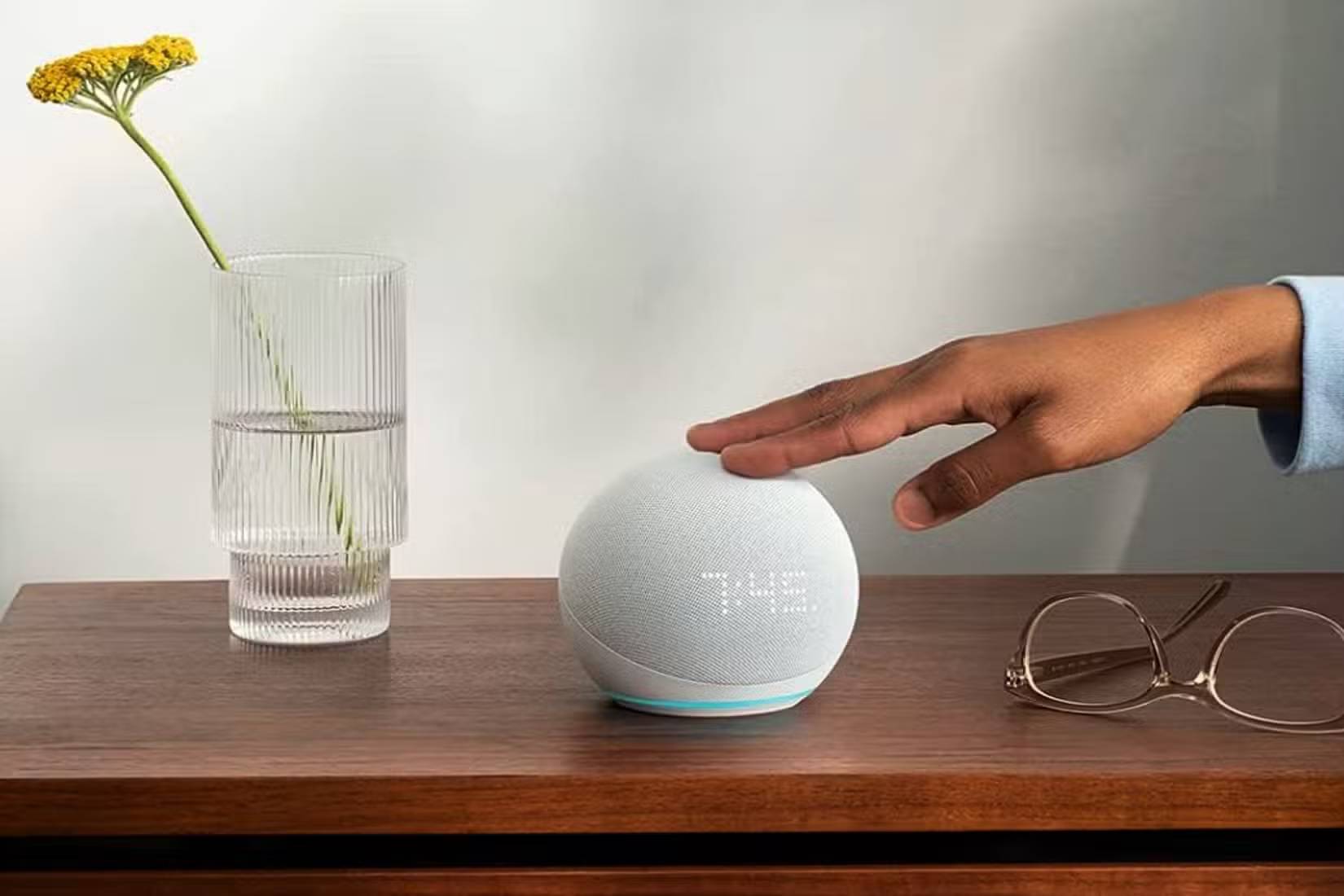
Try “Alexa, announce dinner is ready” to send a short message to eligible Echo devices. You can also use the Alexa app's announcement function. This is useful for calling people to a meal or letting them know it is time to leave.
Announcements are one-way broadcasts, rather than a continuous two-way intercom conversation. Test which devices receive them and check communication settings, connectivity, and Do Not Disturb if one stays silent. Avoid broadcasting private information without considering who may hear it.
5. Ask for calculations and unit conversions
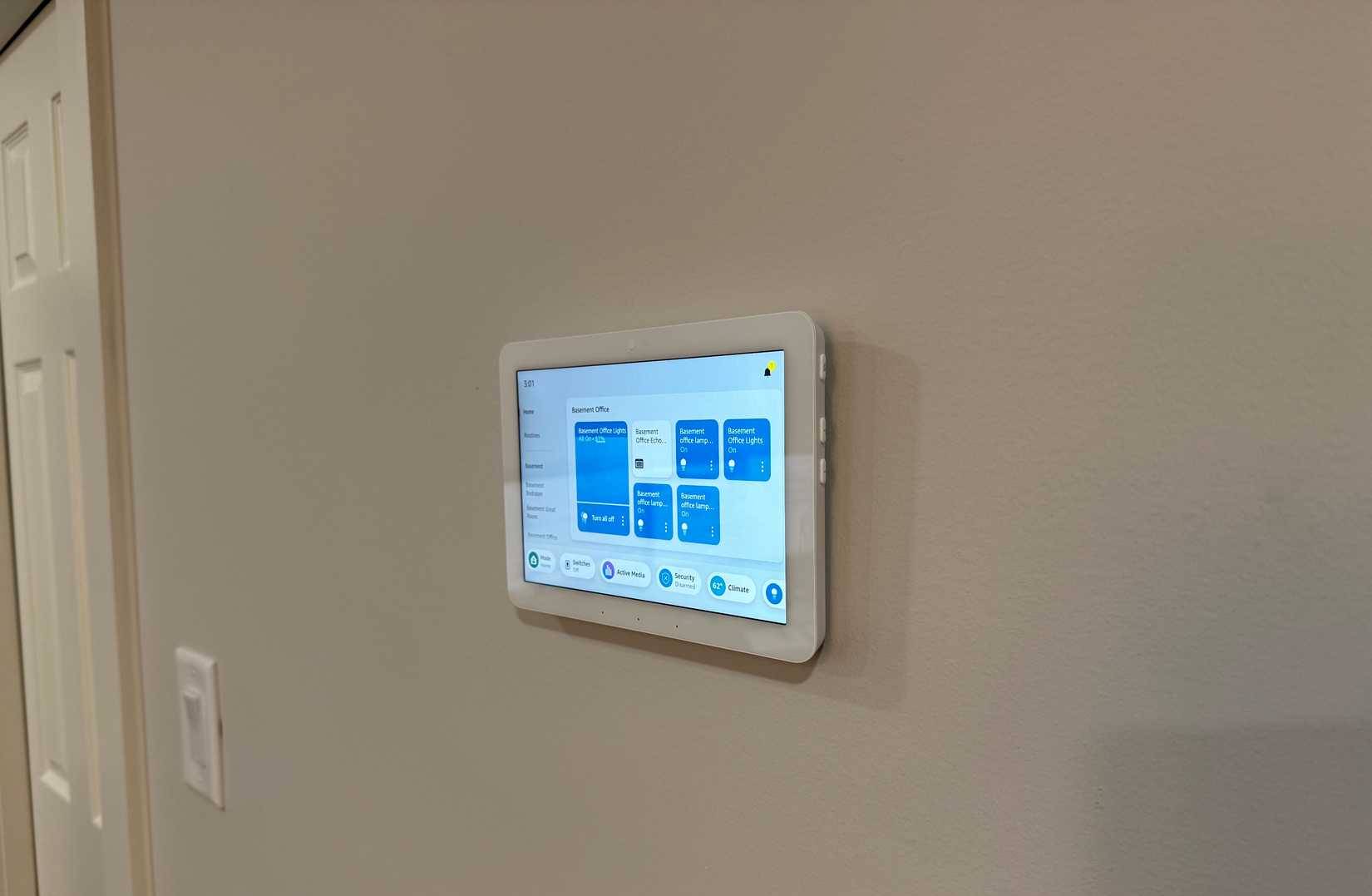
Hands-free conversions are useful when cooking or working with messy hands. Ask a specific question, such as “Alexa, how many US cups are in four liters?” or “Alexa, what is 150 divided by six?”
Specify the measurement system: US and imperial cups are not necessarily the same, and converting volume to weight requires knowing the ingredient. For a recipe or measurement that matters, check the unit and result before using it.
Start with one feature and test it in the room where you will use it. A short, clear routine with a verified trigger is more useful than a complicated automation whose behavior you have not checked.
Related Articles
 7 things Amazon Echo can do and Google Home does not
 Instructions for making a call using Amazon Echo
 Amazon also has a smart virtual assistant
 What does the red light on Amazon Echo mean? How to prepare?
 3 Amazon Echo security features to use when you leave the house
 How to play music with Amazon Echo and Alexa
Reader Comments 0
Sign in with email or Google to join the discussion.