Table of Contents
Choosing among 6 tools to 'play' with super-toxic emoji that you never knew requires more than looking at a feature list. This guide highlights practical differences, benefits, and important trade-offs.
Sure, everyone likes to use emoji emoticons when chatting. However, have you ever thought that you will be able to create new emoji instead of waiting for developer updates?
With the 6 tools below, you can completely turn a photo into a very unique emoticon extremely simple. Do not hesitate to visit these websites and try your creativity.
1. Fotomoji
Turn the photo (normal photo and selfie photo) into "Emoji explosion".

This is a very funny task that allows you to upload photos and convert them into images made entirely of emoji (see photo above). By harnessing the power of GPU (Graphics Processing Unit), Fotomoji uses shaders and customizable image processing to deliver high quality products in ultra-short time. for users.
Once completed, you can share photos directly to Instagram, Facebook, Twitter and more. Currently, Fotomoji supports a number of popular interface languages such as English, French, Italian, Spanish and Chinese.
2. Emojicode
Emoji creation tool based on programming language.
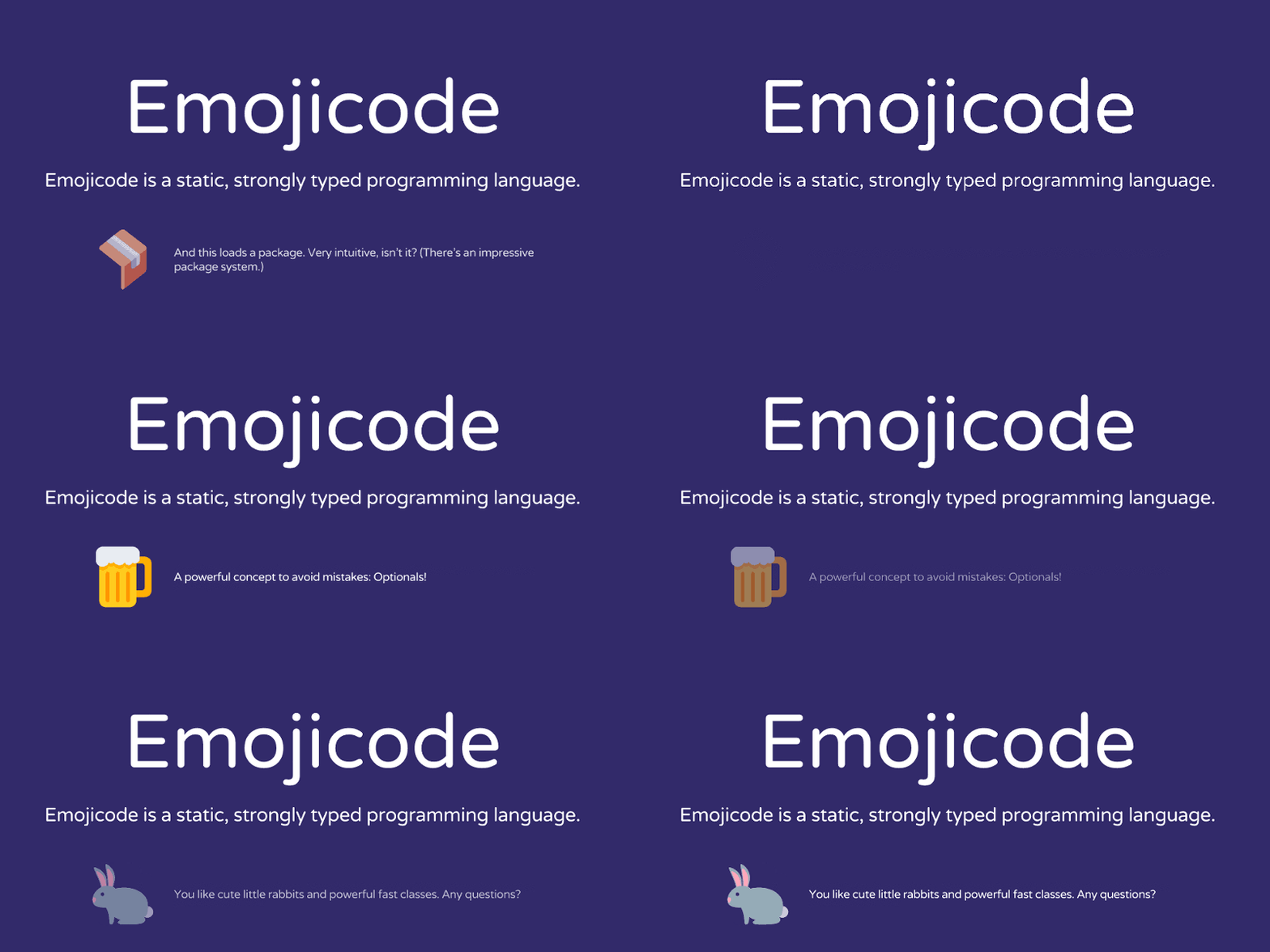
Have you ever wanted to "code" in an emoji-based programming language? Maybe not, but if you have, it is revealed to you that there is a tool that will help you make this wish a reality. That is Emojicode.
Emojicode is an emoji-based, multi-paradigm-based object-oriented programming language, allowing users to build cross-platform applications quickly while still having the best experience. Interesting without stress, dryness like when writing code with common languages.
Emojicode has everything you like like Object-orientation, Optionals, Generics and Closures. This is a programming language that you never know.
3. Emoji Translate
"Translate" text into emoji automatically.
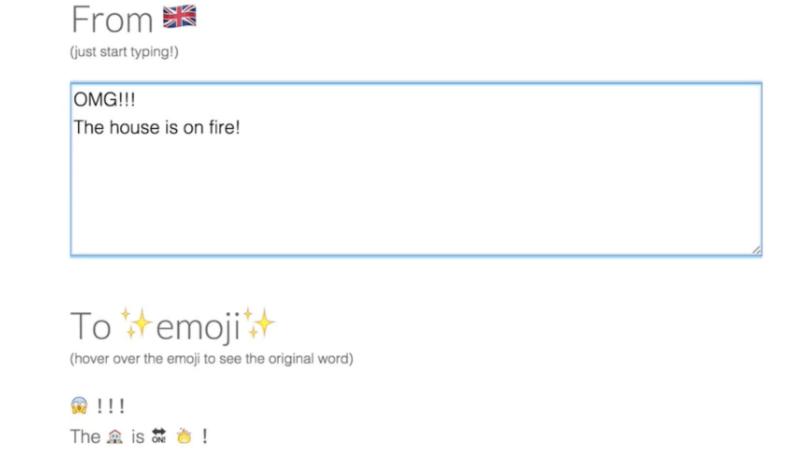
Simply enter the text and Emoji Translate will automatically convert the words into emoji with dizzying speed. With this tool you will see that emoji is also a kind of "language".
4. Emoji. Life
Emoji for Twitter.
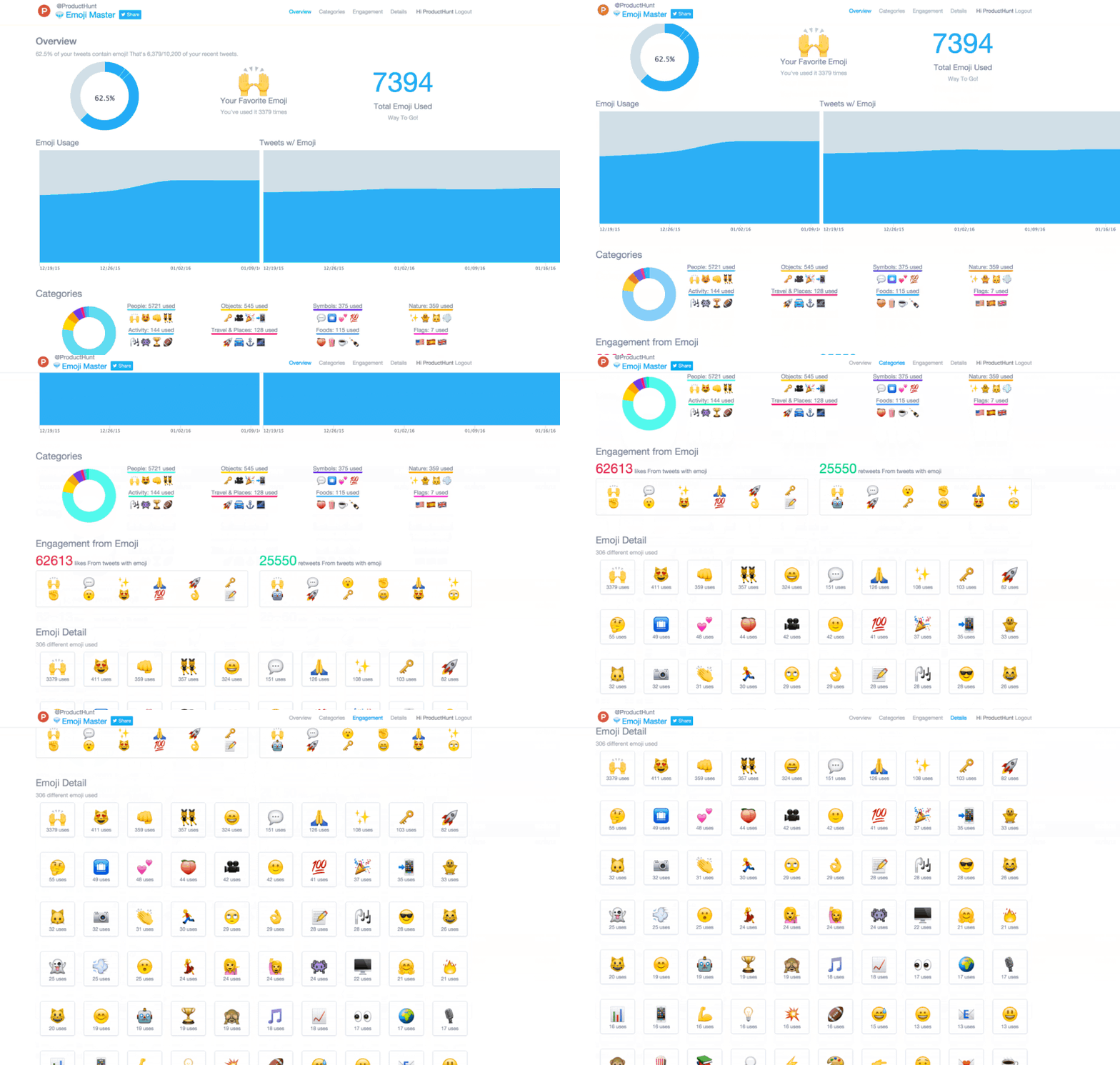
Emoji. Life's control panel will basically "tell" how you are obsessed with using emoji on tweets and which icons you use most often.
With Emoji. Life, you will know how many emoji you regularly use on this platform, which ones you love and how you have changed them over time. This is a great relaxation tool for "Twitter Lover".
5. Emoji Tracker
Real-time tracking tool for all the emoji you used on Twitter.

Emoji Tracker is a dashboard that will tell you which emoji have been used on Twitter in real time. Every time someone on this platform uses a certain icon, the icon containing the icon will turn green and the next number will change.
06. Linkmoji
Reduce URL to emoji.
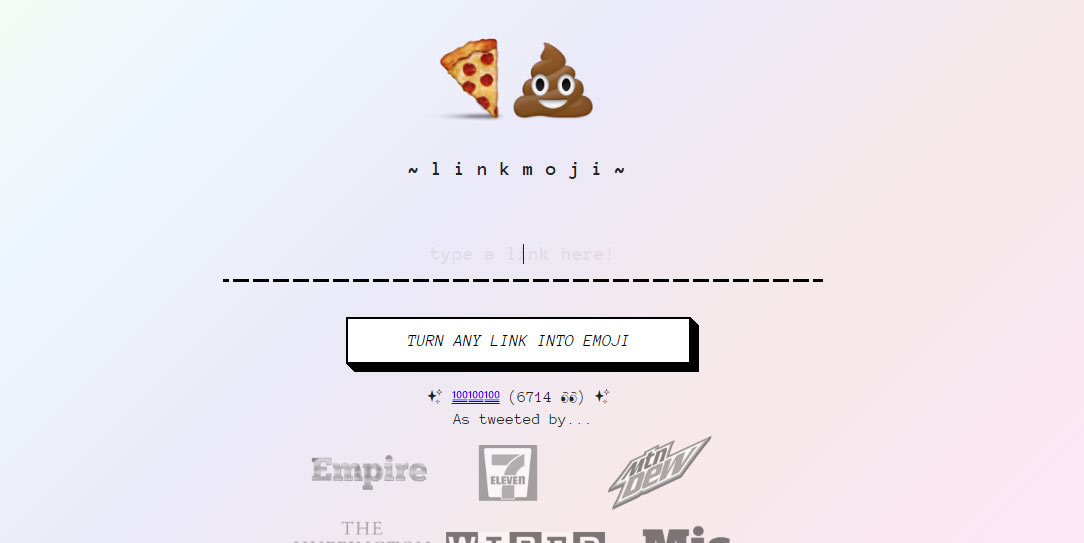
Say goodbye to boring link shortening tools. Instead, go to Linkmoji, paste the desired link into the blinking cursor area, select Maket the Link and you immediately have a new unique URL.
FAQ
How were the 6 tools to 'play' with super-toxic emoji that you never knew options selected?
The options are compared by usefulness, ease of use, core features, and their fit for the situations described in the article.
Which option is best for beginners?
Choose the option with the simplest setup, clear documentation, and the features you actually need. A more advanced option is not always the better starting point.
What should I check before choosing?
Check compatibility, current availability, pricing or licensing, privacy requirements, and whether the product still receives updates and support.
Related Articles
 Galaxy S8/S8 + Vietnam Is Supplemented with Movie Shooting Features Super Slow Motion and AR Emoji3 minutes read
 How to Use Emoji on Mac3 minutes read
 Interesting Facts About Emoji, Emoticons Are Used Daily on the Internet4 minutes read
 After All, Windows 11 Will Have 3D Emoji2 minutes read
 Do You Know How to Use Emoji Emoticons on Linux?5 minutes read
 How to Protect Your Health in a Toxic Environment7 minutes read
Reader Comments 0
Sign in with email or Google to join the discussion.