Table of Contents
Start with the activity you want to protect. Use Signal for private messages and calls, Quad9 to block lookups for known malicious domains, or Proton Drive for encrypted cloud files. Tor Browser and Mullvad VPN both change how traffic reaches the internet, but they cover different traffic and have different limits.
Tor Browser for browsing with less tracking
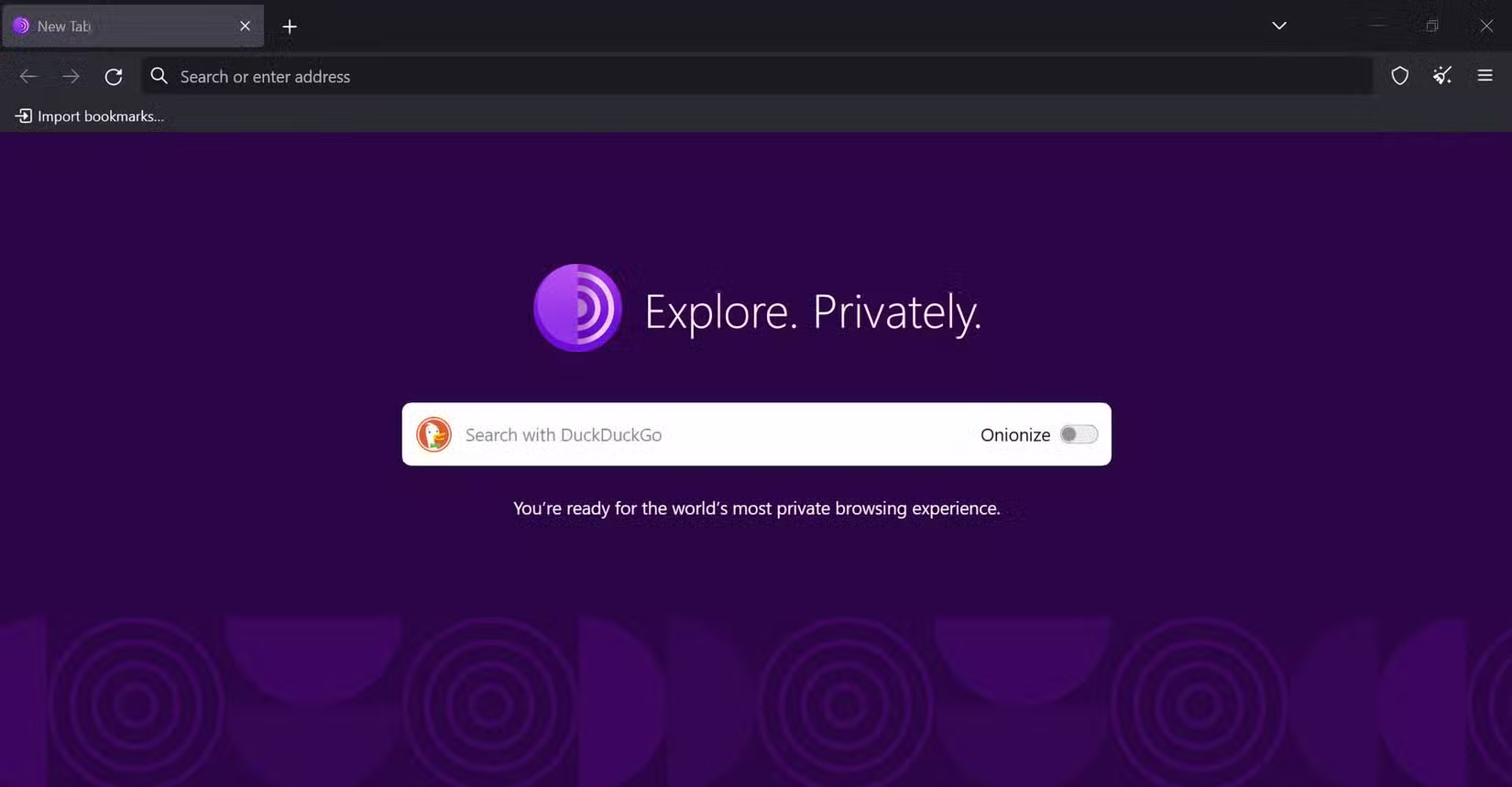
Tor Browser sends browser traffic through the Tor network to help hide your IP address from the sites you visit. It’s available for Windows, macOS, Linux, and Android. The Tor Project doesn’t offer an official Tor Browser for iOS. Other apps on your device still use their normal connections.
Use HTTPS and remember that signing in to a personal account can still identify you to that service. See the Tor Project’s secure-connection guide and compare it with other options in this guide to web browsers.
Signal for private messages and calls
Signal uses end-to-end encryption for messages and calls between Signal users. Start on a phone and link a supported desktop app if you want to use Signal on a computer. For sensitive conversations, verify the chat’s safety number with your contact through a trusted channel. Recipients can still save or share information they receive.
Quad9 for DNS filtering
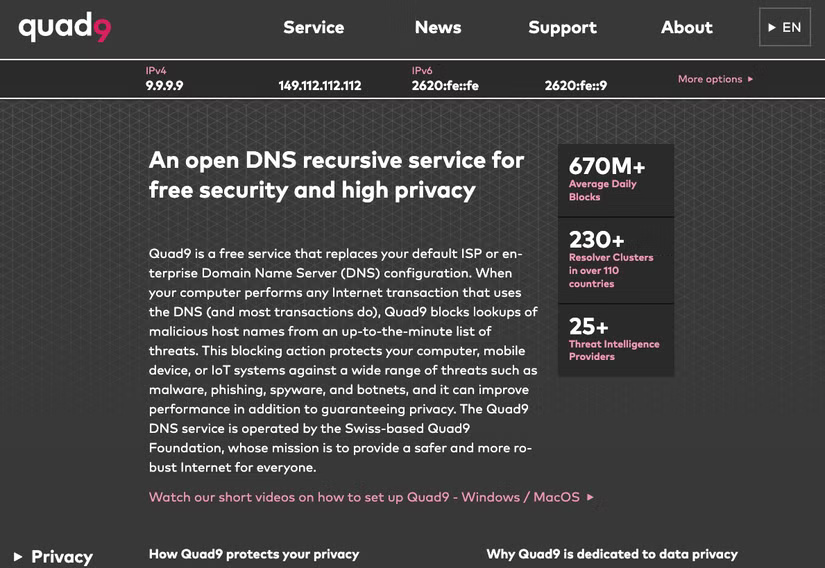
Quad9 is a DNS service you configure on a compatible device, browser, or router. Its filtering service at 9.9.9.9 blocks lookups for domains on its threat lists. Use DNS over HTTPS or DNS over TLS where supported to encrypt queries to the resolver. See how to set up DNS over HTTPS in Windows 11. DNS filtering covers domain lookups, so it can miss malicious pages on legitimate domains.
Mullvad VPN for routing device traffic through a VPN
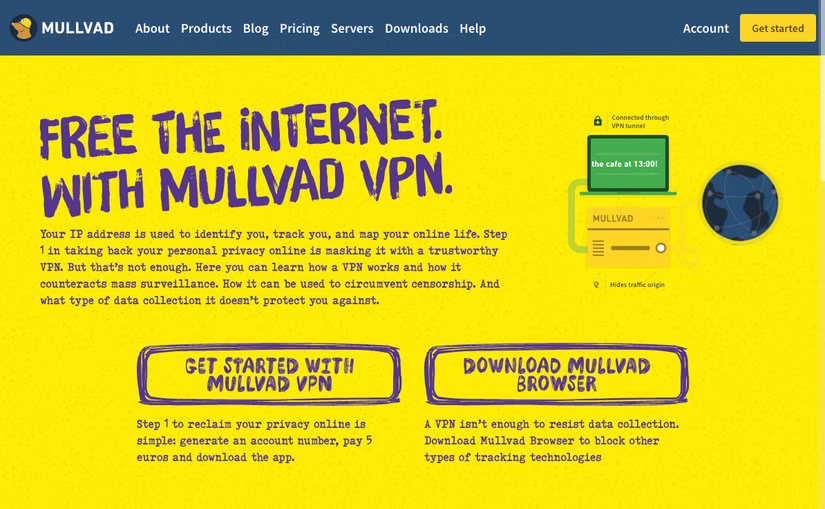
Mullvad provides apps for Windows, macOS, Linux, Android, and iOS and uses an account number instead of requiring an email address at signup. A VPN encrypts traffic between your device and its VPN server, then routes covered traffic through that server. Websites can still recognize a logged-in account, cookies, or browser characteristics. Use HTTPS so the connection to a website stays encrypted beyond the VPN server.
Proton Mail for encrypted email where supported
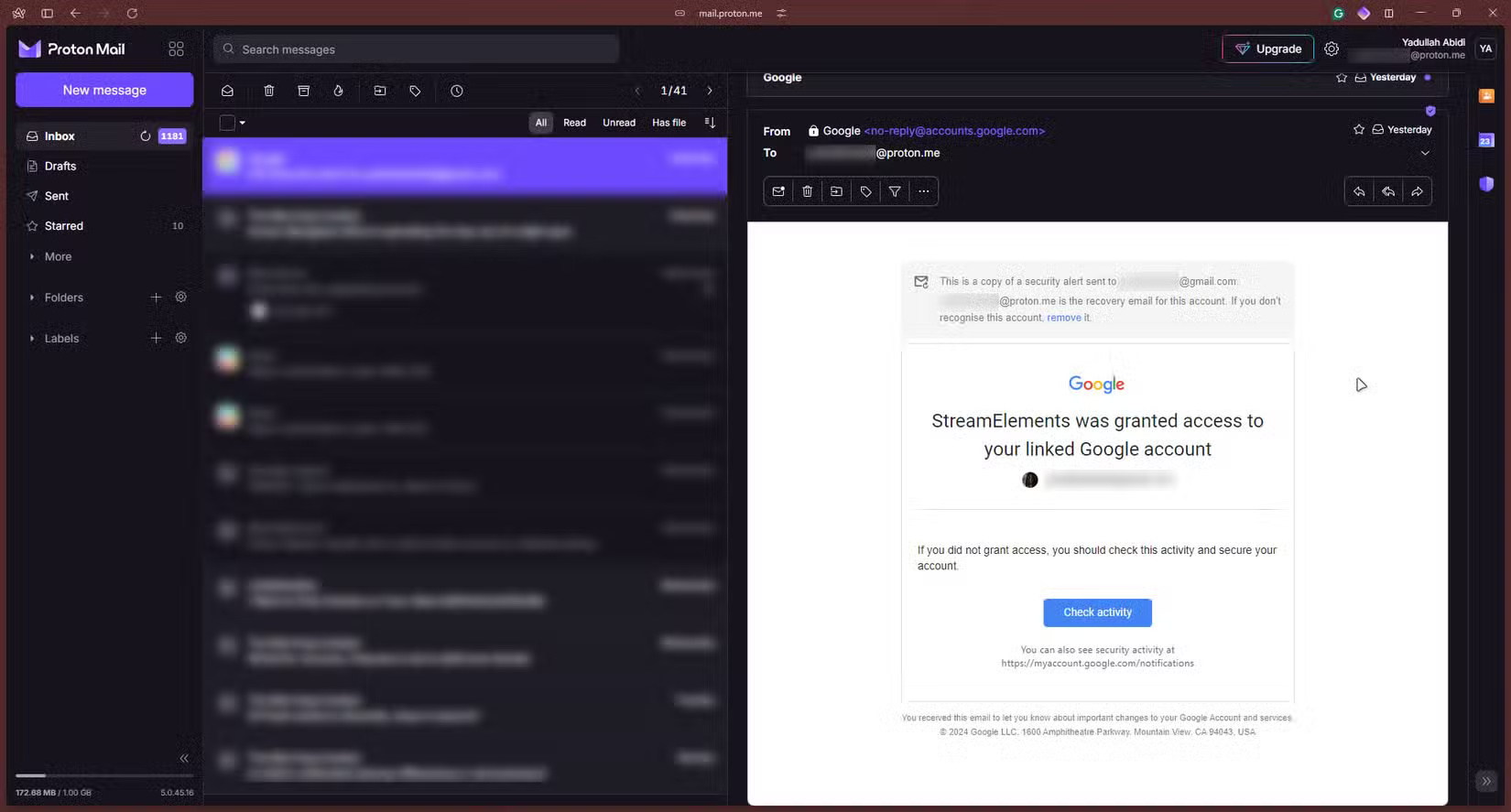
Mail between Proton Mail users is end-to-end encrypted. For an outside address, use a password-protected message or a compatible PGP setup if you need end-to-end encryption. Send the password through a separate trusted channel. Proton’s encryption guide explains how ordinary external mail differs.
Proton Drive for encrypted cloud files
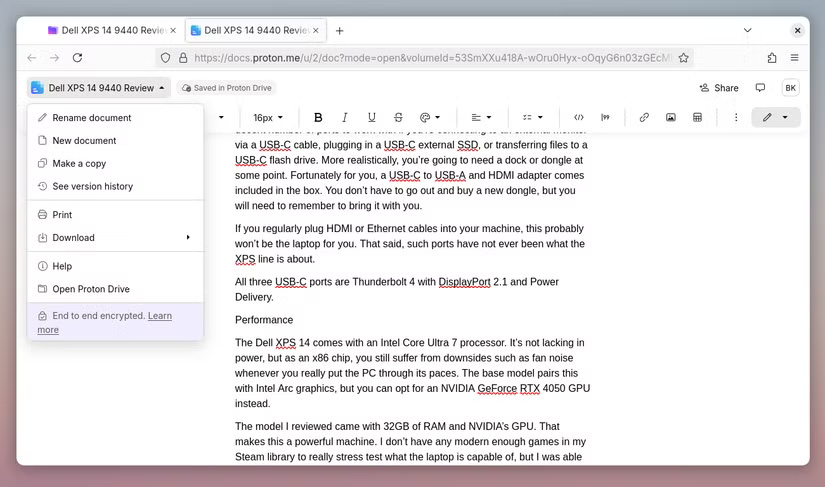
Proton Drive encrypts files end to end and offers sharing through its web and supported device apps. Check permissions before sending a link, especially for documents with personal information. Keep a separate backup of irreplaceable files so that account trouble or an accidental deletion doesn’t leave you with a single copy.
Related Articles
 List of Chinese applications should be removed immediately from the device to ensure safety
 23 malicious apps that steal Facebook and Instagram accounts and blackmail users, need to be removed immediately
 Detecting an extremely dangerous vulnerability on nearly 16,000 iOS applications
 How to update apps on Mac
 How to secure IoT device properly
 The rules need to know to enhance the security of iPhone, iPad and Android
Reader Comments 0
Sign in with email or Google to join the discussion.