Table of Contents
Claude can consolidate several tasks that otherwise require separate writing, PDF, notes, read-later, and research apps. It rarely replaces those products completely: specialized apps still offer browser integrations, precise PDF editing, offline storage, annotation systems, and other features Claude does not reproduce. The useful question is which part of each workflow you can move into one AI workspace.
1. Draft review and structural editing
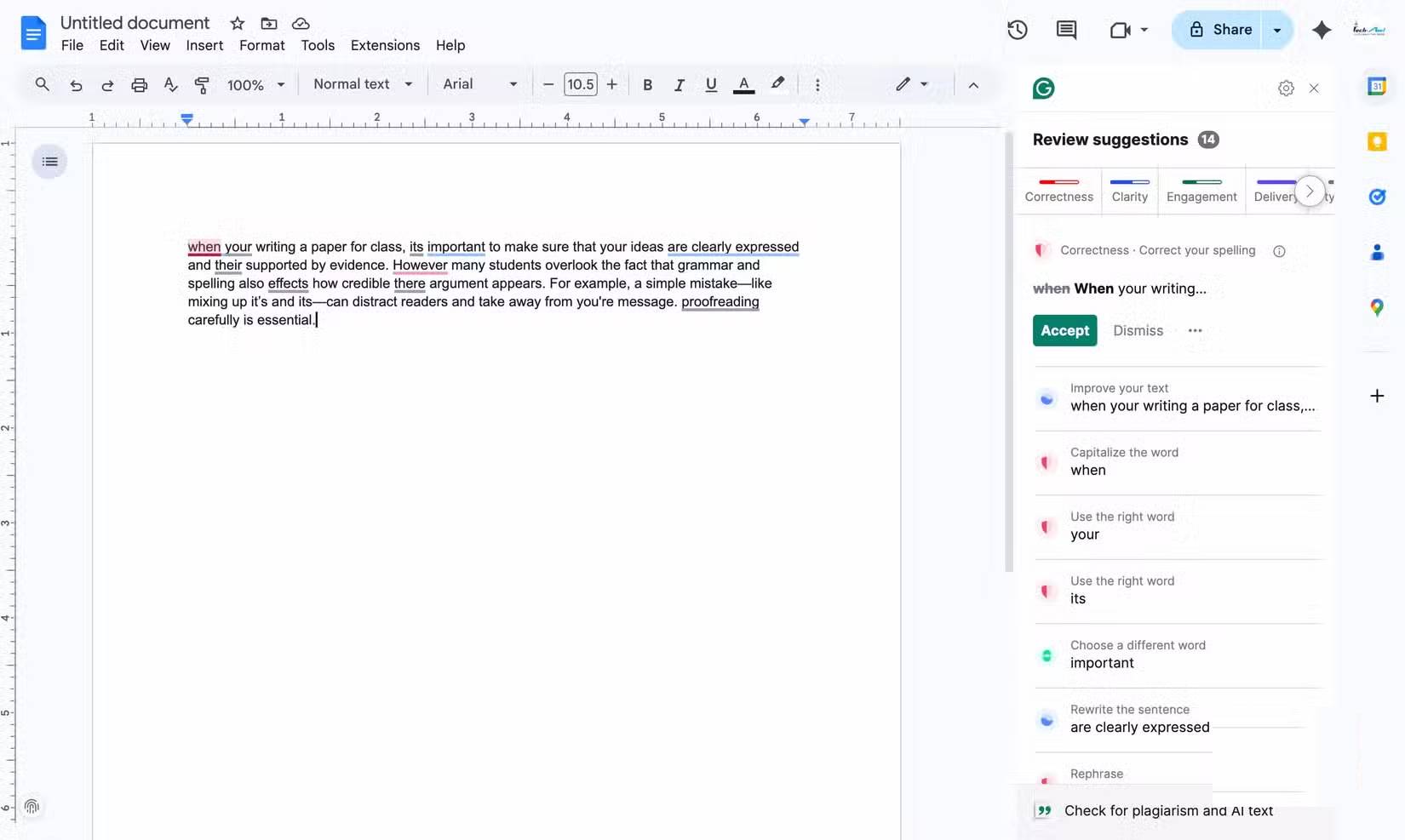
A grammar checker is convenient for correcting text as you type. Claude is more useful when the problem spans paragraphs: a buried main point, repetitive examples, an unsuitable tone, or an argument in the wrong order.
Paste the draft or upload the document, then define the audience and the type of review. A strong prompt is:
Review this draft for clarity and structure. Preserve the factual claims and my tone. First list the three most important problems, then propose edits. Do not invent evidence or citations.
Ask Claude to explain significant changes instead of accepting a full rewrite blindly. Names, numbers, quotations, legal language, and technical details still require comparison with the source. For broader tool choices, see our guide to AI writing tools.
Keep the specialist app when: you need live corrections in every browser field, a formal style guide enforced across a team, or deterministic spelling and punctuation checks.
2. Reading and questioning PDFs
Claude accepts PDFs and other common document formats. It can summarize a report, locate passages, compare sections, extract obligations, or turn a manual into a checklist. Anthropic's file-upload documentation lists the currently supported formats and limits.
For reliable analysis, ask for page or section references and verify every important answer against the file. Scanned pages, complex tables, handwriting, and unusual layouts can be misread. If the document is confidential, confirm that your account and organization policies permit uploading it.
Claude is not a substitute for Acrobat's core editing functions. It will not necessarily preserve a PDF's exact layout, signatures, form behavior, redactions, layers, or prepress settings. It also cannot replace legal, medical, or financial review. Use it to navigate information—not to make a high-stakes decision without a qualified person.
3. Project knowledge and working notes
A Claude Project can hold relevant documents, text, code, and project instructions so new conversations begin with useful background. That is effective for a defined body of work such as a research report, course, product launch, or long-form writing project.
A practical setup is:
- Create one project for one sustained objective.
- Add only the source files that should guide responses.
- Write project instructions covering audience, terminology, format, and prohibited assumptions.
- Name and date source documents clearly.
- Ask Claude to identify which project files support an answer.
- Replace outdated documents rather than leaving conflicting versions in the knowledge base.
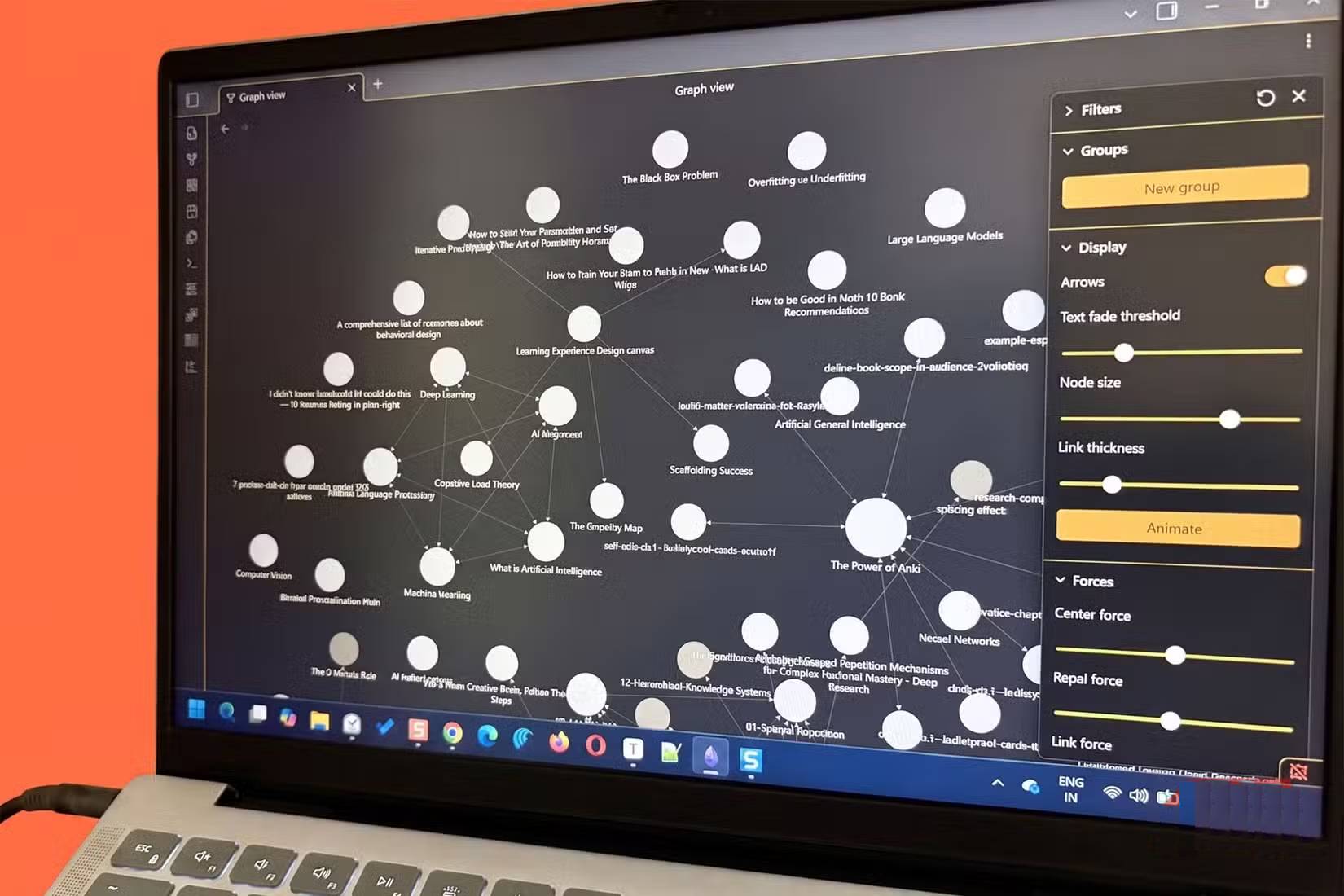
According to Anthropic's Projects documentation, project knowledge supplies context for individual chats. It should not be treated as a canonical database. A notes app remains better for backlinks, offline access, quick capture, calendar integration, carefully organized archives, and information you must retrieve without AI interpretation.
4. Turning saved reading into usable notes
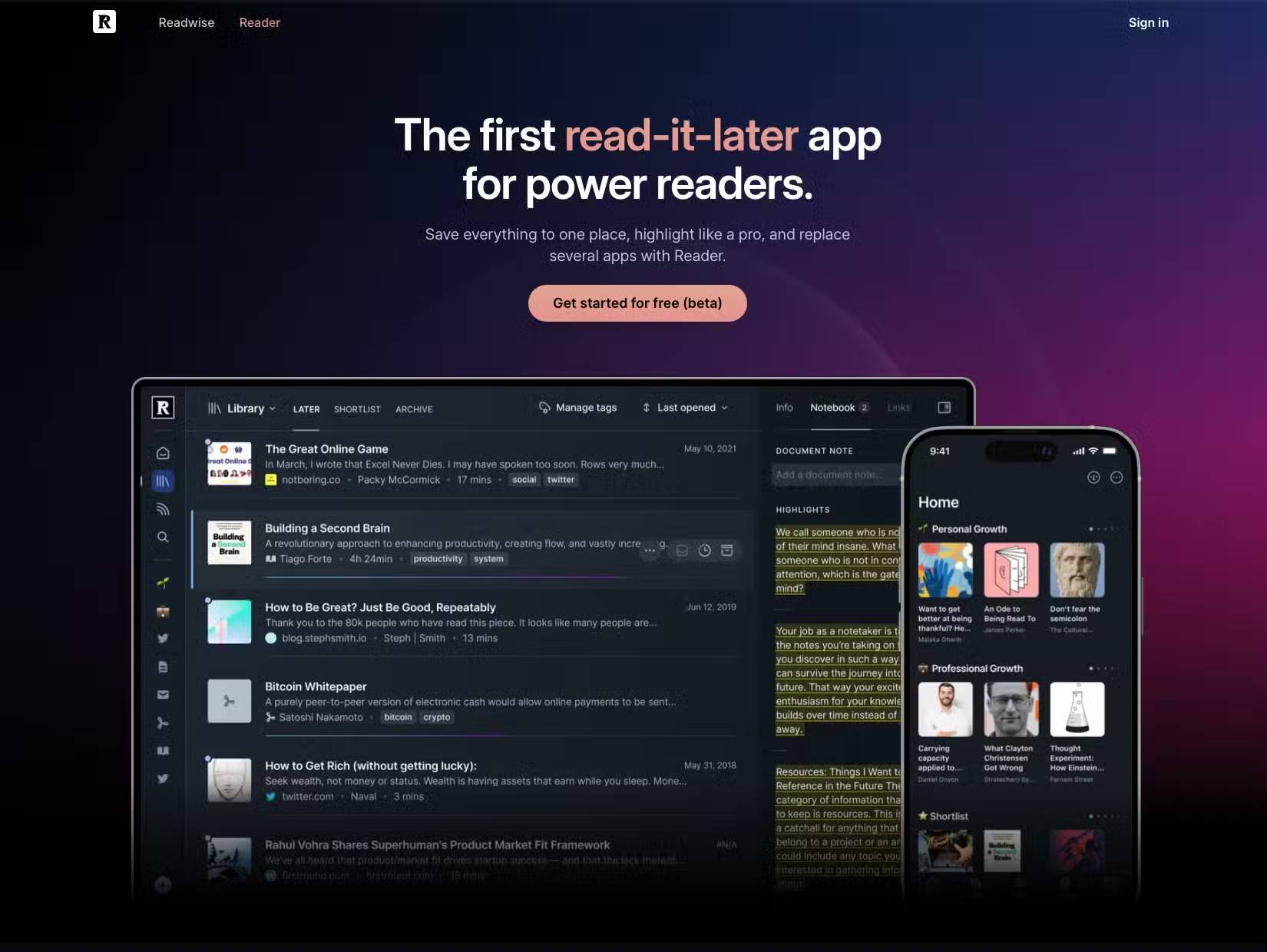
A read-later service is designed to capture, clean up, tag, highlight, and sync articles. Claude can help with the next step: understanding what a saved piece says and connecting it to a question you are working on.
Upload or paste material only when you have permission to do so. Ask Claude to separate:
- the author's central claim;
- evidence offered for that claim;
- assumptions or missing evidence;
- ideas that conflict with other sources;
- actions or questions worth carrying into your own work.
Keep the original URL and your own highlights alongside the AI-generated note. A summary can omit exactly the nuance you later need, and a model may state an interpretation more confidently than the source warrants. If collecting and revisiting highlights is the primary goal, a dedicated reader remains the stronger system.
5. Initial research synthesis
Claude's web search and Research features can gather sources and produce a cited overview. This can reduce the mechanical work of opening many tabs, but it does not eliminate source evaluation. Anthropic notes that Research requires web search to be enabled and returns citations; availability can vary by plan or account.
Start with a narrow research brief:
Compare the current official documentation for these three products on export formats and access controls. Prefer first-party sources, distinguish documented facts from your inference, cite every time-sensitive claim, and list unresolved questions.
Open the citations and check whether each page actually supports the adjacent claim. Look for publication dates, methodology, conflicts of interest, changed product pages, and primary evidence. For consequential research, use a repeatable search process or a specialist database in addition to Claude. Our roundup of AI tools for in-depth research explains where dedicated services may fit.
Where consolidation works—and where it does not
- Good fit: one-off document review, synthesis across a small source set, outline revision, project-specific Q&A, and turning reading into working notes.
- Poor fit: permanent knowledge management, exact PDF production, automatic browser-wide grammar checks, regulated records, large citation libraries, or any workflow that requires deterministic output.
Run the same representative task through Claude and the existing app before cancelling a subscription. Compare accuracy, time, export options, privacy requirements, and how easily you can recover the original material. Consolidation is valuable only when it removes friction without making your records less trustworthy or portable.
Related Articles
 A Guide to Using the Claude API to Build AI Applications11 minutes read
 Reasons Why the Claude Code Should Be Replaced by the Codex8 minutes read
 Claude API: How to Get the Key and Use the API: Explained19 minutes read
 How to Use the Connectors Feature in Claude AI12 minutes read
 Codex vs Claude Code: Which Coding Agent Should You Use?12 minutes read
 What Is the Claude Code: Clear Explanation7 minutes read
Reader Comments 0
Sign in with email or Google to join the discussion.