Table of Contents
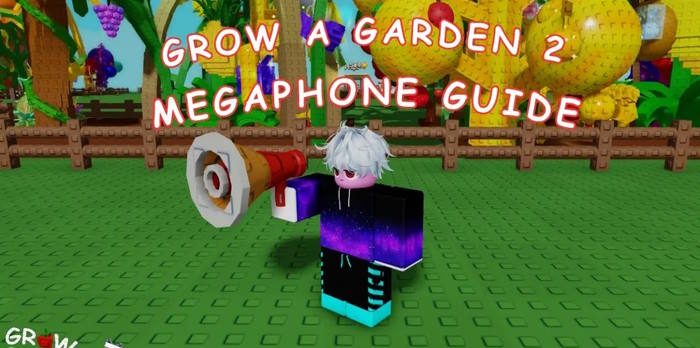
The Megaphone in Grow a Garden 2 is a Gear Shop item that plays one Roblox audio asset at a time. It costs 8,000 Sheckles: buy it from George, equip it from your gear inventory, open the cog menu, and enter a valid Sound ID.
How to get the Megaphone
- Use the Seed or Sell shortcut to return to the central lobby, or walk there.
- Go to the Gears counter and interact with George.
- Find Megaphone in the shop list.
- Pay 8,000 Sheckles. The item is added to your gear inventory.
If the item is missing, rejoin an updated server and check the current shop interface. Game availability, price, and controls can change with an update.
How to use a Sound ID
- Open your gear inventory and equip the Megaphone. You may also be able to equip it directly from its Gear Shop entry.
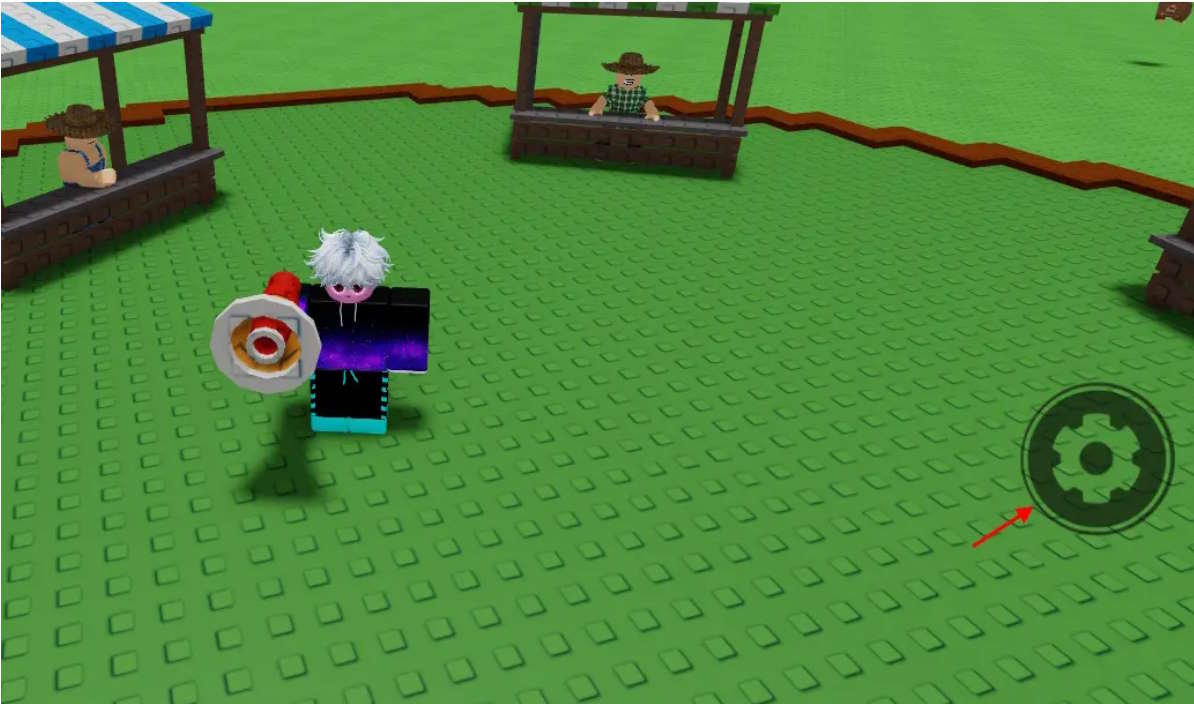
- After it is equipped, select the cog icon that appears on the right side of the screen.
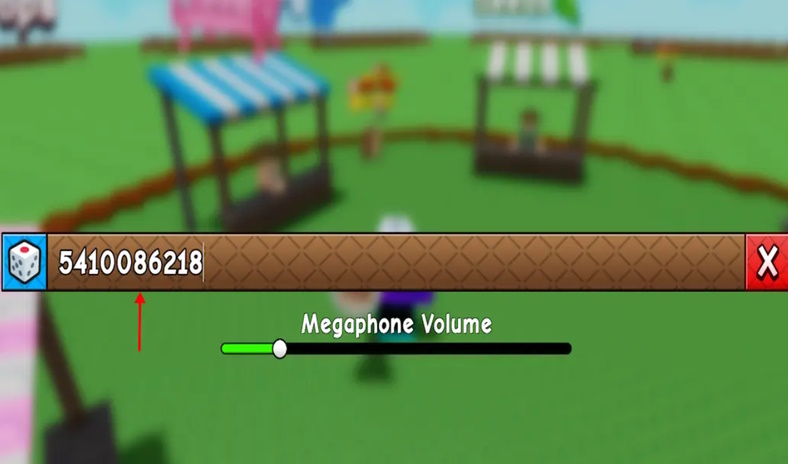
- Enter the numeric Roblox audio ID in the Song ID field.
- Press Enter or use the on-screen confirmation control.
- Adjust the volume to a reasonable level.
Only one Sound ID can be active at a time, but you can replace it whenever you want. An ID may stop working if Roblox removes or restricts the audio asset.
Grow a Garden 2 Sound IDs
These IDs were reported as working at the time of review. Type only the digits.
| Audio | Sound ID |
|---|---|
| Vivaldi — The Four Seasons: Spring | 9045766074 |
| Debussy — Clair de Lune | 1838457617 |
| Grieg — Morning Mood | 1846088038 |
| Satie — Gymnopédie No. 1 | 9045766377 |
| Mozart — Turkish March (string arrangement) | 1842150151 |
| Tchaikovsky — Waltz of the Flowers | 1842150565 |
| Raining Tacos | 142376088 |
| Stadium Rave | 1846368080 |
| Button Click | 6042053626 |
| Grow a Garden notification | 124769473122070 |
| Planting sound | 139229782932442 |
| Normal reward sound | 71983146788880 |
Roblox’s audio catalog is moderated and changes over time, so no static list is permanent. If a code no longer plays, try another current asset rather than repeatedly submitting the same ID.
Why the Megaphone may not work
| Problem | What to try |
|---|---|
| No cog icon | Confirm that the Megaphone, not another gear item, is equipped |
| ID is rejected | Remove spaces and paste only the numeric asset ID |
| No audio plays | Raise in-game audio and device volume, then test a different known ID |
| Code used to work | The audio may have been removed, made private, or restricted by Roblox |
| Other players cannot hear it | Check server state, distance, and whether their audio settings mute the sound |
| Menu looks different | Join a newly updated server and follow the current on-screen controls |
Use it without disrupting the server
The Megaphone is a social item, but very loud, repetitive, or inappropriate audio can spoil a public server and may violate Roblox rules. Keep the volume moderate, stop if other players object, and use a private server with friends for jokes or repeated sound effects. Do not use IDs advertised as bypassed, unmoderated, or explicit audio.
The complete loop is simple: buy the Megaphone for 8,000 Sheckles, equip it, open the cog menu, enter one valid Sound ID, and adjust the volume. When a code fails, the cause is usually an unavailable audio asset rather than the Megaphone itself.
Related Articles
 All the gear in Grow a Garden 2 and their effects - Gear4 minutes read
 How to make money quickly in Grow a Garden 23 minutes read
 How to Get Seed Packets in Grow a Garden4 minutes read
 Grow a Garden 2 Tips and Tricks for Beginners6 minutes read
 Comparing Grow a Garden 2 and Grow a Garden3 minutes read
 Private Server Links for Grow a Garden: Complete List6 minutes read
Reader Comments 0
Sign in with email or Google to join the discussion.