Table of Contents
This guide organizes the entries in "4 Seemingly Harmless Email Habits That Hackers Use Against You" and explains what each option, idea, or example offers. It also highlights practical details that matter when comparing the choices.
4. Shortened URLs hide dangerous destinations
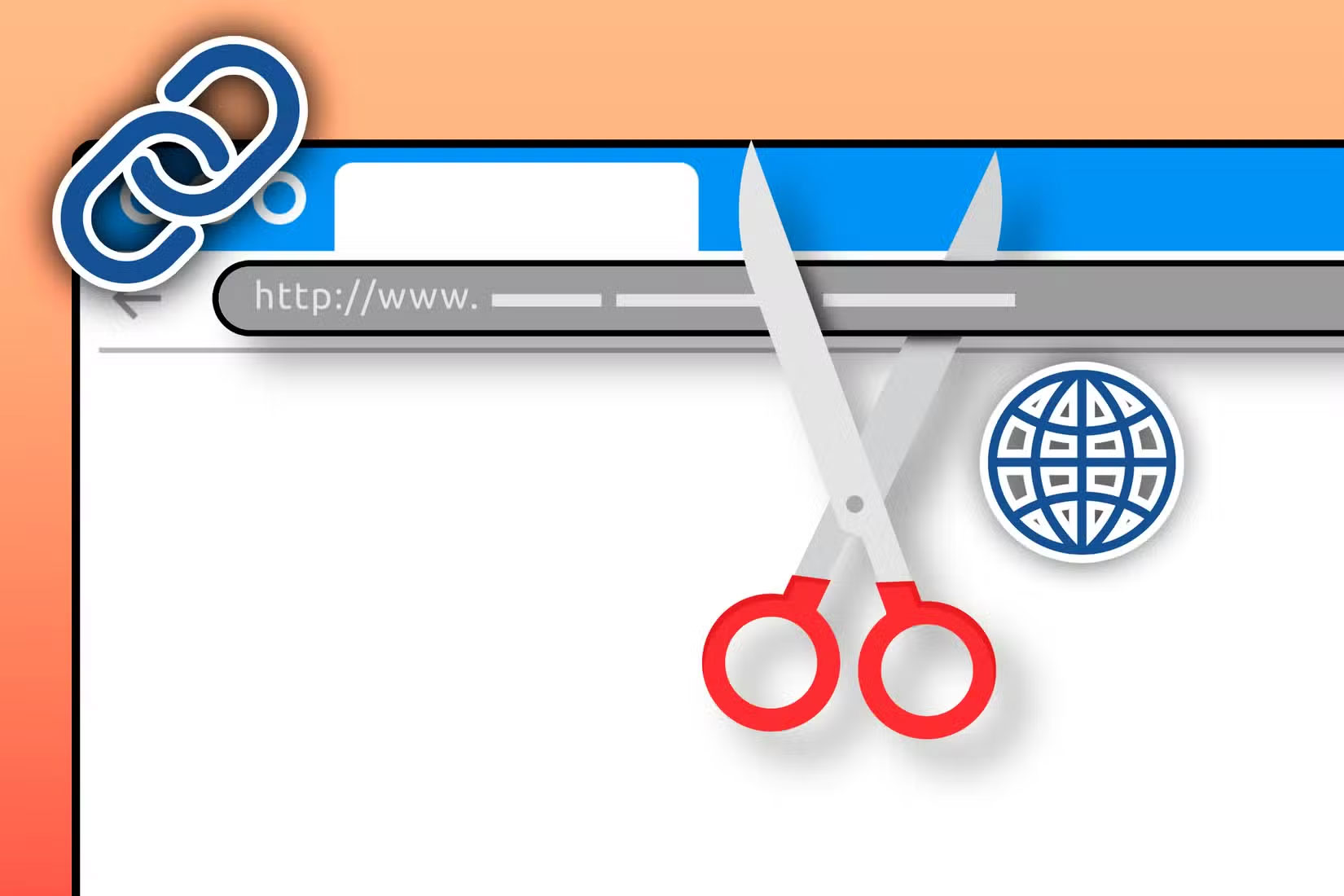
Shortened URLs look pretty harmless, and those little bit.ly and tinyurl.com links save space and look neater. But the problem is you can't see where they actually lead until it's too late.
Cybercriminals love URL shorteners because they effectively mask malicious websites. A 'helpful' link that claims to verify your account might redirect you to a fake login page designed to steal your credentials.
Most email clients don't preview shortened URLs, leaving you completely clueless about the destination. Even hovering over these links often shows nothing but the link shortener's domain, not the actual target website.
3. The "Unsubscribe" link may confirm you are the real target
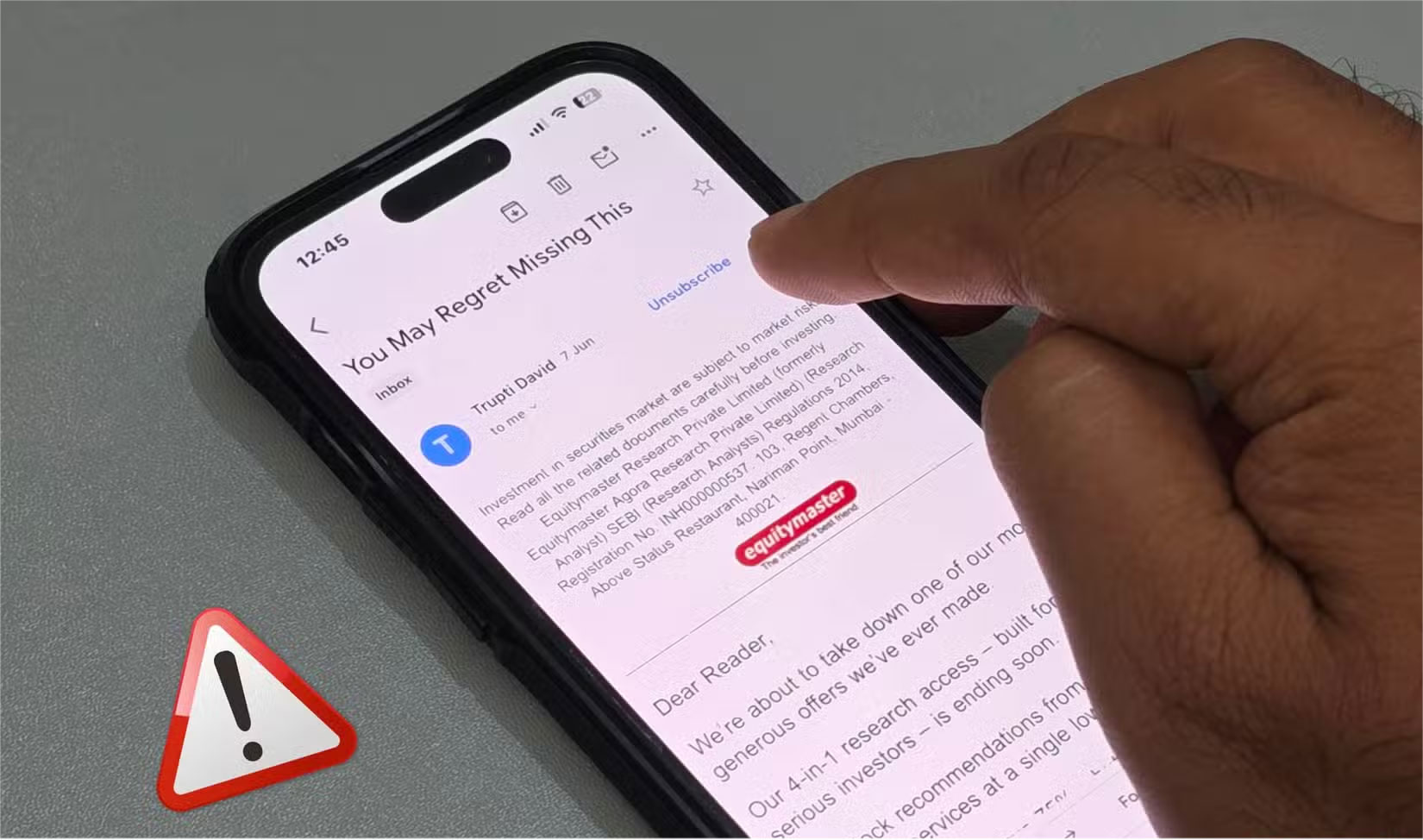
In some spam emails, the Unsubscribe button at the bottom can often be a trap. Legitimate companies honor unsubscribe requests, but scammers use these clicks to confirm that your email address is active and being tracked. Once you click, they know they've found a real person and your address is marked as valuable.
This verification makes your email more valuable on the dark web. Verified, active addresses sell for more money to other cybercriminals, meaning more spam, phishing attempts, and potential security threats are headed your way.
2. Auto-loading images reveal more than you think
Most email apps automatically load images when you open a message. That may seem harmless, but it's not.
Senders embed tiny 1 pixel x 1 pixel email tracking pixels into those images, which report back to the sender as soon as they load. These pixels can reveal when you opened the email, the device you used, your approximate location, and even your IP address.
Marketing companies use this data to build detailed profiles of your habits. But cybercriminals exploit the same technology for darker purposes, such as identifying active targets and gathering intelligence for future attacks.
1. First, verify the document attachment
Email attachments are a popular method of distributing malware, and cybercriminals are getting better at disguising their threats. An "invoice.pdf" could actually be "invoice.pdf.exe" — a malicious executable disguised as a document. These double extensions exploit Windows' default setting to hide file extensions, making dangerous files appear harmless at first glance.
Even seemingly legitimate file types can harbor threats. Cybercriminals often use EXE and PDF files to hide viruses, turning everyday documents into Trojan horses that install malware when opened.
Don't forget to verify any attachments that look suspicious before opening them. Verify the sender through a private communication channel if possible. Additionally, you should run a virus scan to detect and avoid malicious attachments.
FAQ
What should you know about 4. Shortened URLs hide dangerous destinations?
Shortened URLs look pretty harmless, and those little bit.ly and tinyurl.com links save space and look neater. But the problem is you can't see where they actually lead until it's too late.
What should you know about 3. The "Unsubscribe" link may confirm you are the real target?
In some spam emails, the Unsubscribe button at the bottom can often be a trap. Legitimate companies honor unsubscribe requests, but scammers use these clicks to confirm that your email address is active and being tracked. Once you click, they know they've found a real person and your address is marked as valuable.
What should you know about 2. Auto-loading images reveal more than you think?
Most email apps automatically load images when you open a message. That may seem harmless, but it's not.
What should you know about 1. First, verify the document attachment?
Email attachments are a popular method of distributing malware, and cybercriminals are getting better at disguising their threats. An "invoice.pdf" could actually be "invoice.pdf.exe" — a malicious executable disguised as a document. These double extensions exploit Windows' default setting to hide file extensions, making.
Related Articles
 20 Technology Habits That Change Lives (Part 2)8 minutes read
 You're Unknowingly 'Killing' Your SSD: Explained8 minutes read
 Seemingly Clean Habits Turn Out to Be Unexpectedly 'Dirty': Complete Guide5 minutes read
 6 Habits That Destroy HDD Hard Drives6 minutes read
 Hackers Hate These 6 Email Settings! Turn Them on Now!8 minutes read
 6 Habits of Killing Sperm, Don't Ask Why Your Weak Sperm Is6 minutes read
Reader Comments 0
Sign in with email or Google to join the discussion.