Table of Contents
Explore 3 apps to help kids learn math for free on Windows 10 and learn what each option does well. The article focuses on practical details that can help you make a more informed decision.
Emile Maths Games LITE
How 3 Apps to Help Kids Learn Math for Free on Windows 10 Works
Emile Maths Games LITE helps children learn math through minigames with many different topics. Each topic is that children will learn a different math such as addition and subtraction, division, statistics, measurements.
This math learning app is suitable for children of grades 3-4, completely free and special with no ads.


- Emile Maths Games LITE
Microsoft Math
Microsoft Math deals with algebra, geometry, statistical probability, etc. in Mathematics for high school students and above.
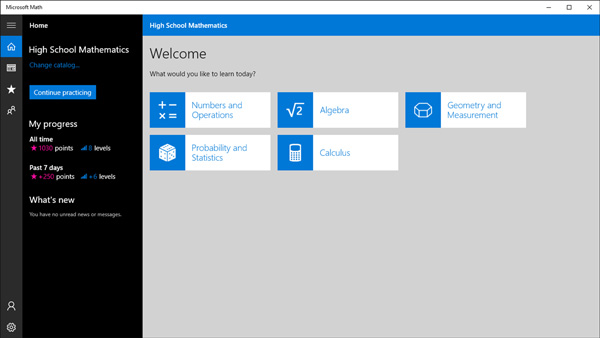
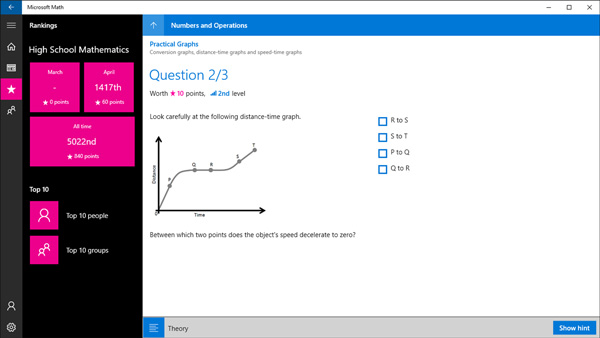
The app has many different topics, each topic is divided into smaller levels from easy to difficult to help children choose the lesson that is suitable for their level. Exercises have forms to practice. Users only need to sign in to the app with their Hotmail or Outlook account to use the app for free.
- Microsoft Math
Junior Arithmetician
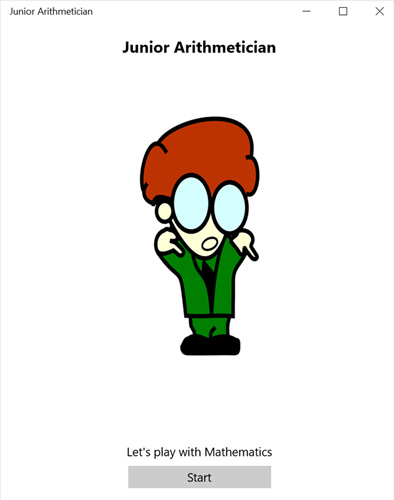
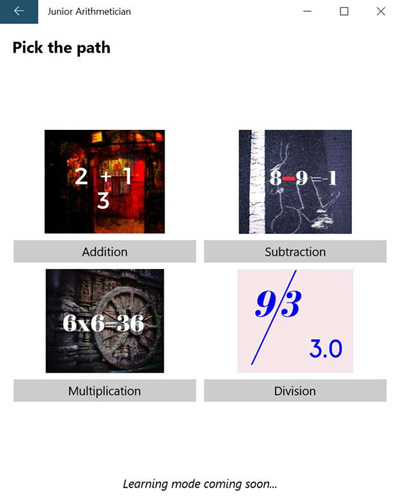
Junior Arithmetician math applications focus primarily on topics of addition, subtraction, multiplication and division that are suitable for children in grades 4 - 5. Multiple choice questions are divided by topic. When the child starts playing, there will be a time limit for answering time. Correct answer, can move on to the next question by clicking the Next button.

- Junior Arithmetician
Application of the problem solving exercise of VnDoc
Solving exercises with VnDoc is an application that helps students study subjects well, including Maths with instructions for solving textbooks and exercises for students from grades 1 to 12.
- Please download VnDoc's Exercises app to make learning easier
- Top 10 best software for secondary school students
- 16 applications that help students learn more effectively
- Please refer to the useful application for learning, with download link
- Effective mobile math solutions
FAQ
How were the 3 apps to help kids learn math for free on Windows 10 options selected?
The options are compared by usefulness, ease of use, core features, and their fit for the situations described in the article.
Which option is best for beginners?
Choose the option with the simplest setup, clear documentation, and the features you actually need. A more advanced option is not always the better starting point.
What should I check before choosing?
Check compatibility, current availability, pricing or licensing, privacy requirements, and whether the product still receives updates and support.
Related Articles
 How to Learn Math on Coolmath4Kids for Kids3 minutes read
 Developing Thinking and Teaching Children to Learn Math with Lego2 minutes read
 Messenger Kids Has a Major Update, Significantly Increasing3 minutes read
 Best AI Math Solving Tools You Should Try8 minutes read
 AI Math Scanner- Math Solution10 minutes read
 Google Play Has a New Kids Tab That Contains Apps Suitable3 minutes read
Reader Comments 0
Sign in with email or Google to join the discussion.