Table of Contents
A fake incoming call app can make your own Android phone ring and display a simulated call. It’s useful for a skit or as a cue to wrap up a conversation. The apps below simulate a call on your device. A second-number service places real calls and serves a different purpose.
Four call simulators to compare
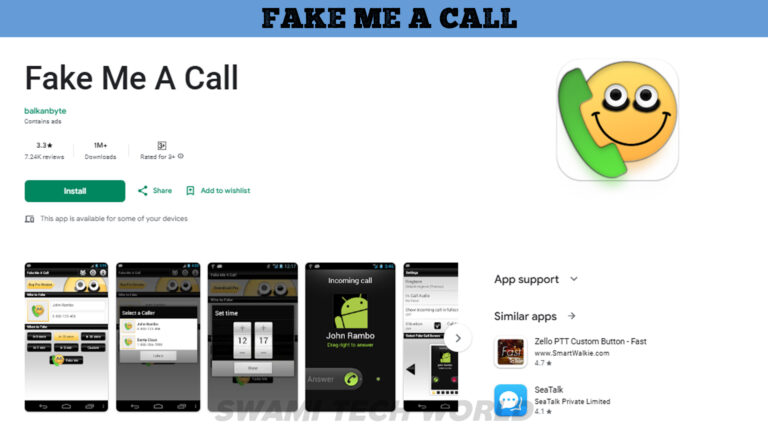
Fake Me A Call
Choose Fake Me A Call if you want to schedule an incoming-call simulation in advance. Test it once with the phone locked before relying on the timer.
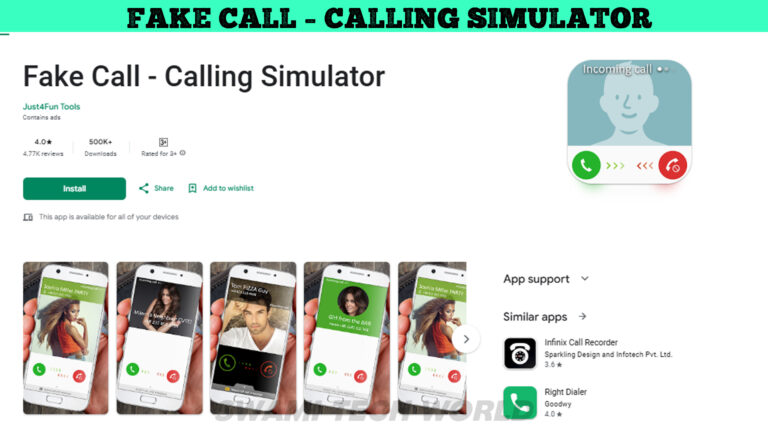
Fake Call – Calling Simulator
Fake Call – Calling Simulator lets you choose the appearance and behavior of the simulated call screen. Use a fictional caller profile when testing it.
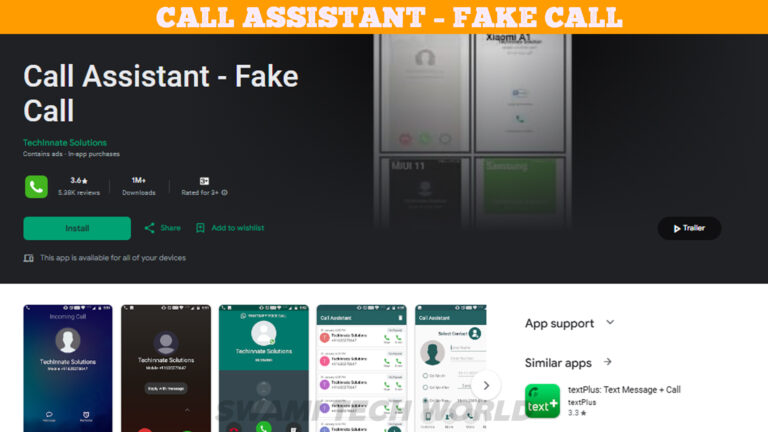
Call Assistant – Fake Call
Look for a timer and call layout options in Call Assistant. Check how it behaves with your phone’s notification settings.
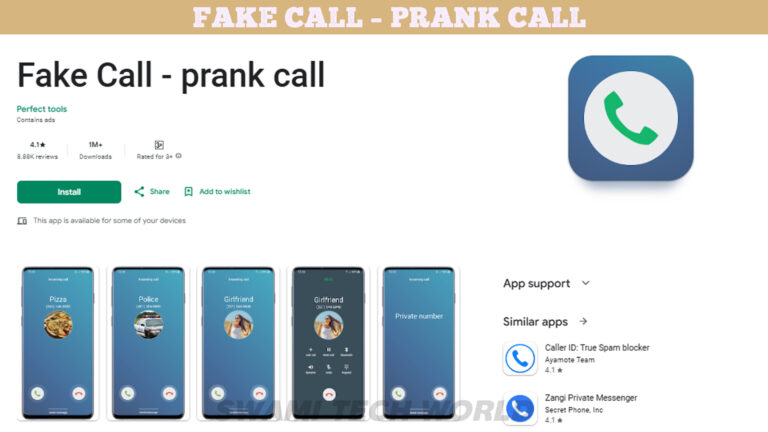
Fake Call – Prank
Fake Call – Prank provides a simulated caller screen and a caller voice option. Its listing says it does not place or receive actual calls.
Test what happens before you need it
- Open the listing for your region and check the developer, recent reviews, ads, and the permissions it requests. See how to review Android app permissions. Try using a fictional caller name without granting access to your address book.
- Set a short timer, then lock your phone. Notice whether it rings, displays a notification, or opens the full screen. Do Not Disturb or background restrictions may change the result.
- If you just need a discreet cue, a regular alarm or a check-in from a friend may do the job. If the problem is unwanted real calls, use your phone’s call blocking controls.






Reader Comments 0
Sign in with email or Google to join the discussion.