Table of Contents
Before paying for a PC utility, identify the task you need it to perform and try the tools you already have. Windows and free applications cover many everyday needs. Paid software can still be worthwhile when it adds a feature, workflow, support arrangement, or business requirement you actually use.
1. PC cleanup utilities
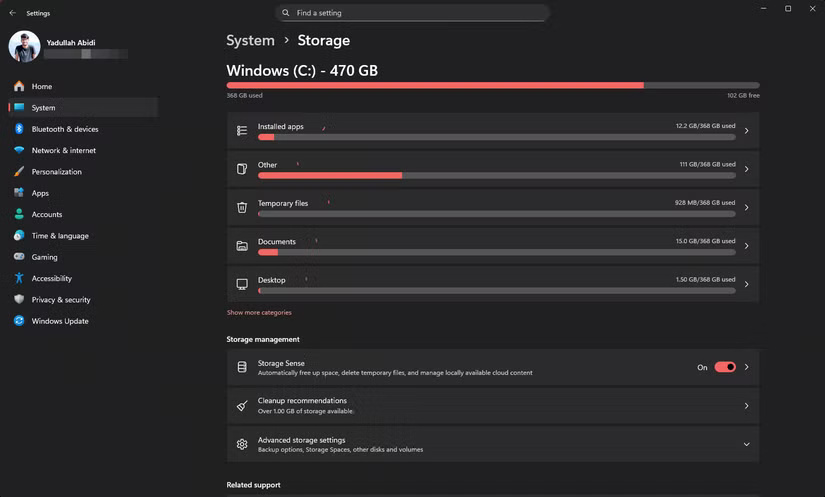
For ordinary storage cleanup, start with Settings > System > Storage, Cleanup recommendations, or Storage Sense. Review what will be removed, particularly Downloads, Recycle Bin contents, and previous Windows installations.
You do not need a subscription simply to remove temporary files. Be skeptical of alarming scan results or promises that a registry cleanup will transform performance. If you are unsure where to start, use the PC troubleshooting learning path to diagnose the actual problem.
2. Antivirus suites
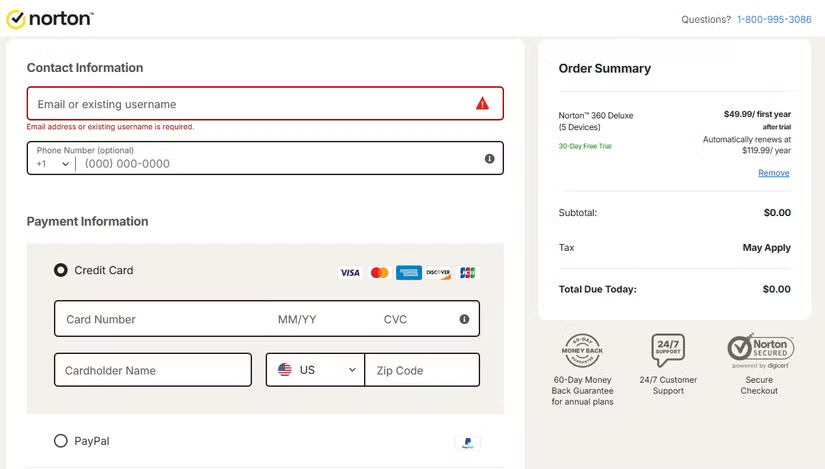
Supported Windows installations include Microsoft Defender Antivirus through Windows Security. Confirm that protection and updates are active before assuming another purchase is necessary. A paid suite may offer different filtering, management, support, or cross-device features, but do not pay merely because a trial-expiry message sounds urgent.
Business-managed PCs may require an organization’s chosen product. Do not remove it independently. Avoid running competing real-time antivirus products together, and check Windows Security after replacing an expired product. Microsoft’s Windows Security overview explains how built-in protection works with another antivirus.
3. Archive and compression tools
File Explorer handles common archive tasks, with format support depending on the Windows version. Encrypted archives or more advanced compression settings may need another application. 7-Zip is a free option, including for use in commercial organizations.
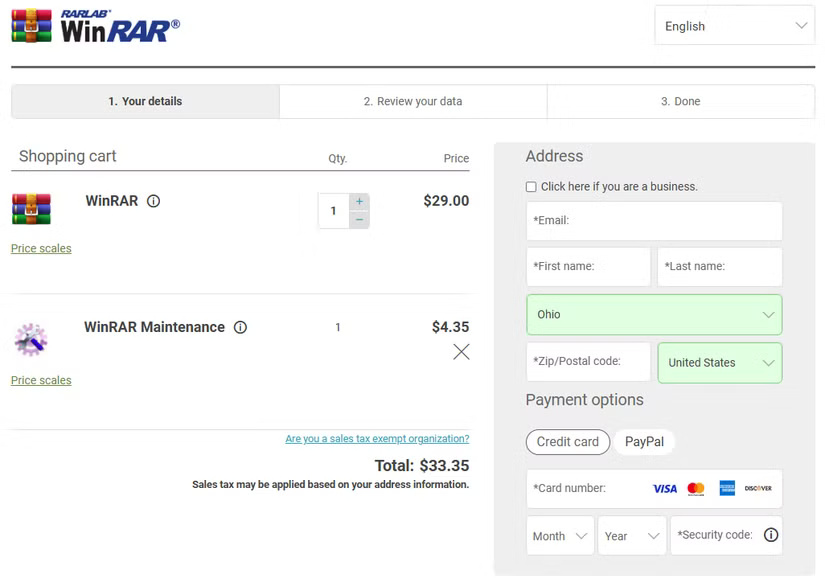
If you specifically need a paid product such as WinRAR, follow its license terms. A trial that continues to display a reminder is not permission to ignore the license. Choose a genuinely free alternative when you do not need the paid features.
4. Generic driver updaters

Use Windows Update and the PC or component manufacturer’s official support tools first. Match the exact hardware model and operating system. For graphics drivers, use the GPU vendor or laptop manufacturer’s appropriate package.
A generic updater’s list of “outdated” drivers is not proof that every listed item needs replacement. Update for a documented fix, compatibility need, or security reason, and keep a way to recover from a problematic change. Avoid third-party driver-download bundles that obscure the source.
5. Note-taking subscriptions
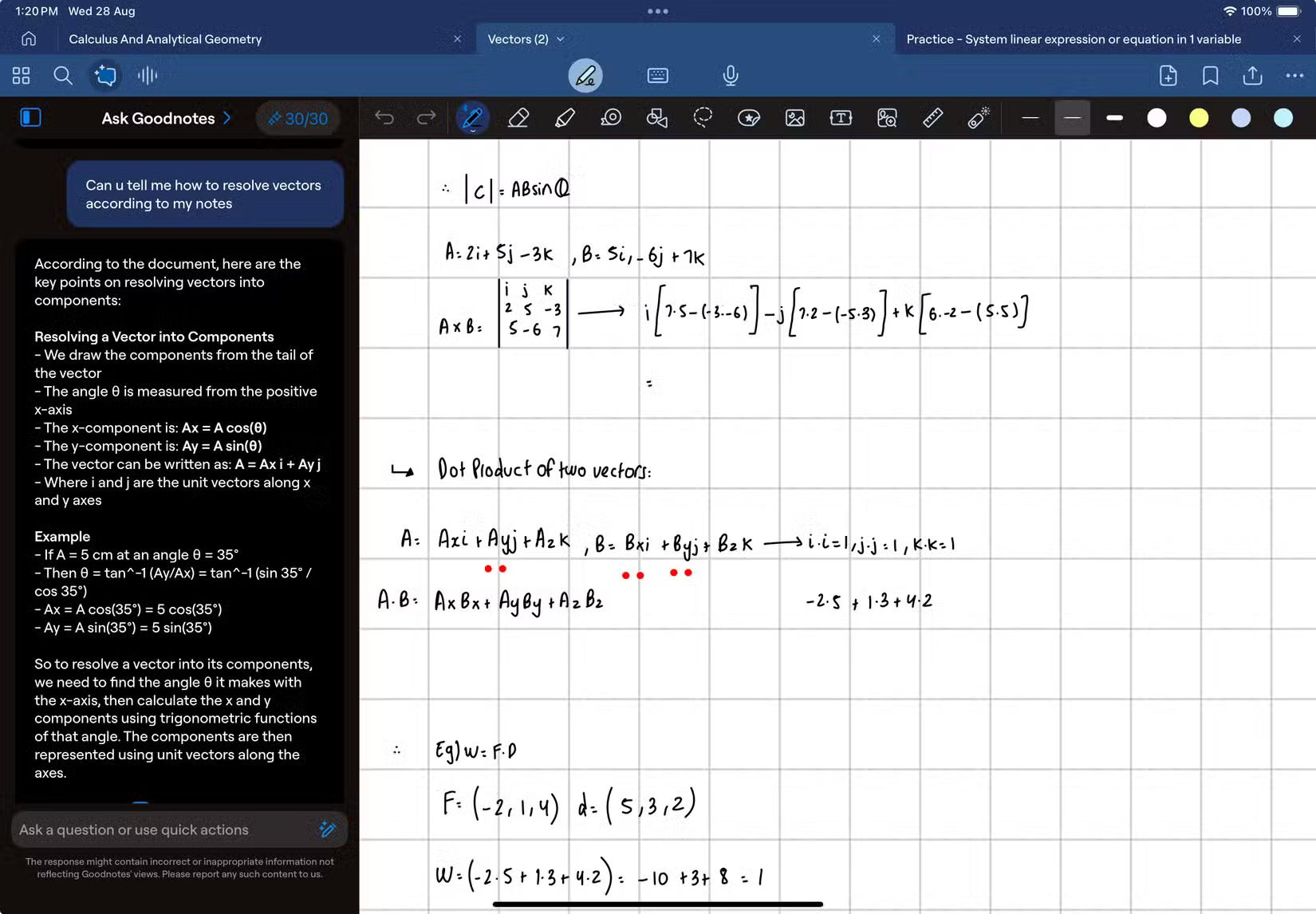
Simple text files or a note app’s free tier may be enough for personal notes. Test search, export, offline access, and backup before committing your information to a service.
Pay when you need a specific benefit, such as reliable team collaboration, handwriting features, larger storage, or a workflow that saves meaningful time. Compare total cost and portability rather than assuming more features will make you more organized.
6. PDF subscriptions
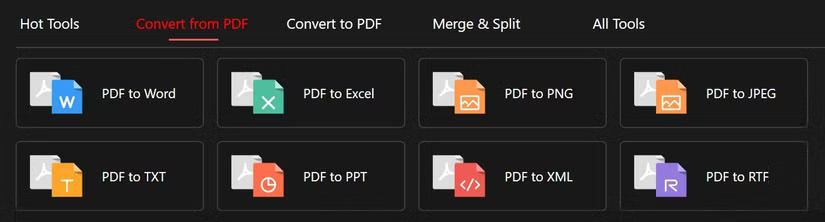
Reading, printing, and some annotation tasks can be handled by a browser or free PDF application. Changing existing text, OCR, forms, redaction, and professional document workflows are separate capabilities. Free tools do not necessarily handle all of them equally well.
Start with free PDF editing options, then test a copy of the document and inspect every changed page. Use genuine redaction for information that must be removed; covering text with a shape may leave it recoverable. Avoid uploading confidential files to an online tool without checking its privacy and retention terms.
7. AI subscriptions
Try a service’s available free access on a real, low-risk task before subscribing. Check whether paid access solves a limit you actually reach, such as usage volume, a particular tool, or team administration. Plans and features change, so compare current terms rather than an old review.
AI output still needs checking, whether it comes from a free or paid plan. Do not buy a subscription on the assumption that payment guarantees accuracy or makes confidential uploads appropriate.
For any category, define your required feature, test it, check export and cancellation options, and pay only when the added value justifies the ongoing cost. A free trial is useful evidence; an unused subscription is not.
Related Articles
 What is Don't Starve? Overview of the game Don't Starve
 How to survive the winter in Don't Starve
 DUHK attacks allow hackers to obtain encryption keys for VPN and web browsing sessions
 Guide to play Don't Starve in the early days
 The best free PDF software on Windows and Mac
 What do you know about software technology P6
Reader Comments 0
Sign in with email or Google to join the discussion.