Table of Contents
Some free tools handle tedious tasks while you focus on more interesting things that require active participation.
The first thing many people automate is paying bills. Late credit card payments mean penalty fees, and the delay will cost you real money. That's a strong enough incentive to set up automatic payments. From there, continue applying the same logic to other repetitive tasks that don't incur penalties but still take time – organizing emails, managing downloaded files, backing up work files.
Fortunately, you don't need to learn programming to automate these tasks. Several free tools handle the tedious work while you focus on the more interesting tasks that require active participation.
Automatically clean up your inbox.
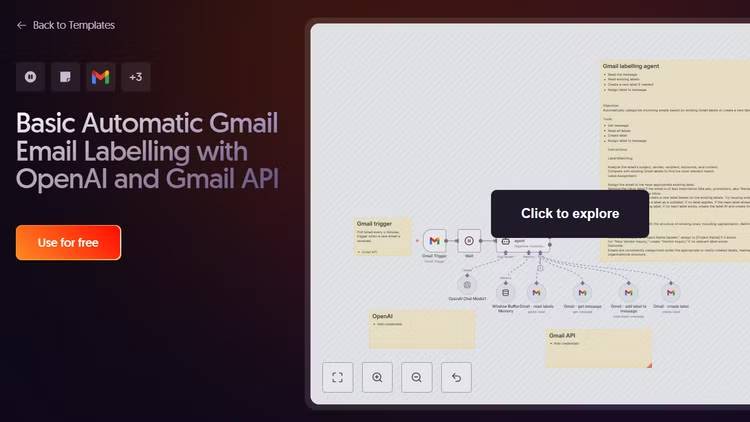
n8n automates the Gmail tagging process.
We all have Gmail inboxes overflowing with promotional emails, newsletters you forgot to subscribe to, and random notifications from services you hardly ever use.
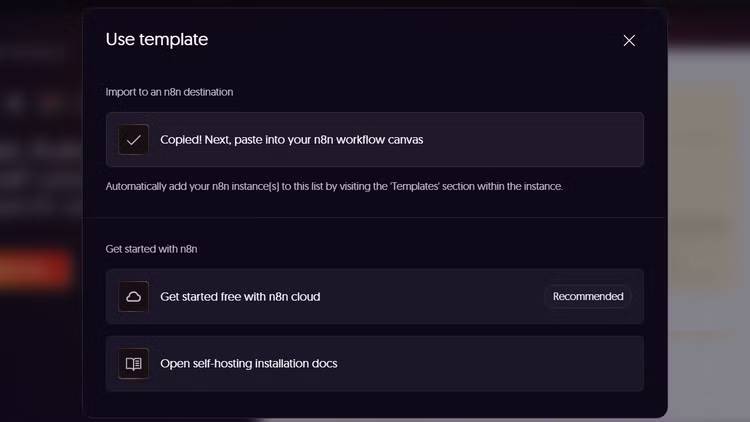
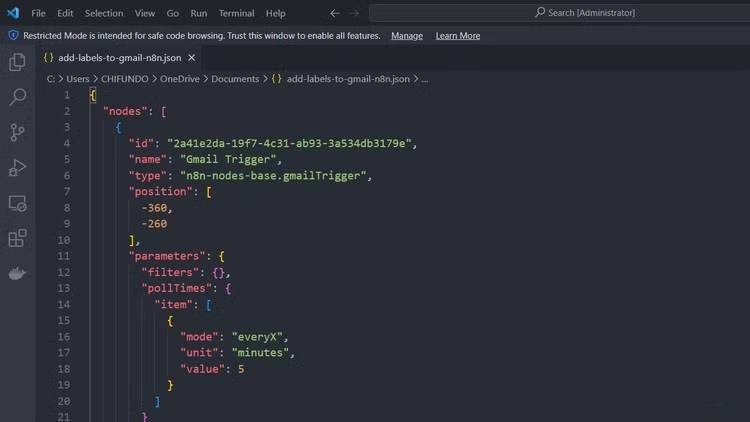
Therefore, some people decide to automatically clean up Gmail using n8n, a free, open-source automation tool that self-hosts with Docker. It uses a node-based workflow system where you connect different services and define rules for how they interact. For Gmail, import an official template that automatically labels incoming emails based on their content.
The workflow will check for new emails, send the sender, subject, and content to an AI model (Google Gemini can be used since it's free), and apply appropriate labels.
Meeting Notes
tl;dv records meetings and automatically creates logs.
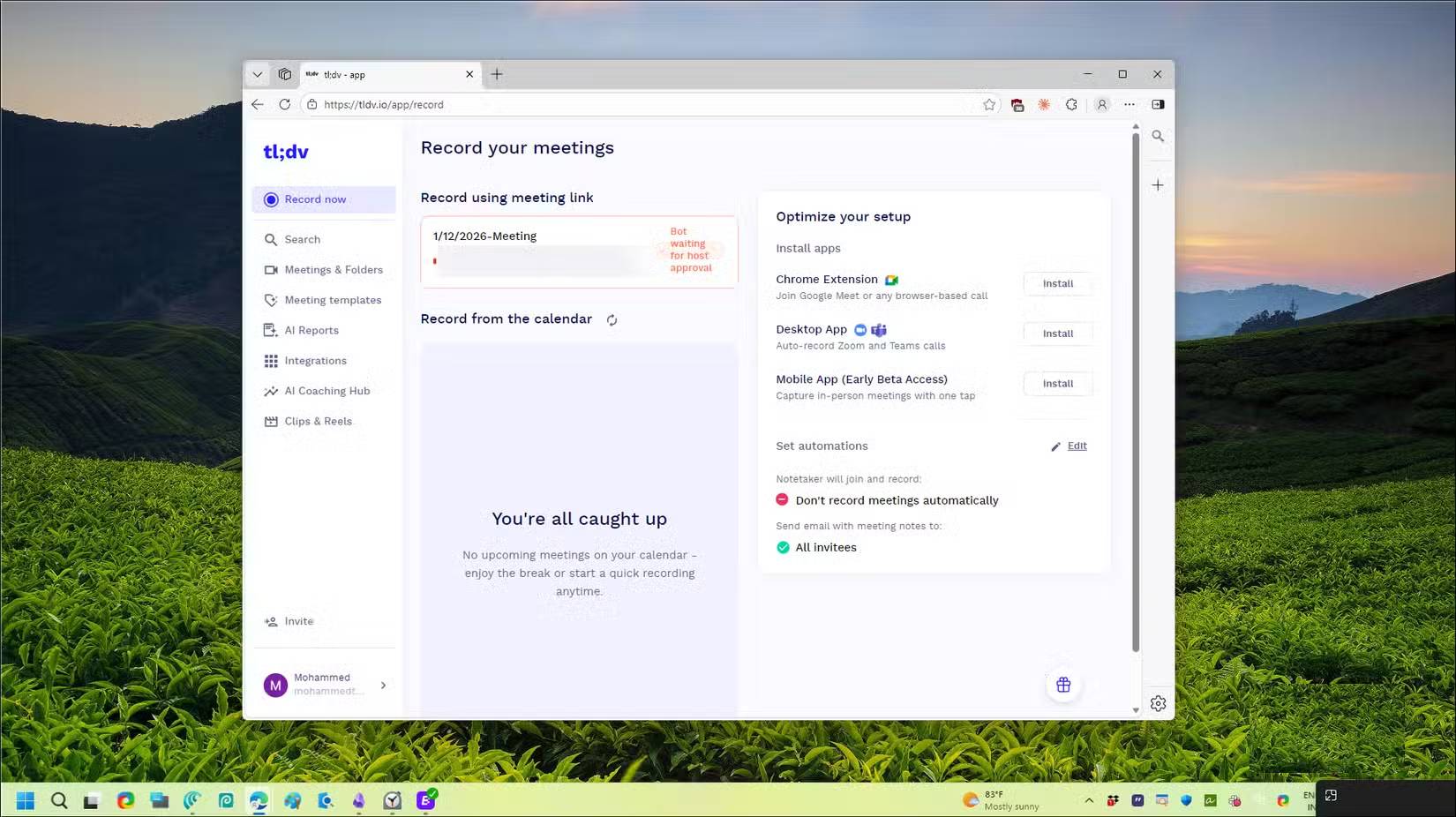
Taking notes during meetings is something people always struggle with. They often miss important points when taking notes or forget what was discussed because they're too focused on listening. And asking someone to repeat something in the middle of a call is never a good idea.
Instead, some people have started using tl;dv, a free AI-powered meeting recording software that works with Zoom, Google Meet, and Microsoft Teams. When you join a call, tl;dv's bot joins as well and records everything, including audio, video, and screen sharing. After the meeting, it creates a transcript with speaker labels and even summarizes the key points.
Type repeatedly
aText converts abbreviations into full blocks of text.
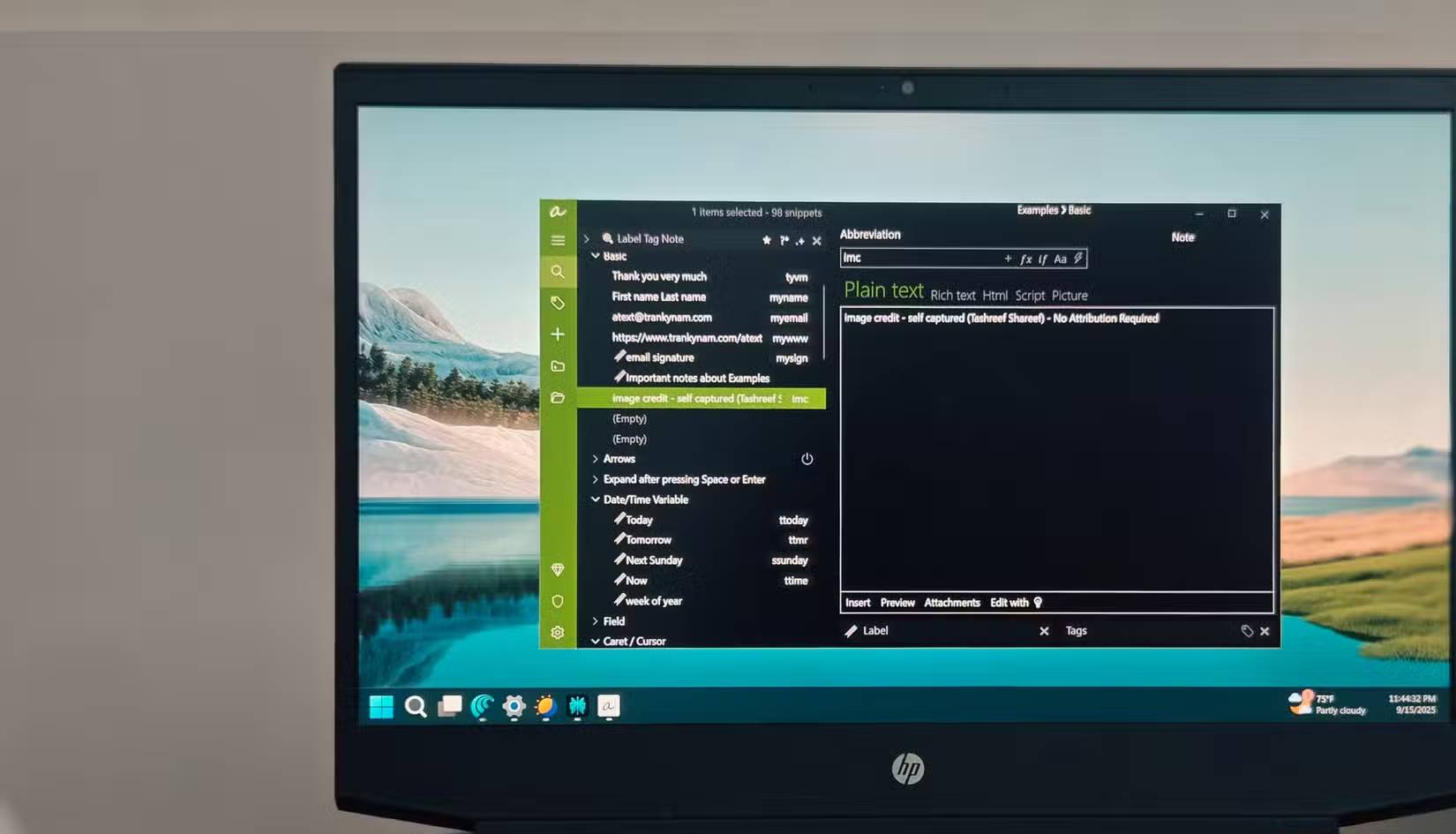
If you spend a lot of time typing, you're probably also dealing with repetitive typing. You can use similar templates for article suggestions, emails with recurring messages, and common personal details that we type repeatedly—addresses, phone numbers, account details, etc.
Text expansion tools like aText and Beefext can save hours of typing each day. Simply specify an abbreviation, assign the expanded text, and you're done. Every time you type the abbreviation, it instantly becomes the full text. Set up shortcuts for image source notes in articles, suggested templates, standard email replies, form filling, and recurring AI prompts. Tasks that previously took minutes now only require three keystrokes.
Clean up and organize files.
DropIt automatically organizes the Downloads folder.
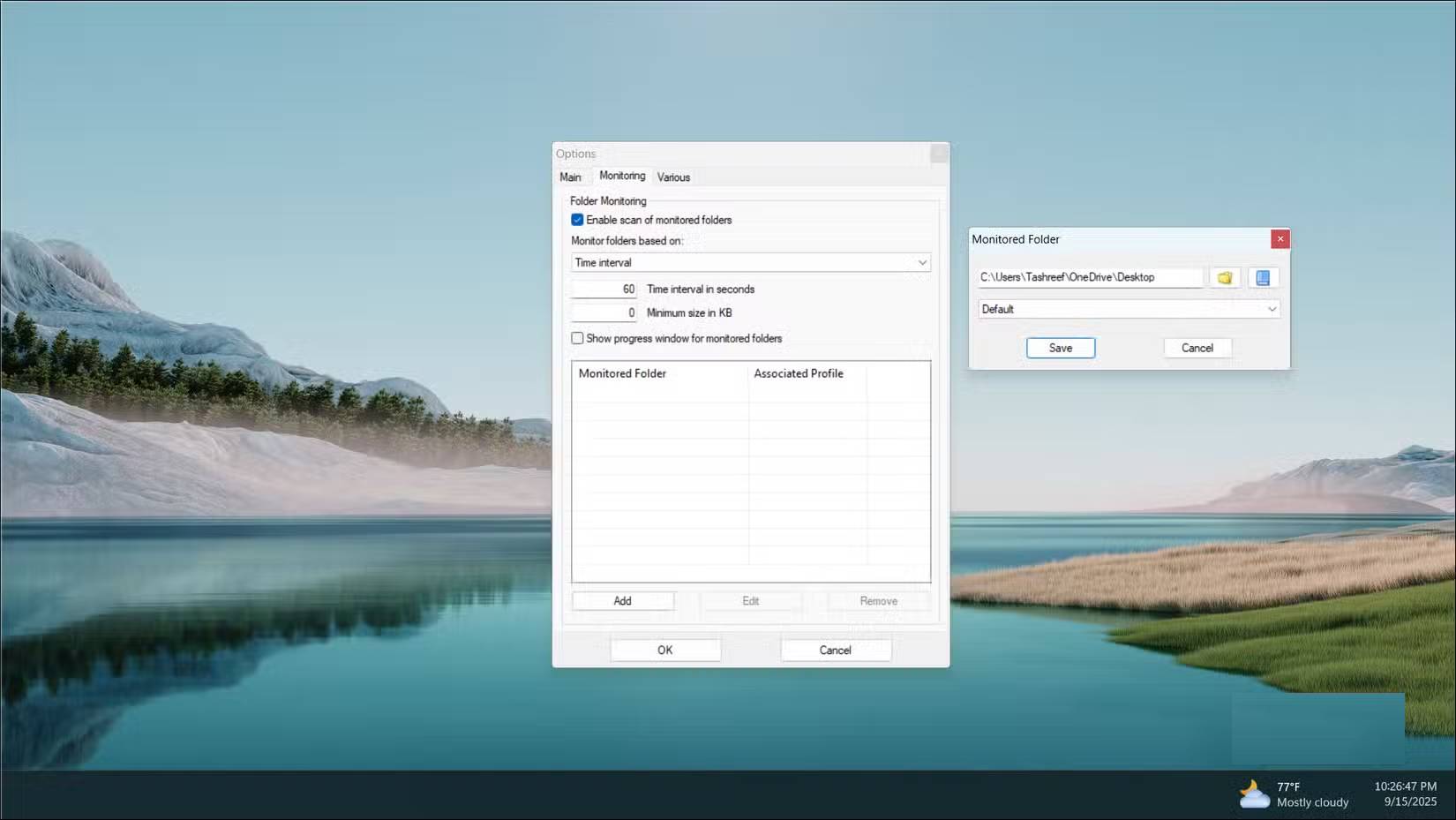
Your Downloads folder is a jumble of images, PDFs, installers, ZIP archives, and random documents you've downloaded from somewhere. You should organize them, but dragging and dropping files into folders every day is definitely not feasible.
DropIt is a free, open-source Windows utility that lets you automatically organize your downloaded files. You create "linking" rules to match files by name, extension, size, or date, and assign actions like moving, copying, or compressing. Set it up to monitor the Downloads folder; PDFs will then go to Documents, images to Pictures, installers to the Software folder, and archive files to their own designated locations.
Automatic backup
Duplicate backs up your files to multiple locations.
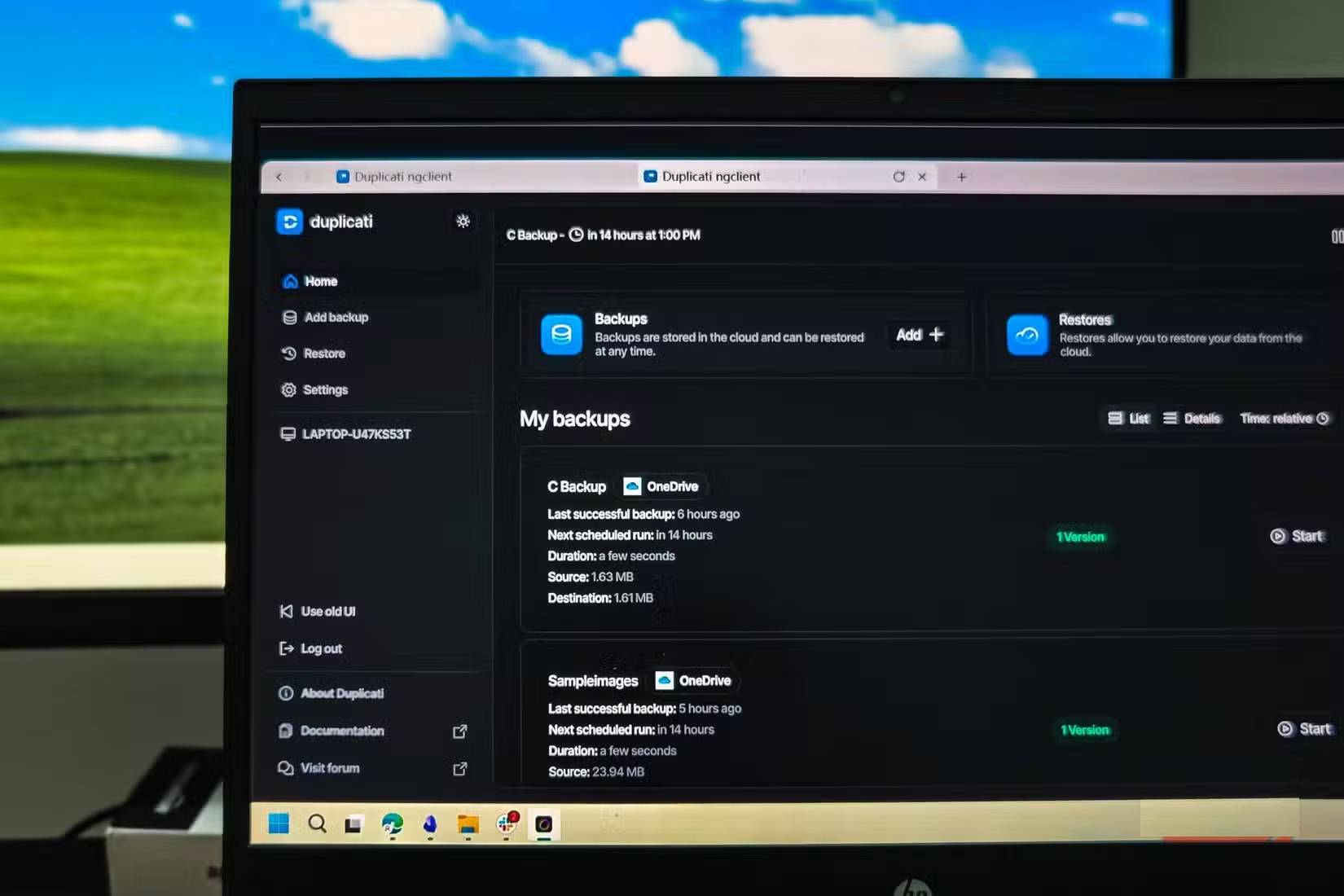
Use Duplicati, a free, open-source backup tool that works on Windows, macOS, and Linux. It backs up your work files to both cloud storage (OneDrive) and your physical hard drive. If your computer fails or your drive fails, you can still access everything you need.
Your backups are encrypted with optional AES-256, so even if someone accesses your cloud storage, they can't read the files without the password. You can set it to run daily, weekly, or any interval that suits you. It also supports easy restoration to the original location or a new location.
Related Articles
 4 Linux Automation Applications to Streamline Tasks10 minutes read
 Command Prompt: Task Automation Tools on Windows 1013 minutes read
 How to Choose Which Tasks Should Be Automated with AI9 minutes read
 How to Create Tasks in Grok: What You Need to Know5 minutes read
 8 Little ChatGPT Automations That Make Every Day More Enjoyable9 minutes read
 Which Is Better for Automation Tasks: Gpt-5.4 or Claude Opus 4.6?9 minutes read
Reader Comments 0
Sign in with email or Google to join the discussion.