Table of Contents
Microsoft researchers disclosed vulnerabilities in the Windows Recovery Environment (WinRE) that could undermine BitLocker protection in physical-access attack scenarios. Microsoft says the issues described in this research were fixed in the July 2025 security updates.
The practical response is to keep a supported Windows installation and its recovery components updated, protect recovery keys, and review stronger startup protection where the threat warrants it. The presence of a recovery menu is not, by itself, evidence that encrypted files are exposed.
Why recovery tools matter to disk encryption
BitLocker encrypts Windows volumes to help protect stored data, including when a device is lost or stolen. Device Encryption uses BitLocker technology but provides a different setup and management experience; the names should not be treated as identical interfaces.
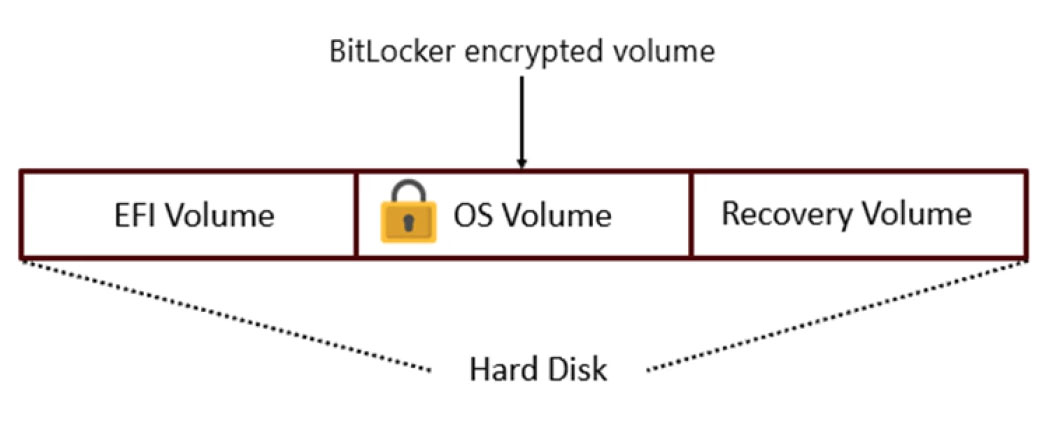
WinRE supplies startup repair and other recovery tools when normal Windows cannot run. It needs carefully controlled access to encrypted volumes. Microsoft's research examined weaknesses around that trust boundary and the boot process, rather than a general remote attack through the ordinary desktop.
Which vulnerabilities were involved?
The STORM team's BitUnlocker report identifies:
- CVE-2025-48800
- CVE-2025-48003
- CVE-2025-48804
- CVE-2025-48818
The report states that the discovered vulnerabilities and exploitation techniques were addressed in July 2025. It also recommends TPM+PIN startup authentication and anti-downgrade protections as additional hardening measures.
What users should do
- Install applicable current updates. Use Windows Update or your organization's management system. Do not select a 2025 KB package from an old article without matching the installed version and architecture.
- Confirm that Windows is supported. A device on an unsupported release needs an appropriate upgrade or eligible extended-security path; successfully checking for updates does not settle that question.
- Keep recovery access available and private. Confirm where your BitLocker recovery key is stored before firmware or boot-security changes. Never post the key in a troubleshooting screenshot.
- Protect the physical device. Encryption is one layer of defense, not a substitute for controlling who can handle the computer.
Use TipsMake's Windows Update guide for update checks and WinRE preparation guidance before running recovery tools.
Additional steps for managed or high-risk devices
Microsoft's BitLocker countermeasures explain how TPM+PIN can add authentication before keys are released during startup. A Windows sign-in PIN and a BitLocker preboot PIN are different controls.
Administrators should assess TPM+PIN and current boot-component anti-downgrade guidance against their hardware and recovery procedures. Do not clear the TPM, disable encryption, or change Secure Boot settings as a generic fix. Those actions can reduce protection or trigger recovery without addressing the actual issue.






Reader Comments 0
Sign in with email or Google to join the discussion.