Table of Contents
This guide provides a clear overview of should you buy a usb-c dock that can stand your phone, including how it works, key details, and practical considerations that can help you use the information effectively.
The phone has enough power to let you use a real PC with a USB-C dock. But if you're going to try it, get a dock that can prop your phone up. Here's why!
Looks Much Neater
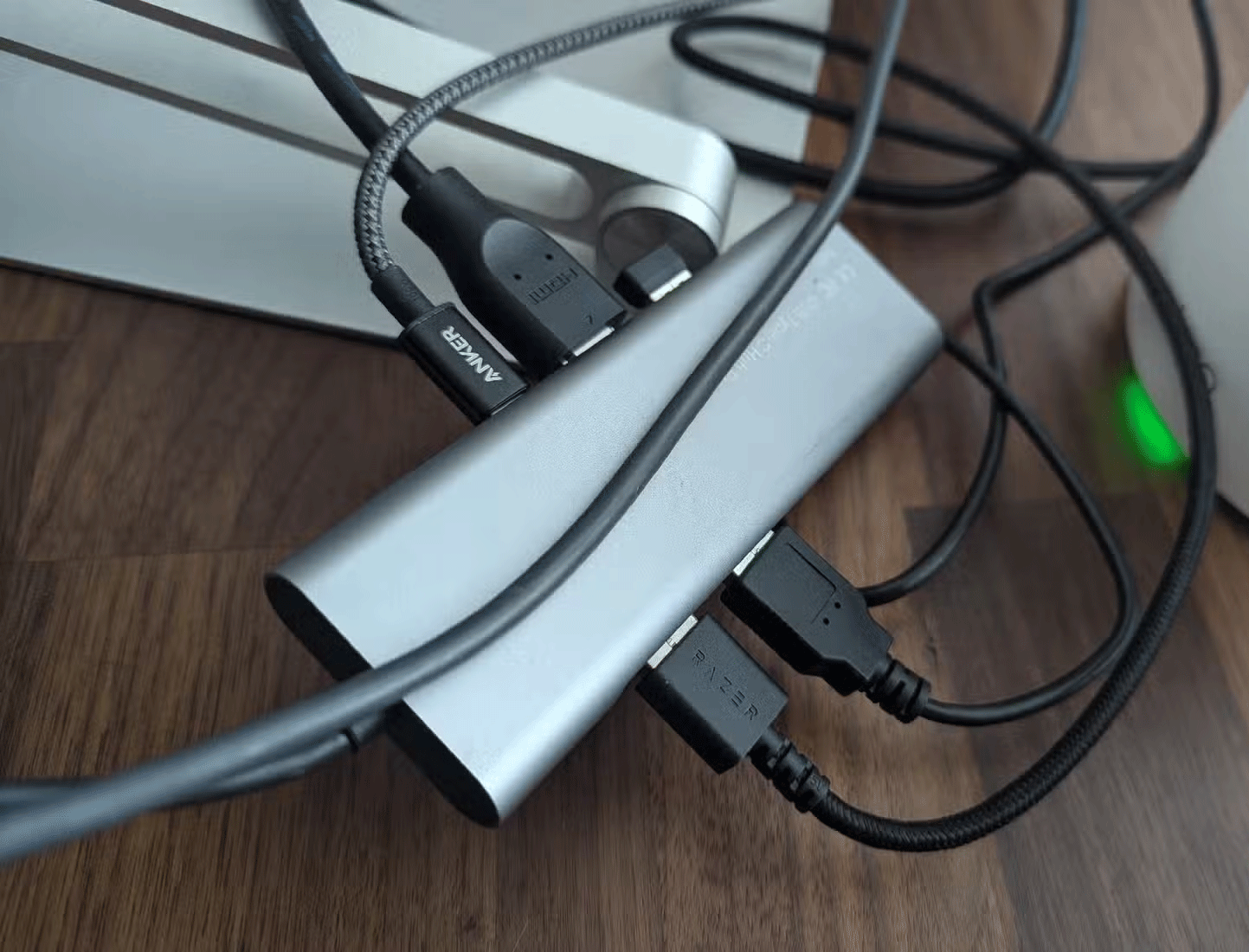
There are two types of USB-C docks. There are standard docks or docking stations designed for laptops. They extend out from the side of the computer, allowing laptops with very few ports (usually MacBooks) to plug in a large HDMI or Ethernet cable. These docks also work with phones, but are more cluttered.
Your phone lies flat on your desk or TV stand, while cables extend out from underneath. These cables take up more space than your phone, making your PC or TV setup look like a monitor with a bunch of cables spread out underneath—not a pretty sight.
A vertical dock makes it easier to angle cables so they rest behind a desk or TV stand, like a mini PC or streaming box.
Phone Is Less Likely to Get Scratched
When you plug your phone into a regular USB-C dock, it's either face-up or face-down. That means you're likely to scratch the screen or the camera bump unless you put it in a thick case that can prop it up. Even with a screen protector, you're likely shortening the life of your phone—or at least the time it takes for your protector to look brand new.
The dock and cable combined are also heavier than the phone, so you'll be shaking the phone whenever you mess with the cable.
A dock that props your phone up won't damage your device, whether you have a case on it or leave it bare. When the cable is disturbed, the dock makes contact with the desk, not your phone.
Phones Are Still Accessible
A vertical dock keeps your phone's screen always on. Most of the time, the screen is off. But when a notification comes in, you can with minimal effort see it - this is especially great if your phone has an Always-on Display. When you're at your desk, it's also easy to reach up and change the music track, swipe away notifications, or do anything else.
If you're using a desktop mode like Samsung DeX, the vertical dock turns your phone into a second screen. You can do most things from the main screen, but if you want to play a video on the side or keep your podcast off the big screen, you can.
Aesthetic Impression
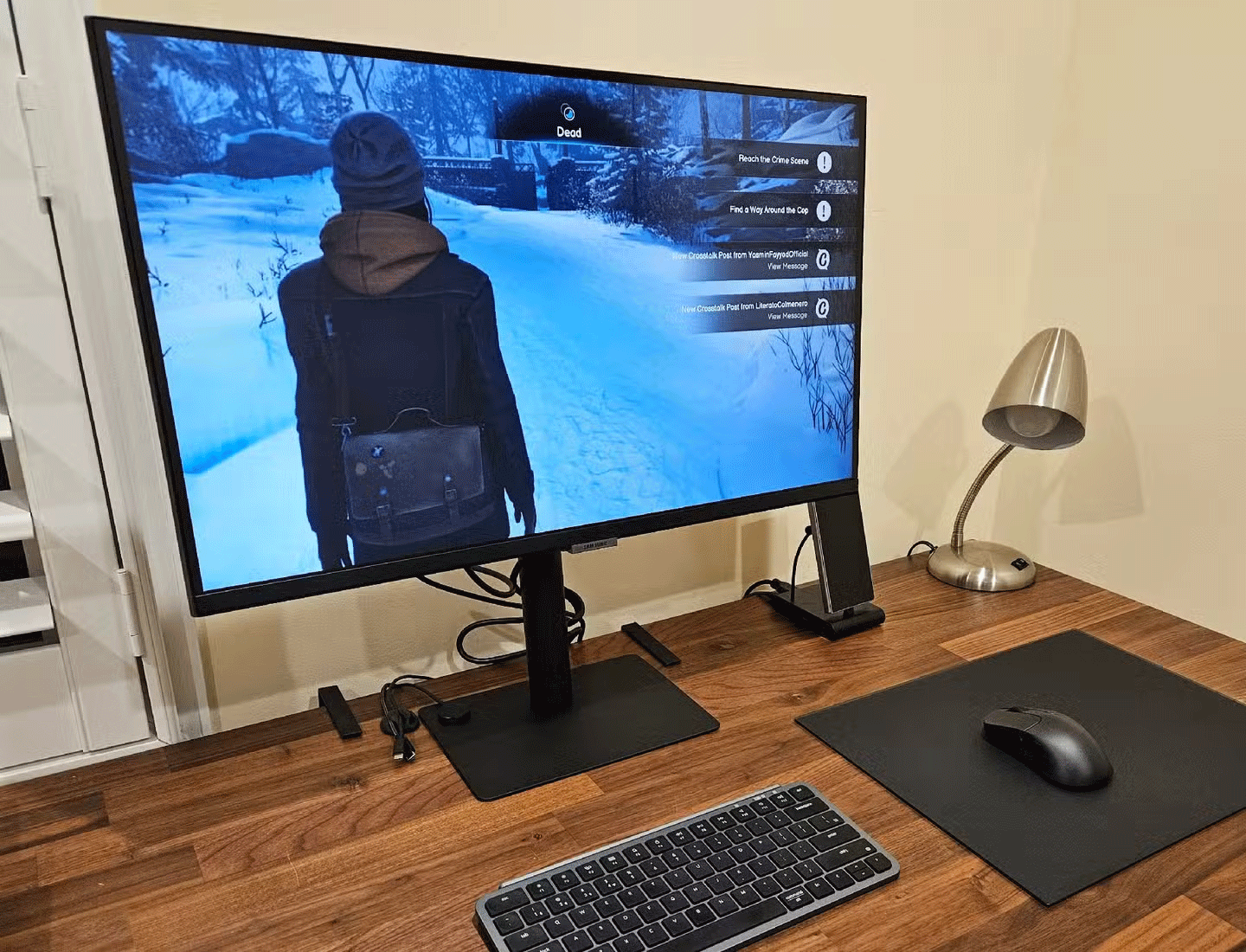
Putting a phone dock next to your monitor can mean two things. One is that you're using your phone like a PC. People in the know might wonder if you're using DeX or something. People who don't know might be surprised to see you put your phone down and a desktop pop up. People in your living room might be even more impressed when you pull out a game controller and start playing cloud games.
Docks aren't just for DeX users, though. Instead, phone docks can signal where you've thought about where you're going to put your phone during the workday. After all, the display could be an iMac or any regular monitor with a VESA mini-PC mount on the back. We've had years to get over the idea that a display needs a case next to it to work.
Even if no one sees the setup but you, a vertical dock can still be part of achieving the dream office look you're aiming for.
Since most phones have the USB-C port in the same place, it doesn't really matter which vertical dock you buy. It works fine with or without a case. Even with a foldable phone, you can drop it into the same dock without any problems. So it's a worthy investment.
FAQ
What is buy USB-C dock that can stand phone upright?
It is the main topic covered in this guide, including the relevant tools, settings, features, or steps connected with should You Buy a Usb-c Dock That Can Stand Your Phone.
Why is buy USB-C dock that can stand phone upright useful?
It can make should You Buy a Usb-c Dock That Can Stand Your Phone easier to understand, compare, configure, or troubleshoot by organizing the most important information in one place.
What should I check before using this guide?
Confirm that the instructions match your device, software version, region, and intended use, then back up important data before making major changes.
Related Articles
 How to Change the Dock Size on a Macintosh Computer3 minutes read
 How to Add the Dock for Mac Snow Leopard5 minutes read
 Application to Create the Best Dock for Windows 7, 8 / 8.1 and5 minutes read
 How to Customize the Ubuntu Dock to Look Like macOS4 minutes read
 How to Enable Hidden Features for Dock on Mac OS5 minutes read
 How to Take a Screenshot of Only the Dock on a Mac4 minutes read
Reader Comments 0
Sign in with email or Google to join the discussion.