Table of Contents
Last.fm is useful for discovering music when your listening is split across several apps or you want to browse the collections of people with similar tastes. Spotify’s Discover Weekly is easier when you want a playlist you can play immediately. You can use both by connecting Spotify to Last.fm and playing any discoveries in your preferred app.
Build a listening history across apps
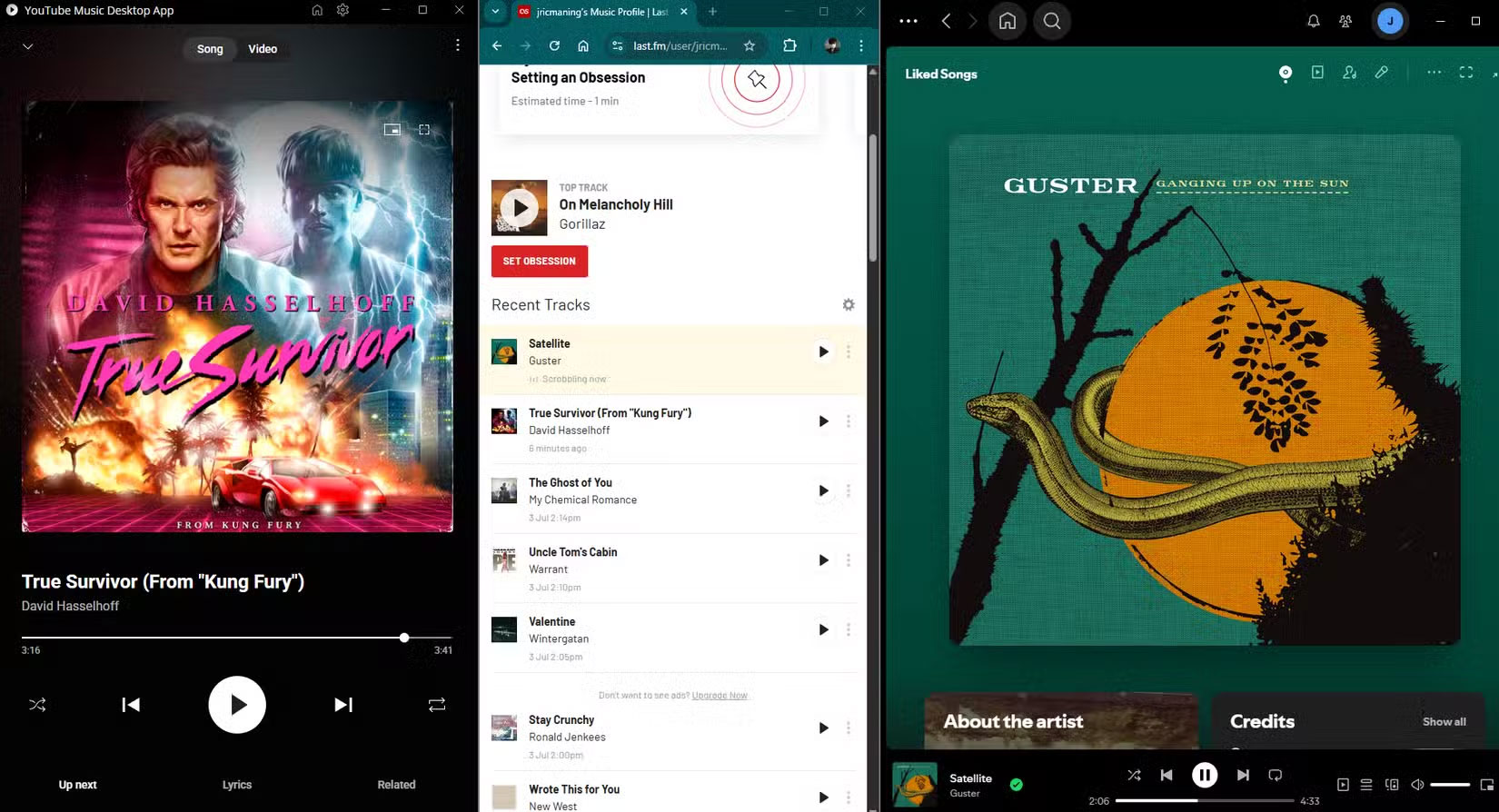
A scrobble is a record of a track you played. Go to Track My Music to connect Spotify and find a compatible scrobbler for your other apps or devices. Play a track, then check your Last.fm profile to confirm it appeared. Each source needs a supported connection and only plays that are successfully reported appear in your history.
Find artists through Last.fm Neighbors
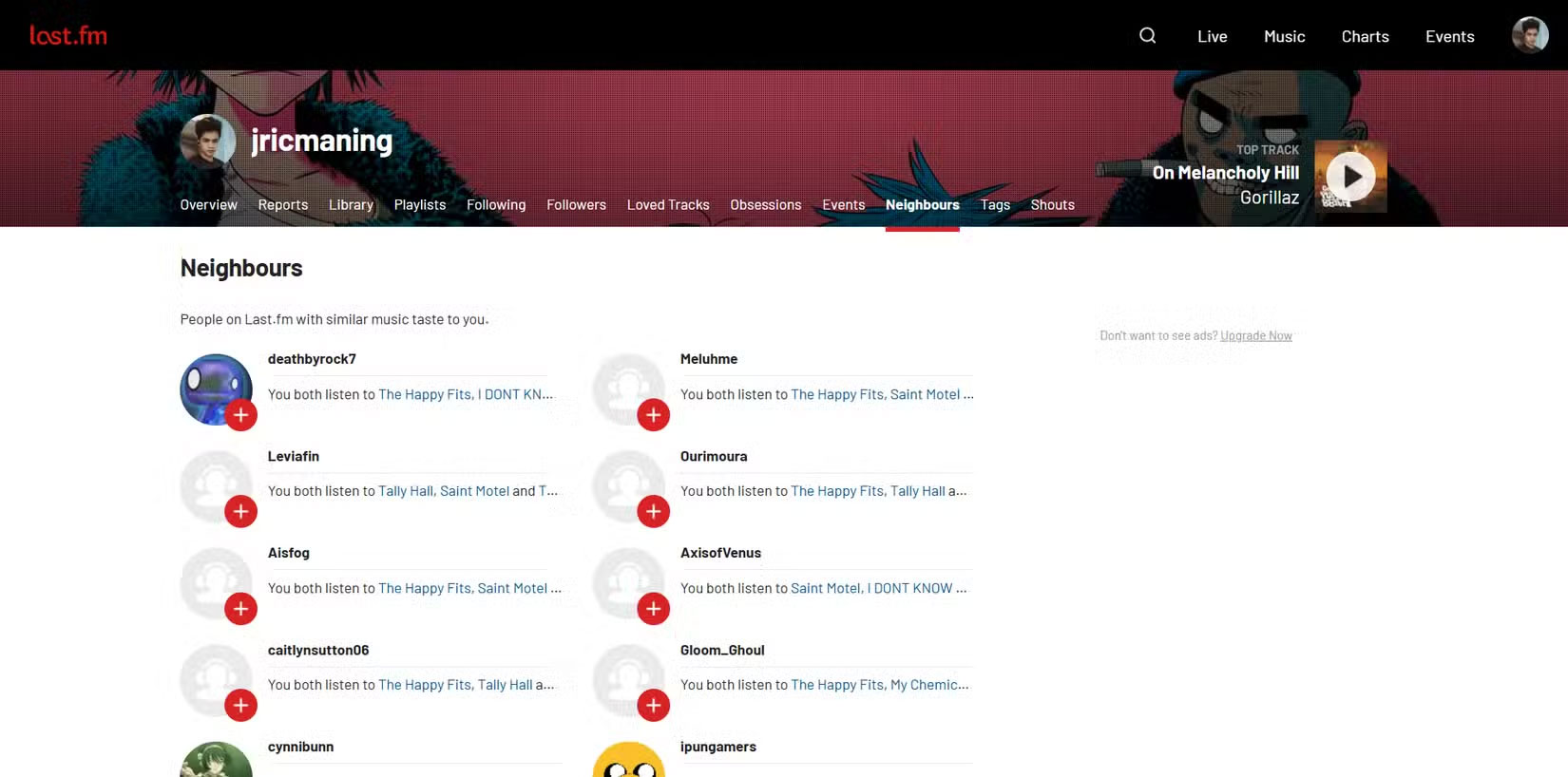
Open Neighbors on your Last.fm profile and choose someone who listens to a few artists you already like. Compare their top artists with yours, then try a recent track from an unfamiliar artist. Community tags are another way to browse a specific scene or style when a broad genre label gives you too many choices.
Use listening reports to spot new favorites
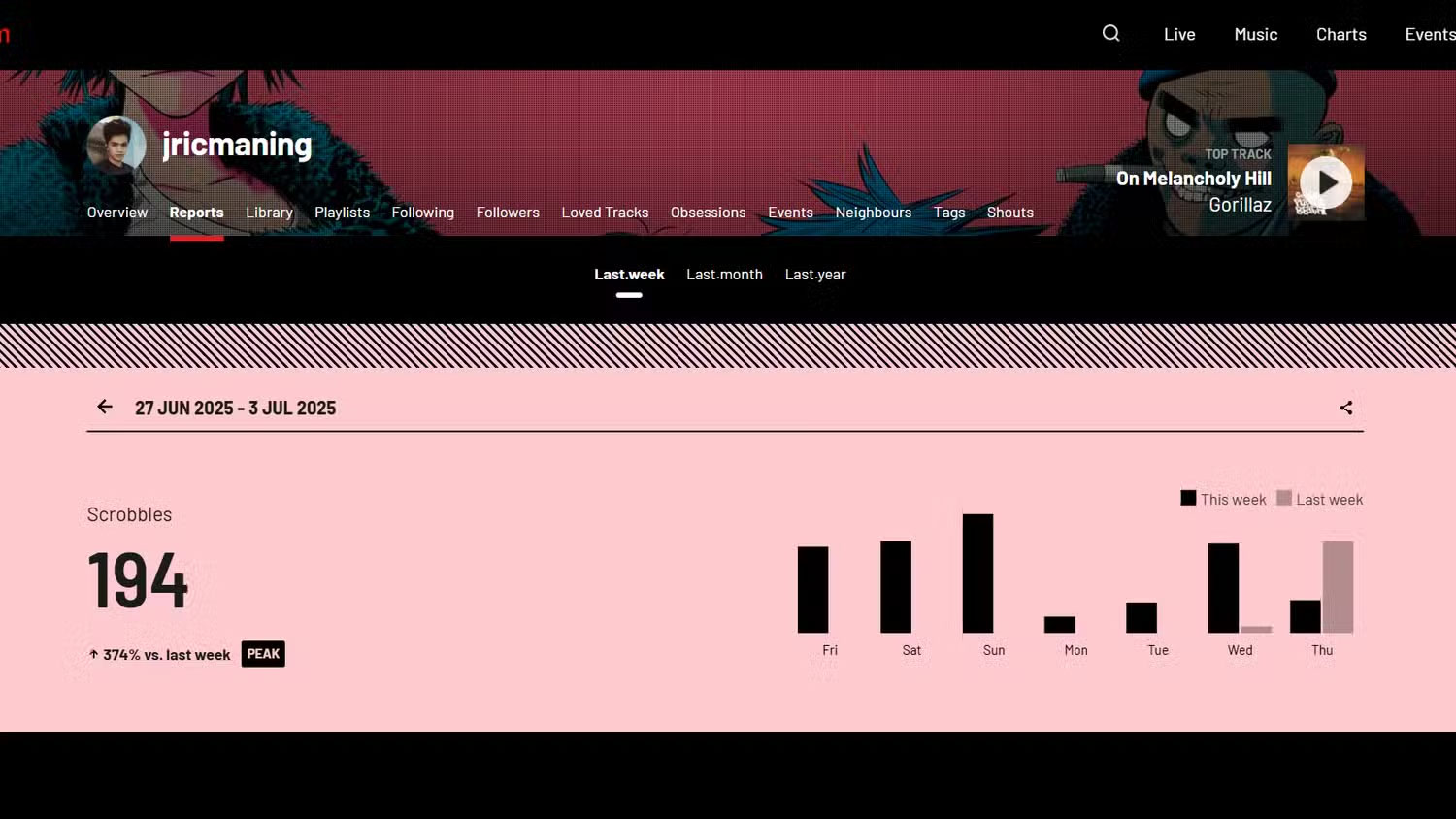
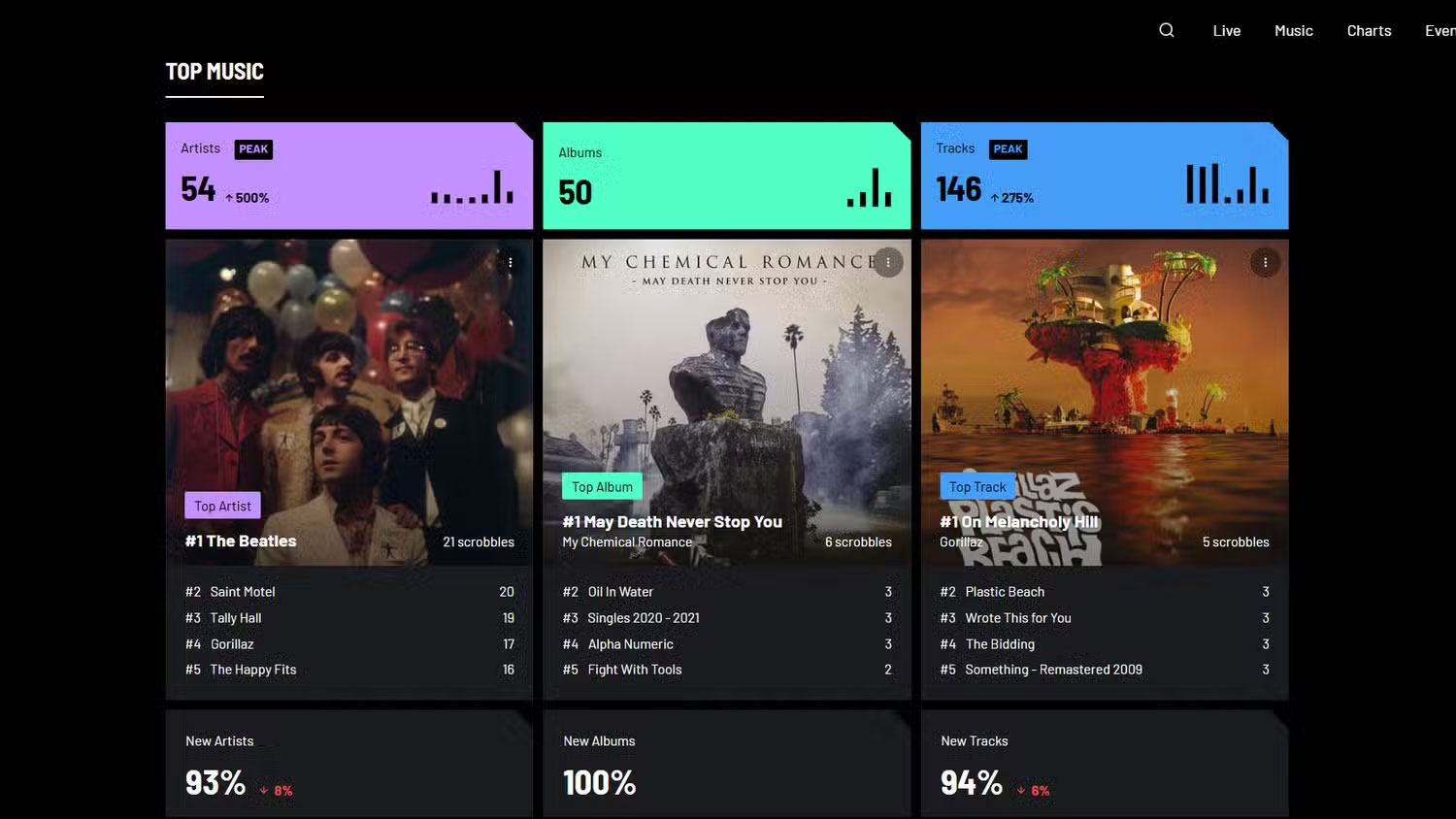
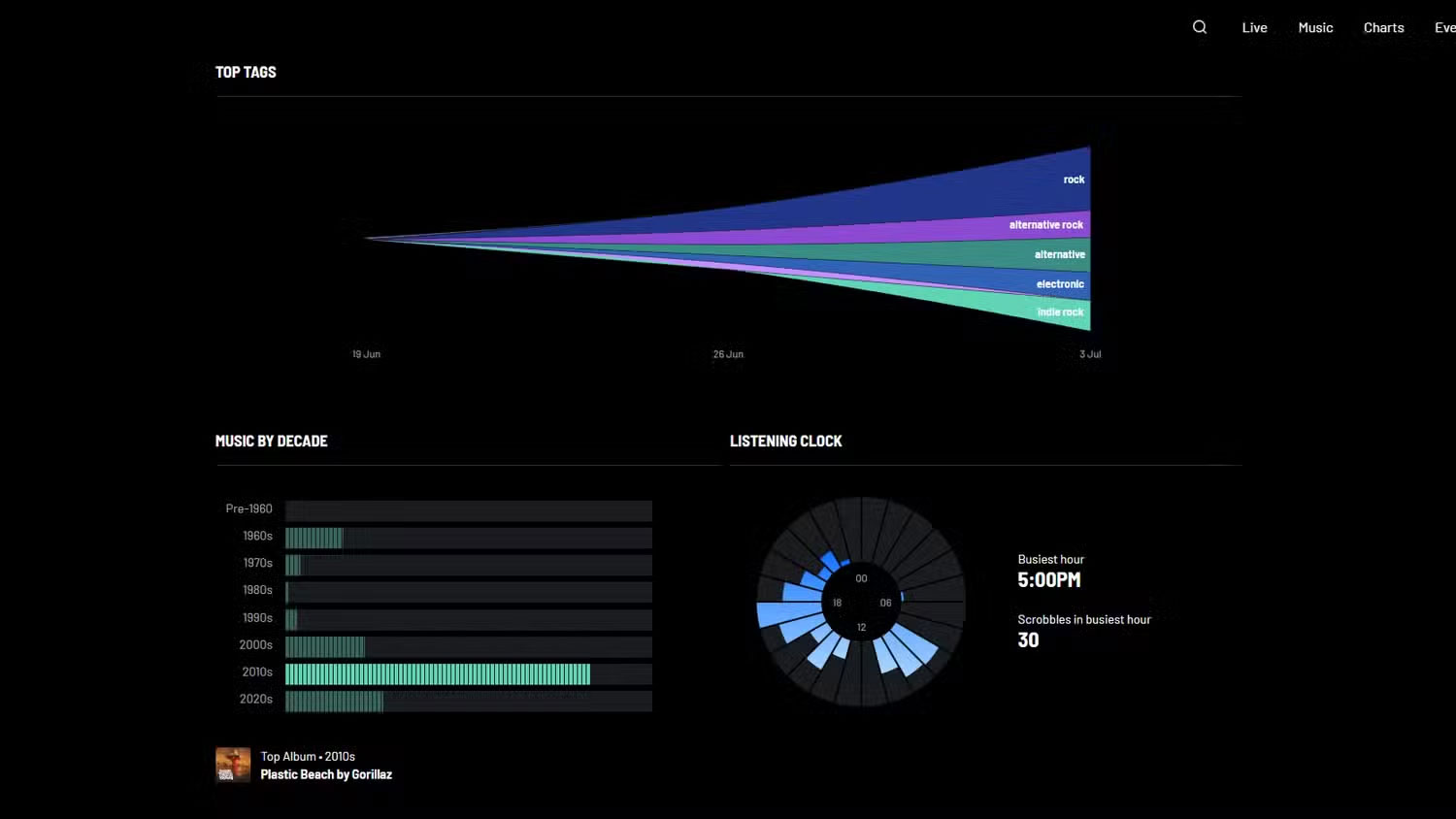
Check your recent charts or listening report for artists you played once or twice and then forgot. Use the date range in your library to narrow the list to the week or month when you remember hearing a track. Last.fm compiles the plays it receives across connected sources. For a Spotify-only view, see how to check your monthly Spotify listening stats.
Turn discoveries into a playlist
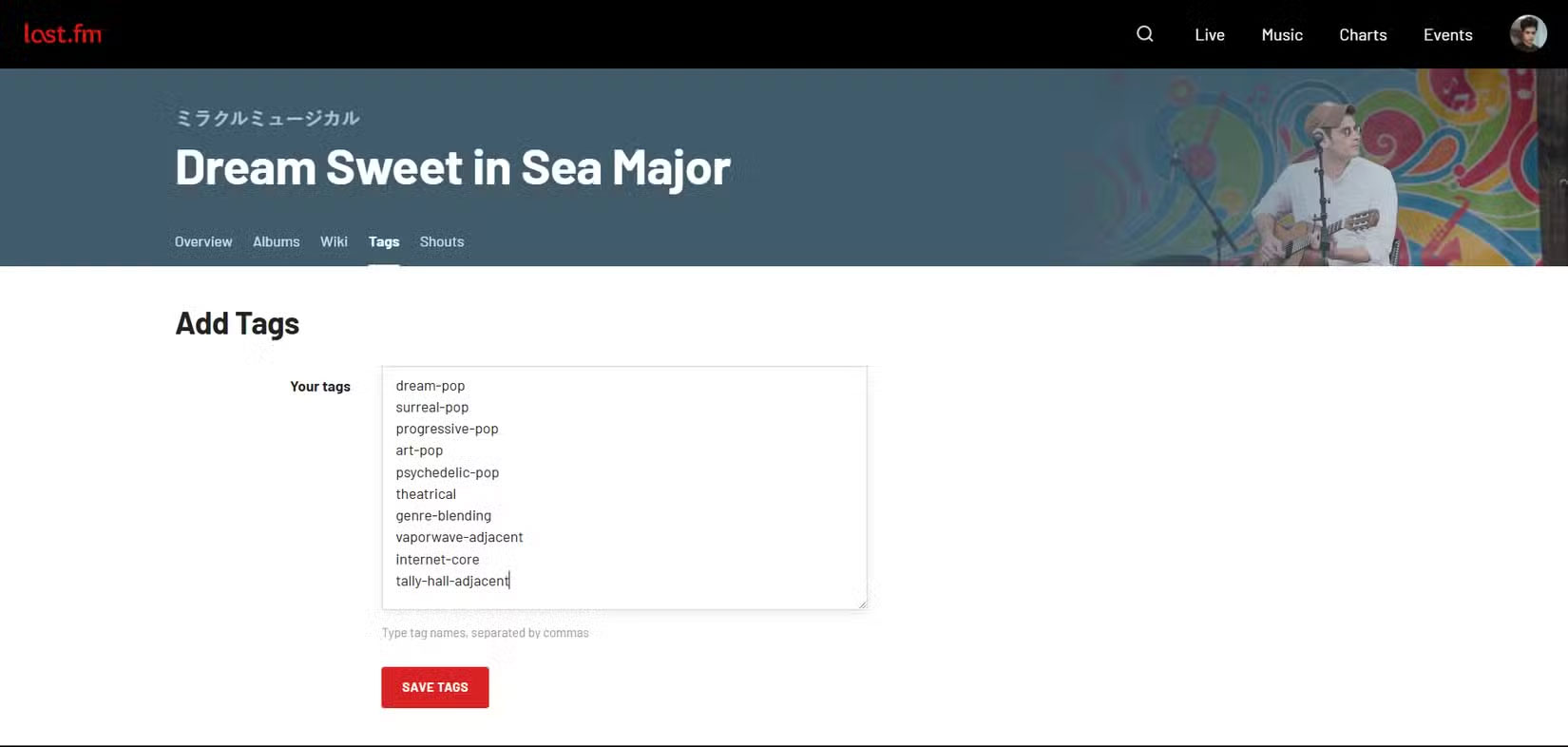
Start with one artist from a Neighbor’s chart or your recent history. Look them up in Spotify or your preferred player, listen to a couple of tracks and save anything worth revisiting. When you want a ready-made mix instead, try these sites for finding music and Spotify playlists.






Reader Comments 0
Sign in with email or Google to join the discussion.