Table of Contents
This practical guide explains how to download Spotify music remotely to another device. Follow the steps in order, review the requirements first, and use the troubleshooting notes when a setting or option does not work as expected.
How to download Spotify music remotely to another device
Step 1:
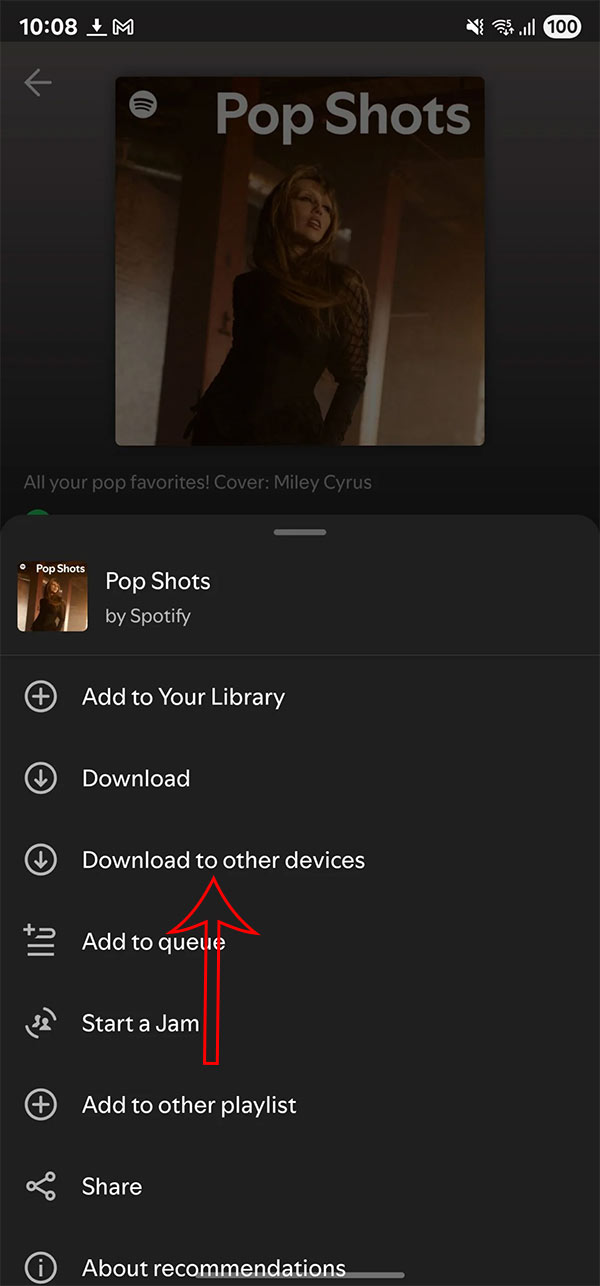
First, find the playlist, album, or podcast you want to download to other devices. Then in the interface, select the 3-dot icon , then select Download to other devices in the displayed list.
Step 2:
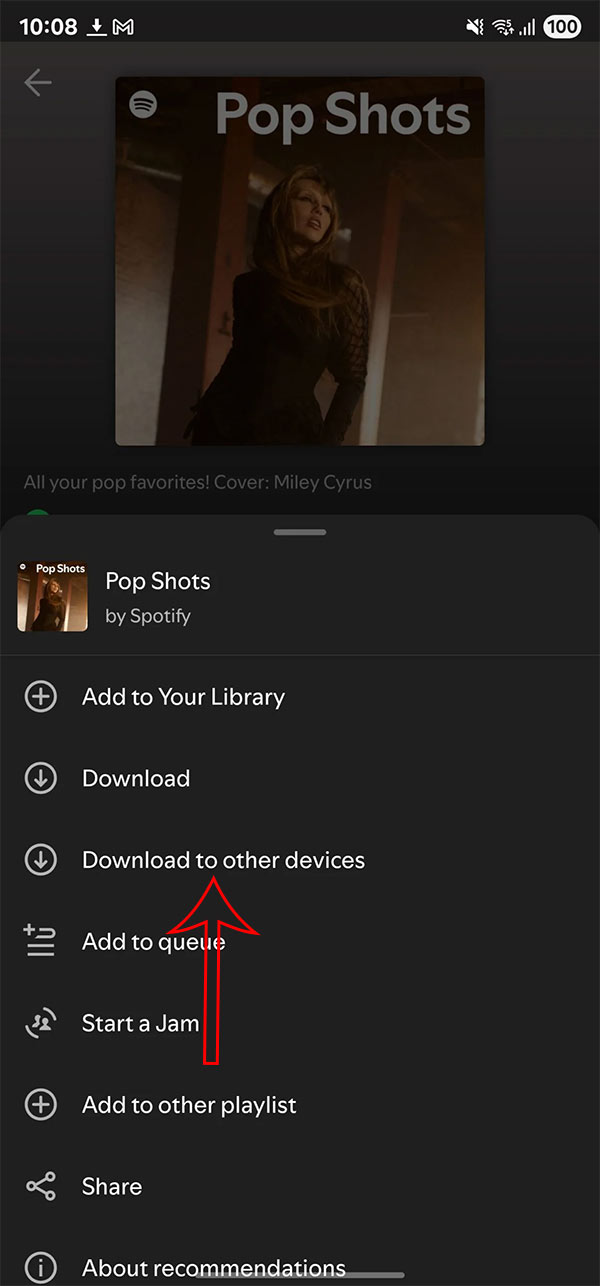
Now displays a list of devices that have previously logged into your Spotify account. If you want to download music to a device, select the download icon to download the content to that device.
Remotely downloading Spotify music to another device is only available to Spotify Premium accounts. It's available to iPhone, iPad, and Apple Watch users, and works even when you're not near your device.
FAQ
How to download Spotify music remotely to another device?
First, find the playlist, album, or podcast you want to download to other devices. Then in the interface, select the 3-dot icon, then select Download to other devices in the displayed list.
What does this guide cover?
This guide explains download Spotify music remotely to another device, including the main steps, important details, and practical considerations.
Who is this guide for?
It is designed for readers who want a clear, practical overview and a reliable process they can follow without unnecessary complexity.
Related Articles
 How to Download Mp3s on Spotify: Spotify Music Downloader5 minutes read
 How to Easily Download Spotify Songs to Your Computer7 minutes read
 How to Listen to Offline Music on PC with Spotify5 minutes read
 Downloading Spotify in Vietnam, You Can Use Free, Premium Package for VND 59,000/month3 minutes read
 How to Download Music on Spotify - Download Music from3 minutes read
 6 Legal Ways to Pay Less for Spotify Premium8 minutes read
Reader Comments 0
Sign in with email or Google to join the discussion.