Table of Contents
WeTransfer is useful for one-off deliveries where the recipient can download promptly. The free plan is a poor fit if you send large files regularly or need a link to stay available for more than a few days. Check both the upload quota and the download deadline before sending.
What the free plan allows
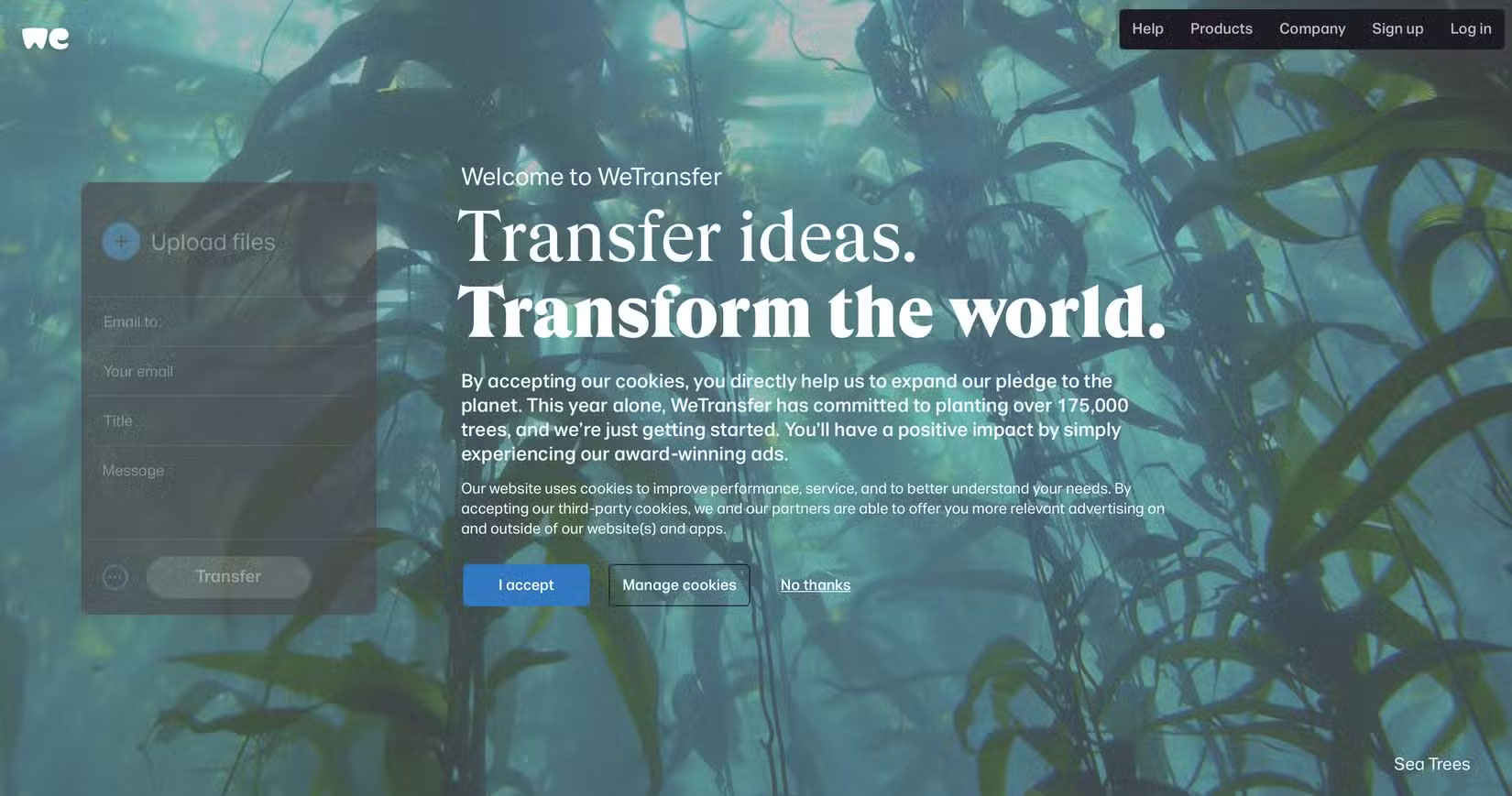
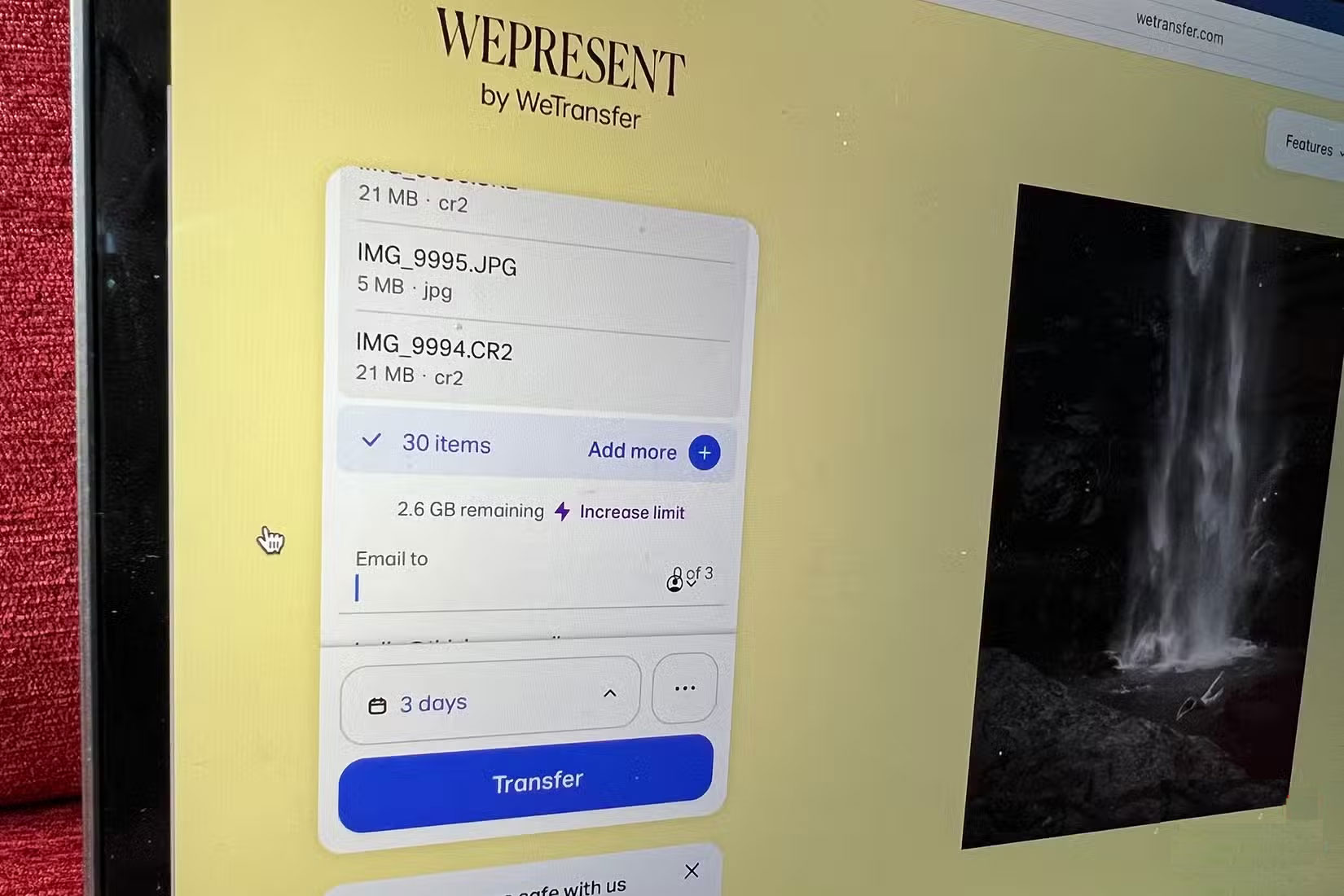
WeTransfer’s plan limits list up to 10 transfers or 3 GB total in a rolling 30-day window, whichever limit you reach first. That means a 2.5 GB delivery leaves only 0.5 GB against the data cap. The download window is up to three days on Free and Starter. If you send files on a Friday and the recipient may open them the following week, choose a longer-lived option.
What WeTransfer says about AI training
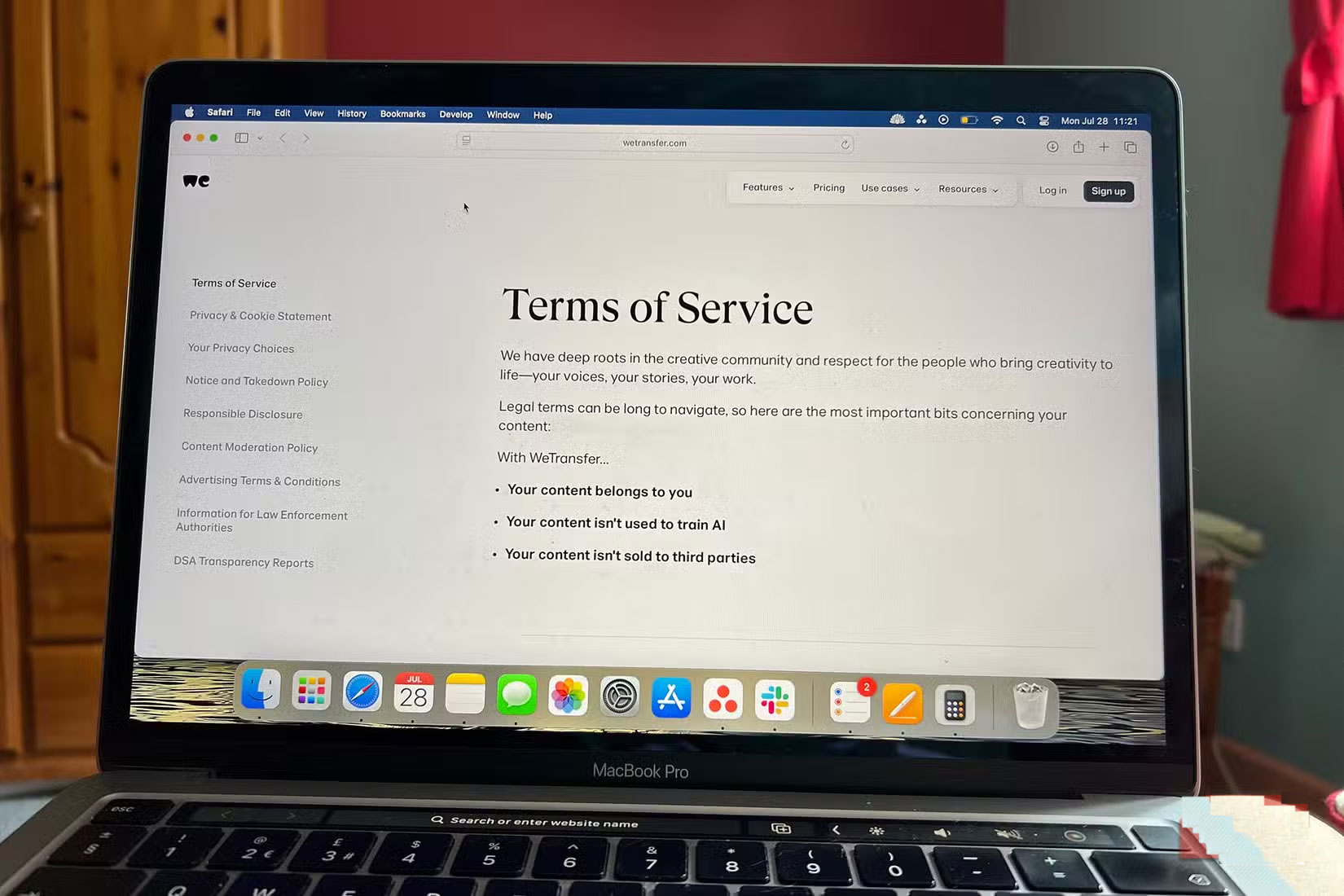
Language in a 2025 terms update raised concerns about whether uploaded files could be used to train AI. WeTransfer clarified its position and says users retain ownership and their content is not used to train AI models. For confidential client materials, check the current terms and your organization’s approved tools before uploading. Use recipient-specific access where available and confirm who can open a forwarded link.
When another service makes sense
- One oversized delivery: Compare dedicated transfer services. Infomaniak’s SwissTransfer documents a 50 GB limit. Check expiration and any sender-verification requirements before uploading.
- Ongoing access or collaboration: Share a cloud-storage file or folder with named recipients. For example, you can check who has access in Google Drive and remove access when the project ends.
- Confidential work: Use your organization’s approved file-sharing system and confirm who can open the link. Send the minimum files the recipient needs.
Related Articles
 WeTransfer - Download WeTransfer
 How to share files up to 2GB on WeTransfer
 5 reasons why a career cannot decide who you are
 100 years what will human life be like?
 Many users will abandon Chrome and choose another browser for the following reason
 Why do so many people decide to switch to Samsung after years of using iPhone?
Reader Comments 0
Sign in with email or Google to join the discussion.