Table of Contents
ChatGPT Plus is worth considering when ChatGPT has become a regular work or study tool and the free plan's limits repeatedly interrupt useful sessions. If you ask occasional questions and rarely reach a limit, the free plan is usually the better value.
The subscription decision should be based on your actual workflow, not a long list of features you might never use. OpenAI changes models, limits, and included capabilities over time, and some features vary by region, platform, rollout, or account. Check the current plan screen before subscribing.
How much does ChatGPT Plus cost?
Official OpenAI documentation currently lists ChatGPT Plus at $20 per month. Taxes and local billing details may affect the final amount. A ChatGPT subscription is separate from pay-as-you-go OpenAI API billing, so do not assume Plus includes API credits.
Before paying, review the price and renewal terms shown in your account. If you need the plan for one project, set a reminder to reassess it before the next billing date.
Reasons Plus may be worth it
You regularly hit free-plan limits
Higher usage is the clearest reason to upgrade. The benefit is not an abstract message count; it is the ability to finish a focused session without switching tools or waiting for access to reset. Limits are not always a fixed number of messages because model choice, context, files, tools, and task complexity can affect usage.
You need stronger models or more control
Paid plans generally provide broader access to capable models and controls than a free plan. This matters for difficult analysis, long documents, complex coding, or work that requires several rounds of refinement. For short summaries and simple questions, the practical difference may be small.
Image creation is part of your workflow
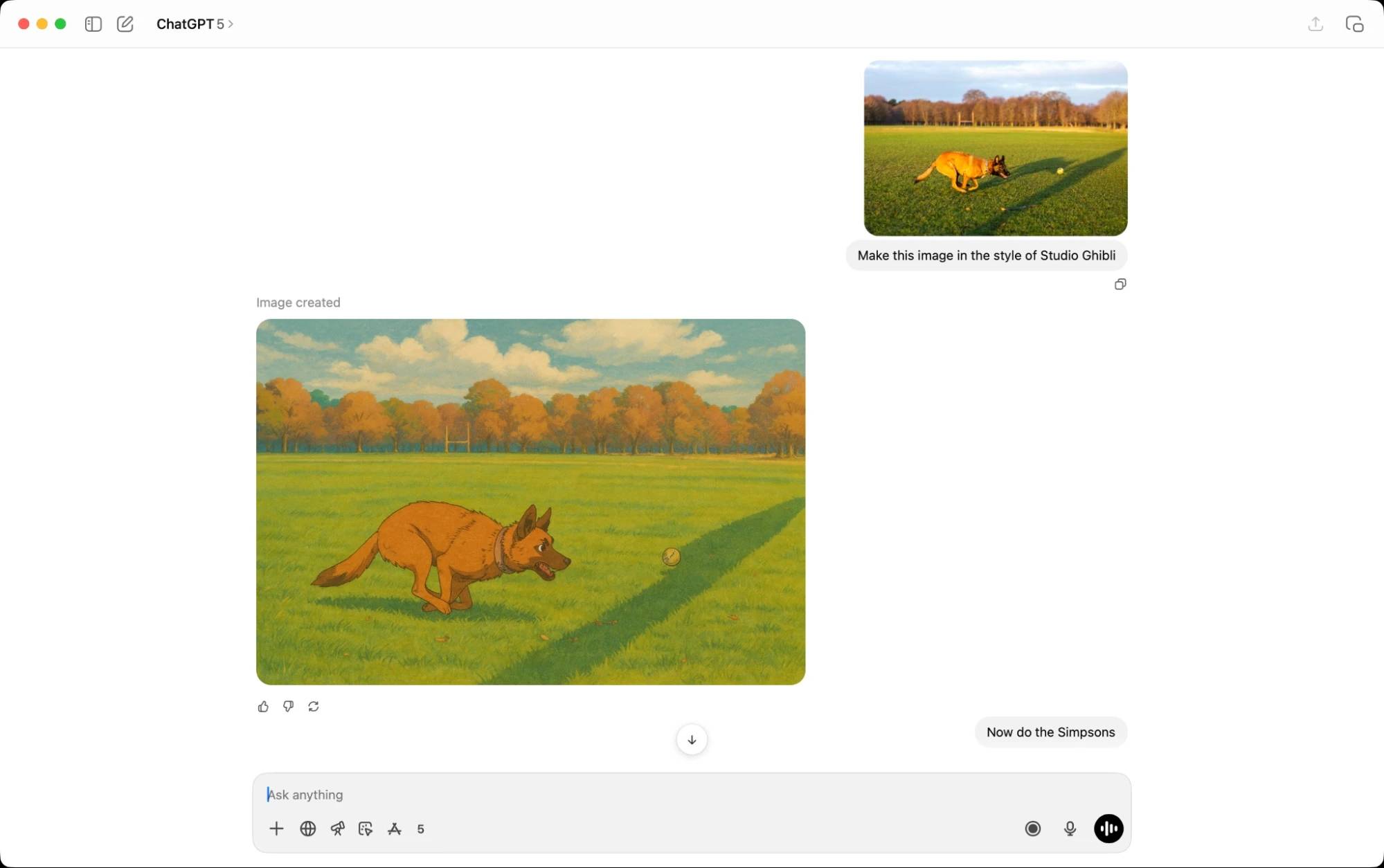
If you regularly generate or edit images, compare the current image allowance, speed, quality settings, and credit use on each plan. Run a realistic test: count how many accepted images you produce in a month, not how many experimental generations you start.
You use research and agentic tools
Deep Research can collect and synthesize sources for a detailed report, while agentic or work-oriented modes can carry out multi-step tasks with approved tools. These capabilities save time only when the task is clearly scoped and the result is checked. A paid plan does not make citations, calculations, or automated actions infallible.
You rely on voice or multimodal work
Expanded voice, camera, file, and screen-based workflows can be useful for language practice, hands-free brainstorming, troubleshooting, and reviewing visual material. Compare the current allowances on your device because availability and limits may differ.
You want to create reusable GPTs or workflows
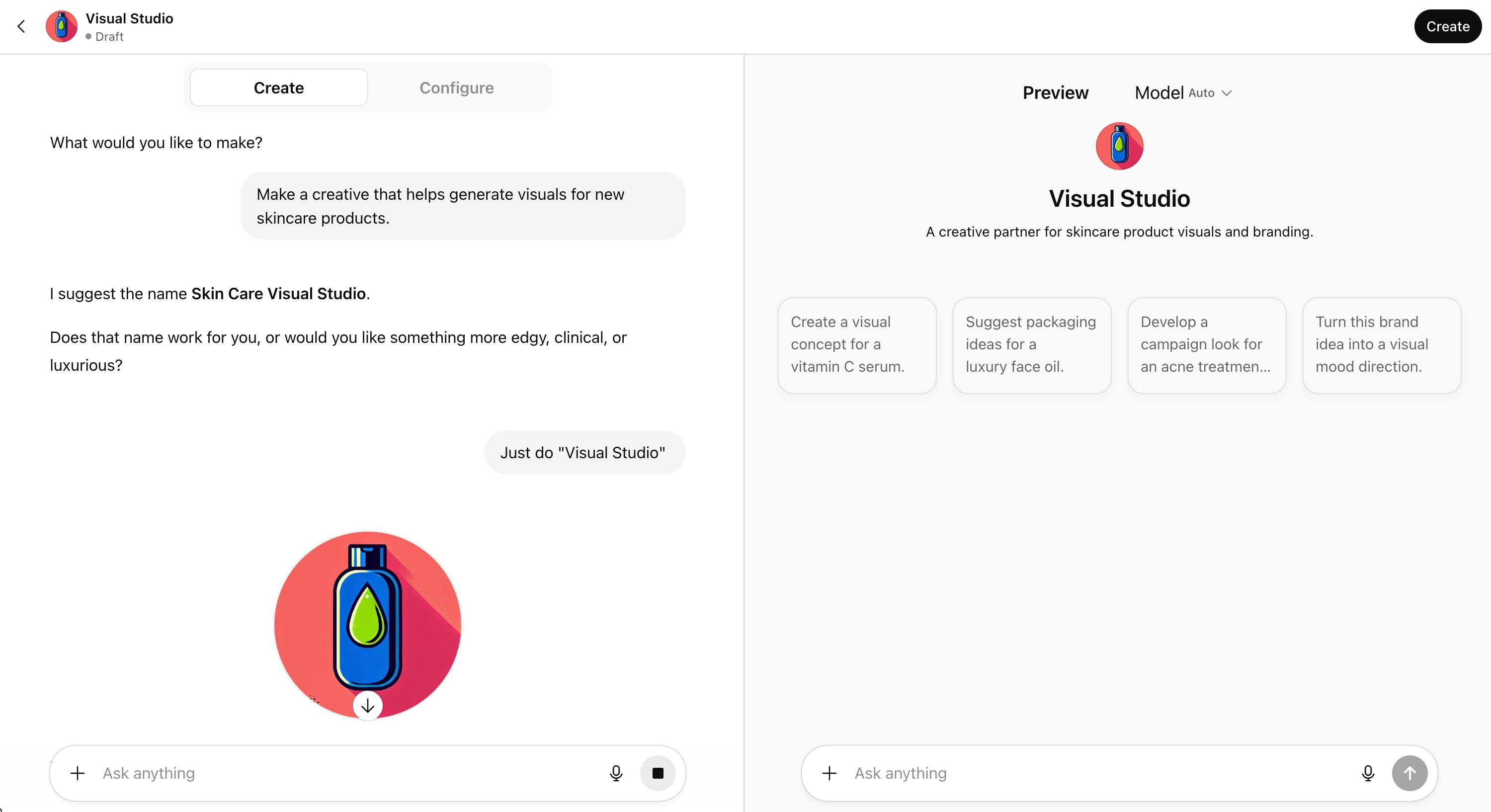
Reusable instructions and attached knowledge can reduce repeated setup for a narrow task. Before upgrading solely for this purpose, define what the custom assistant will do, how often it will be used, and who will maintain its source material. A saved prompt may be sufficient for a simple personal workflow.
You use Codex or ChatGPT Work
Current OpenAI documentation includes Codex and ChatGPT Work with Plus. Codex can work through the web, CLI, and IDE integration, while ChatGPT Work supports longer, outcome-oriented tasks. These products share plan usage, so frequent agentic work can consume the allowance faster than short chats.
What about Sora and video generation?
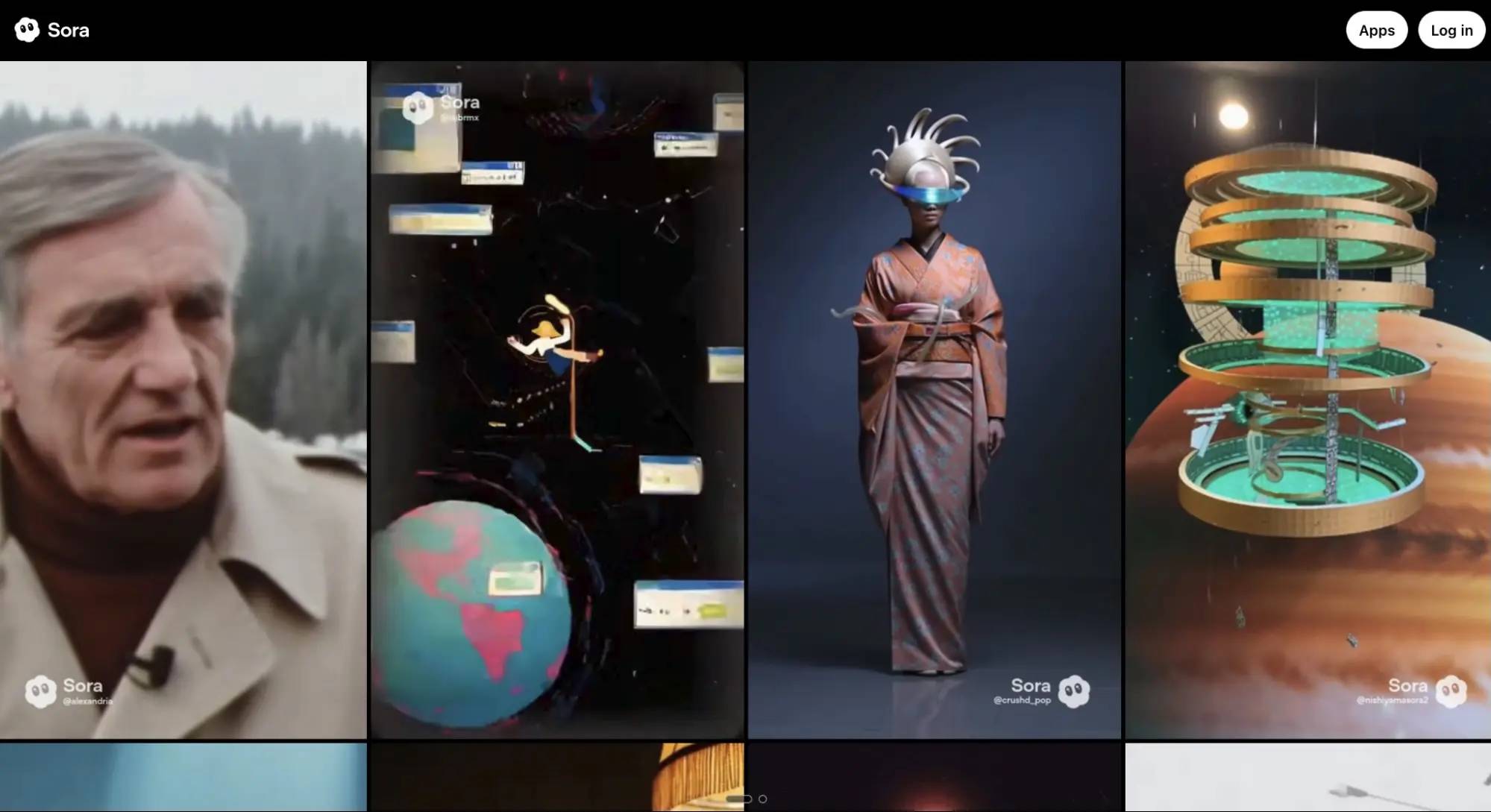
Video access, resolution, duration, watermarking, and generation limits have changed repeatedly. Do not subscribe based on an old promise of a specific number or length of videos. Open the current product and plan pages, confirm that the required video tool is available in your region, and compare its actual output with your intended use.
When Plus is probably not worth it
- You use ChatGPT only a few times a week and do not reach the free limit.
- Your tasks are simple enough that the free model already gives acceptable results.
- You need API automation rather than the ChatGPT application.
- Your employer or school already provides an approved AI workspace.
- You cannot use the service with work data because of organizational policy.
- You are subscribing for one advertised feature without confirming that it is available on your account.
Calculate the value instead of guessing
Track ChatGPT use for two weeks. Record the task, time saved, whether a limit blocked the work, and whether the output was accepted after review. Then estimate monthly value:
Monthly value = useful hours saved × value of an hour − subscription cost − review or correction time.
This is not a precise financial formula, but it forces the decision to reflect completed work. If Plus saves only a few minutes on low-priority tasks, the upgrade may not pay for itself. If it reliably removes an hour of repetitive work each week, the case is much stronger.
Questions to ask before upgrading
- Which three tasks will I use Plus for every month?
- Does the free plan actually prevent me from completing them?
- Which paid feature is essential rather than merely interesting?
- Can I verify the output safely and efficiently?
- Does my organization allow the data I intend to enter?
- Will I still need separate API, storage, or third-party subscriptions?
- When will I review whether the plan is still useful?
The practical verdict
Plus is a sensible upgrade for frequent users who need longer sessions, stronger model access, or agentic, coding, research, image, and voice workflows. It is unnecessary for many casual users. Start with the free plan, identify a repeated constraint, and upgrade only when the paid plan clearly removes that constraint.
Use the official OpenAI pricing page and your account's plan screen for current pricing, included tools, and usage guidance. Avoid relying on fixed message counts or feature lists copied from older comparisons.
Related Articles
 What Is ChatGPT Pro? Is It Worth It in 2026?8 minutes read
 What Is ChatGPT Go? Is It Worth It?10 minutes read
 minutes read
 7 Reasons Copilot Is Worth Using7 minutes read
 Learn About ChatGPT-4o: Features, Benefits and How to Use It: Complete Guide7 minutes read
 How to Convert ChatGPT-5 to ChatGPT-4o3 minutes read
Reader Comments 0
Sign in with email or Google to join the discussion.