Table of Contents
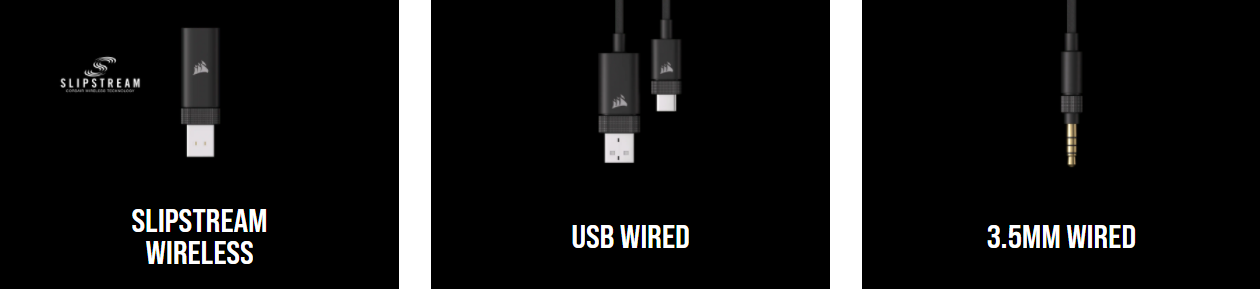
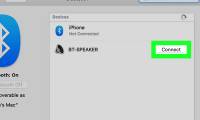
Bluetooth is one kind of wireless connection. Bluetooth headphones generally pair directly with a phone or laptop. Other wireless headphones may need a dedicated USB dongle or transmitter. Start with the device you want to listen on, then check what connections it supports.

Compare wireless headphone connections
| Connection | What you connect | Typical use |
|---|---|---|
| Bluetooth | Pair with a compatible phone, tablet, computer or TV | Music, calls and portable listening |
| Dedicated wireless USB dongle | Plug the matching receiver into a supported USB port | PC or console gaming and some work headsets |
| RF transmitter base | Connect the matching base to the TV’s audio output | Listening to a TV at home |
| Infrared transmitter | Use the matching transmitter within line of sight | Some in-room or in-car systems |
Choose based on what you need to hear
For phones and laptops
Bluetooth is convenient if you switch between portable devices. Check for multipoint if you want the headset to stay connected to two sources at once. If sound quality drops when a call starts, the system may have switched to a mode that also carries microphone audio.

For gaming
Look for a headset with a dedicated wireless dongle if timing matters. Check reviews for measured audio delay and confirm the exact console or operating system is supported. A console that supports a Bluetooth controller can still require a different connection for headset audio.
For TV viewing
Check whether the TV has Bluetooth audio output. For a headset with a base station, match the base to the TV’s available audio output, such as optical or 3.5 mm. If you want TV speakers to stay on for other viewers, check whether your TV can send audio to both outputs at the same time.

Test the headset from the seat you use. Walls and interference affect wireless range, while lip-sync depends on the whole audio path. The advertised range alone will not tell you how the headset performs in your room.



Reader Comments 0
Sign in with email or Google to join the discussion.