Table of Contents
This article explores translate english on the phone with quality translation apps with straightforward explanations and useful context. It also highlights common questions and important details to consider.
Today's English translation applications have become extremely popular and diverse, so users can choose for themselves a useful translation application.
Today's English has become a global language, becoming a common exchange language all over the world, serving many purposes such as work, study, research, or even for the purpose of life. day. Therefore, the demand for learning English constantly increases, leading to the development of applications and language translation software. The following article will summarize the best quality English translation applications on the phone.
- Top 15 leading English learning apps on Android and iOS
- Top 10 best websites to find foreign friends learn English and exchange languages
- To be good at English, don't forget to visit these 13 YouTube channels every day
1. Google Translate
- Download Google Translate Android
- Download Google Translate iOS
Google Translate is no longer a strange translation tool for anyone. Not only on phones but on computers, Google Translate has also become a popular translation tool today.
- How to translate web pages on Google Translate
- How to use Google Translate application on Android phones?
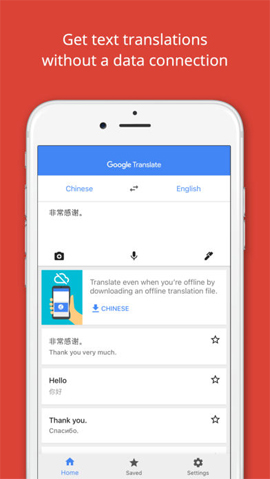
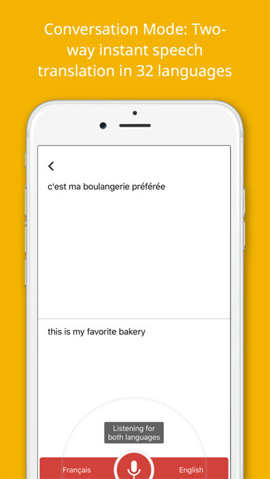
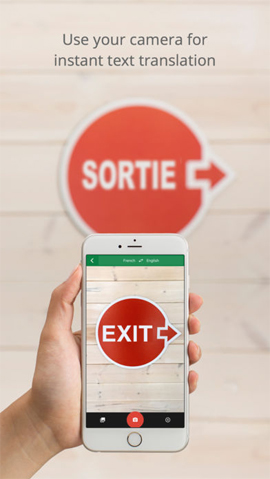
Google Translate now supports 103 languages for translation, supporting 52 languages offline. In particular, we can use this tool to translate real-time videos in 30 languages, translate with 37 languages camera mode, and translate spoken 32 languages. Or translate with handwritten version is 93 languages.
2. Microsoft Translator
- Download the Microsoft Translator iOS application
- Download Microsoft Translator Android
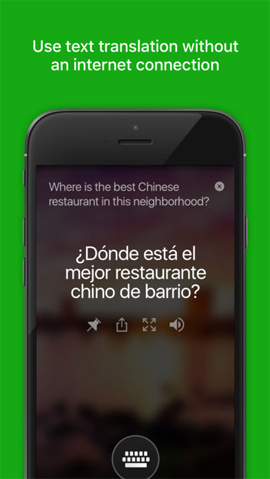
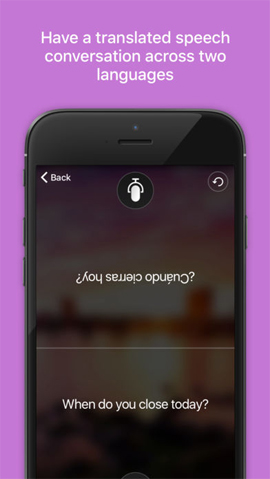
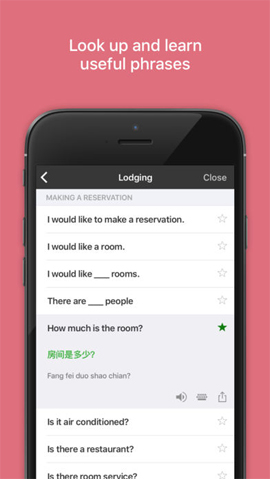
Microsoft Translator is a translation tool from Microsoft that also has a powerful, quality language translation feature. the app can conduct translation, translate text or translate images. In particular, Microsoft Translator adds the ability to translate language spoken in real time, according to the conversation that users are talking directly. This makes it easy to communicate with foreigners.
- How to translate web pages on Safari browser with Microsoft Translator
Microsoft Translator supports translating 60 languages, but translating will only support 10 languages.
3. Language Translator on Android
- Download the Language Translator application
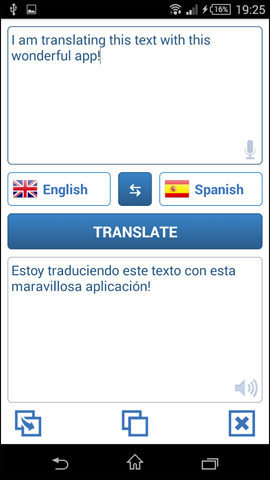
Language Translator helps you to translate English and many other languages with very simple and fast operation. the app supports 2 types of translation including text translation and language translation.
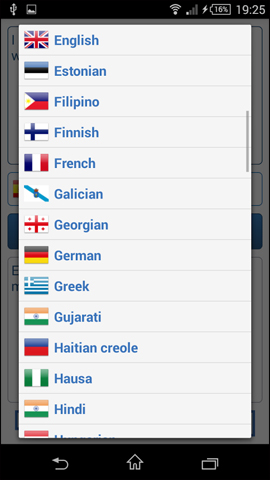
When you translate English on the app, we will choose the language to be translated as English and the target language is Vietnamese. In the course of use, you can change the language translation depending on the translation requirements of each person. Language Translator supports up to 90 translation languages and you can listen to translations after the translation has completed.
4. Bing Translator application
- Download Bing Translator Windows Phone application
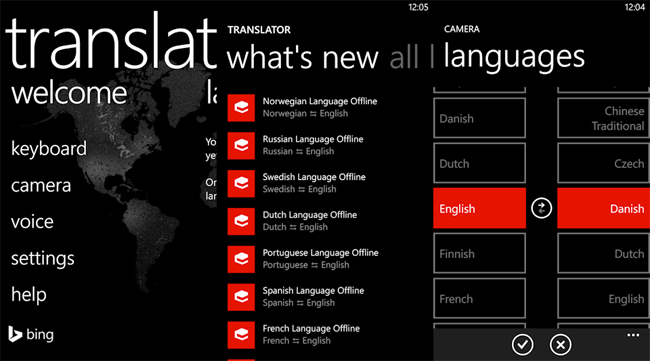
Bing Translator is a free translation application that Microsoft developed exclusively for Windows Phone platform. the app supports translation of English and more than 40 other languages with a variety of translations, including traditional translation of text content, camera translation, voice translation and translation of the offline dictionary search since There is no network connection, but you need to download this dictionary before you can use it.
5. iTranslate English translation
- Download the iTranslate Android application
- Download the iTranslate iOS app
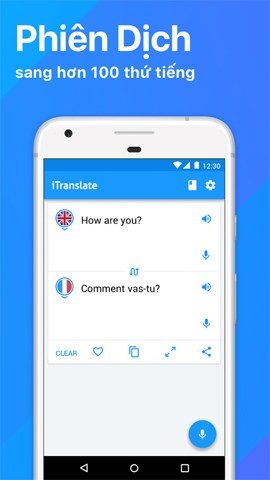
ITranslate is a multilingual translation application, including both translation and interpretation. the app translates the language group with the main meaning, along with many different meanings suggested. Translating language based on context when bringing many different meanings of words, will make it easier for users to use. You can choose which meaning fits the text, or the context in which you are translating.
In addition to supporting 90 languages, iTranslate also supports spoken translation, with fast language processing capability.
6. iTranslate Voice
- Download iTranslate Voice Android application
- Download iTranslate Voice iOS
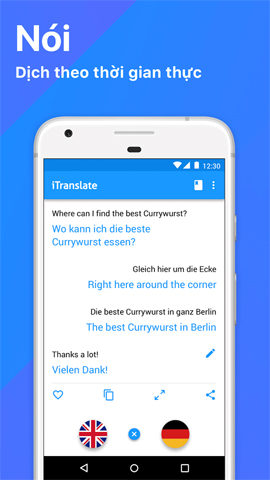
ITranslate Voice is an application that translates English into spoken languages on mobile devices, translating 1 language into words of another language that you have chosen.
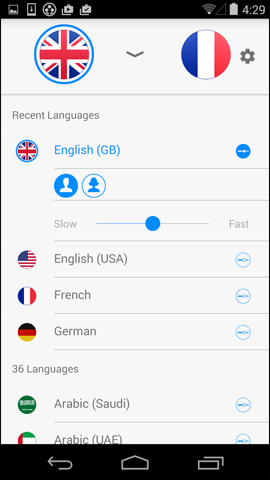
The app now supports translation of more than 40 languages. Users do not need to enter content like other applications, just speak to iTranslate Voice to translate the language. the app will help look up definitions of words to translate, translations or other popular translation phrases. Besides, the app also supports sending translations via email, SMS, Twitter or Facebook.
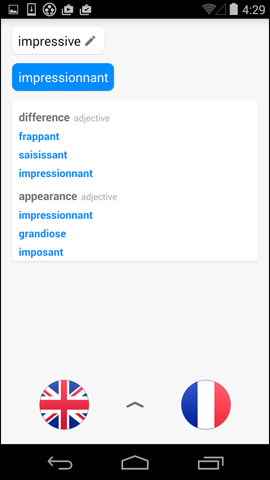
7. Translate Photo translating iOS images
- Download the app Translate Photo iOS
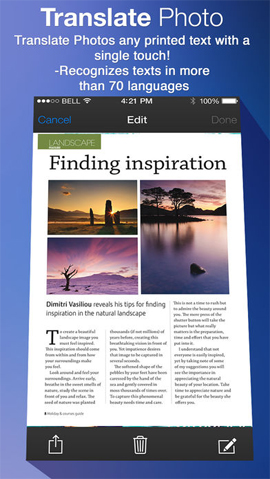
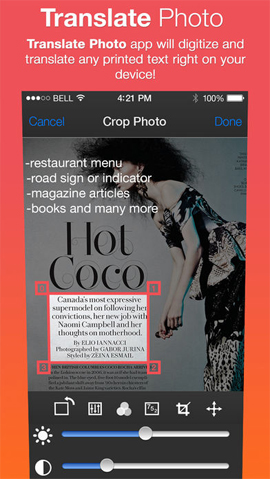
If you need an application to translate images on an iPhone / iPad, Translate Photo is a quality choice. In addition to translating English language images, the app also supports up to 90 different languages.
- How to translate text on photos for iPhone with Translate Photo
Translate Photo can translate documents directly from images, then convert images into text to translate and customize the translation as you like. Language translation text can be read aloud if users needs it.

The above are some applications for translating English as well as other languages on the phone. Most of the above translation applications possess professional translation tools and features, supporting users to translate languages with many rich meanings. Besides, some applications also allow translating language from images, or through voice, more diverse needs of users.
Hope this article is useful to you!
FAQ
What is the main benefit of translate english on the phone with quality translation apps?
The main benefit is a clearer understanding of the topic and a practical way to apply the information covered in this guide.
What should I check before using translate english on the phone with quality translation apps?
Confirm compatibility, review the required settings, protect important data, and use the latest supported version whenever possible.
What should I do if the result is different?
Repeat the steps carefully, verify permissions and version differences, and consult the product's official support documentation for changes not shown in the article.
Related Articles
 Translate English When Playing Games on Android Without Changing6 minutes read
 How to Use Google Translate to Translate Languages on the Phone8 minutes read
 Translate Language on Viber5 minutes read
 How to Use AZ Translate Screen, Voice, Photo3 minutes read
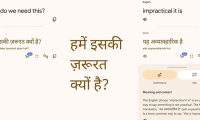 Google Translate Is Testing a More Expansive Translation: Key Details3 minutes read
 ChatGPT Translate: a Smarter New Translation Tool: Explained4 minutes read
Reader Comments 0
Sign in with email or Google to join the discussion.