Table of Contents
This guide provides a clear overview of best vpn for phone, including TOP Best VPN Apps for Phones, Expressvpn. Use it to understand the topic, compare the available options, and make a more informed decision.
TOP Best VPN Apps for Phones
Expressvpn
ExpressVPN is probably the most complete VPN application on both computers and phones. It is also in the TOP of the best VPN software on computers.
It provides basic functions like segmentation of internet traffic, protocol selection, etc. along with some extras like IP, DNS or WebRTC leak detection and a secure password generator.
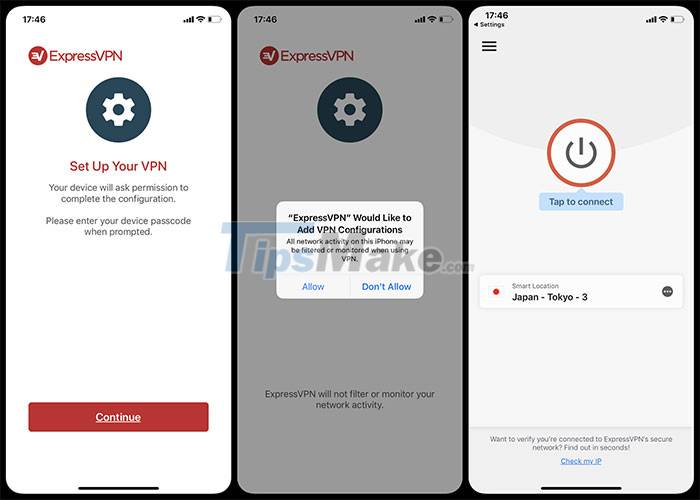
Both the iOS and Android apps are simple to install, and within seconds of granting system permissions, users will have their devices protected. Another cool feature of ExpressVPN is the ability to switch servers with a single tap without closing the current connection.
Cyberghost VPN
CyberGhost is focused on giving users a VPN equivalent of the PC experience. So CyberGhost's mobile features are still available.
The app lets you choose from OpenVPN and WireGuard, with a toggle to automatically connect whenever your phone hits an unsecured Wi-Fi connection.
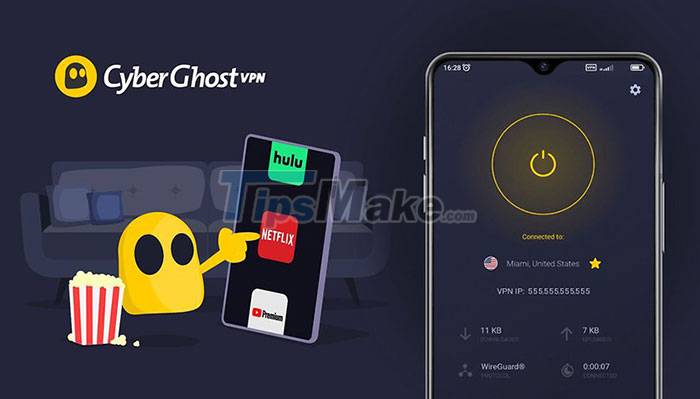
It also has a content blocker, which blocks domains that can lead to malware, and monitors and divides internet traffic.
CyberGhost has a huge number of servers, with the current number over 7000. In a test with WireGuard enabled with 1Gbps in the UK, the app hit an amazing top speed of 860Mbps.
Private Internet Access
Private Internet Access (PIA) provides the basic needs of a VPN along with some useful extras. Most VPNs have distinct differences between their iOS and Android apps, but the PIA apps on both platforms are the same, suitable for people with both operating systems.
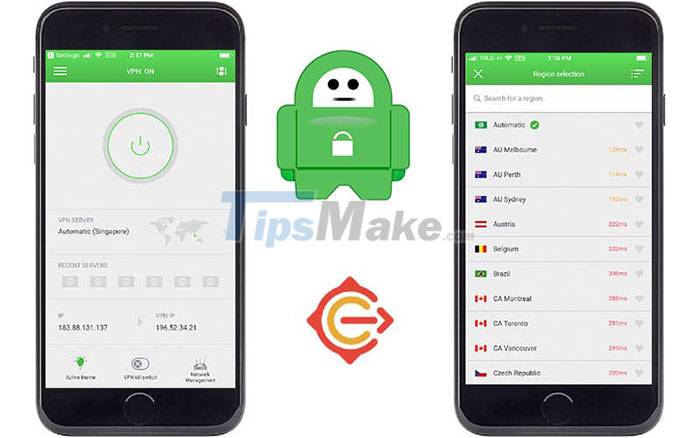
Both applications offer internet traffic division, protocol switching, choice between UDP or TCP connections, and more.
Hotspot Shield VPN
Hotspot Shield makes it easy for users to unlock websites from anywhere in the world, while ensuring privacy and security. Some outstanding features of Hotspot Shield such as super fast VPN with more than 3200 servers around the world, optimized for downloading data, playing games.
In addition, it allows anonymous and confidential online information, the application does not track, keep the user's logs. The app has military-grade encryption to keep online activity from being stolen by bad guys.
Hide.me
Hide.me is a fully featured VPN app with an easy to use interface. It allows near-instant connection at the push of Enable button, sifting between server locations along with the option to manage a favorites list.
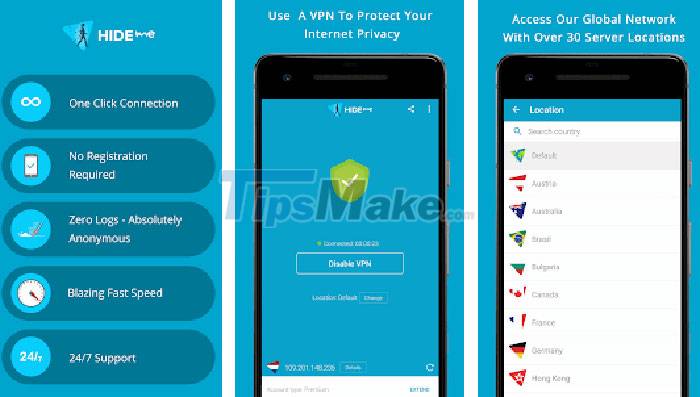
Hide.me also impresses with its speedy performance, delivering 750-780Mbps results. Despite the occasional lag, Hide.me is still a pretty strong mobile VPN. With support for IKEv2, OpenVPN UDP and TCP, WireGuard, it also has auto connect, kill switch and custom DNS server selection.
Conclusion
Understanding Best VPN for Phone makes it easier to compare options, avoid common mistakes, and apply the information in this guide more effectively. Review the relevant requirements before making changes or choosing a solution.
FAQ
What is Best VPN for Phone?
TOP Best VPN Apps for Phones Expressvpn is probably the most complete VPN application on both computers and phones.
Why is Best VPN for Phone important?
Understanding Best VPN for Phone helps you evaluate features, compatibility, performance, and potential limitations before you choose a product or follow a procedure.
What should you consider when using or choosing Best VPN for Phone?
Consider your specific goal, compatibility requirements, available features, cost, security, and the practical recommendations described in this guide.
Related Articles
 Pre-installed Apps That Can Be Safely Uninstalled on Samsung Phones7 minutes read
 TOP Essential Apps When Using Android Phones5 minutes read
 5 Best Best Photography Apps on iPhone and Android Phones5 minutes read
 Learn About Rabbit R1: AI Phone Without Apps: Complete Overview11 minutes read
 Top Voice Changer Apps for Android Phones5 minutes read
 9 Samsung Apps That May Run in the Background8 minutes read
Reader Comments 0
Sign in with email or Google to join the discussion.