Table of Contents
This guide compares 10 leading Android Apps You Shouldn't Install, focusing on useful features, compatibility, ease of use, and overall value.
1. QuickPic Gallery

Before being acquired by Cheetah Mobile, a famous Chinese company in 2015, QuickPic was used by many people because it was a friendly photo gallery with clear information and regularly updated.
But now, QuickPic becomes a harmful application. A Google Plus user discovered evidence that the app started downloading user data to the company's server.
By the end of 2018, QuickPic was completely removed from the Play Store, but was brought back in 2019.
Currently on the Google store there are many applications called QuickPic, it is difficult to distinguish which is the original version. Therefore, for safety users should not install this application.
2. ES File Explorer
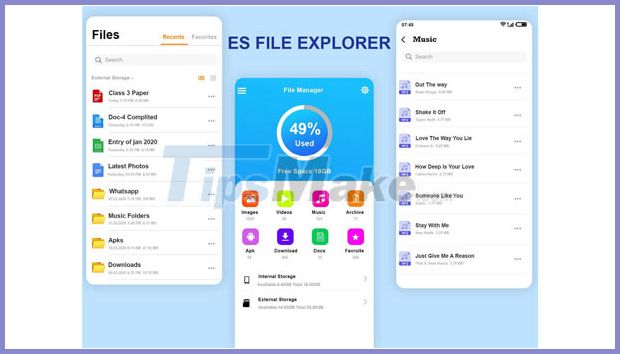
5 years ago, this file manager application was trusted by many people because it was very good. However, then more and more bloatware and ads are hidden in the free version of the app. When users use the application, windows will appear impossible notifications and turn off asking the user to download additional applications.
In April 2019, ES File Explorer was removed from CHPlay for advertising fraud. Currently, there are many applications impersonating ES File Explorer on CHPlay and used by some users.
3. Dolphin Web Browser
Dolphin Web not only tracks users but also incognito users of their website visits. Even when a user uses a VPN (Virtual Private Network - a virtual private network), the Dolphin Web browser reveals their ISP (Internet Service Provider) address.
4. UC Browser
This popular Android web browser has been blamed for the issue of user tracking. Searches requested during access are sent to Yahoo India and Google without being encrypted.
The user's IMSI number, IMEI number, Android ID and Wi-Fi MAC address are also unencrypted and sent to Umeng (an Alibaba analysis tool). The location data is also sent to AMAP (Alibaba's mapping engine) and of course not encrypted.
5. Hago

This is a game play and chat app with friends, allowing users to play and make a profit with real money. So here is the app that is warned about the gambling problem that shouldn't be there.
6. CLEANit
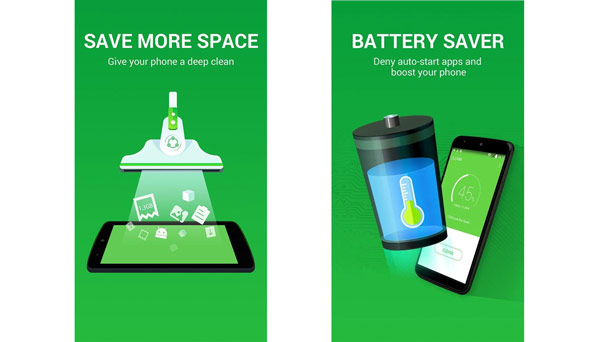
CLEANit is advertised as an efficient and popular mobile junk cleaner. However, this app does not do anything for the phone other than creating fake trust.
Freeing up running apps hardly saves battery power, but clearing the RAM makes the device consume more battery power.
7. Fildo
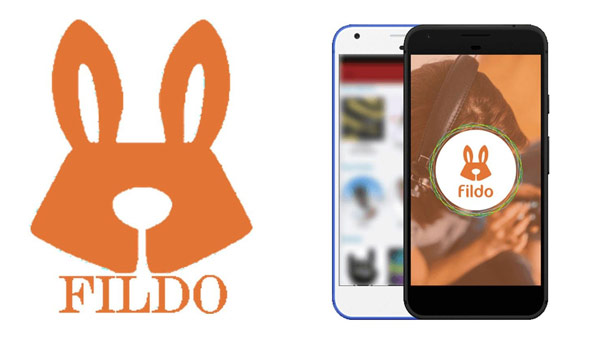
This is an illegal music download app hidden in the form of a music player. For a long time, Fildo and Netease, a Chinese online entertainment company, have had close ties to allow users to download songs from Netease's server.
So, there are many concerns about data collection and privacy due to using this app.
8. Clean Master
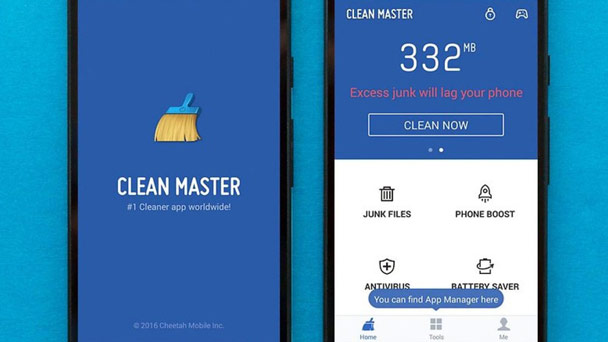
This is an app that optimizes for phones but was removed in 2019. However, its APK file still exists and is being used by many people.
9. Almost Every Anti-Virus App
Just like the above apps, this is a completely useless application. But it still wins the trust of many users.
10. DU Battery Saver & Fast Charge

Billed as battery saver and fast charging, DU Battery Saver & Fast Charge is trusted by users and has a huge number of downloads. And of course, advertising is still only advertising because an external application cannot interfere with the charging speed of the device.
In fact, this application contains a lot of ads and was removed from the Play Store in April 2019. But now many people still find ways to download via APK.
FAQ
How should I choose among Android Apps You Shouldn't Install?
Compare compatibility, essential features, ease of use, security, support, and total cost rather than choosing only by popularity.
Are free options suitable for everyday use?
Free tools can be sufficient for basic needs, but advanced features, commercial use, or priority support may require a paid plan.
What should I check before installing or using one?
Verify the official source, system requirements, recent updates, privacy practices, and support for your device and file types.
Related Articles
 Steps to Run Android Apps on Windows 115 minutes read
 The 11 Best Android Apps to Install on Chromebooks8 minutes read
 Instructions for Installing Android Apps on Chromebook6 minutes read
 How to Install Android Apps via ADB7 minutes read
 The Best Android Apps9 minutes read
 How to Install APK Files on Android: Clear Instructions3 minutes read
Reader Comments 0
Sign in with email or Google to join the discussion.