Table of Contents
Regular driver updates help your computer run more stably, improve performance, and reduce system errors.
The software automatically scans, checks, and installs the latest driver versions, saving time and reducing the risk of downloading counterfeit drivers or getting viruses.
List of software:
1. Driver Booster .
2. DriverEasy .
3. AVG Driver Updater .
4. Driver Reviver .
5. DriverFinder .
Top Driver Update Software Currently Available
Driver Booster

Driver Booster updates drivers from the manufacturer's official website and checks their integrity according to Microsoft's WHQL standard.
The software supports over 6.5 million devices and 1,200 brands, helping to detect and update outdated software quickly.
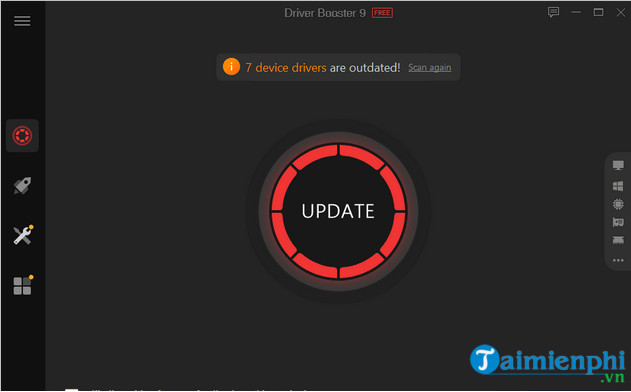
Driver Booster not only updates but also fixes audio, video, graphics, and Wi-Fi issues on Windows. The software helps stabilize the system and improves web browsing and download speeds.
DriverEasy

As the name suggests, DriverEasy is user-friendly. The software helps identify and update faulty drivers with just a few steps. By analyzing the hardware and operating system, it finds the most stable, compatible, and secure drivers for your computer.
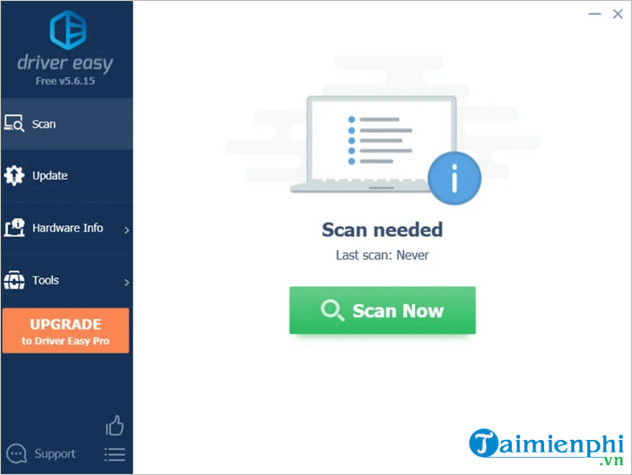
DriverEasy uses only genuine drivers from manufacturers, rigorously testing them to ensure safety, stability, and compatibility with Windows and common hardware and software configurations.
AVG Driver Updater

AVG, known for its antivirus software, also offers AVG Driver Updater – a tool that scans and updates outdated drivers to the latest versions.
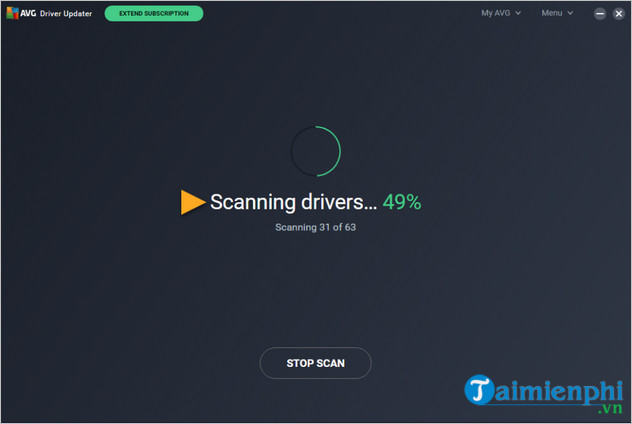
The software partners with over 100 manufacturers to provide the latest official drivers. It supports reinstalling drivers when needed and runs in the background to keep the system stable.
Driver Reviver

Launched in 2014, ReviverSoft's Driver Reviver provides free driver updates, ensuring your system always uses the latest version and preventing the installation of corrupted drivers or malware.
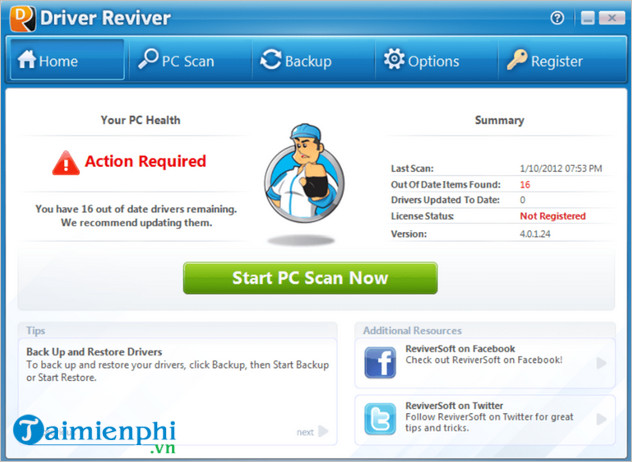
Driver Reviver allows you to restore the state before driver installation, making it easier to fix errors if a new version causes problems. The software also has an option to automatically scan when Windows starts, ensuring drivers are always up-to-date before starting.
With a database of over 10 million files, Driver Reviver supports a wide range of computers and software, providing both official and uncertified drivers.
DriverFinder

DriverFinder scans your system, identifies missing or outdated drivers, then displays and automatically installs the latest versions.
Most drivers are sourced directly from the hardware manufacturer, helping to avoid errors, malfunctions, or counterfeits. The software also allows you to back up existing drivers, which is convenient when you need to reinstall the system.
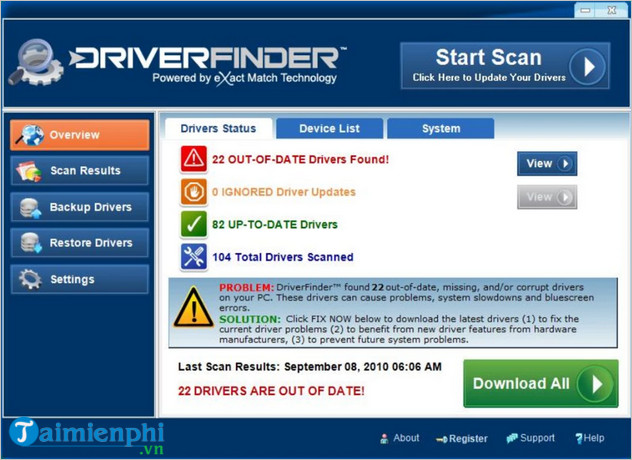
DriverFinder doesn't have an option to install all drivers, so each driver that needs updating must be manually confirmed. However, you can have the software run automatically when Windows starts to install the necessary drivers right from the start.
In summary, TipsMake has introduced the top driver update software for computers so that readers can make their own assessments and choices. If you have any questions, please leave a comment below for clarification.
Related Articles
 The Best Driver Update Software for Computers10 minutes read
 Update Driver, the Software Automatically Finds Driver for9 minutes read
 Donate Key Driver Booster 6 Pro 6 Months, Activate Before October4 minutes read
 Top Best Driver Update Software for Computers 20237 minutes read
 Driver Driver Installation Software for Computers7 minutes read
 How to Update Driver Using Device Manager for Windows 108 minutes read
Reader Comments 0
Sign in with email or Google to join the discussion.