Table of Contents
This guide compares 3 leading Software That Supports Super Fast Download Instead of IDM, focusing on useful features, compatibility, ease of use, and overall value.
1. Eagleget software replaces IDM
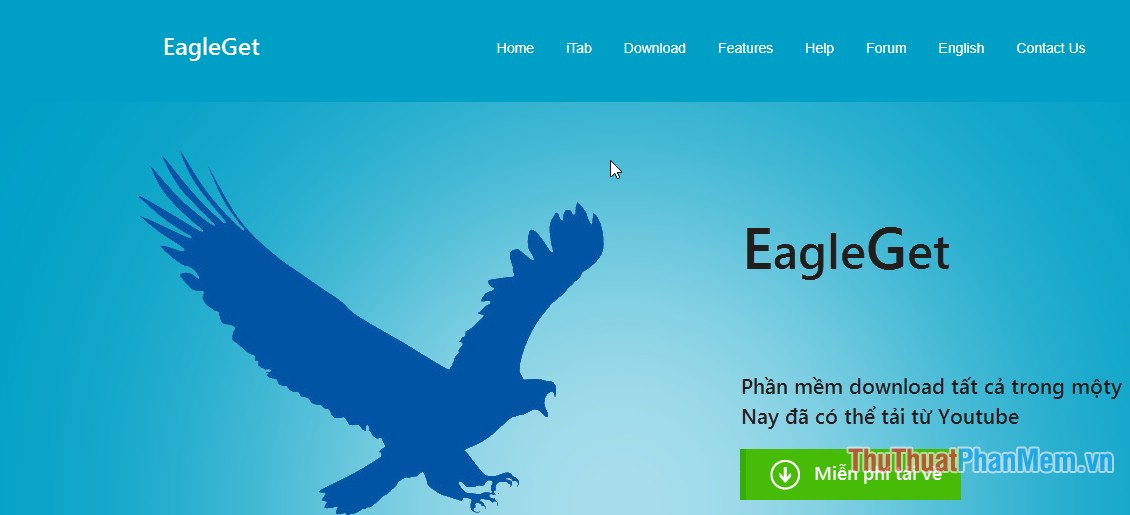
You can download the software on the page: http://www. eagleget. com/vn/
Eagleget has a user-friendly interface that is completely free to users. No time limits or features, no spyware, no malicious.
- Supports most operating systems.
- No time limits or features,
Main function:
- Support multithreading download, increase data download speed significantly compared to the tool available on the browser.
- Download files quite quickly, catch good links including Vimeo.
- Optimization on HTML5
- Automatic virus scan.
2. JDownloader software replaces IDM
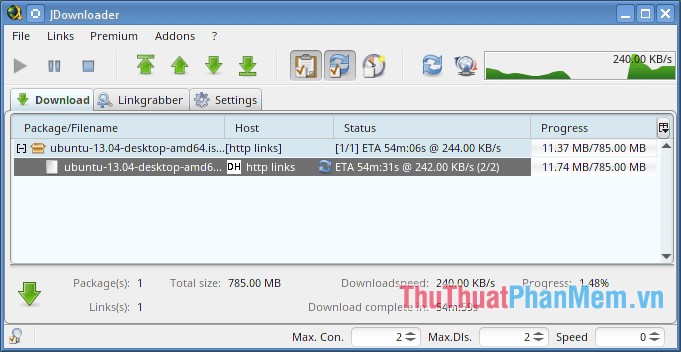
You can download the software here: https://jdownloader. vi. downloadastro. com/
Jdownloader is open source software that helps you increase the download speed to the maximum extent. Users can limit bandwidth, allow to continue or stop the process of downloading data, automatically store data, etc.
Supported operating systems:
Main function:
- Allows downloading multiple data files at the same time.
- Automatically extract when downloading files in. rar format
- Add new feature extremely effective reconnection.
3. Free Download Manager software replaces IDM
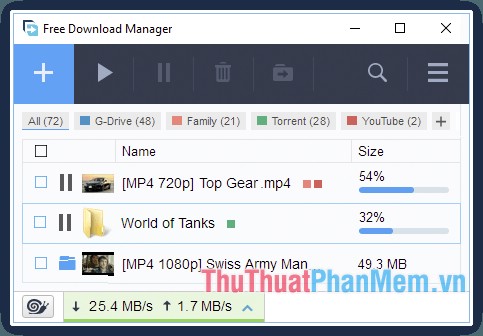
Free Download Manager is a worthy replacement for IDM, supports multithreading, downloading data files much faster than other software.
Capacity 17.8MB
You can download the software on the page: https://free-download-manager. vi. softonic. com/
Key features of Free Download Manager:
- Support most of Windows operating systems
- Increase data download speed many times.
- Allow download link via clipboard.
- Support downloading videos on Youtube, google.
- Can download data online easily.
Above is a detailed introduction of the Top 3 software that supports extremely fast Download instead of IDM. Good luck!
FAQ
How should I choose among Software That Supports Super Fast Download Instead of IDM?
Compare compatibility, essential features, ease of use, security, support, and total cost rather than choosing only by popularity.
Are free options suitable for everyday use?
Free tools can be sufficient for basic needs, but advanced features, commercial use, or priority support may require a paid plan.
What should I check before installing or using one?
Verify the official source, system requirements, recent updates, privacy practices, and support for your device and file types.
Related Articles
 How to Use Bittorrent Software to Download Movies and Games6 minutes read
 Scientists Create Cockroach Robots That Run Super Fast, Step Back3 minutes read
 How to Download and Install Anthemscore on Your Computer Super3 minutes read
 Link Download Anydesk 5.5.39 minutes read
 Learn About Wigig, the New Super Fast Wi-Fi Standard6 minutes read
 What's the Highlight of Bkav's Super Light, Super-Fast Web Browser?4 minutes read
Reader Comments 0
Sign in with email or Google to join the discussion.