Table of Contents
Claude Code can be useful to non-programmers because it can inspect local project files, create small utilities, and automate repetitive tasks from a terminal. You can describe the outcome in plain language, but you still need to review its plan, understand which files it will change, and keep backups.
Local access is both the benefit and the risk. Unlike a web chat that only sees uploaded material, a terminal agent may read, edit, move, or delete files and run commands within the permissions you grant. Do not treat it as an automatic computer-cleanup tool.
What Claude Code does
Claude Code is a terminal-based coding agent. It can examine a folder, explain a codebase, create or edit files, run development tools, and interpret command output. Although its name emphasizes programming, many useful tasks involve documents, filenames, structured text, and simple local web tools.
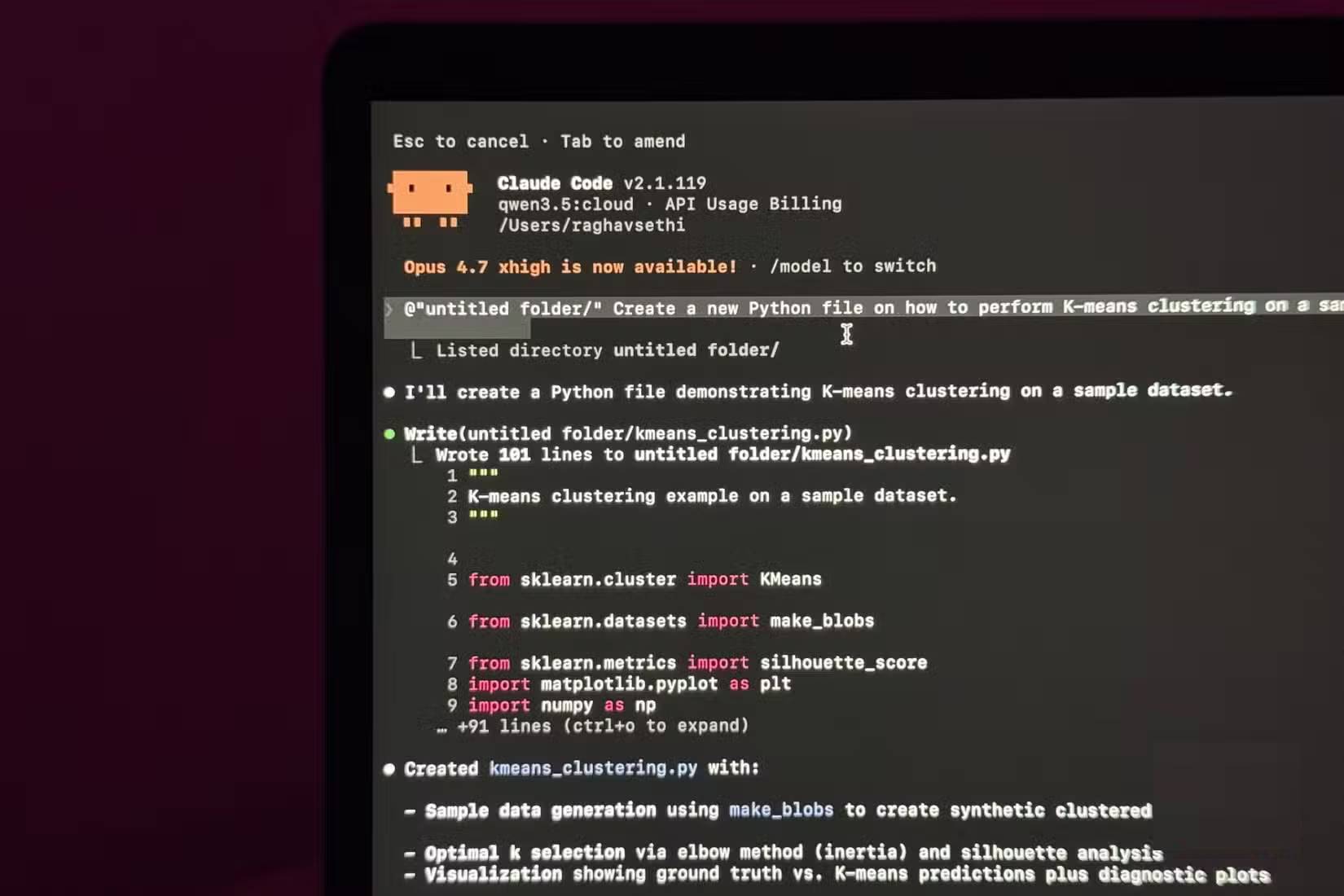
You do not need to write every line of code yourself. You do need enough judgment to recognize sensitive data, confirm the target folder, inspect proposed changes, and stop when an instruction is unclear.
Why local context changes the workflow
In an ordinary chat, you usually upload files and explain their relationships. A local agent can inspect an authorized folder directly, which reduces copying and gives it the context needed to trace filenames, references, and dependencies.
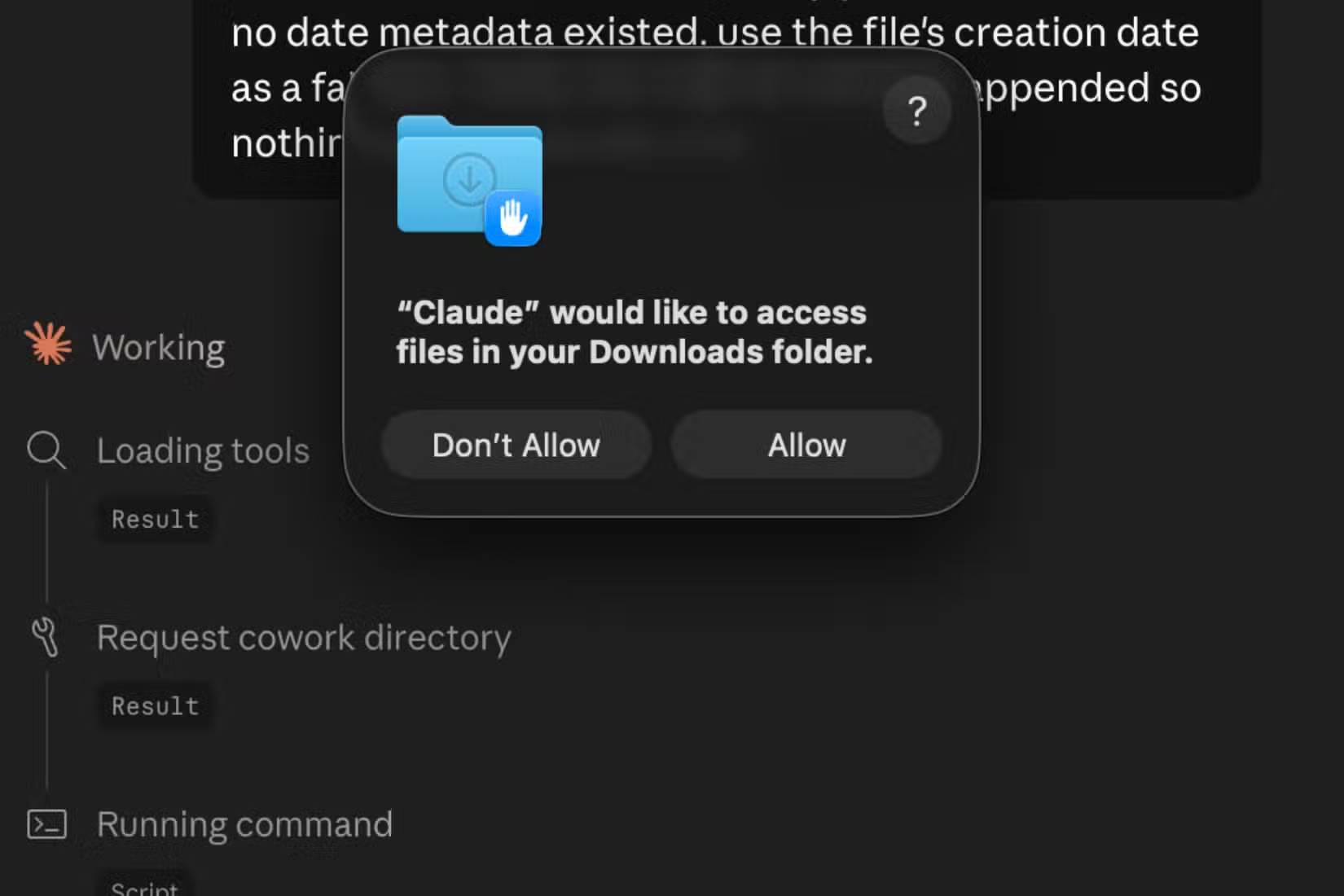
That does not justify unrestricted access. Start Claude Code in a dedicated project folder rather than a broad home directory, and avoid granting access to credentials, private records, or unrelated work.
Build small tools for a specific need
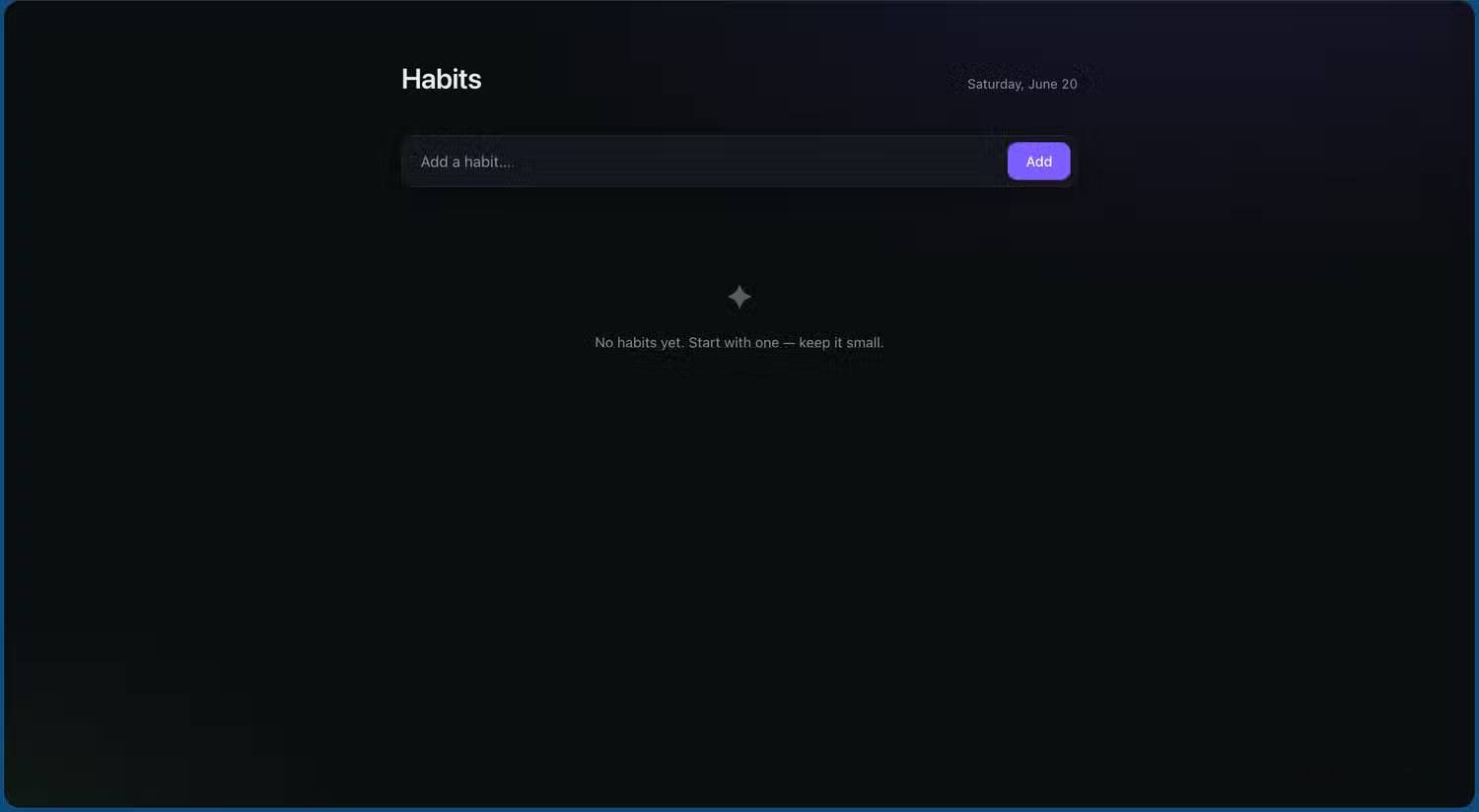
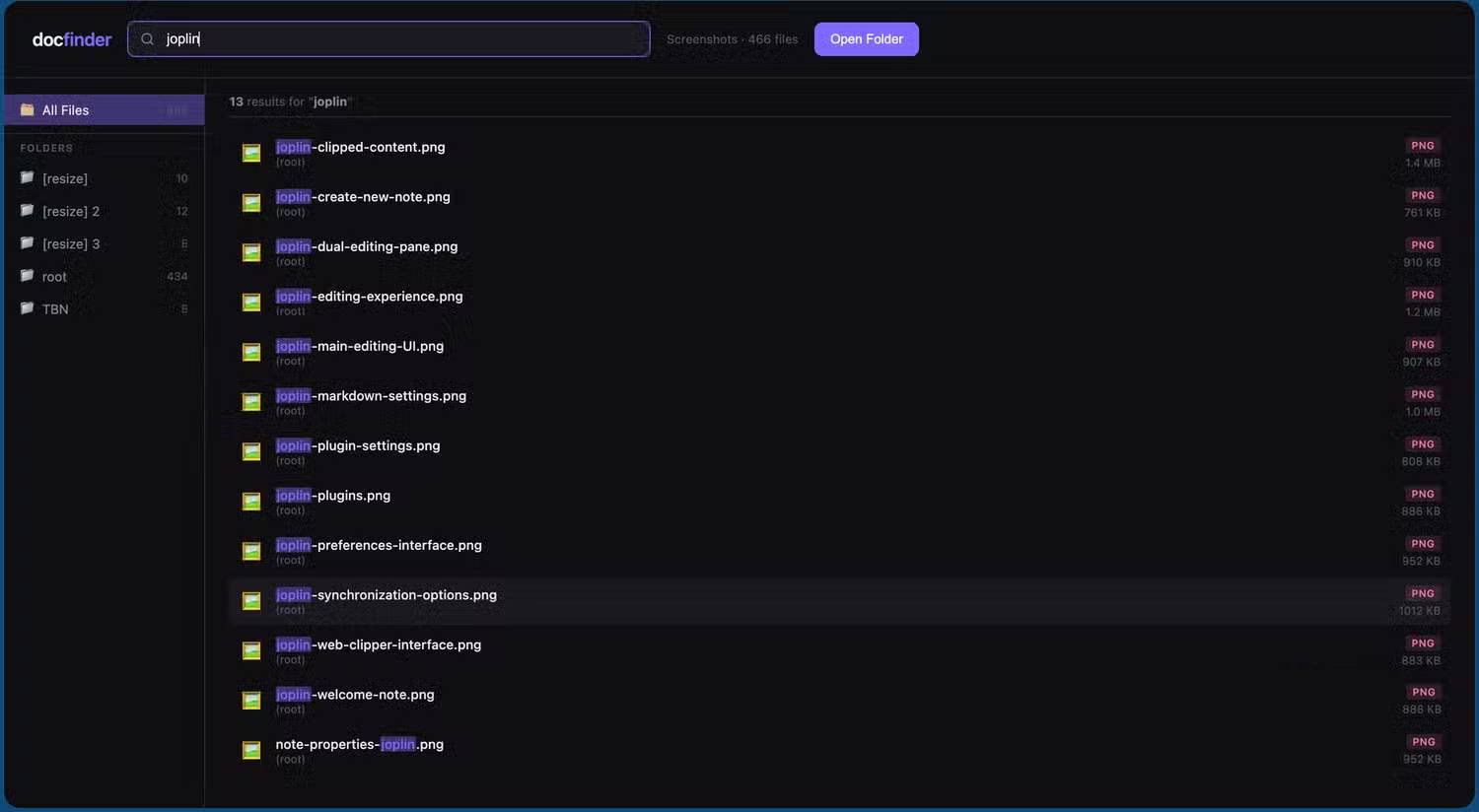
A beginner-friendly project has a narrow purpose, uses copies of sample data, and can be tested without affecting the rest of the computer. Examples include:
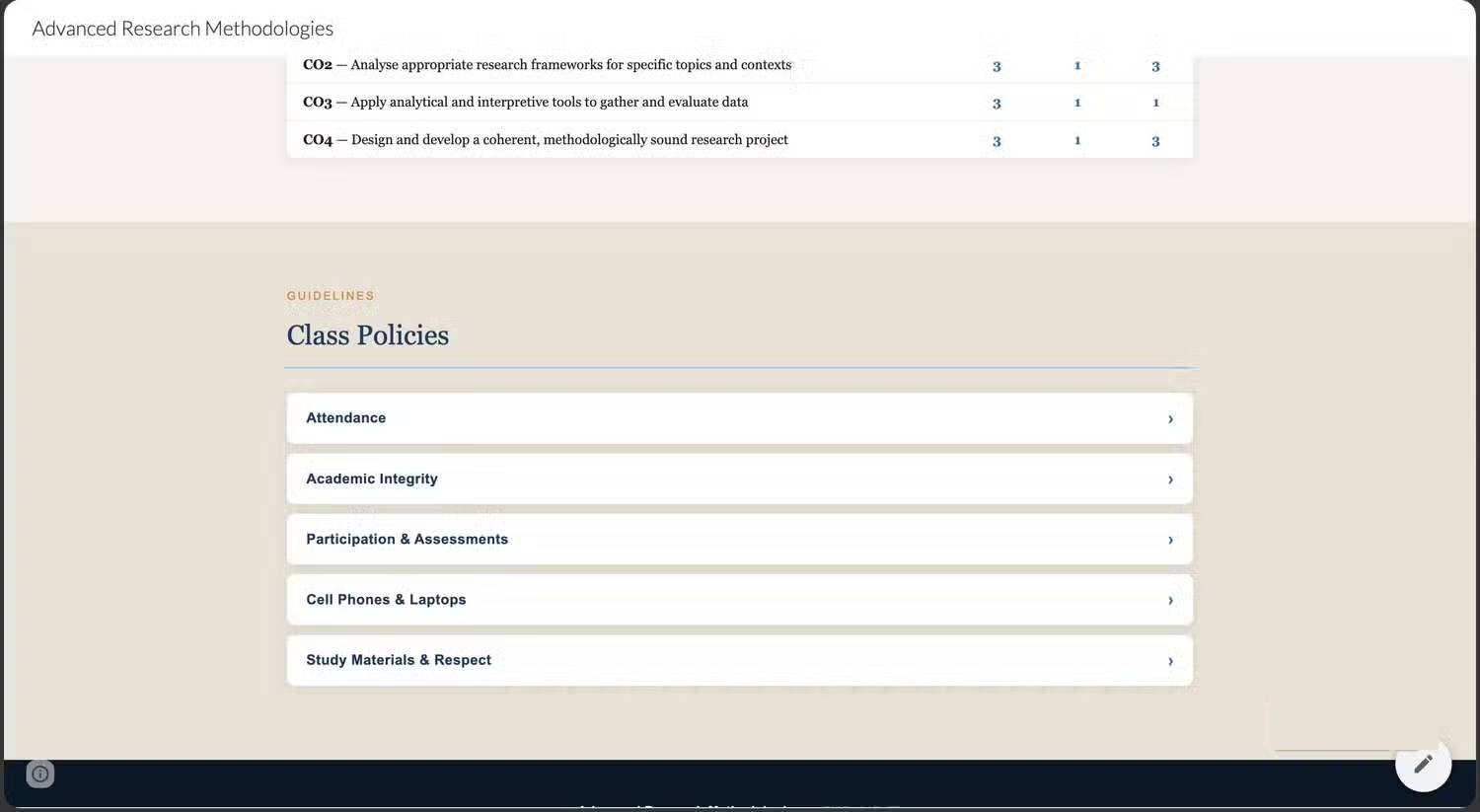
- A single-page HTML reference or course site.
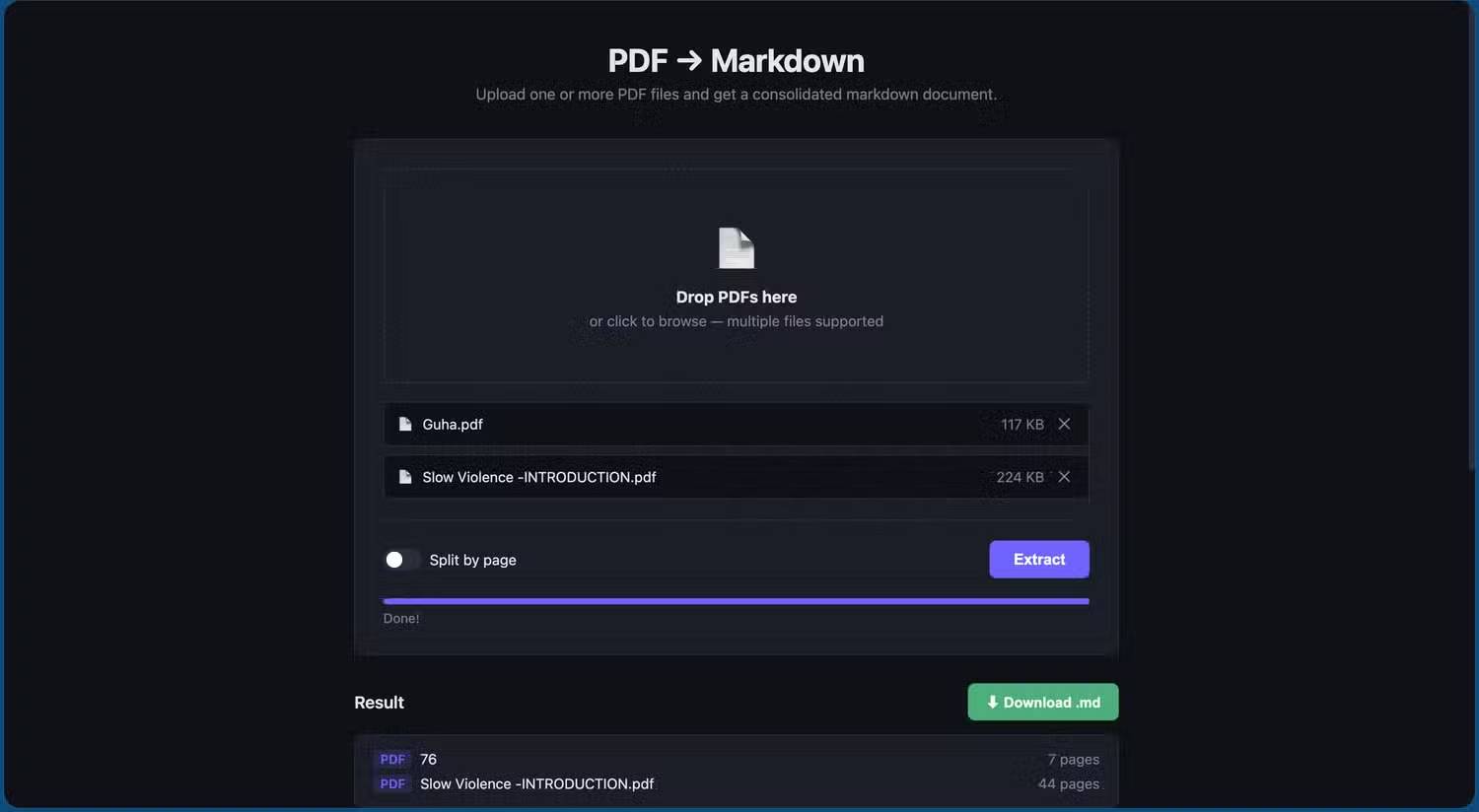
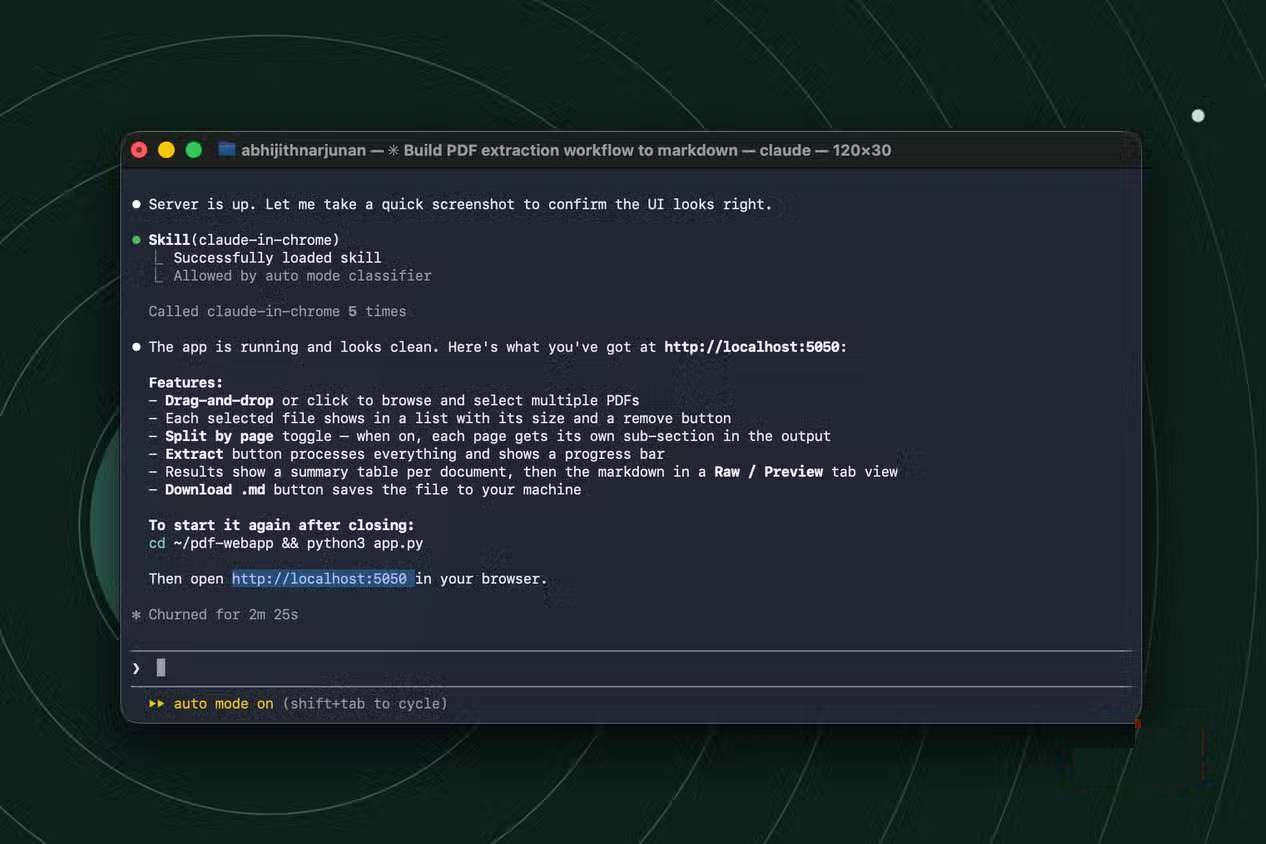
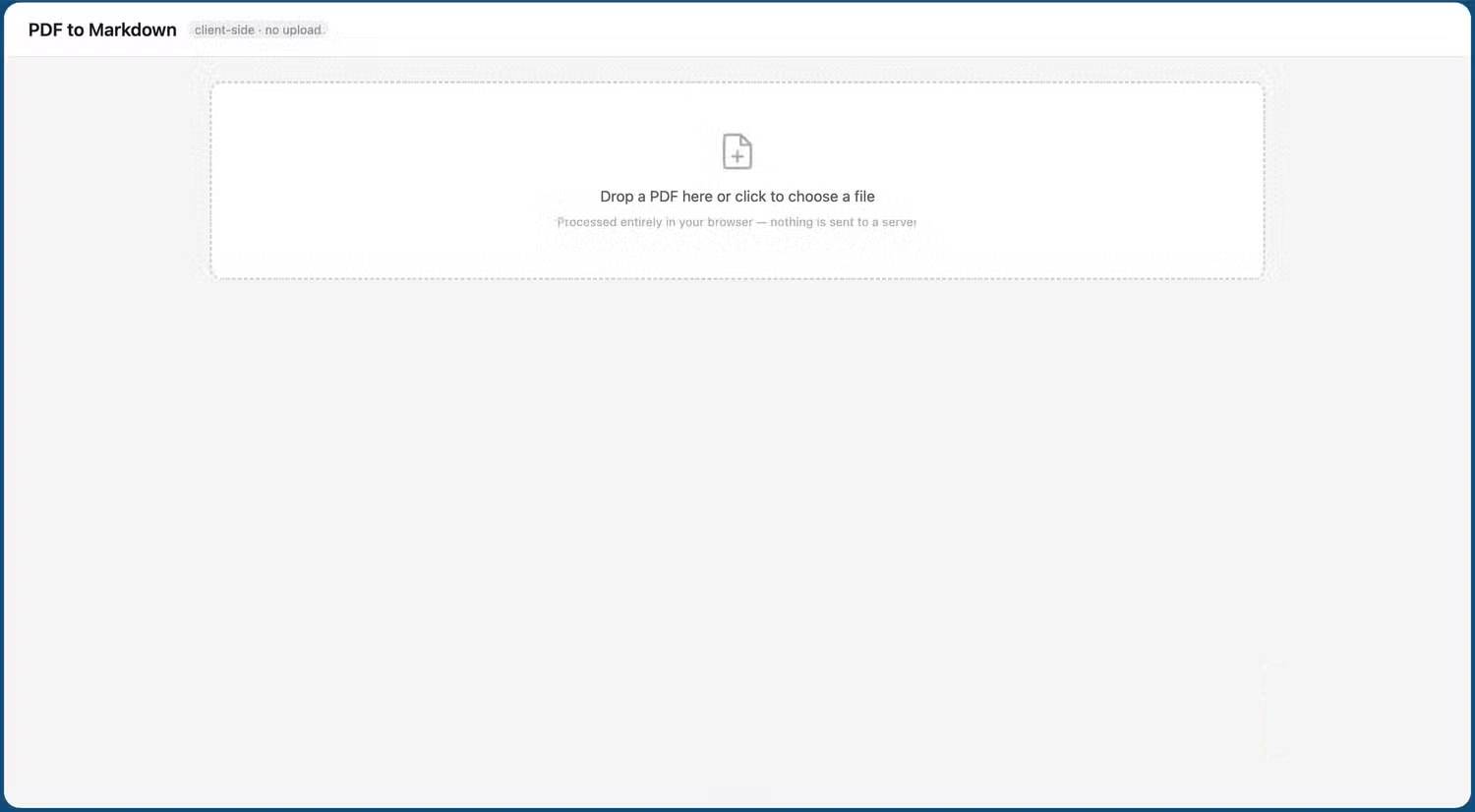
- A local converter that extracts text from selected PDFs into Markdown.
- An email-signature generator that outputs copyable HTML.
- A visual report of a folder structure without changing any files.
Give requirements, not just a vague request
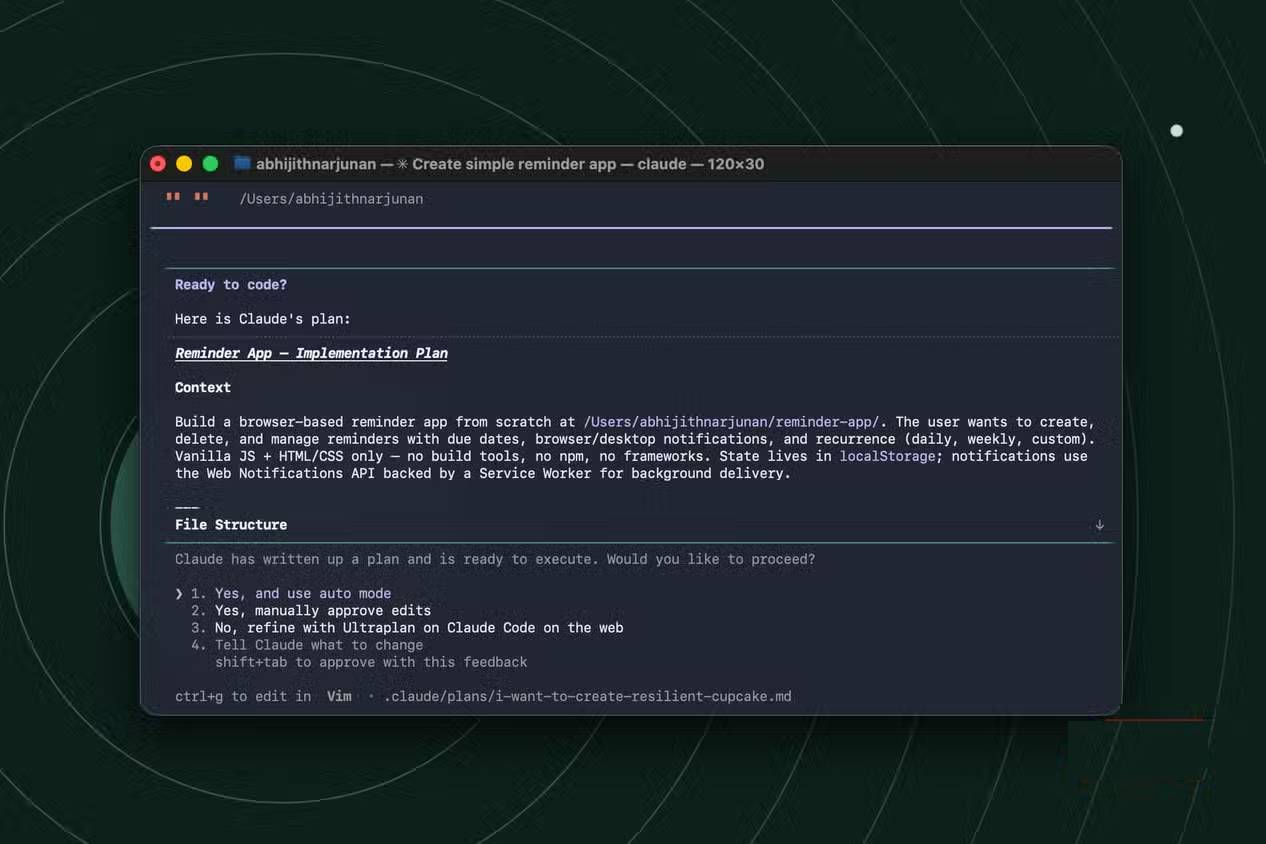
State the input format, desired output, operating system, folder boundaries, and what must never be changed. Ask for a short plan before any implementation. For a file-processing tool, also request clear error messages and a preview mode.
Automate repetitive file work carefully
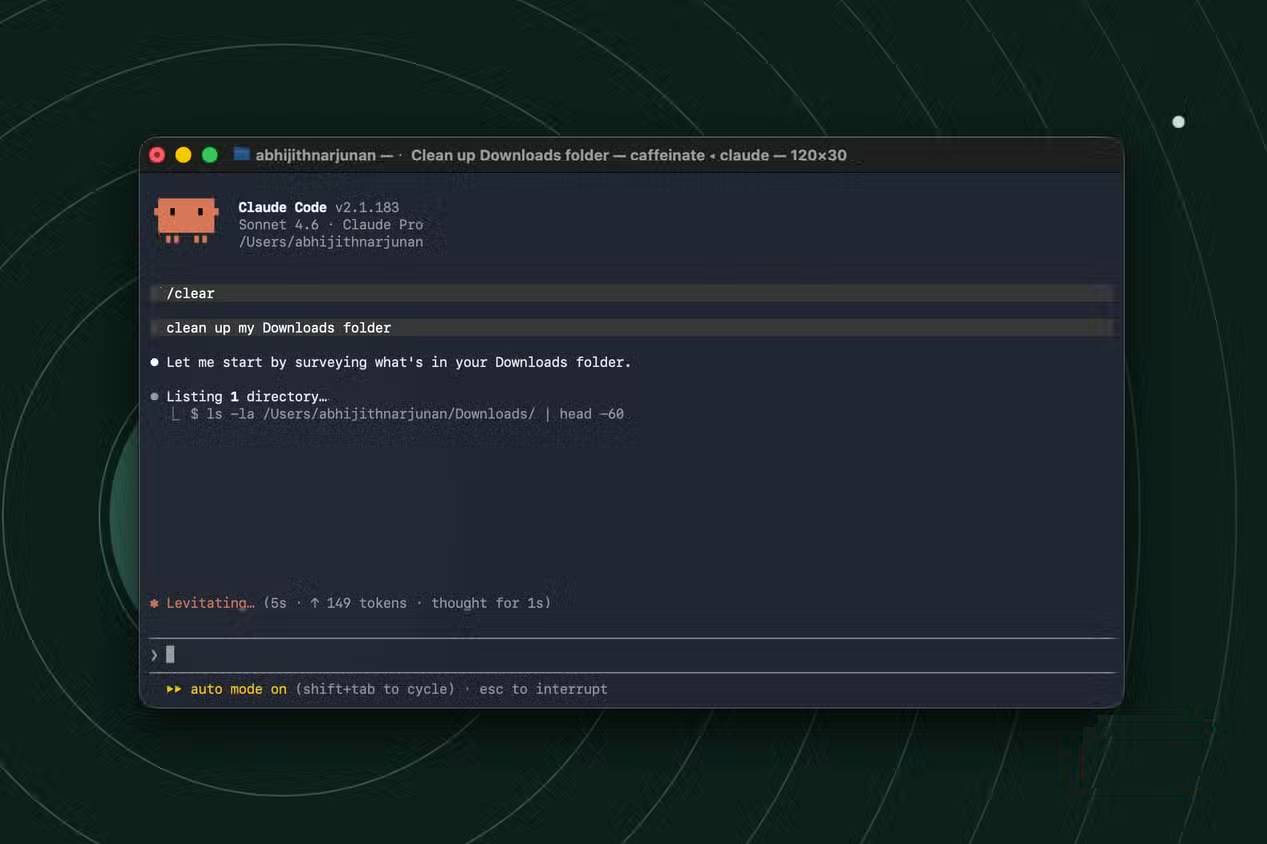
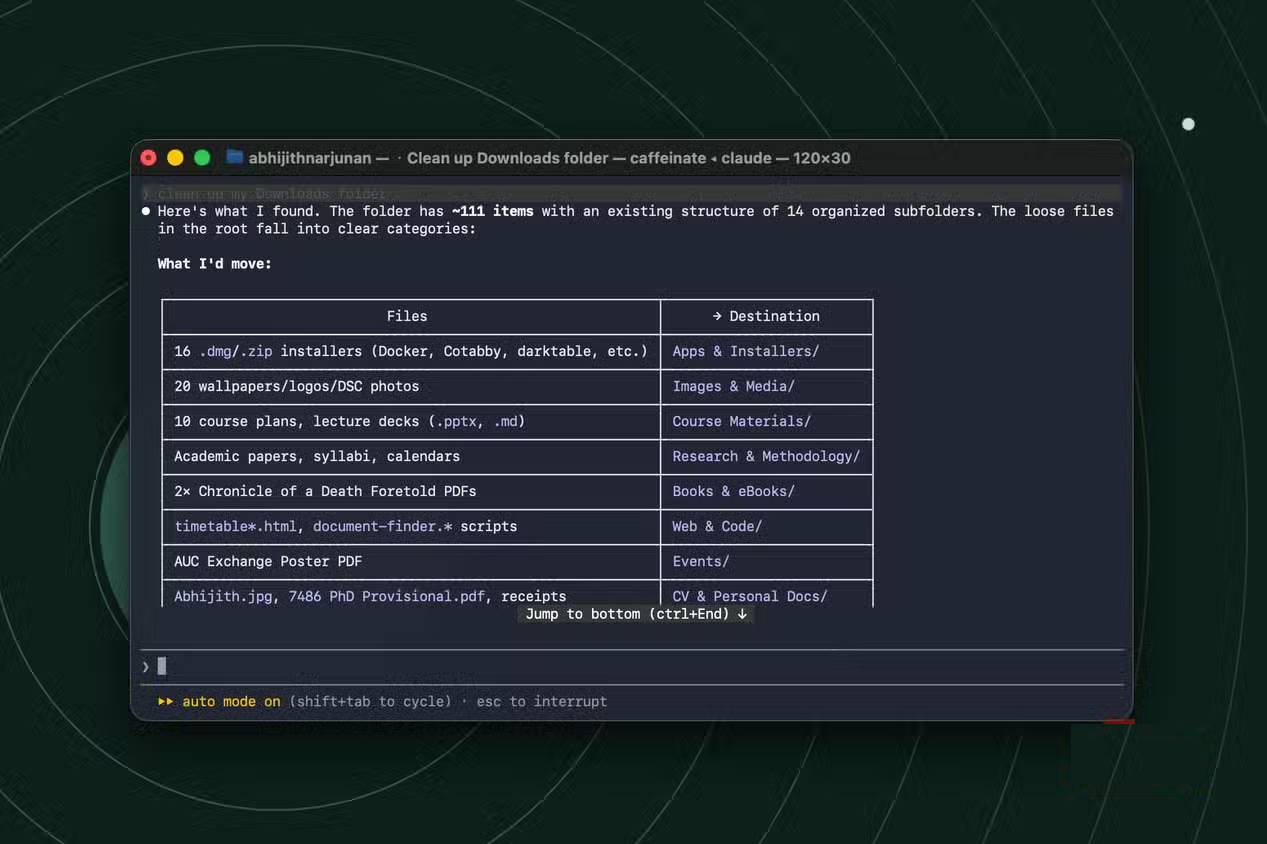
Claude Code can help prepare batch-renaming plans, extract text from multiple documents, and propose a cleaner folder structure. These operations become dangerous when applied directly to the only copy of a folder.
Use a preview-first process
- Copy a small representative set of files into a test folder.
- Ask for a read-only inventory before any changes.
- Request a table showing every current name and proposed name.
- Check collisions, extensions, dates, and the destination path.
- Run the operation on the test copy.
- Compare file counts and open several outputs before touching the original set.
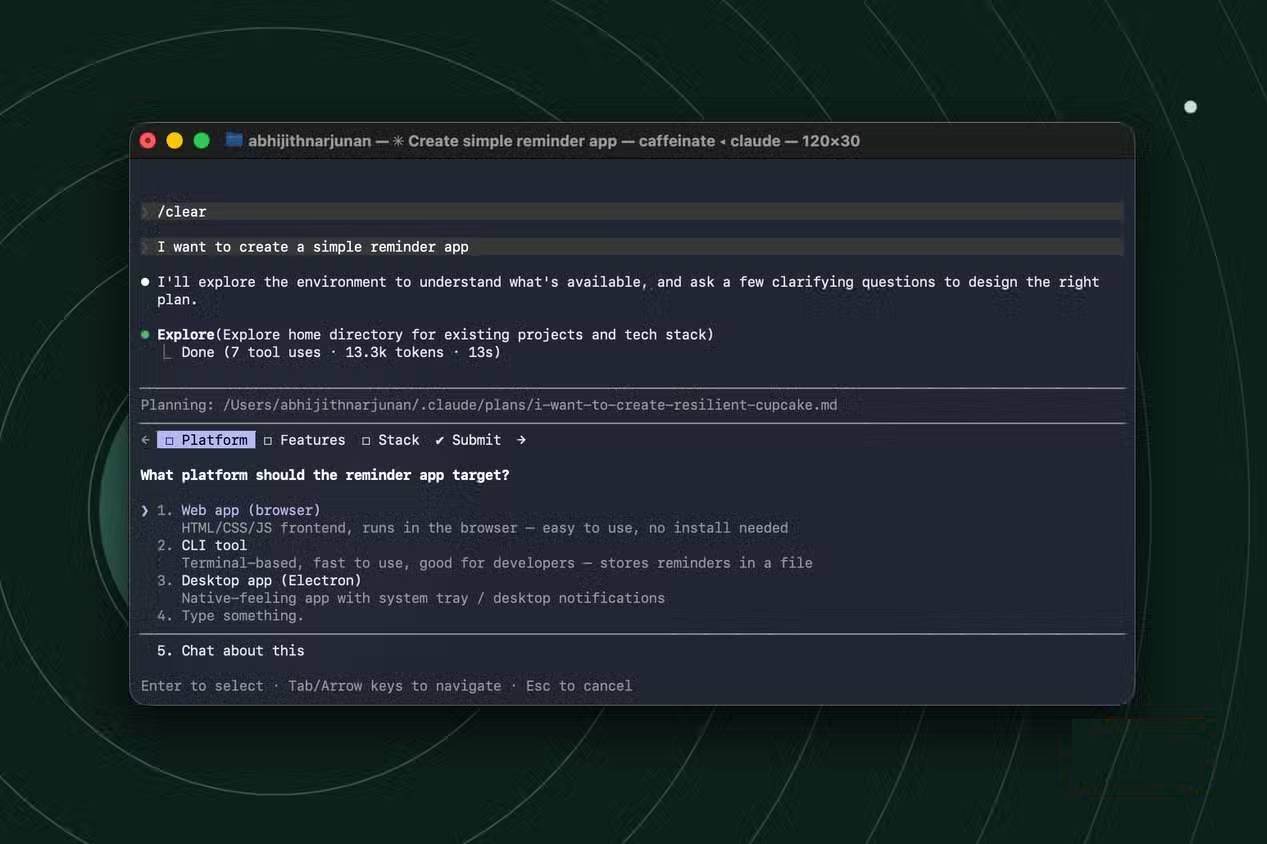
Five safeguards for beginners
- Limit the working directory: open only the folder needed for the task.
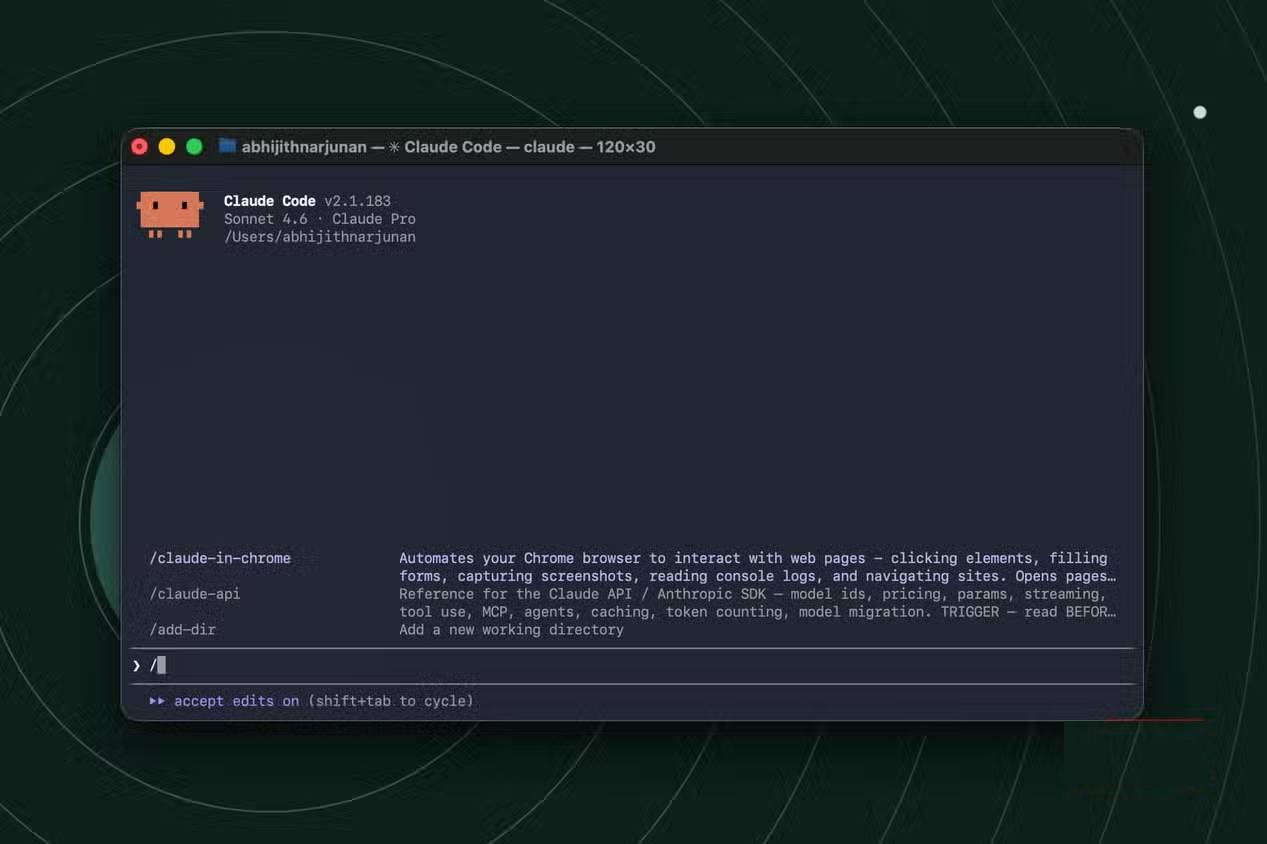
- Keep approval prompts enabled: read commands and paths before allowing execution.
- Back up first: make a recoverable copy before bulk edits, moves, or conversions.
- Prefer reversible changes: copy or rename before deleting, and use version control for code projects.
- Protect secrets: keep passwords, API keys, browser profiles, and private documents outside the workspace.
When not to use it
Do not use a coding agent as the sole authority for system cleanup, security changes, account permissions, financial records, or irreplaceable files. Avoid approving commands that require administrator access unless you understand the exact purpose and consequence.
A sensible first project
Start with a read-only task, such as creating an inventory of files in a copied folder or generating a static HTML page from sample text. Ask Claude Code to explain each file it creates and how to test it. That approach teaches the workflow without putting important data at risk.
Related Articles
 What Is the Claude Code: Clear Explanation7 minutes read
 Build an Offline PDF-to-Markdown Tool With Claude Code11 minutes read
 When Should You Not Use Claude Code?10 minutes read
 Things You Need to Know About Claude Code5 minutes read
 Which AI Programming Tool Is Right for You: Claude Code or Cursor?10 minutes read
 Claude Code in VS Code: How to Use AI for Efficient Multi-File Programming9 minutes read
Reader Comments 0
Sign in with email or Google to join the discussion.