Table of Contents
Whether you work at home or at a coffee shop, these accessories will make your workday run a lot smoother.
For a long time, many people thought that their laptop was more than enough for daily productivity.
Over time, however, you'll realize that the right accessories can be a real game changer. Many people don't like adding tools just for the sake of adding them. But after careful consideration, there are a few affordable accessories that helps you stay focused and increase your productivity. Plus, they help clear your workspace and mind, allowing you to focus on what matters. Whether you're working from home or at a coffee shop, these accessories will make your workday run much smoother.
Laptop stand
Improve your posture and productivity
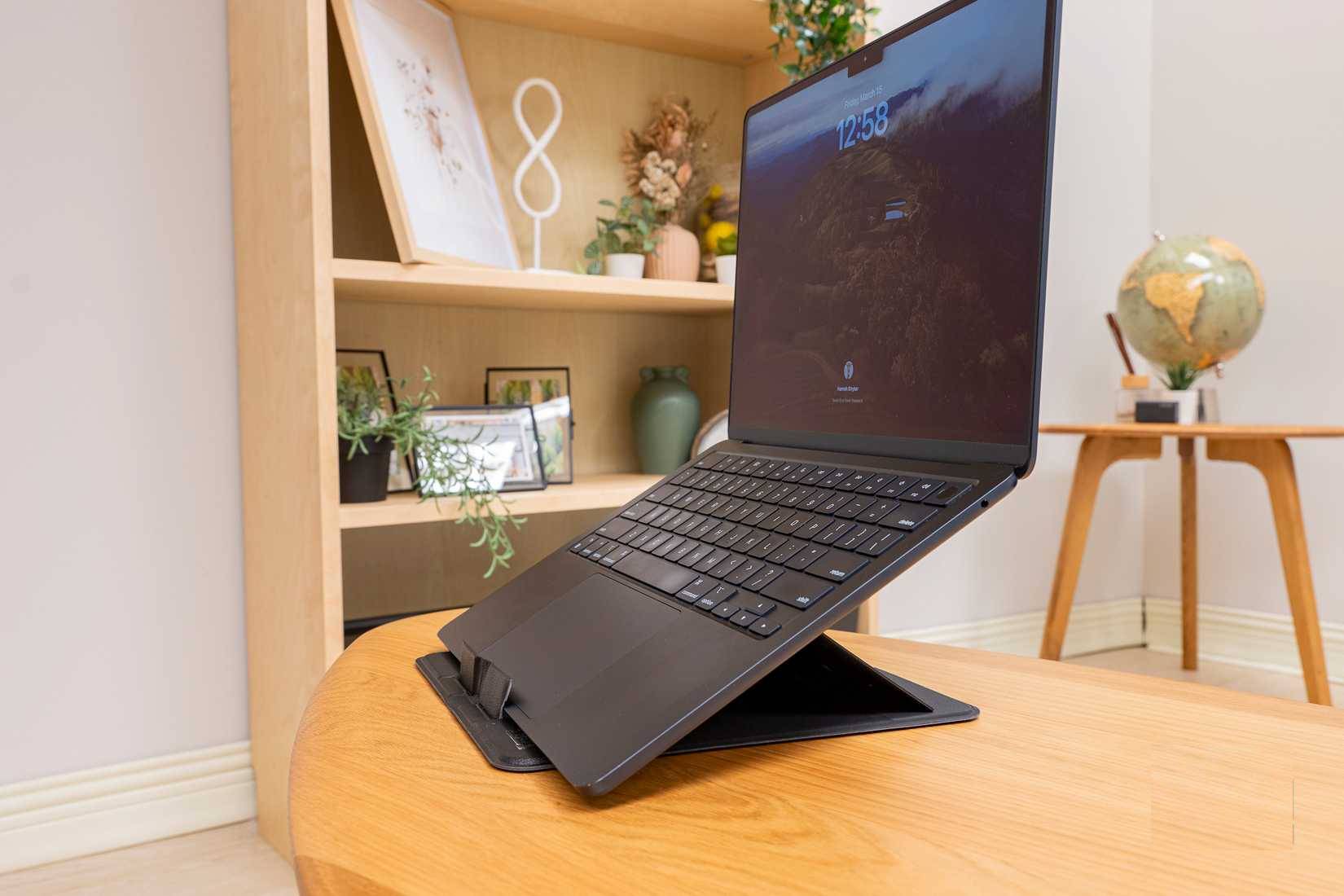
Many people end up with neck and shoulder pain every day. They work hard at their desks, relax on the sofa with their laptops on their feet, or sit for hours in waiting rooms. It feels good at first, but after a few weeks, their posture suffers and their productivity suffers. You know what fixes that? Not a doctor's appointment, but a good laptop stand. It raises your computer screen to eye level, helps you sit up straight, type comfortably, and protects your neck from the creaking caused by poor ergonomics. Laptop stands have become an essential accessory in many people's workspaces.
External SSD
An economical way to speed up
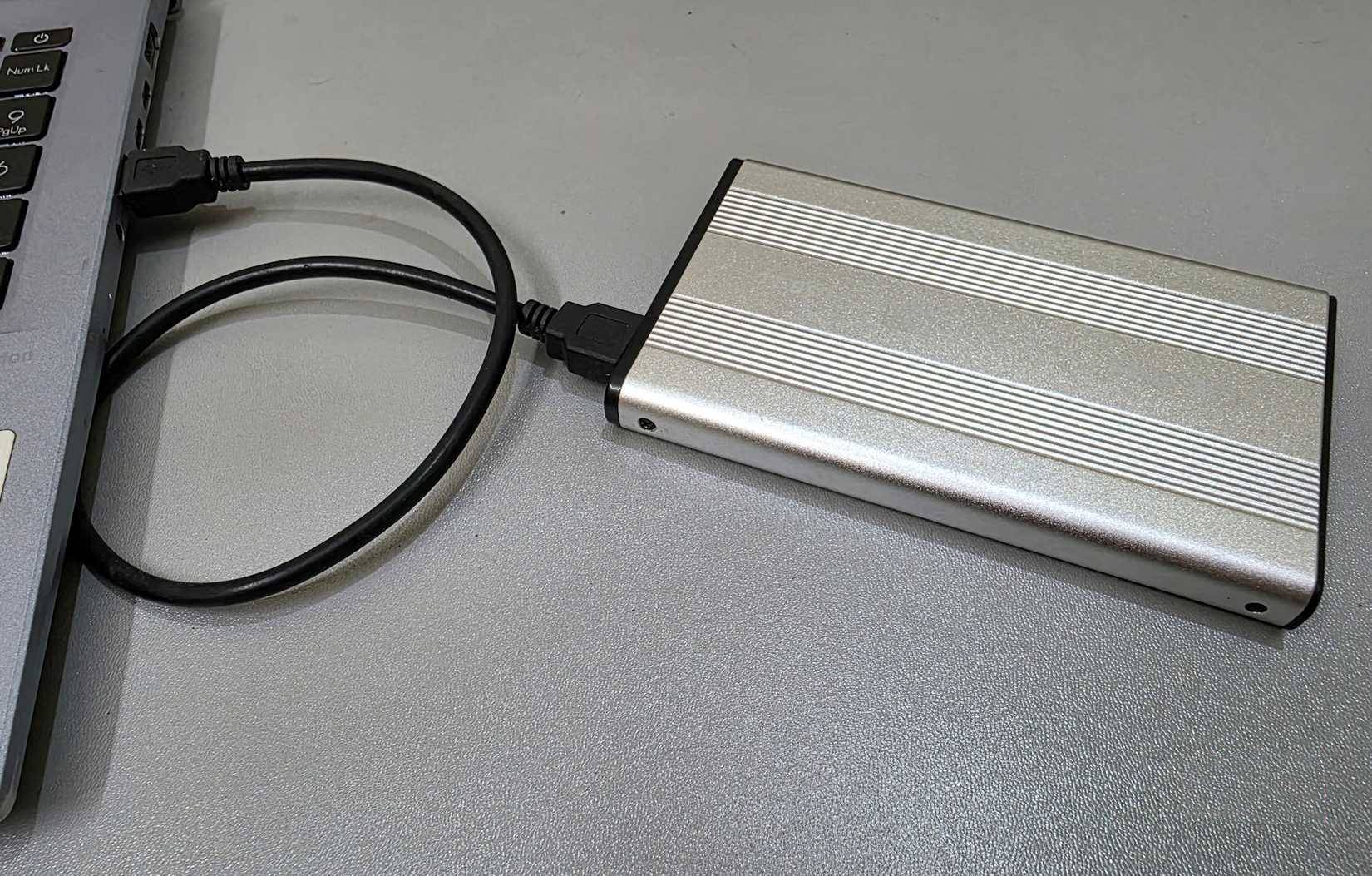
An external SSD is probably one of the most important upgrades you can make to your work system. When you're working with large files, like high-resolution photos and videos, an external SSD offers faster read and write speeds. It also makes a big difference when you're using an iPad alongside a MacBook or working with a dual-monitor setup. The SSD acts as a shared storage hub, saving you from having to transfer files back and forth.
USB-C hub
Helps keep your desk neat and tidy
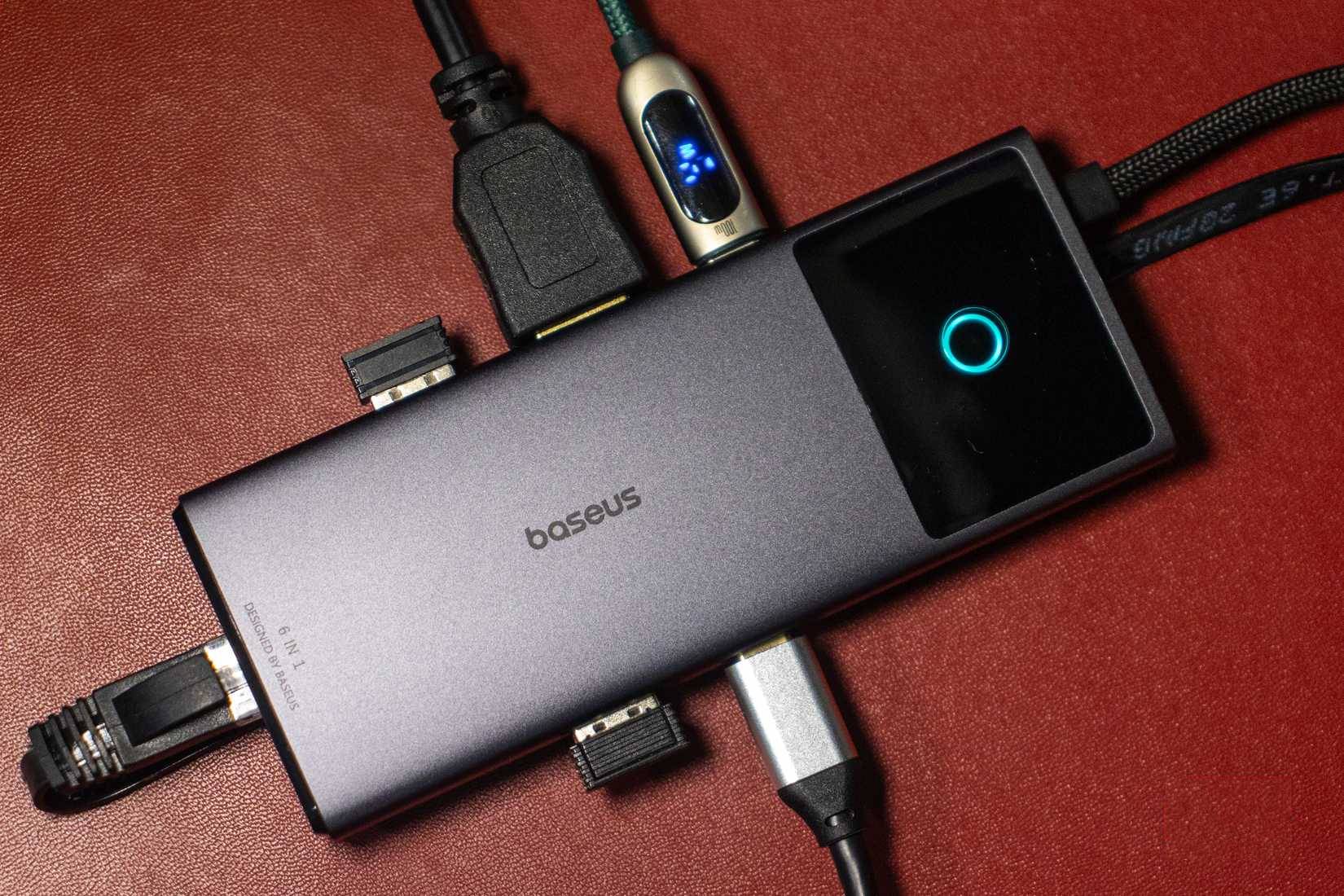
Laptops are great for traveling, but they also have fewer USB ports. The MacBook Air M3, for example, only has two Thunderbolt/USB-C ports and a 3.5mm headphone jack. Sometimes, when you want to connect a USB-A hard drive, an external display, and a keyboard, you run into trouble. That's why many people buy a USB-C hub (after checking its specs!). Instead of constantly swapping cables or carrying multiple adapters, using a USB-C hub makes more sense. It only takes up one port on your laptop and opens up a whole new world of connectivity.
Noise canceling headphones
Create a space of concentration in a noisy world
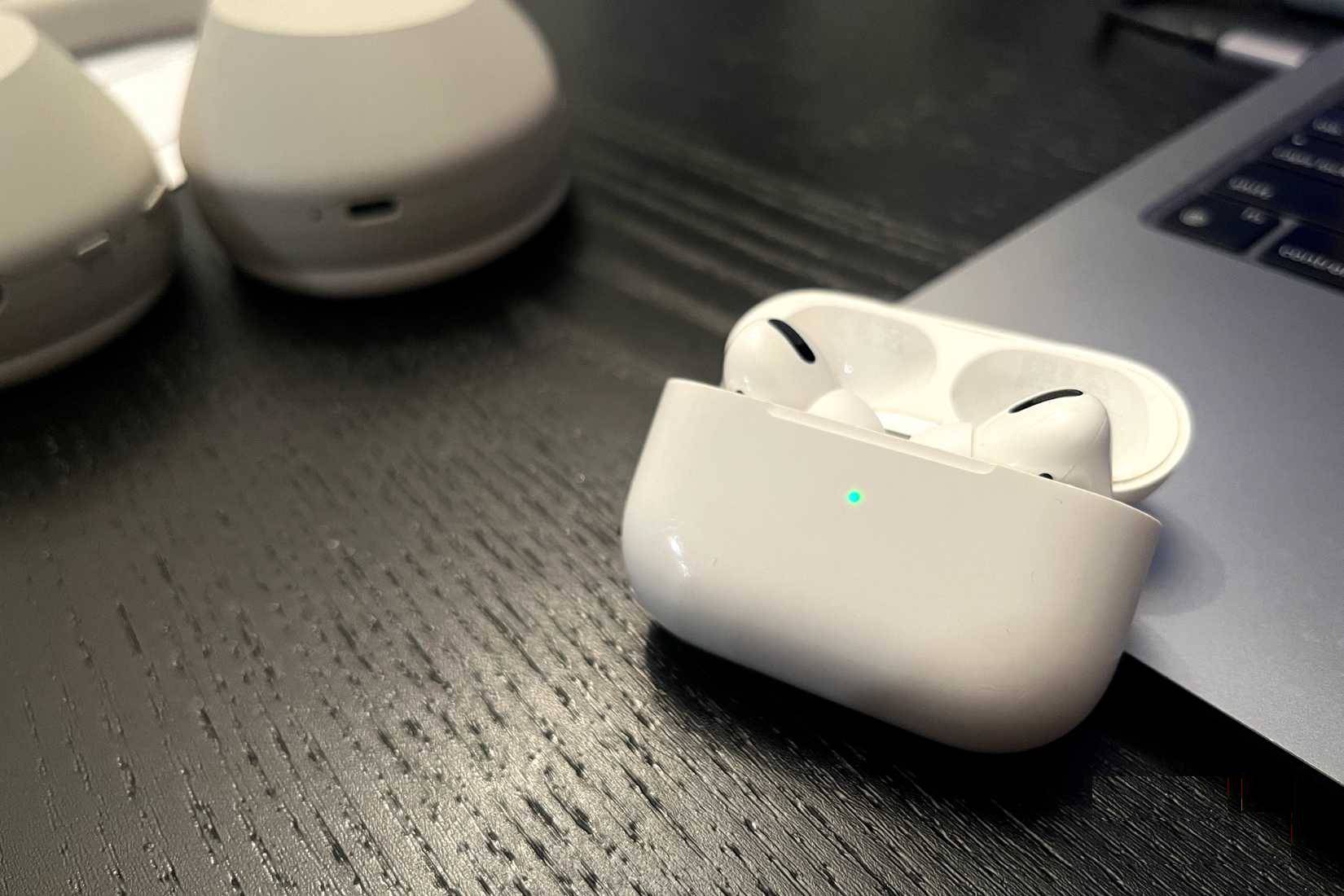
Instead of staying at home, many people prefer to work in cafes or common rooms in their buildings. The soft chatter, the smell of fresh coffee, and warm background music enliven the space. Of course, sometimes the allure of the environment turns into chaos. A sudden baby cry or someone on a loud Zoom call can completely disrupt work. That's why many people never leave the house without headphones.
You can find headphones from top brands that are worth your investment.
Backup charger
You never have to worry about batteries again
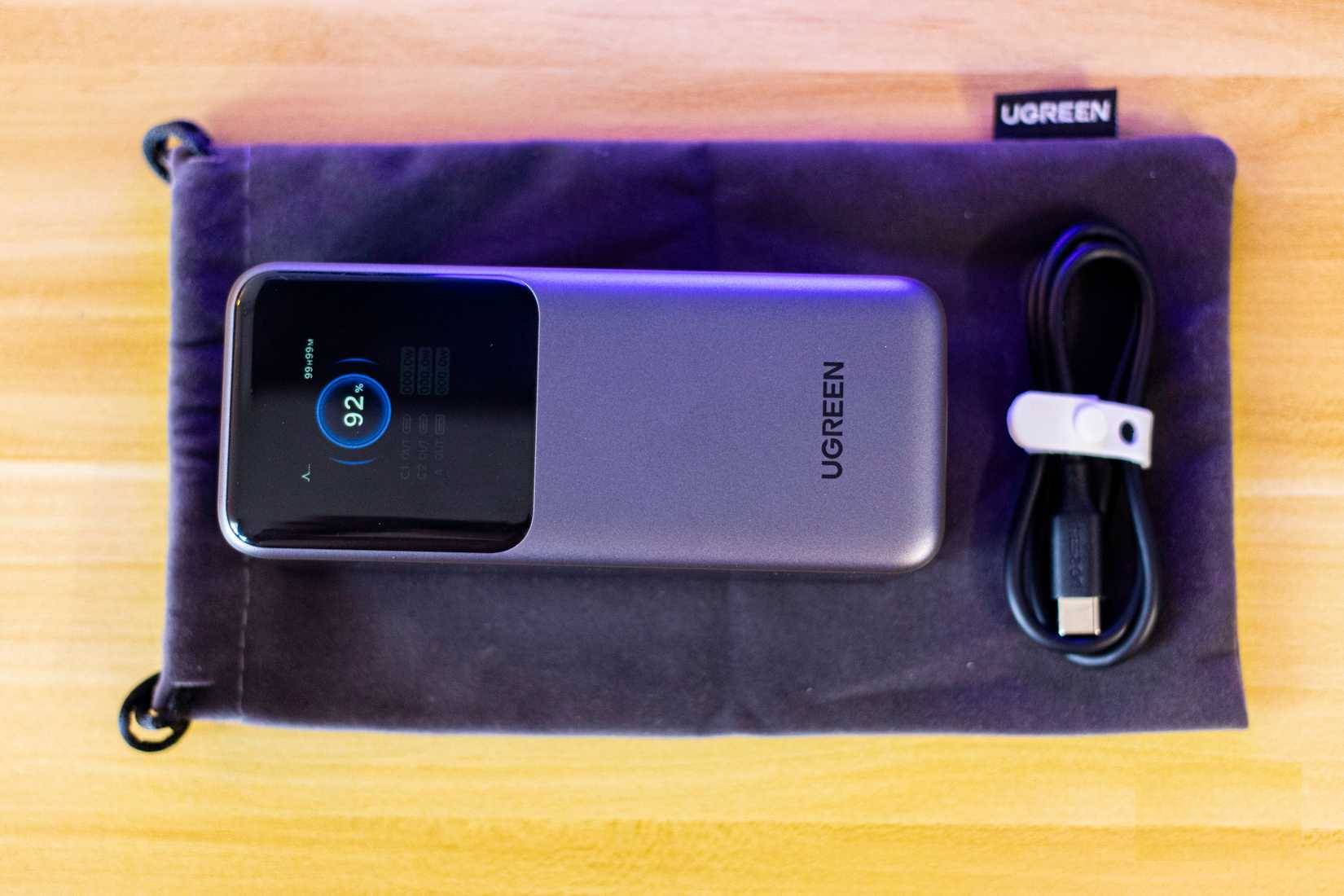
If you work outside of your home, you know the challenges of relying on a power outlet in an unfamiliar location. Sometimes you're completely focused, but other times you panic when you see the dreaded low battery warning on your laptop. You get up and start searching for a power outlet in the room, only to find that they're all taken. Even if you're lucky enough to find one, your device may not charge as quickly as it should. That's where a power bank comes in handy.
Affordable external monitors
More space helps increase productivity
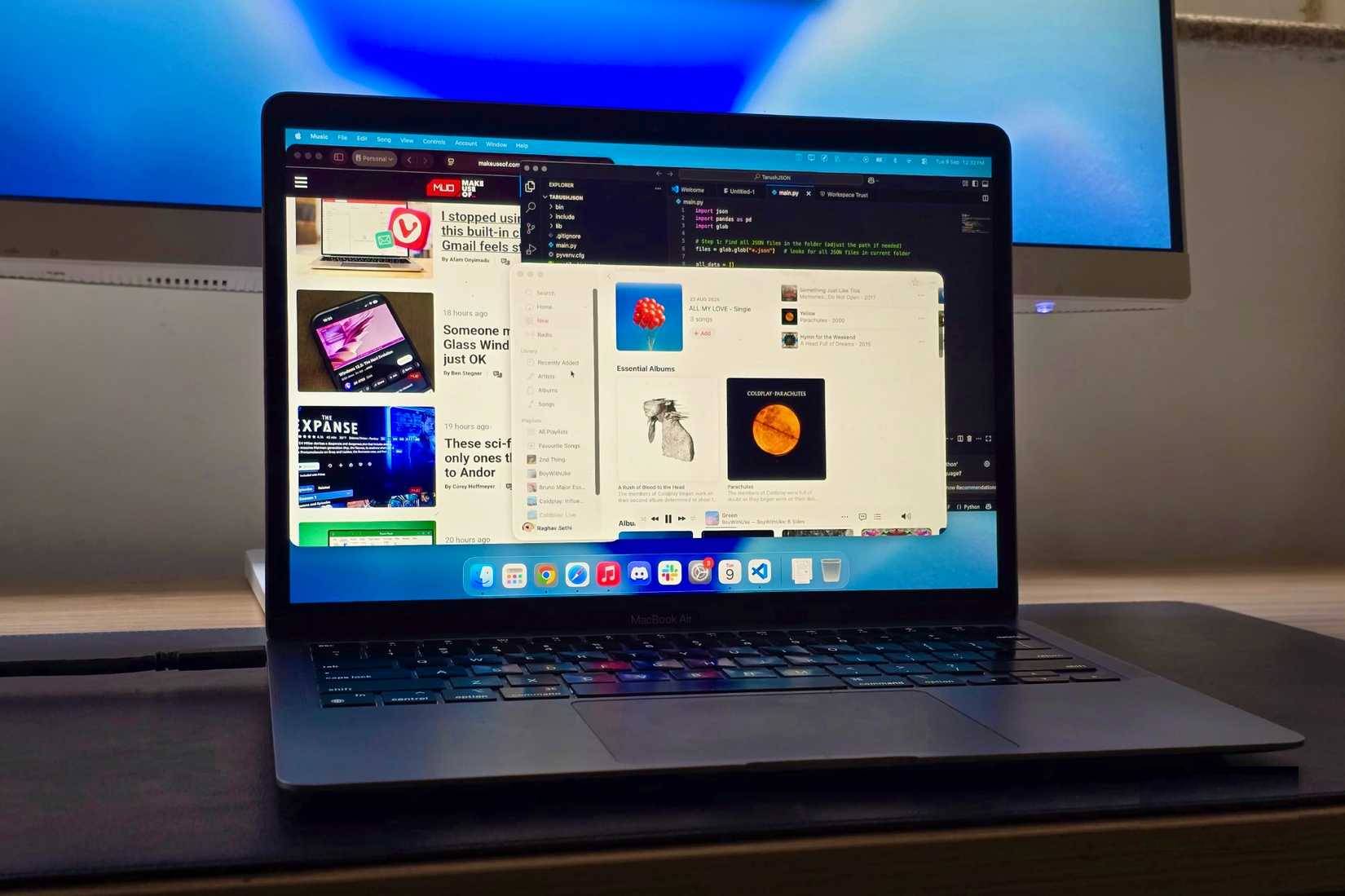
One of the best accessories you can add to your work rig is an external display. In my day-to-day life, I use the 13-inch MacBook Air M3 for everything. From sketching out ideas in Notion and writing articles in CMS, to keeping in touch with my team via Slack and having the occasional group call, the MacBook handles my daily tasks with ease. On the weekends, I might spend some time doing in-depth research, checking out information, and trying to create a video. That time, an external display made a huge difference. It gave me more space to research, write, and multitask without constantly switching between windows or resizing apps.
FAQ
What should you know about these 6 cheap accessories make a bigger difference than a laptop?
In practical terms, whether you work at home or at a coffee shop, these accessories will make your workday run a lot smoother.
Why does these 6 cheap accessories make a bigger difference than a laptop matter?
The article highlights that over time, however, you'll realize that the right accessories can be a real game changer.
What is the main takeaway?
The main takeaway is that whether you're working from home or at a coffee shop, these accessories will make your workday run much smoother.
Related Articles
 USB-C Accessories Make Working in a Coffee Shop More Feasible7 minutes read
 Accessories That Help Laptops Become Professional7 minutes read
 Don't Buy a Cheap Laptop If It Doesn't Pass These Tests!7 minutes read
 Netbook - Smaller or Bigger8 minutes read
 The Indispensable Accessories of Laptop4 minutes read
 How to Make Old Laptop Run Faster Immediately: Step-by-Step Guide5 minutes read
Reader Comments 0
Sign in with email or Google to join the discussion.