Table of Contents
The most useful travel tech solves five predictable problems: noise, a dead battery, too few outlets, delayed luggage, and incompatible audio connections. A compact kit built around those needs is more practical than packing every gadget you own.
Before buying anything, list the devices you will actually use, their charging ports, and the plug type and voltage at your destination. If you want a broader packing list, compare these nine travel-tech essentials.
1. Noise-canceling headphones or earbuds
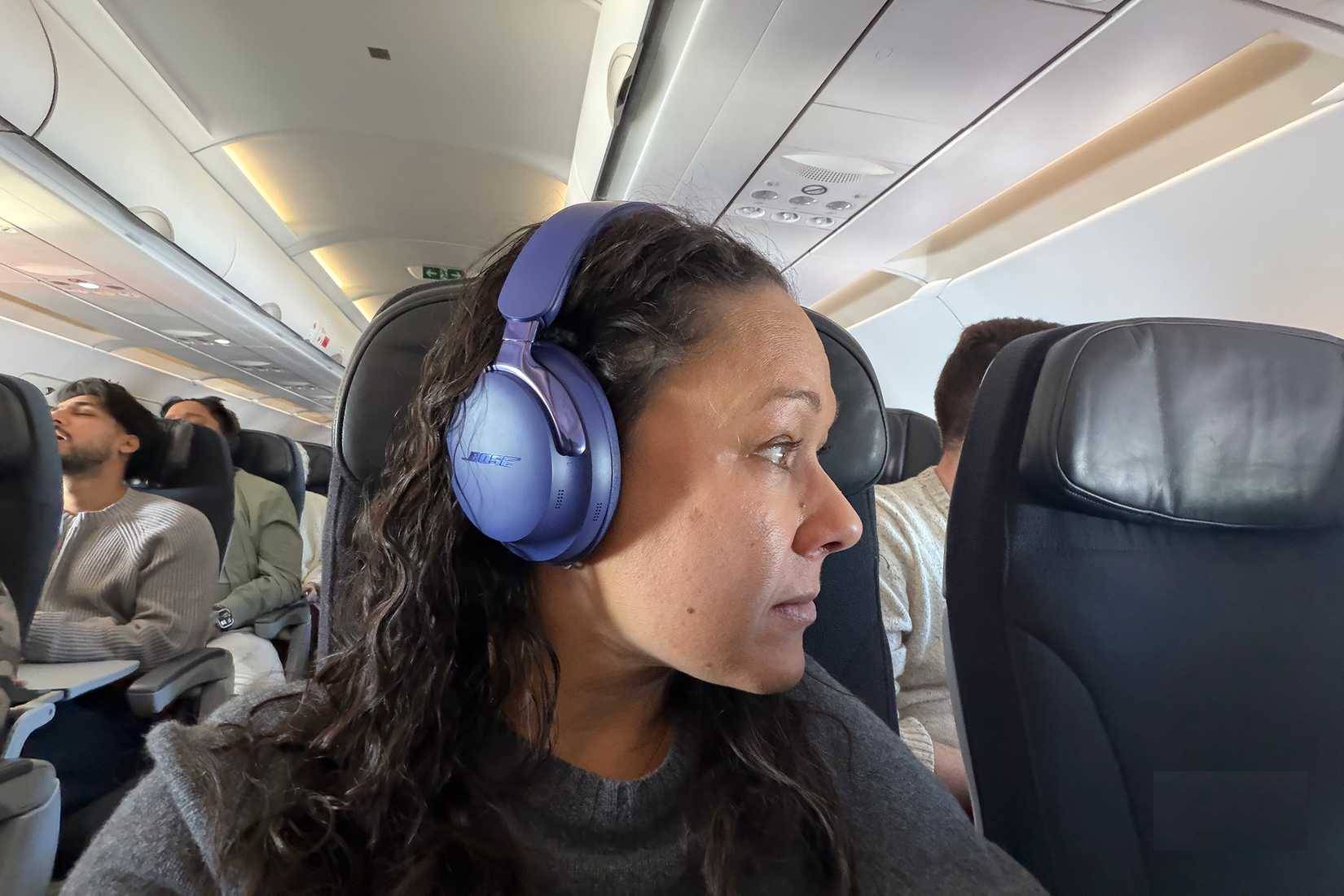
Active noise cancellation can make aircraft, train, and hotel background noise less tiring. Over-ear headphones usually provide longer battery life and more passive isolation; earbuds save space. Check comfort, battery life, charging port, microphone quality, and whether the headphones work through a cable when the battery is empty.
- Download music, podcasts, or films before leaving reliable Wi-Fi.
- Pack the charging cable and, for aircraft entertainment, a compatible 3.5 mm cable or adapter.
- Keep volume moderate and remain aware of announcements. Never wear isolating headphones while driving, cycling, or crossing traffic.
2. A power bank sized for the trip
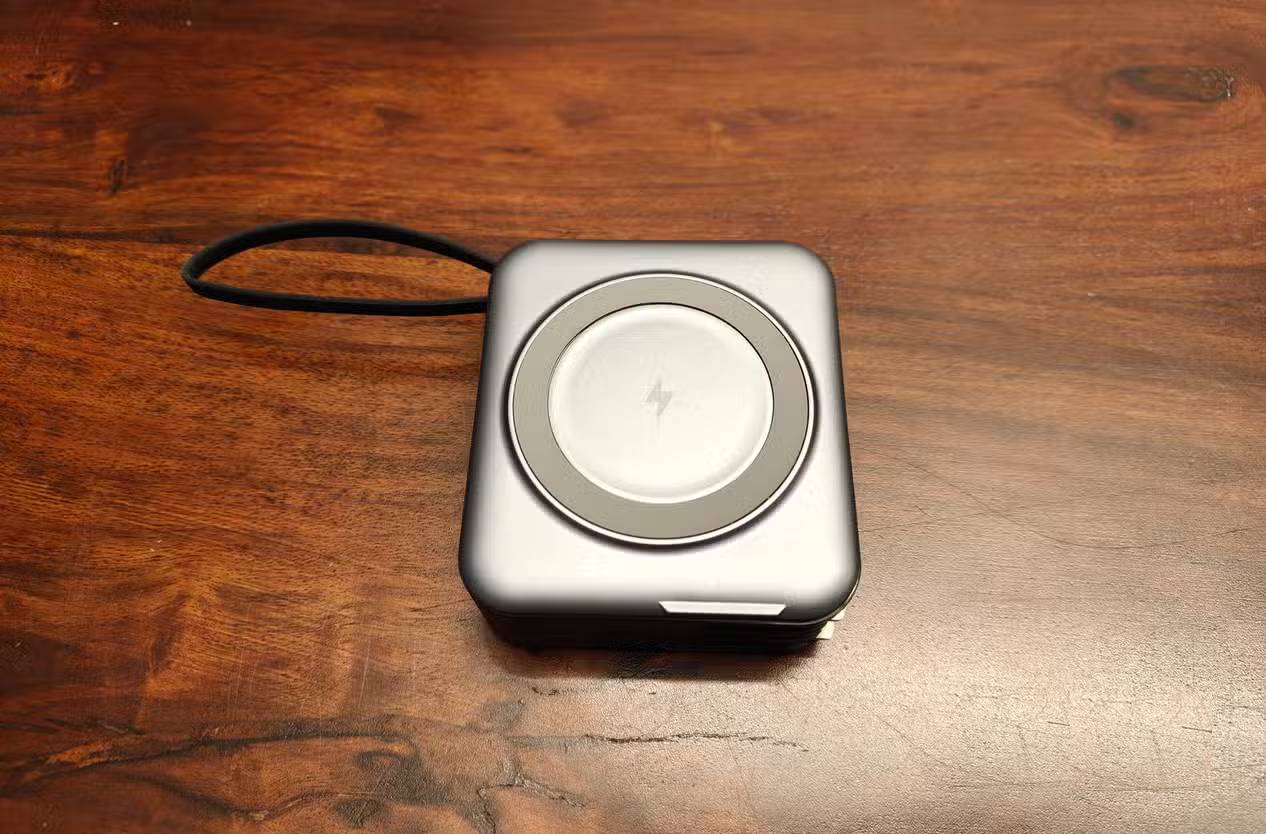
A 10,000 mAh model is a useful middle ground for many phones, but capacity printed on the battery does not translate directly into the same amount delivered to a device because conversion losses occur. Look at USB-C Power Delivery output, total output when several ports are active, weight, and whether the included cable supports the advertised charging rate.
For air travel, a power bank is a spare lithium battery. Under current U.S. guidance it must be carried in the cabin, not checked baggage. Batteries up to 100 Wh are generally permitted; 101–160 Wh units require airline approval and are limited, while larger units are generally prohibited. Rules can differ by country and carrier, so check your airline before departure. See the FAA's PackSafe lithium-battery guidance. Do not travel with a swollen, damaged, or recalled battery, and protect exposed terminals from short circuits.
3. A travel plug adapter and multi-port charger
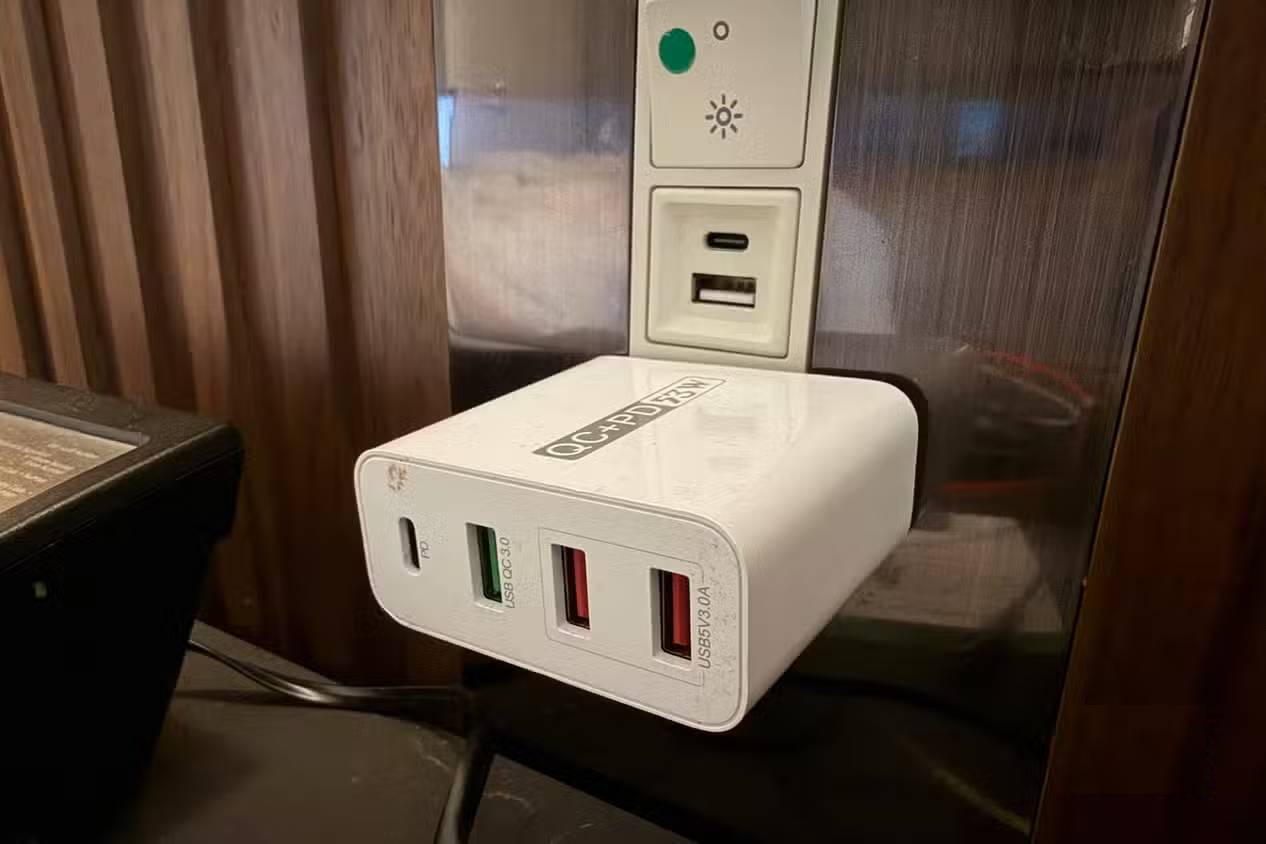
A plug adapter changes the shape of the plug; it does not necessarily convert voltage. Read the input label on every charger. A label such as “100–240 V, 50/60 Hz” indicates that the charger can normally accept common mains voltages when used with the correct plug adapter. A single-voltage appliance may need a properly rated voltage converter instead.
For phones, tablets, watches, and headphones, a compact USB-C charger with several ports can replace multiple wall plugs. Check the charger's total wattage and its power-sharing table: a “100 W” unit may divide that output when several devices are connected. Use equipment bearing a legitimate safety certification for your market, and never overload an adapter or connect high-wattage heating appliances unless the manufacturer explicitly permits it.
4. A Bluetooth luggage tracker
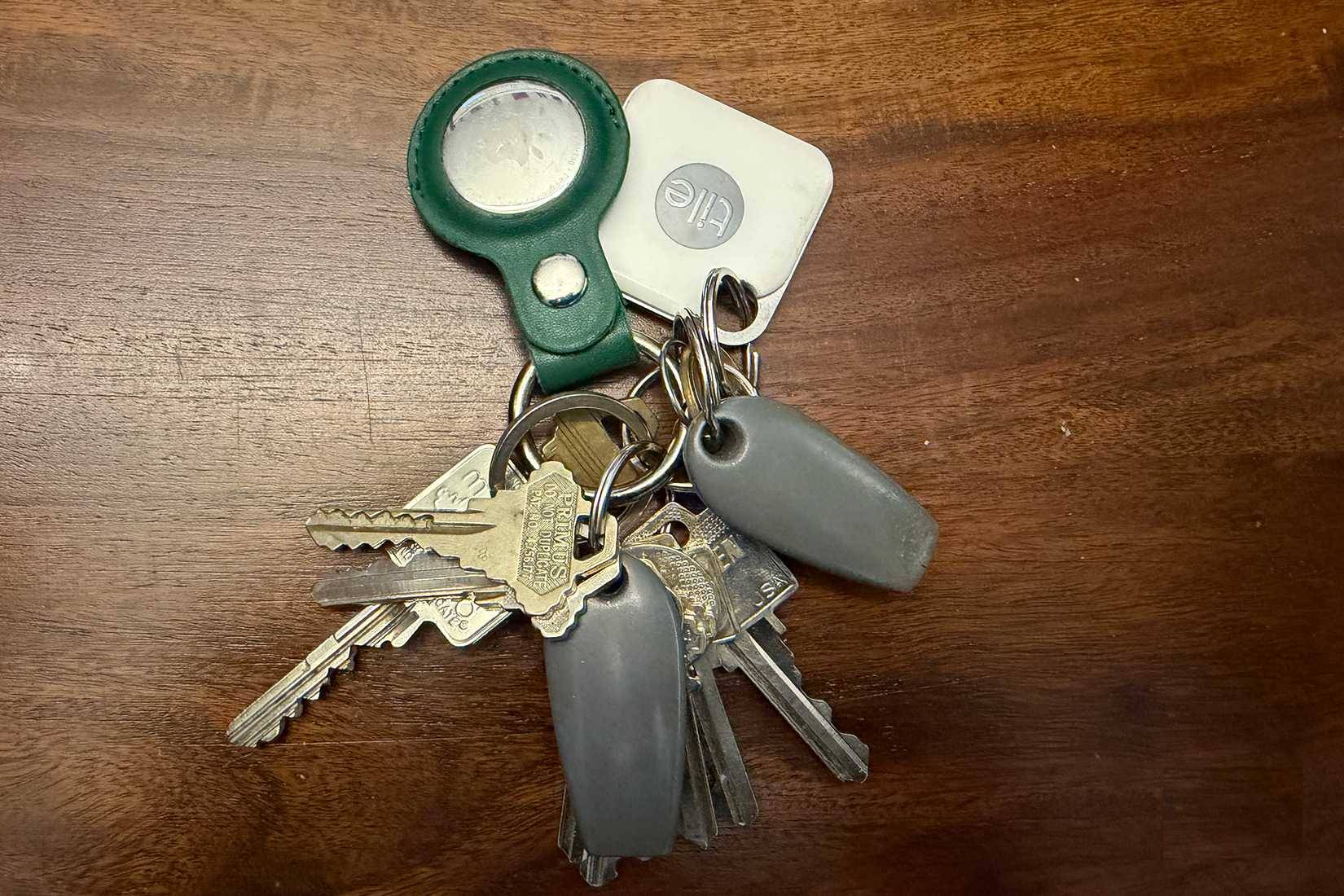
A tracker can show where a bag was last detected and may help you provide useful information during an airline's lost-baggage process. It does not replace the airline claim, a luggage tag, travel insurance, or secure packing, and its location may be delayed or approximate.
Choose a tracker compatible with your phone's finding network, enable separation alerts, and test it before the trip. Put it inside the bag where it is less likely to detach. Respect privacy: never use a tracker to follow a person without their knowledge. Travelers comparing Apple's ecosystem can also read the AirTag 2 versus AirTag 1 comparison.
5. Wired headphones as a backup
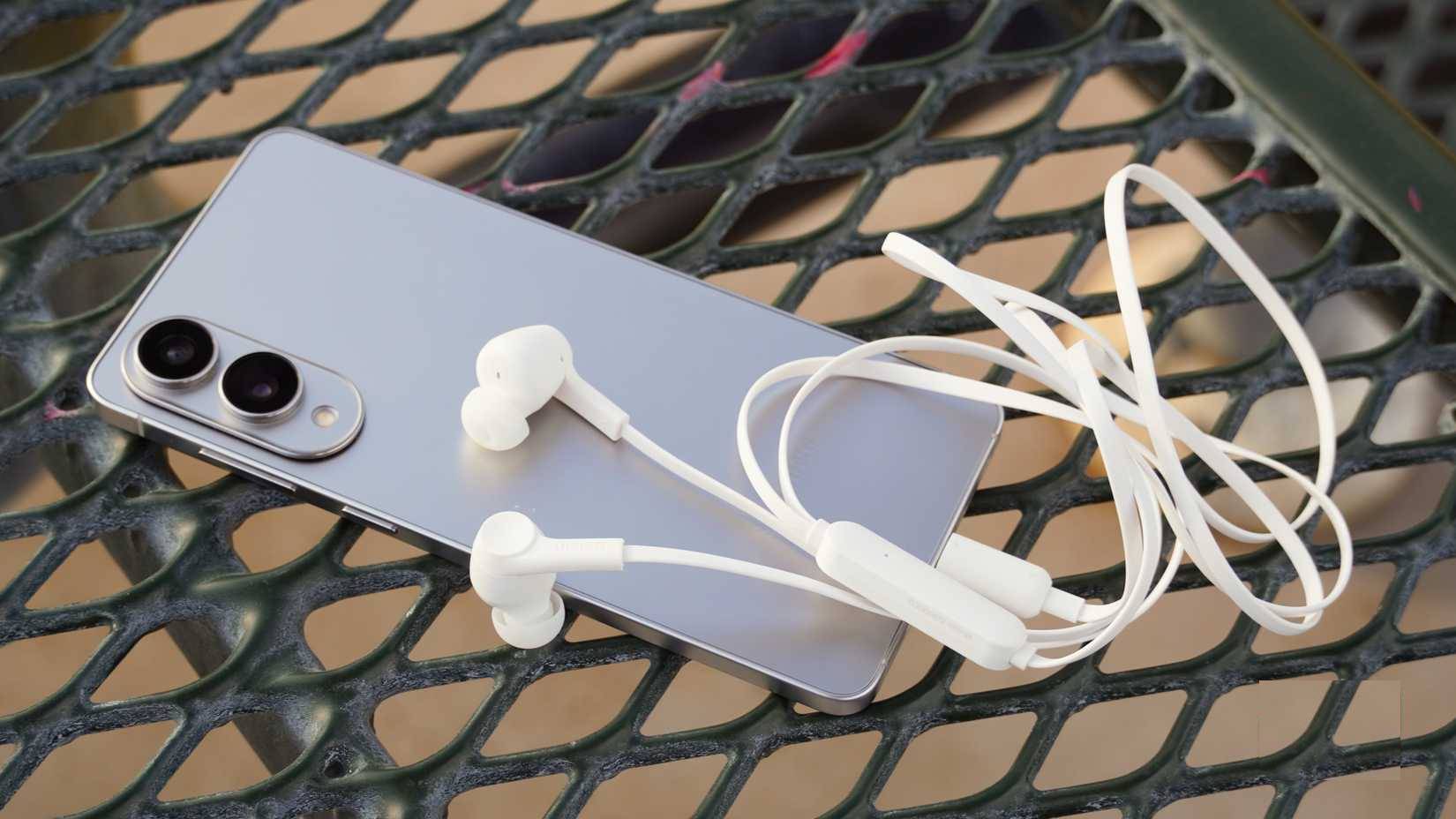
Cheap, compact wired headphones still earn their place when wireless batteries run out or an aircraft seat has a 3.5 mm audio jack. Confirm the connector before you leave: your phone may require USB-C or Lightning, while the seat system may require 3.5 mm or, on some aircraft, a two-pin adapter. Keep the appropriate adapter in the same pouch.
Quick packing checklist
| Item | Check before leaving |
|---|---|
| Headphones | Charged, comfortable, downloaded media, audio cable packed |
| Power bank | Watt-hour rating visible, undamaged, placed in carry-on |
| Charger/adapter | Correct plug type, input voltage, enough ports and wattage |
| Tracker | Paired, battery healthy, sharing and alerts configured |
| Wired backup | Correct connector or adapter packed |
Keep the entire kit in one small organizer and label unfamiliar cables. The best travel setup is the smallest one that can charge every device safely and still leaves you with a fallback when wireless gear fails.
Related Articles
 9 'Must-have' Tech Gadgets for Travel7 minutes read
 Technology Equipment: 9 Essential Tech Gadgets for Working from Home7 minutes read
 From ESIM to AI: Technology Makes Long Journeys More Comfortable and Safer9 minutes read
 Which Cutting-edge Tech Gadgets Should You Buy Right Now? Which Ones Should You Wait for8 minutes read
 5 Tech-related Things to Keep in Mind When Packing for a Trip8 minutes read
 12 Essential Items You Should Bring When Traveling6 minutes read
Reader Comments 0
Sign in with email or Google to join the discussion.