Table of Contents
This guide provides a clear, practical overview of "Don't Buy a Cheap Laptop If It Doesn't Pass These Tests". It organizes the most useful details, explains important considerations, and highlights the steps or choices that matter most.
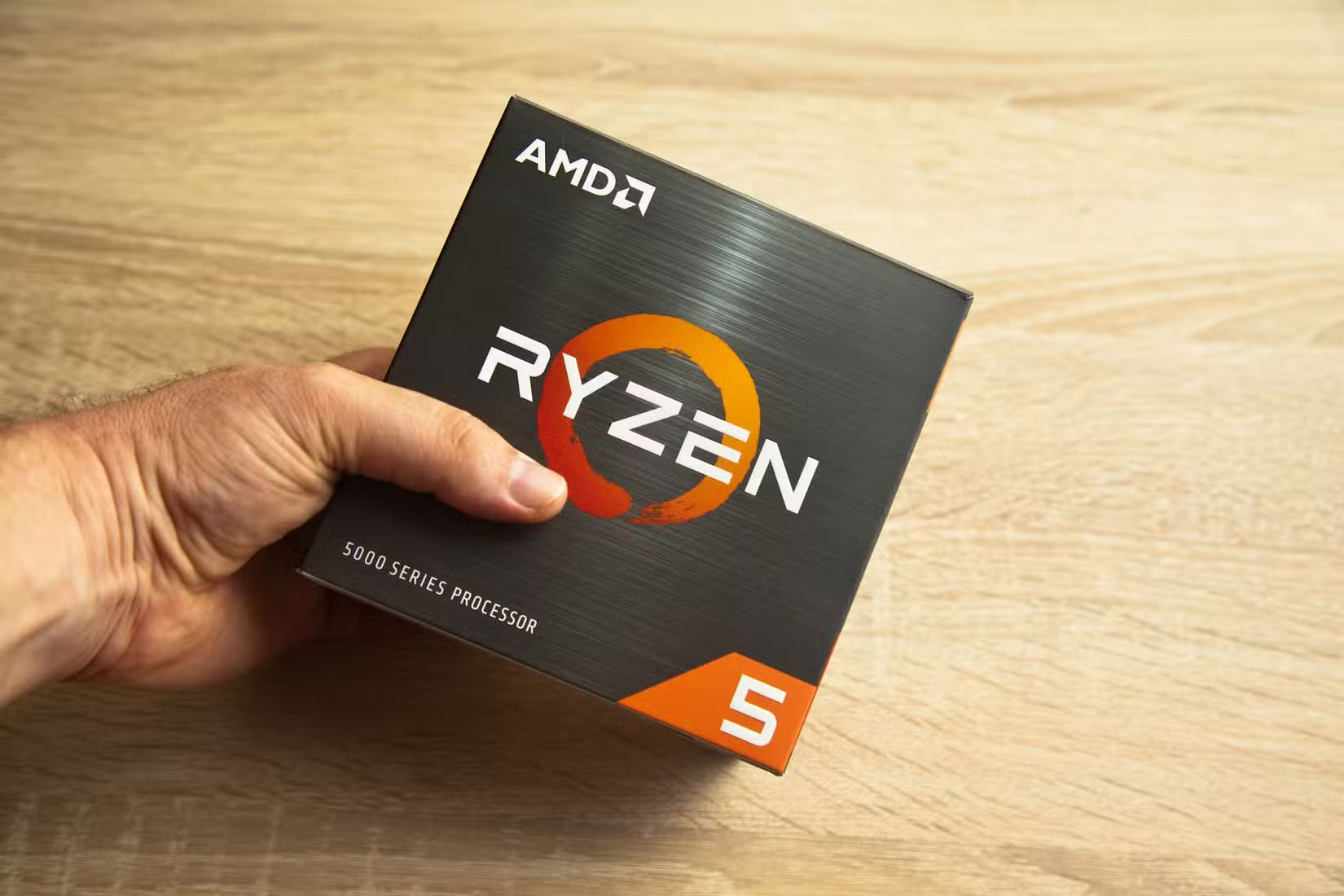
5. 8GB RAM is the minimum
While there are many myths and misconceptions about RAM, generally speaking, more memory will definitely allow you to run more applications at once. Since this is important for laptop performance, make sure to choose a model with at least 8GB of RAM. You can upgrade to 16GB if you can afford it.
Whatever you do, don't make the mistake of choosing a laptop with only 4GB of RAM. It may seem like an easy way to save money, but you'll likely end up frustrated with constant slowdowns and freezes. It's not hard to find a budget laptop with 8GB of RAM. Even if you don't think you'll need it right away, more RAM will keep your device running smoothly for years to come.
4. Make sure your device has enough storage space
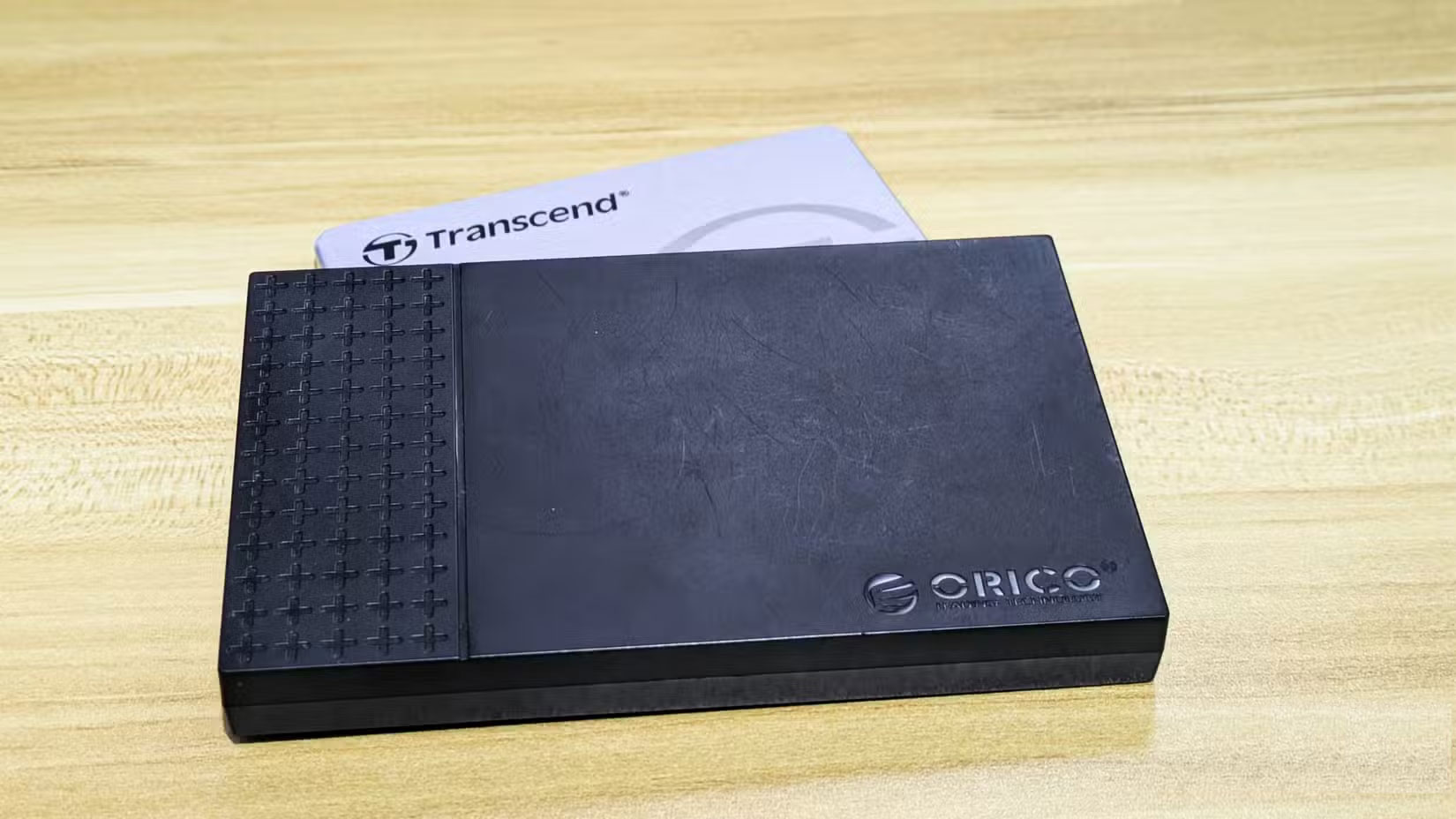
Many budget laptops come with limited storage. While choosing such a model may save you a little money, it can cause you trouble in the long run.
Technically, a laptop can run Windows 11 with as little as 64GB of storage. But installing even a few essential apps will eat up that space, and you'll find yourself constantly relying on external storage. 64GB isn't practical for most people. 128GB is the minimum, but even that's not very comfortable.
If possible, try to get a laptop with at least 256GB of storage. This will allow you to install large updates and apps, and store enough data with room to spare. If you're a gamer or take a lot of photos/videos, you might want to consider getting a laptop with at least 512GB.
Also, make sure you buy a laptop with an SSD, instead of the old HDD. SSDs are much faster; and it would be inconvenient to use an HDD.
3. Don't settle for low resolution screens!
It's easy to overlook specs like screen resolution when you're focused on balancing price and performance. But a low-resolution screen can really hurt your overall experience. You should aim for at least Full HD (1920x1080) — especially if you opt for a larger 15-inch model.
Resolutions lower than this will make text harder to read, and images and graphics will look grainy. If you're choosing a larger laptop, you should consider going even higher to ensure everything looks sharp and easy to see. Many budget laptops have 1366x768 screens, labeled "HD," but they don't provide a great experience.
2. Design quality check
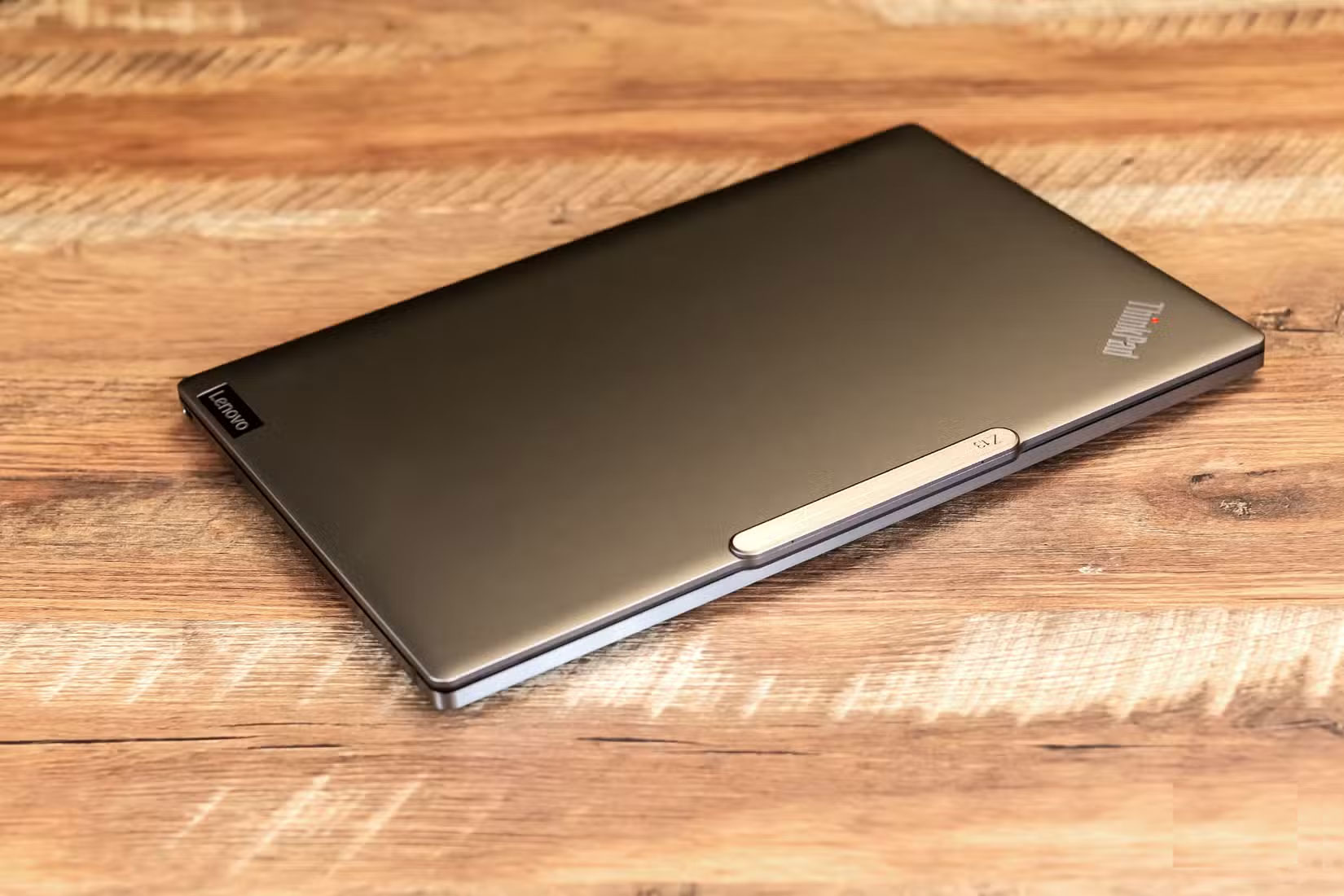
Another area where budget laptops often skimp is build quality. Flimsy hinges and lightweight plastic casings mean the device isn't built to last; it feels cheap and is prone to premature wear and tear.
So before you buy, try to go to the store to experience it directly. If that is not possible, watch a few product review videos and listen to what people who have bought the product have to say about it.
1. Don't forget to consider battery life!
Fortunately, battery life is usually not bad on budget laptops. After all, less powerful processors use less power, allowing these machines to last longer on a charge. But if you want to be sure that your laptop can last all day without needing to be plugged in, check out some real-world battery performance results. This will give you a better idea of what to expect beyond what the manufacturer claims.
Buying an expensive laptop will usually result in much better performance and build quality. But that doesn't mean you need to spend a fortune to get a good laptop. If you take the time to check these factors before you buy, you'll be able to get a good price and the performance you want.
FAQ
What should you know about 5. 8GB RAM is the minimum?
While there are many myths and misconceptions about RAM, generally speaking, more memory will definitely allow you to run more applications at once. Since this is important for laptop performance, make sure to choose a model with at least 8GB of RAM. You can upgrade to 16GB if you can afford it.
What should you know about 4. Make sure your device has enough storage space?
Many budget laptops come with limited storage. While choosing such a model may save you a little money, it can cause you trouble in the long run.
What should you know about 3. Don't settle for low resolution screens!?
It's easy to overlook specs like screen resolution when you're focused on balancing price and performance. But a low-resolution screen can really hurt your overall experience. You should aim for at least Full HD (1920x1080) — especially if you opt for a larger 15-inch model.
What should you know about 2. Design quality check?
Another area where budget laptops often skimp is build quality. Flimsy hinges and lightweight plastic casings mean the device isn't built to last; it feels cheap and is prone to premature wear and tear.
Related Articles
 Laptop 500 USD2 minutes read
 Roads for Hunting Cheap Laptops7 minutes read
 Wi-Fi Pass with Mathematics Makes People Want to Go Crazy, You Can Find the Answer3 minutes read
 Acer Launched Cheap Mobile Laptops for Students3 minutes read
 Top 4 Laptops for Professional Graphics - Good - Cheap14 minutes read
 Laptop Errors Are Still Attractive with Cheap 'Post'7 minutes read
Reader Comments 0
Sign in with email or Google to join the discussion.