Table of Contents
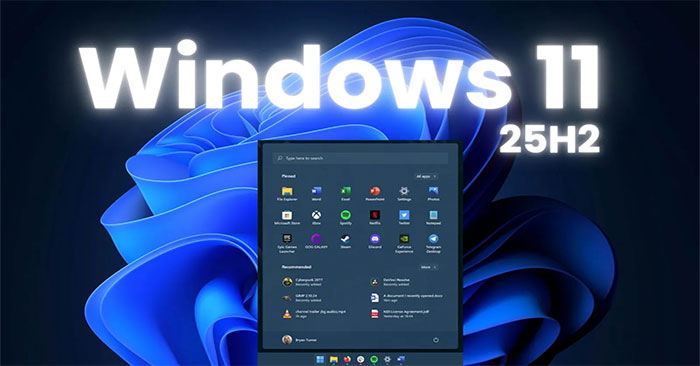
Microsoft released Windows 11 version 25H2 on September 30, 2025. A qualifying PC on version 24H2 can move to 25H2 with a small update and one restart. A PC on an earlier version needs a full feature update if it is upgrading to 25H2.
Why 24H2 can update with one restart
Windows 11 versions 24H2 and 25H2 share the same core system files. Monthly updates for 24H2 deliver the relevant code before it is enabled. The KB5054156 enablement package activates it and changes the reported version to 25H2 after a restart. This package is for 24H2. If you’re on 23H2 or earlier, allow more time for the full feature update.
Check what Windows Update offers
- Check your version and edition in Settings > System > About or run
winver. - Back up important files, then open Settings > Windows Update and check for updates. On a work PC, your IT department may control which feature update you receive and when.
- Install the version Windows Update offers. It may be newer than 25H2. After restarting, run
winveragain to confirm the installed version, or open Windows 11 update history to check whether an installation succeeded.
Windows 11 25H2 support by edition
- Home and Pro: Microsoft’s U.S. lifecycle page lists October 13, 2027.
- Enterprise and Education: Microsoft’s U.S. lifecycle page lists October 11, 2028.
These dates apply to version 25H2. If winver shows another version, check the entry for that release and your edition before planning your next update.
Related Articles
 Microsoft confirms Windows 10X is dead
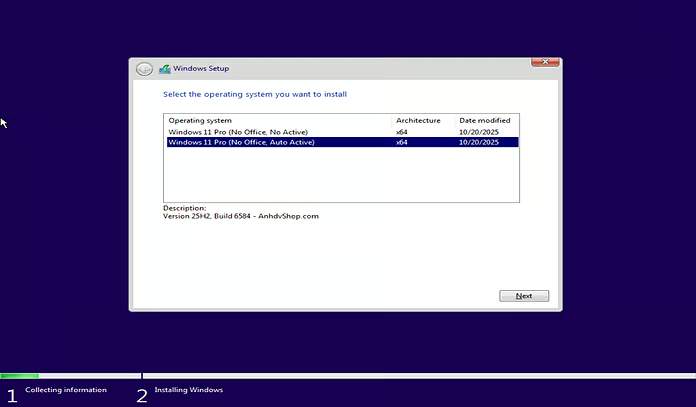 Ghost Windows 11 25H2 includes Office and other software.
 Microsoft confirms that Windows 11 22H2 has reduced performance when copying large files
 Microsoft officially released Windows 8
 Microsoft may disable VBScript early in Windows 11 24H2/25H2, what to watch out for?
 Windows 10 21H2 is about to stop supporting, Microsoft encourages users to upgrade to Windows 11
Reader Comments 0
Sign in with email or Google to join the discussion.