Table of Contents
LDPlayer 14 is now available as the latest generation of LDPlayer's Android emulator for Windows. The release moves the virtual Android environment to Android 14, improves compatibility with Hyper-V, and updates resource management for both single- and multi-instance gaming.
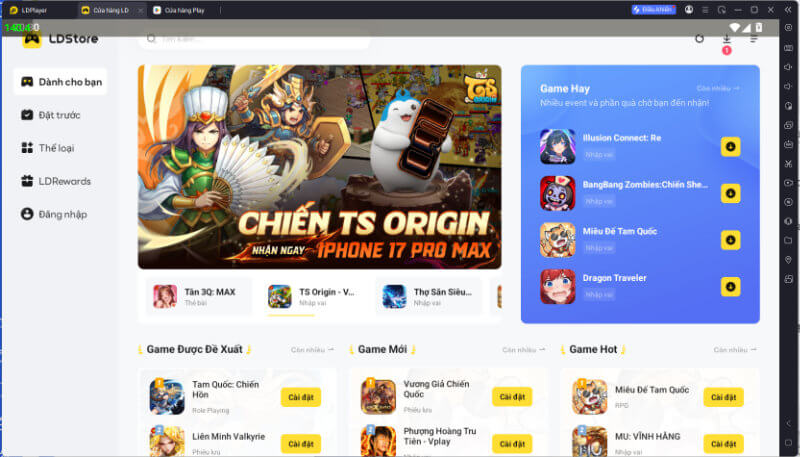
What changes in LDPlayer 14?
The most significant change is the Android 14 base. Newer mobile games can depend on Android APIs or 64-bit components that older emulator images do not provide. Moving to a newer Android environment should reduce some installation and compatibility problems, although support still varies by game, graphics driver, and PC configuration.
LDPlayer also says version 14 improves scheduling, frame-rate stability, and resource use. Those are vendor claims rather than universal results: performance will depend on the assigned CPU cores and memory, the game, resolution, renderer, and host hardware. Players should compare the new version with their existing emulator using the same settings before assuming it will be faster.
Hyper-V compatibility
Previous Android emulators often required Windows users to disable Hyper-V or related virtualization features. LDPlayer says version 14 can run with Hyper-V enabled, which is useful on PCs that also use Windows Sandbox, virtualization-based security, or other virtual machines.
This does not remove every virtualization requirement. Hardware virtualization—Intel VT-x or AMD-V—still needs to be available and correctly configured. If the emulator fails to start, check Task Manager's CPU page for the virtualization status, install current graphics drivers, and consult LDPlayer's current support guidance before changing Windows security settings.
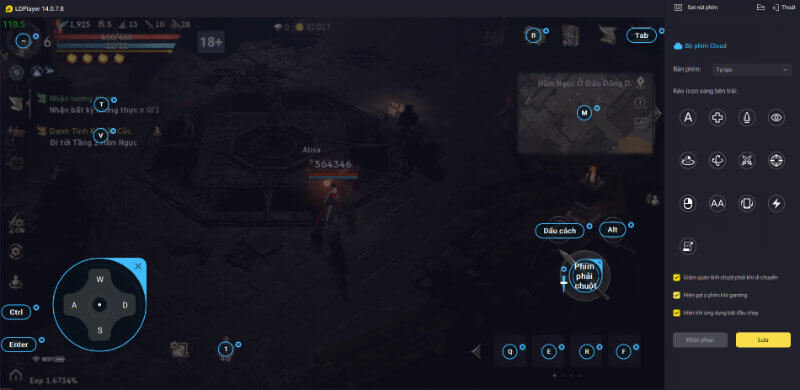
Gaming and multi-instance tools
LDPlayer 14 retains the features that make an emulator useful for mobile games on a desktop:
- keyboard and mouse key mapping;
- gamepad support where compatible;
- custom resolution and frame-rate settings;
- multiple emulator instances for separate accounts; and
- synchronization and resource controls for multi-instance sessions.
The new Eco Mode is intended to prioritize the active emulator window while reducing resources assigned to idle instances. This can help when several accounts are open, but running multiple instances still consumes substantial RAM, storage, CPU, and GPU capacity. Start with one instance, confirm stability, and add more gradually.
Who should upgrade?
LDPlayer 14 is most relevant for Windows 10 and 11 users whose games need a newer Android environment, who keep Hyper-V enabled, or who regularly run several game instances. Players whose current LDPlayer installation is stable do not need to migrate immediately. Check game compatibility, back up any local emulator data, and keep the older instance until logins and save synchronization are confirmed.
Use the game's official account or cloud-save feature where available. Emulator snapshots are convenient but should not be the only copy of important data.
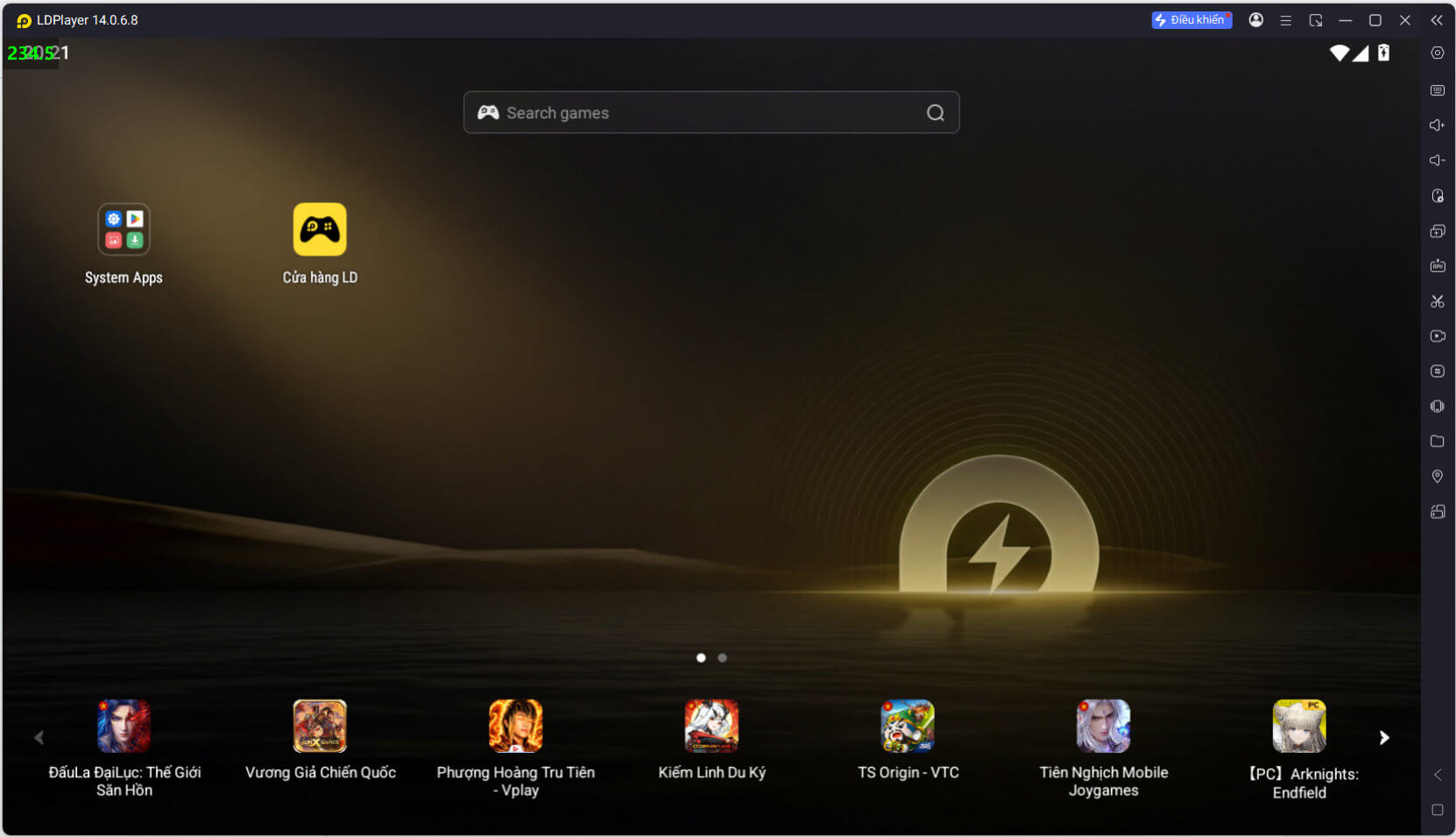
Download and safety checks
Download the installer only from the official LDPlayer website. Review the installer options, scan the downloaded file with your security software, and avoid unofficial “modded” builds. Android emulators have broad access to their virtual environment, so use a dedicated gaming account when practical and do not sideload APK files from untrusted sources.
Before installing, confirm that your PC meets the requirements shown for LDPlayer 14 rather than relying on older LDPlayer 9 requirement pages. Leave enough free storage for the emulator, game assets, updates, and additional instances. If a specific game does not work, check the publisher's emulator policy as well as LDPlayer's compatibility notes; some competitive games restrict or detect emulator use.
Bottom line
LDPlayer 14 is a meaningful platform update because it combines a newer Android base with better coexistence with Windows virtualization and revised multi-instance management. Its practical value will be game-specific, so the safest upgrade path is to test one game and one instance first, then compare stability, frame pacing, controls, and resource use with the version you already run.
Related Articles
 LDPlayer 14 Beta: Android 14 Emulator for Windows9 minutes read
 Ldplayer 9 - the Smoothest Android Gaming Emulator on PC7 minutes read
 Instructions for Configuring Ldplayer for Each Game Type6 minutes read
 LDPlayer 9: a Fast, Stable, Smooth, and Free Android 9 Emulator9 minutes read
 TOP Reasons Why Ldplayer 9 Is the Best Emulator Today7 minutes read
 How to Download and Install Ldplayer 9, Android Emulator4 minutes read
Reader Comments 0
Sign in with email or Google to join the discussion.