Table of Contents
LDPlayer 9 is a Windows Android emulator based on Android 9. It can run 32-bit and 64-bit Android apps, map touch controls to a keyboard or gamepad, create multiple virtual devices, synchronize actions across instances, and record the emulator screen.
It is no longer the newest LDPlayer generation—LDPlayer 14 is now available—but LDPlayer 9 remains downloadable and maintained for users who need its Android 9 environment or compatibility with an existing game. Performance depends on the computer, game, graphics driver, virtualization settings, and emulator configuration, so claims such as “fastest” or a guaranteed frame rate should be treated as marketing rather than a result every PC will reproduce.
What LDPlayer 9 is
LDPlayer creates a virtual Android device inside Windows. After installation, you can sign in to Google Play or install an APK from a source you trust, then use the app in an emulator window.
The Android 9 base is useful for apps that no longer support much older Android releases. It does not guarantee that every app will work: games can block emulators, require a newer Android API, depend on unsupported hardware, or change compatibility after an update.
LDPlayer 9’s main technical features
Android 9 environment for 32-bit and 64-bit apps
LDPlayer 9 combines 32-bit and 64-bit app support in its Android 9 line, reducing the need to keep separate older emulator editions for many games. Check the game’s current requirements before installation, because newer titles may now require a later Android version.
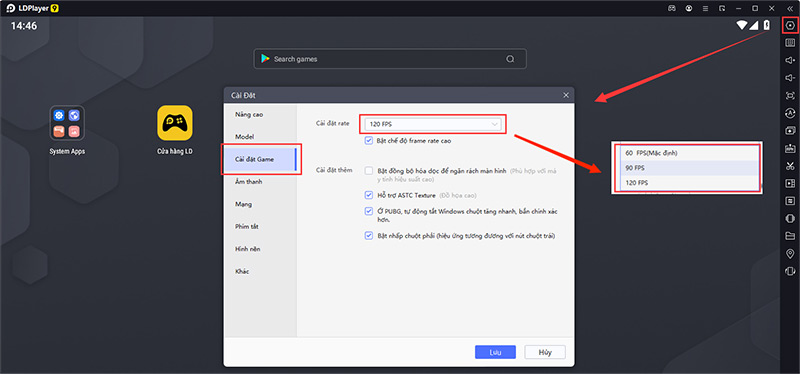
Configurable performance and frame rate
The emulator lets you allocate CPU cores and memory, choose a resolution, and adjust graphics rendering. A higher frame-rate setting only helps when the game supports it and the PC can deliver it consistently. Start with moderate settings, monitor temperatures and memory use, then increase them one at a time.
Graphics rendering options
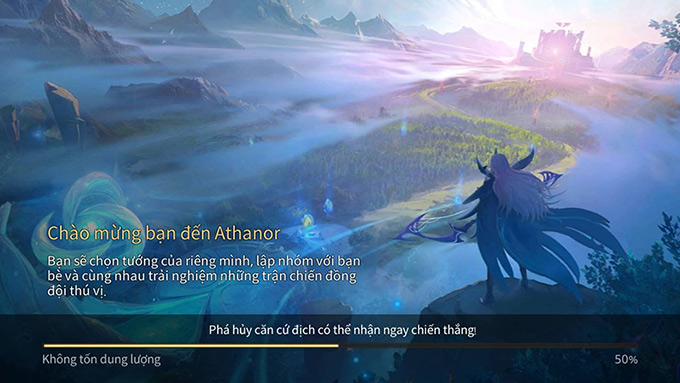
LDPlayer can use different graphics modes to address compatibility or visual problems. If a game shows a black screen, artifacts, or poor performance, update the GPU driver first, then test the emulator’s graphics mode and resolution. Changing several settings at once makes the cause harder to identify.
Resource controls
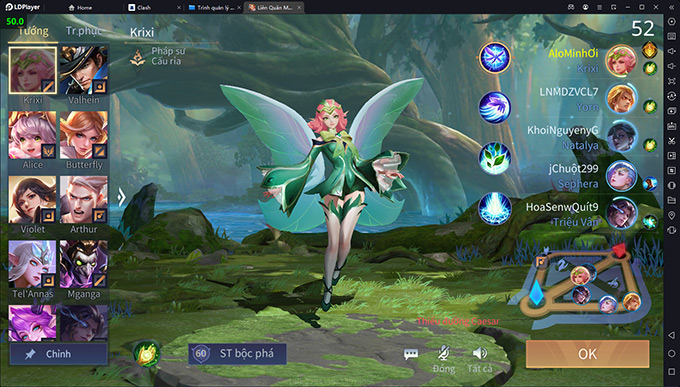
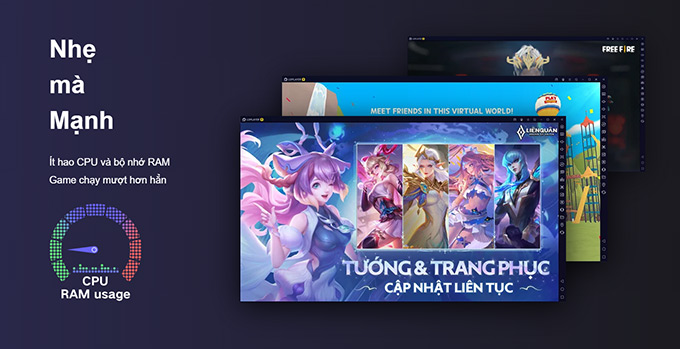
CPU and RAM use varies substantially by game and by the number of open instances. Assigning every available core or most of the system memory can make Windows less responsive. Leave enough resources for the operating system, browser, voice chat, and any recording software.
Game compatibility
LDPlayer publishes game-specific fixes in its release notes. That is more useful than relying on an old compatibility claim for a single title: check the latest notes, update the emulator, and test the game you actually intend to use.
Hyper-V and Windows virtualization support
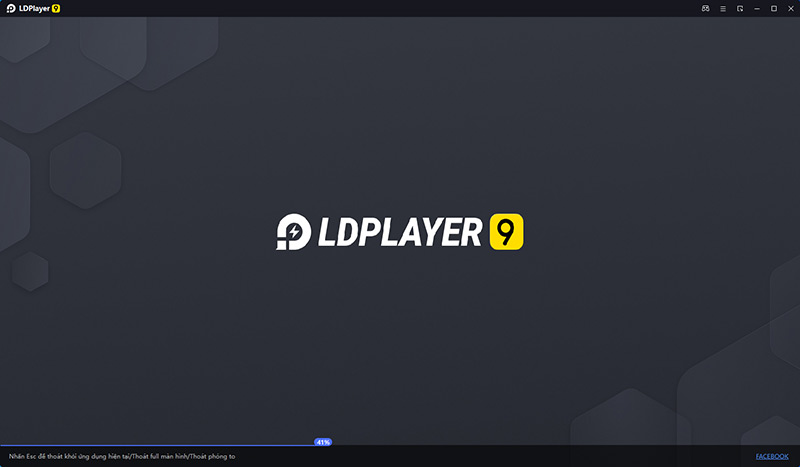
LDPlayer relies on hardware virtualization. Current LDPlayer 9 releases support Windows virtualization technology and can operate with Hyper-V enabled, although performance can still vary by configuration. If an older build fails to start or stops at a loading percentage, update LDPlayer before disabling Windows security or virtualization features.
The official LDPlayer release notes are the best place to confirm current Hyper-V fixes and game compatibility changes.
Tools for playing and managing games
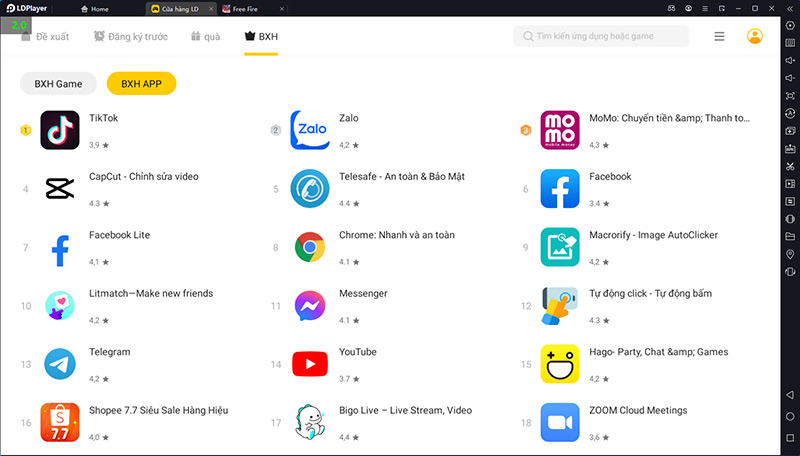
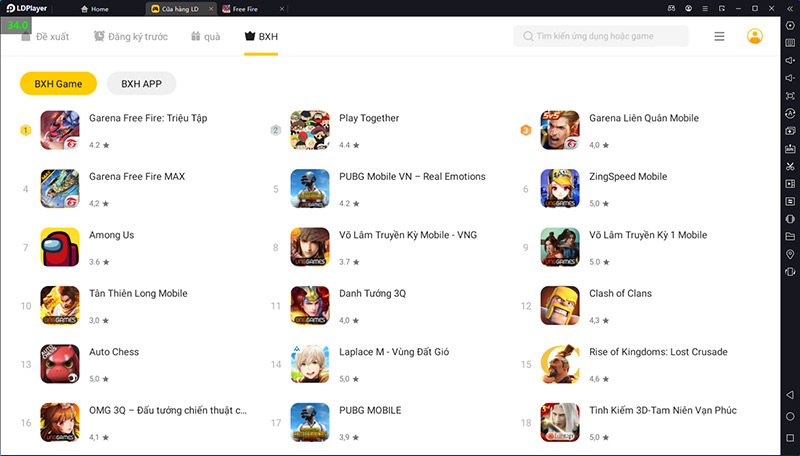
LDPlayer 9’s strongest reason to use it instead of a phone is its desktop control and multi-instance toolset.
Keyboard and gamepad mapping
Key mapping assigns keyboard keys or controller inputs to taps, swipes, movement, and camera actions. Many popular games have a preset, but you can edit the layout when controls overlap or do not match your preference. Test mappings in a safe practice area before using them in a competitive match.
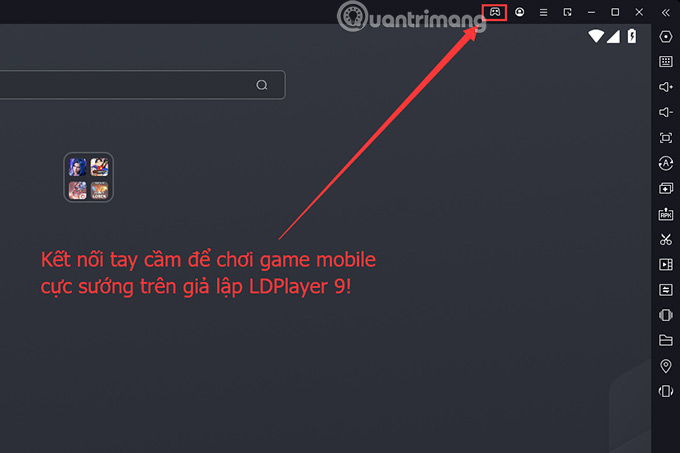
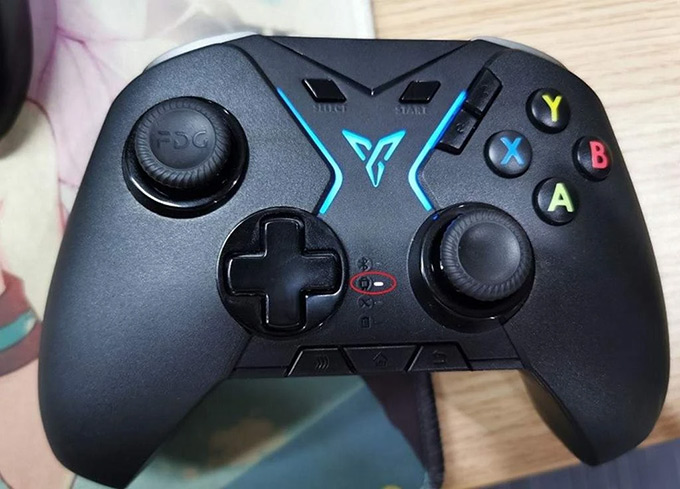
LDPlayer’s key-mapping guide explains the current control types.
Multiple emulator instances
LDMultiPlayer creates and starts separate virtual devices. This is useful for testing apps or keeping different accounts isolated, but each instance consumes memory, CPU time, graphics resources, and disk space.
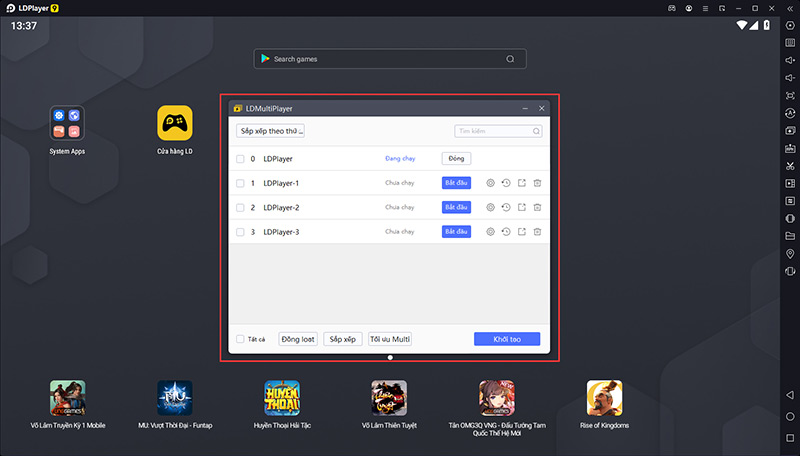
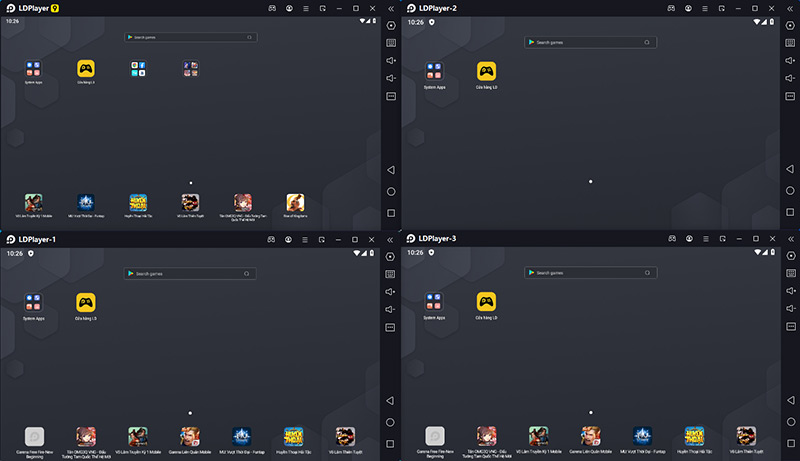
Use the game’s rules before opening several accounts or automating actions. A technically available emulator feature may still violate a game’s terms of service.
Synchronizer
The Synchronizer can repeat clicks, drags, and typing from a primary instance in selected secondary instances. Matching resolution and DPI across the instances reduces misaligned input.
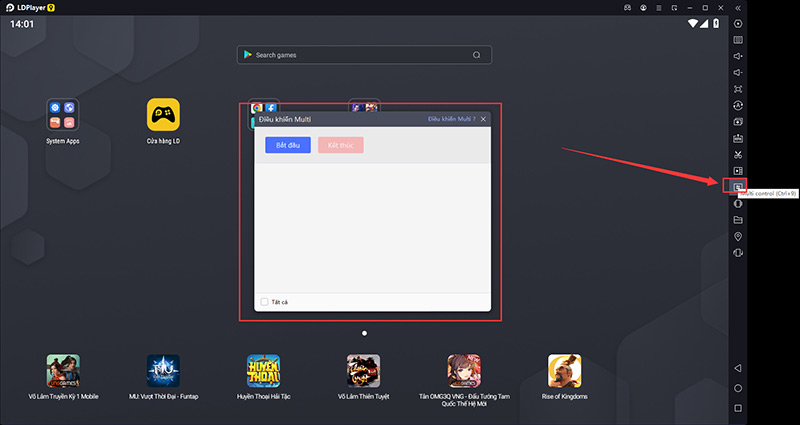
Do not use synchronization to bypass service limits, automate prohibited gameplay, or manipulate accounts. The official Synchronizer instructions describe how the tool behaves.
Screen recording
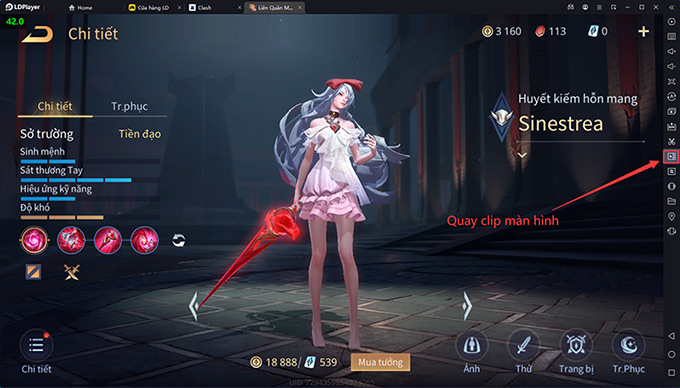
The built-in recorder captures gameplay without requiring another application. Recording adds CPU, GPU, and disk load, so lower the resolution or frame rate if the game begins to stutter. Make a short test clip and check sound levels before recording a long session.
System requirements and preparation
Hardware virtualization—Intel VT-x or AMD-V—should be enabled in the computer’s firmware. Keep Windows and the graphics driver current, reserve substantial free disk space for emulator images and games, and use an SSD when possible.
LDPlayer’s published recommended configuration for LDPlayer 9 includes an Intel Core i5-10500-class processor or better, 16GB of RAM, 100GB of disk space, and a GeForce GTX 1660 Ti-class graphics card or better. These are recommendations rather than a guarantee or a strict minimum; lighter apps may run on less, while several instances or demanding games may need more. Check the current official requirements page before downloading.
How to install LDPlayer 9 safely
- Open the official LDPlayer versions page and choose LDPlayer 9 rather than an installer from an unofficial mirror.
- Scan the downloaded installer with your security software and review the installation path and options.
- Install the latest LDPlayer 9 build, then apply any update offered by the emulator.
- Open Settings and assign a conservative number of CPU cores and RAM.
- Install one trusted game, test graphics and controls, and create additional instances only after the first one is stable.
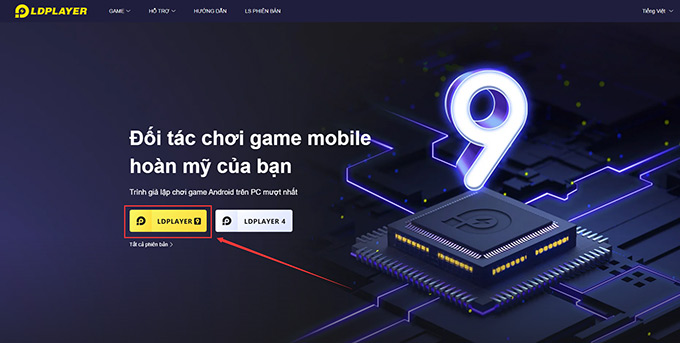
Use the official LDPlayer versions page to obtain LDPlayer 9. TipsMake also has a step-by-step LDPlayer 9 installation guide.
Should you use LDPlayer 9?
LDPlayer 9 makes sense when a Windows-only Android emulator is acceptable, the app works well on Android 9, and you value key mapping or multi-instance management. Choose a newer Android-based emulator when the app requires a later API, and compare alternatives if privacy, ads, game policy, or resource use is a concern.
Before committing, test the exact game on your own hardware and compare startup time, frame stability, memory use, controller support, and update behavior. TipsMake’s lists of lightweight Android emulators and Android emulators for computers provide other options to evaluate.
Related Articles
 LDPlayer 14 Beta: Android 14 Emulator for Windows9 minutes read
 TOP Reasons Why Ldplayer 9 Is the Best Emulator Today7 minutes read
 Ldplayer 9 - the Smoothest Android Gaming Emulator on PC7 minutes read
 LDPlayer 14 Beta: Android 14, Hyper-V and PC Gaming Guide12 minutes read
 Instructions for Playing Android Games on PC with Ldplayer4 minutes read
 How to Download and Install Ldplayer 9, Android Emulator4 minutes read
Reader Comments 0
Sign in with email or Google to join the discussion.