Table of Contents
MSI laptops can be a good fit when a particular model matches your workload, budget and portability needs. The brand sells gaming and creation laptops as well as business and productivity models, so broad claims about battery life, cooling, display quality or upgradeability do not apply to every MSI laptop.
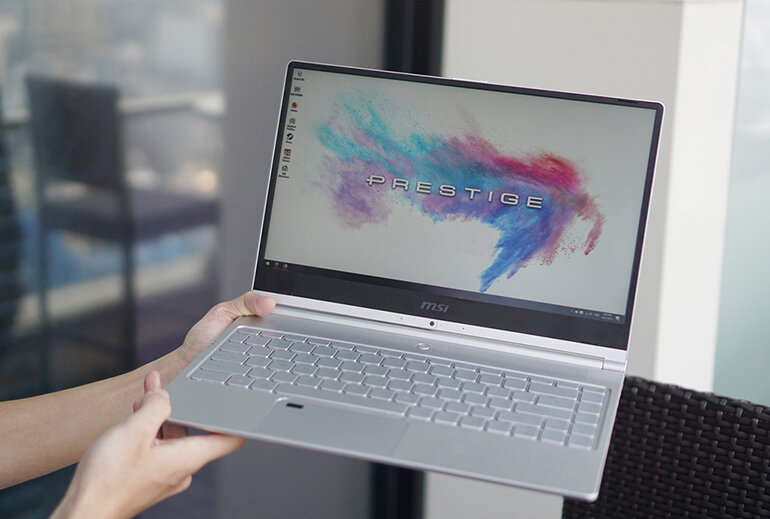
Who might choose an MSI laptop?
Start with the tasks you need to run. A gaming or creation model may suit work that benefits from stronger graphics or sustained performance. A business or productivity model may be a better match if you prioritize everyday work, portability or meeting features. Check MSI’s current laptop range for the models and configurations available in your market.
No brand is the best choice for everyone. Compare the exact model number and configuration with alternatives in the same price range rather than relying on a brand-wide review.
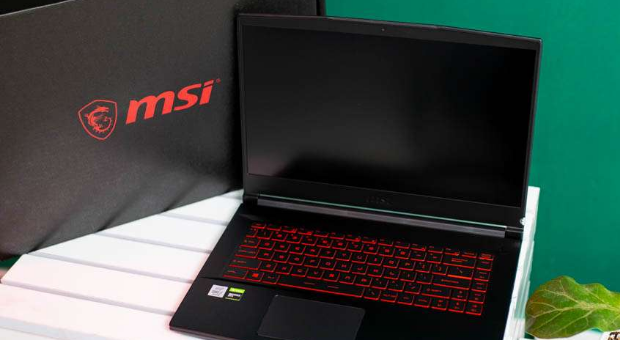
What to check before buying
- Performance: Match the processor, graphics hardware, memory and storage to the software or games you actually use. Requirements differ by application and configuration.
- Portability and battery: Compare the exact model’s weight and independent battery tests for a workload similar to yours. Gaming performance and long unplugged use can involve trade-offs.
- Heat and fan noise: Check reviews under sustained workloads, not just a short benchmark. Laptop cooling and noise vary by chassis and configuration. For general airflow advice, see TipsMake’s guide to cooling a laptop safely.
- Display and keyboard: Check resolution, brightness, refresh rate and keyboard layout on the specific unit. These details differ across model lines.
- Upgrades and ports: Confirm whether memory or storage can be changed and whether the laptop includes the connections you need. Some components may be soldered or limited by the design.
- Warranty and service: Check the written terms for the country where you will buy the laptop. MSI’s warranty policy says terms can vary by region, so confirm coverage with the local seller.
How to decide
Choose the MSI model if its verified configuration meets your needs and you are comfortable with its weight, noise, battery performance, price and local service terms. If you cannot find reliable information for the exact configuration, or another laptop better fits your priorities, compare alternatives before purchasing. A model-by-model comparison is more useful than a single yes-or-no verdict about the brand.






Reader Comments 0
Sign in with email or Google to join the discussion.