Table of Contents
A budget of 15 million VND can cover a laptop for basic photo editing, vector artwork and page layouts. Spend first on enough RAM, an SSD and a screen you can use for the work. If you need 3D rendering, large video projects or a specific GPU feature, check your software requirements before settling on a model. Compare current listings against your budget.


Set a minimum configuration for your projects
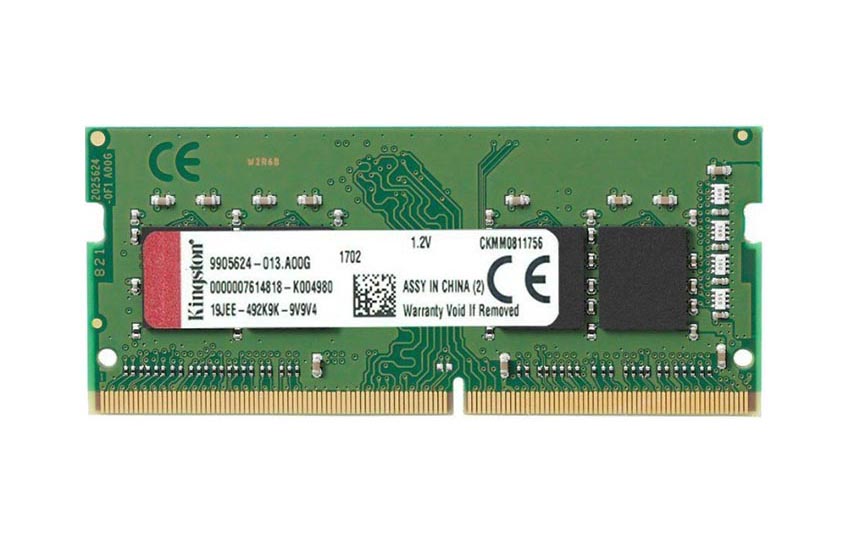
- Memory: Aim for 16 GB for design software and multitasking if you can. Consider an 8 GB model only if it handles your files or has a verified upgrade path.
- Processor and graphics: Check the exact chips against the requirements for your app version. Integrated graphics can work for basic 2D projects. Prioritize a supported GPU and enough graphics memory when your app relies on them.
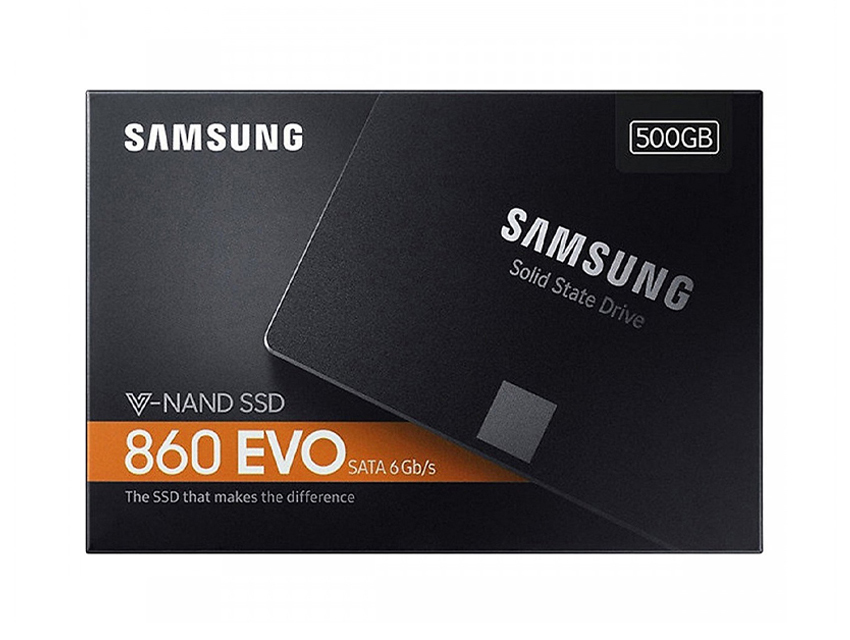
- Storage: Choose an SSD with space for the system, design apps, working files and scratch space. Include any storage or RAM upgrade in the purchase price.
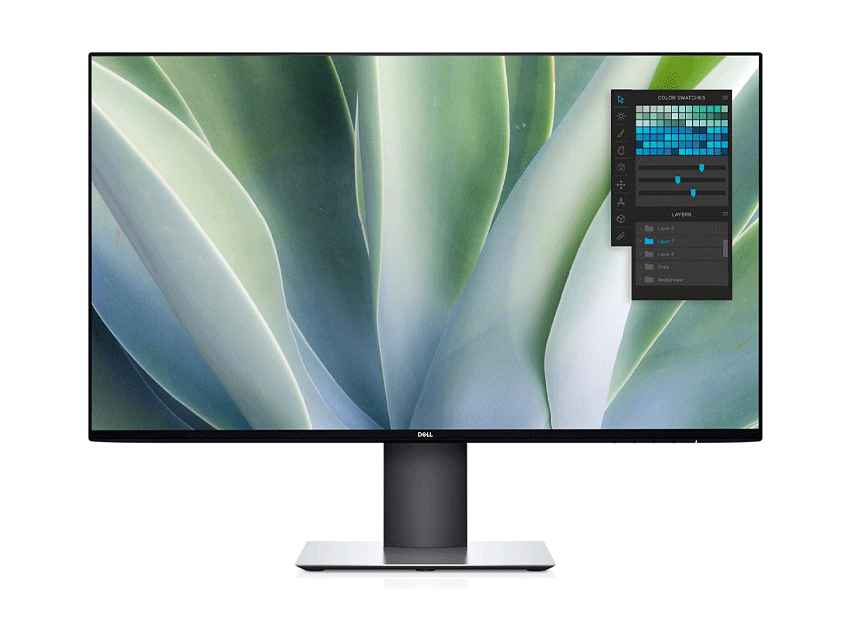
- Display: Look for Full HD or higher and measured sRGB coverage if you deliver work for the web. A good external monitor can help if you already own one and the laptop’s built-in panel has limited color coverage.

How five older models compare
Verify what is installed in the unit for sale. Older configurations with 4 GB of RAM or a small drive may be fine for learning simple tools but can be frustrating with modern design apps.
| Model | What to check |
|---|---|
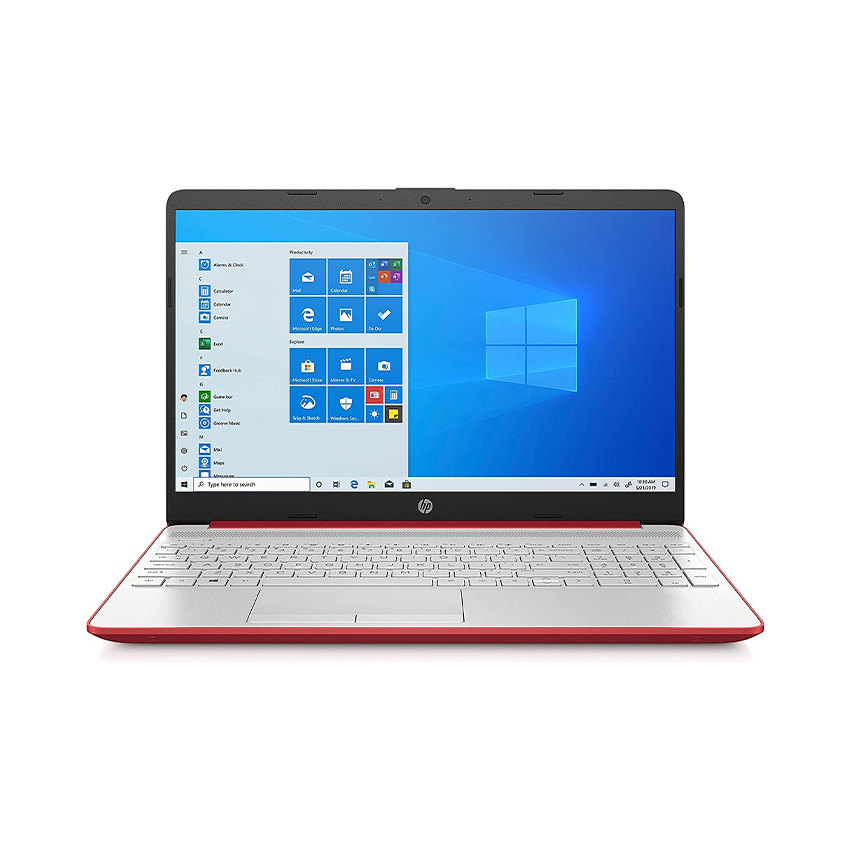
| HP 15-dw0083 | Treat the low-memory Pentium configuration as a basic office machine. Avoid paying design-laptop prices for it. |
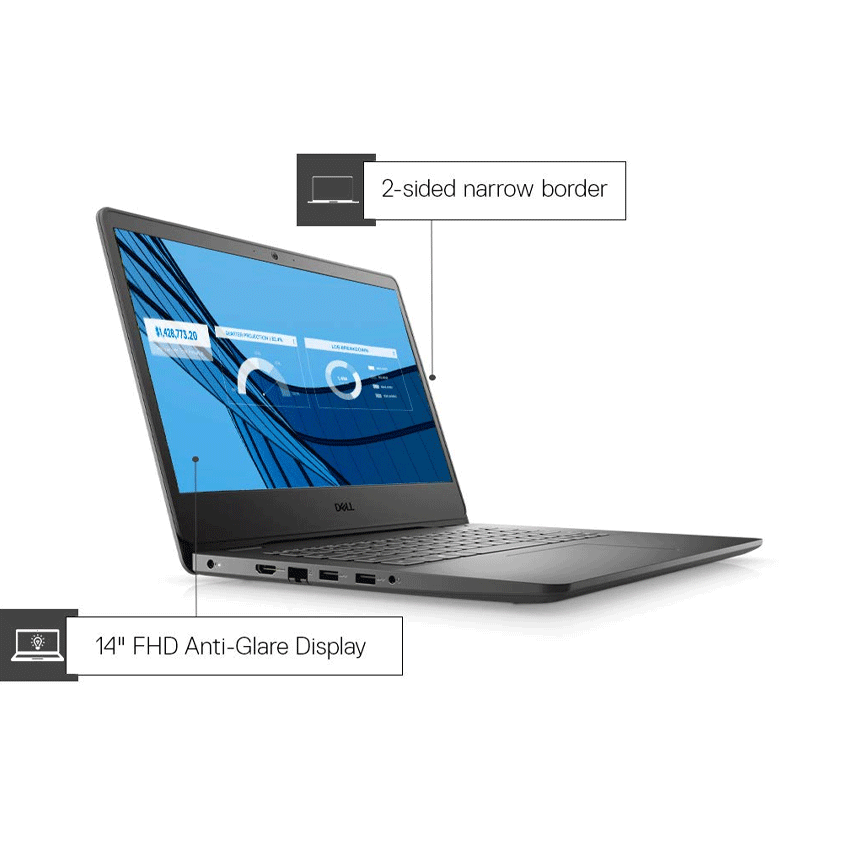
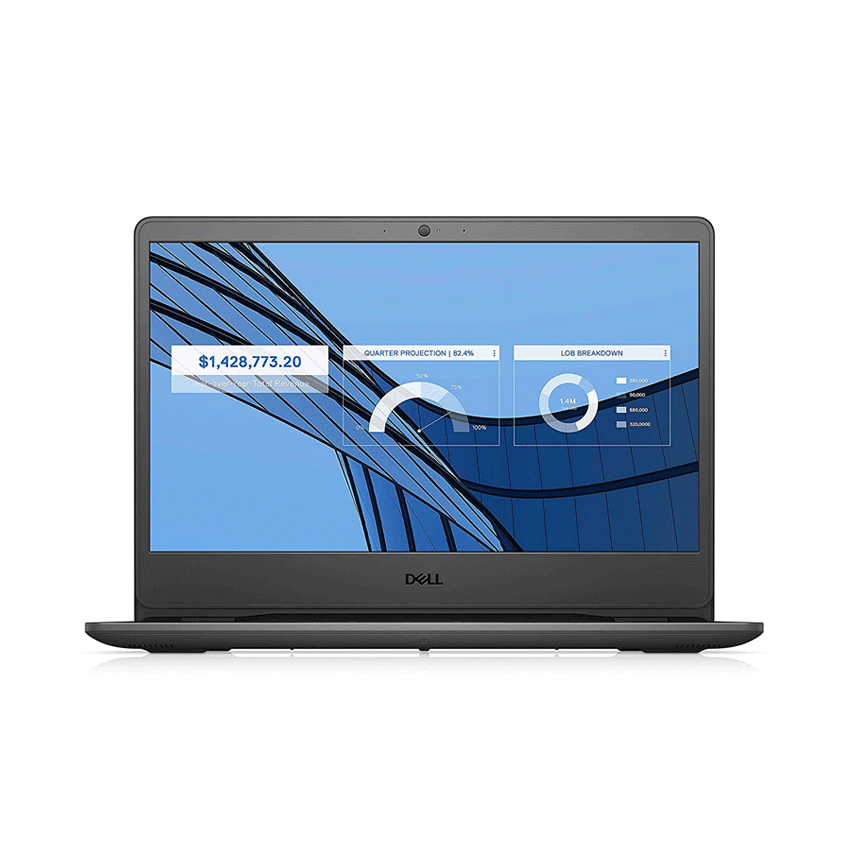
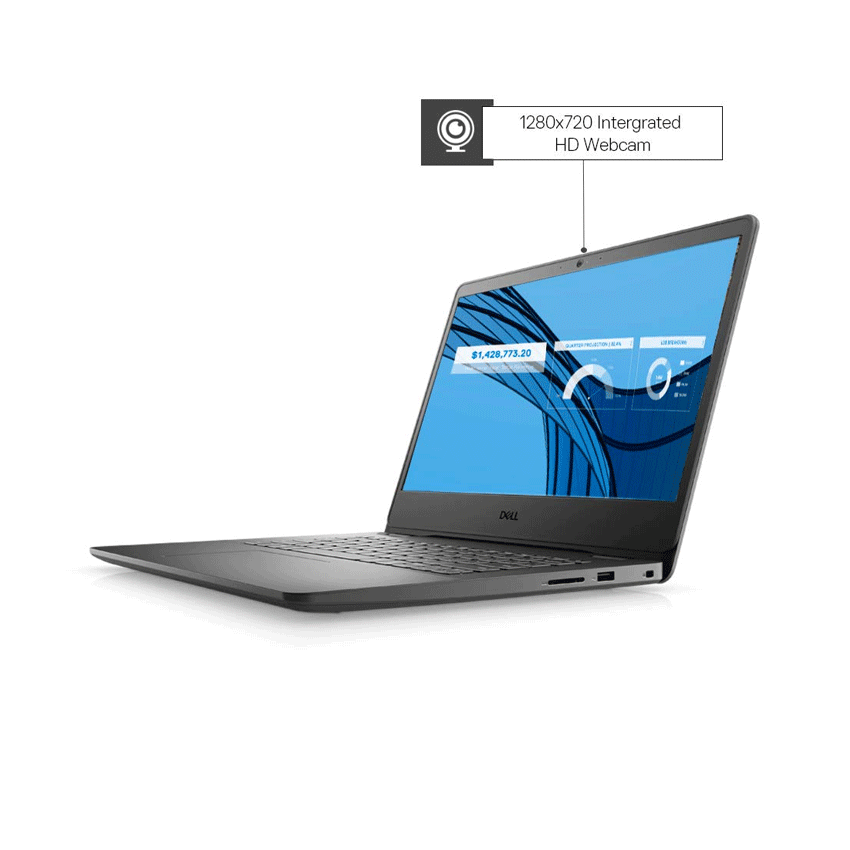
| Dell Vostro 3401 | Check for an SSD and enough RAM. Verify panel resolution and test the files you need to edit. |
| Acer Aspire 3 A315-23 | Compare the specific processor, panel and memory. Check whether the installed RAM can be increased. |
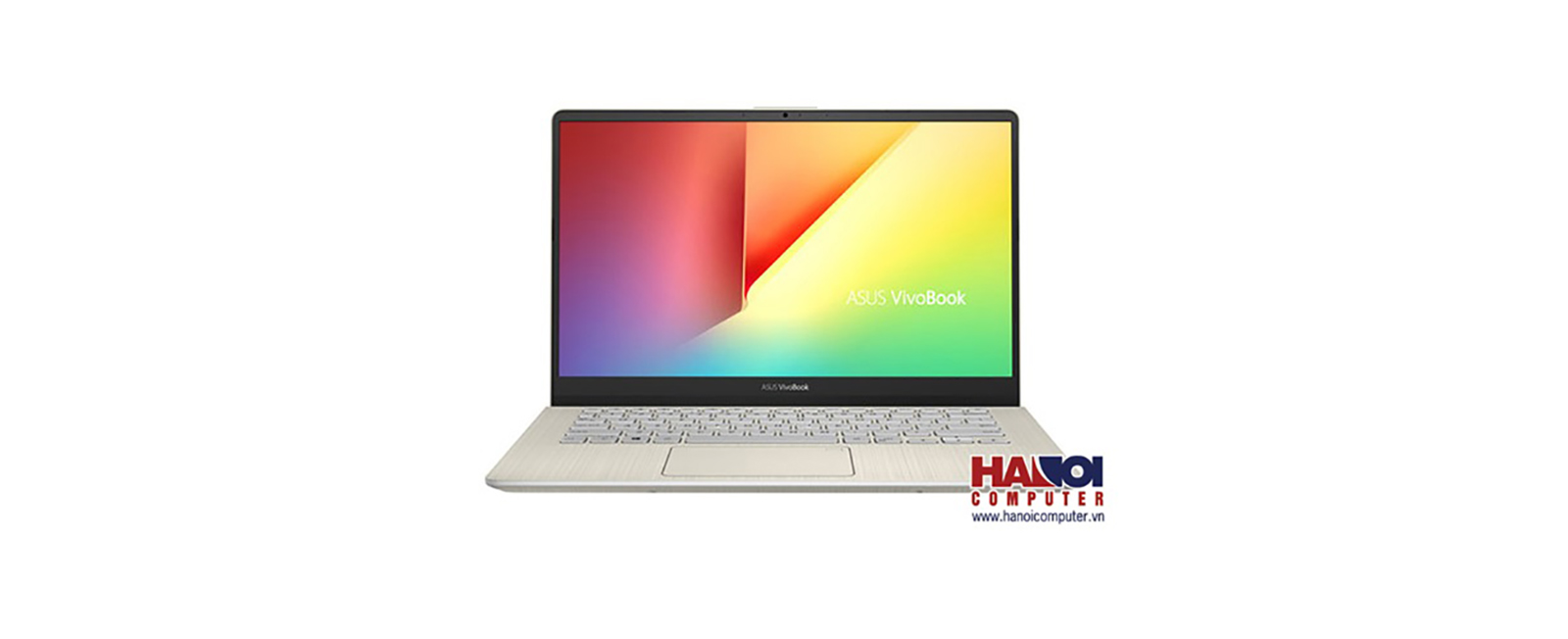
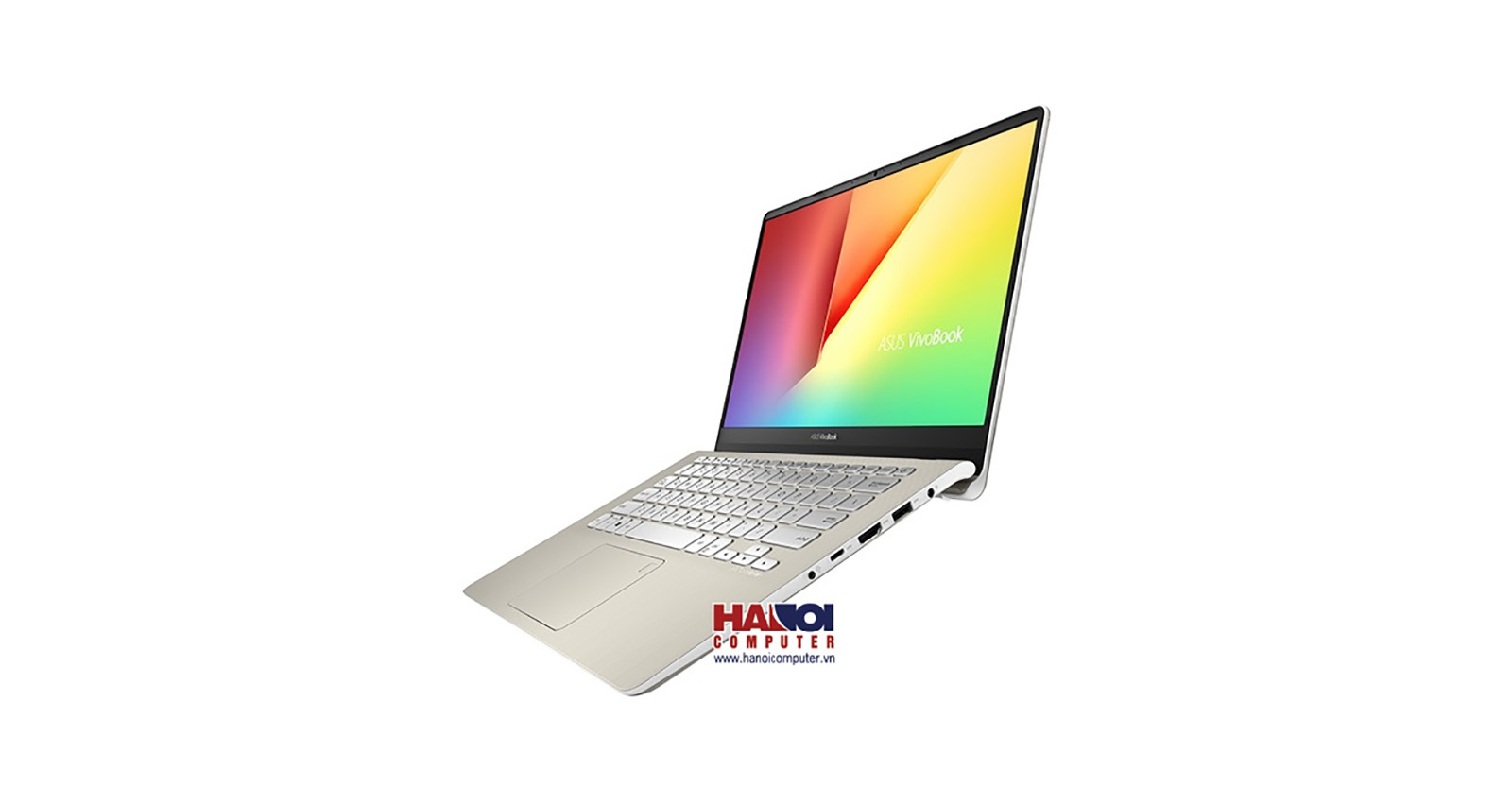
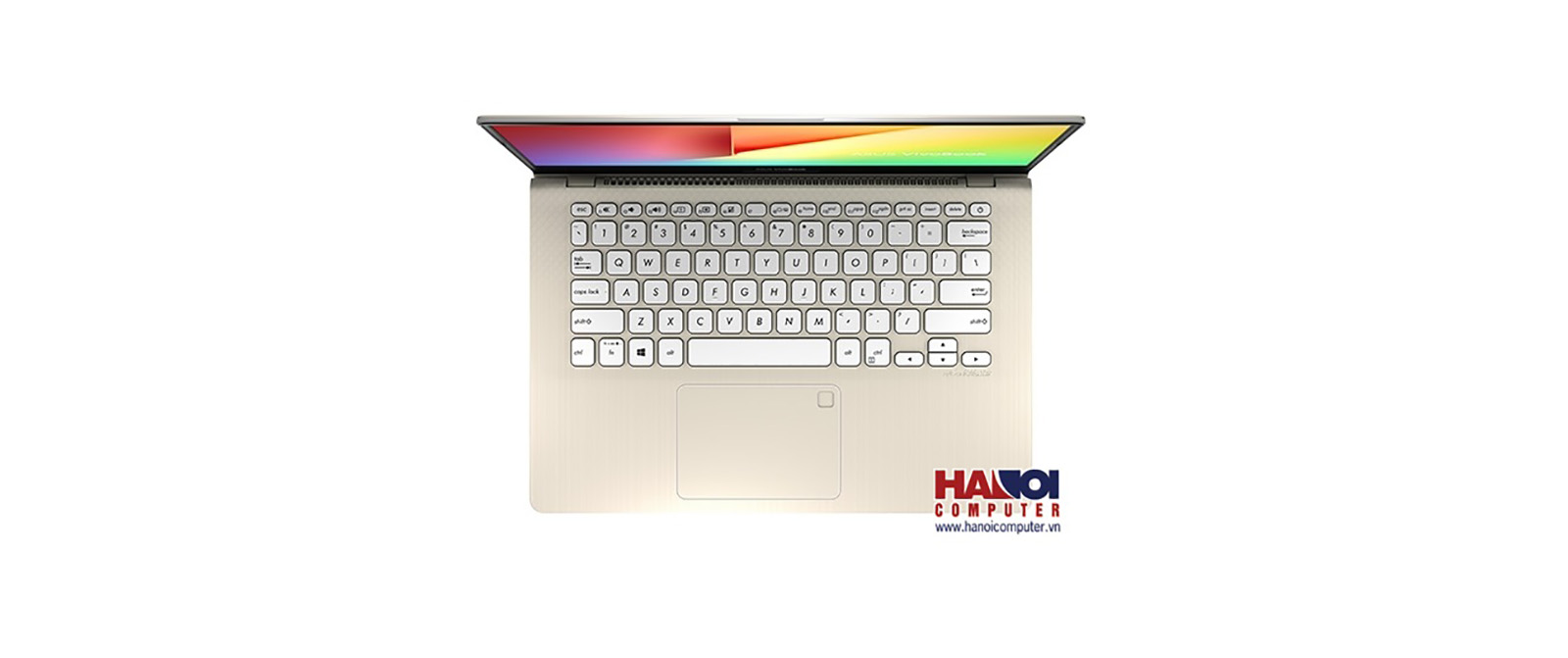
| ASUS S430FA-EB074T | Consider for light 2D work after a test. Verify memory options and use your own file to check responsiveness. |
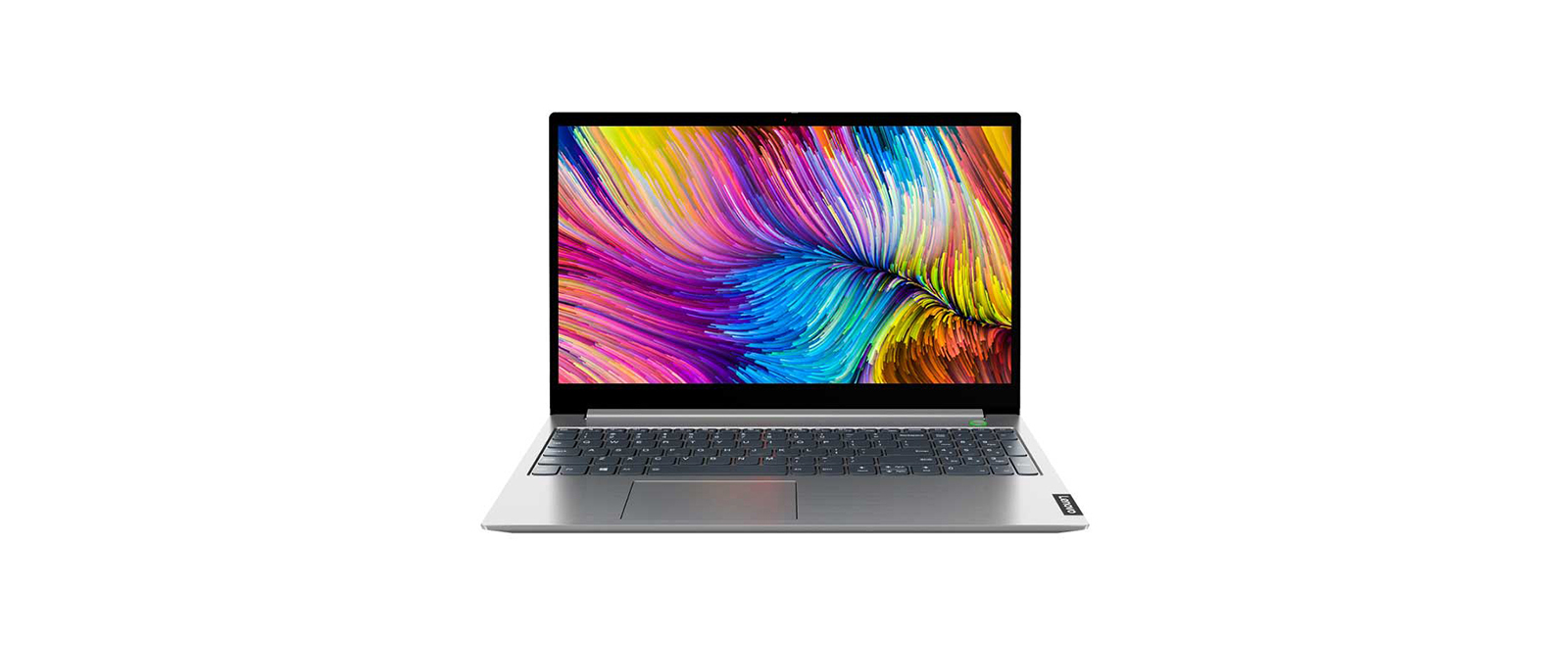
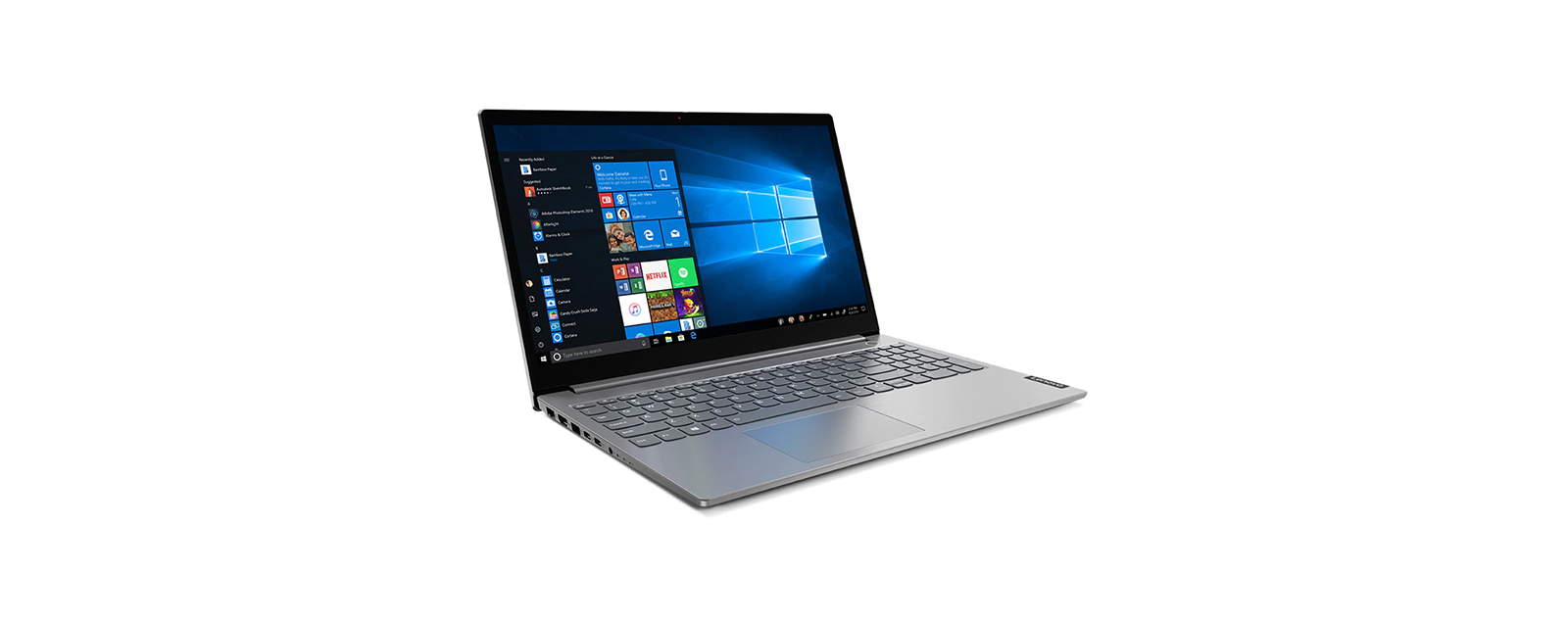
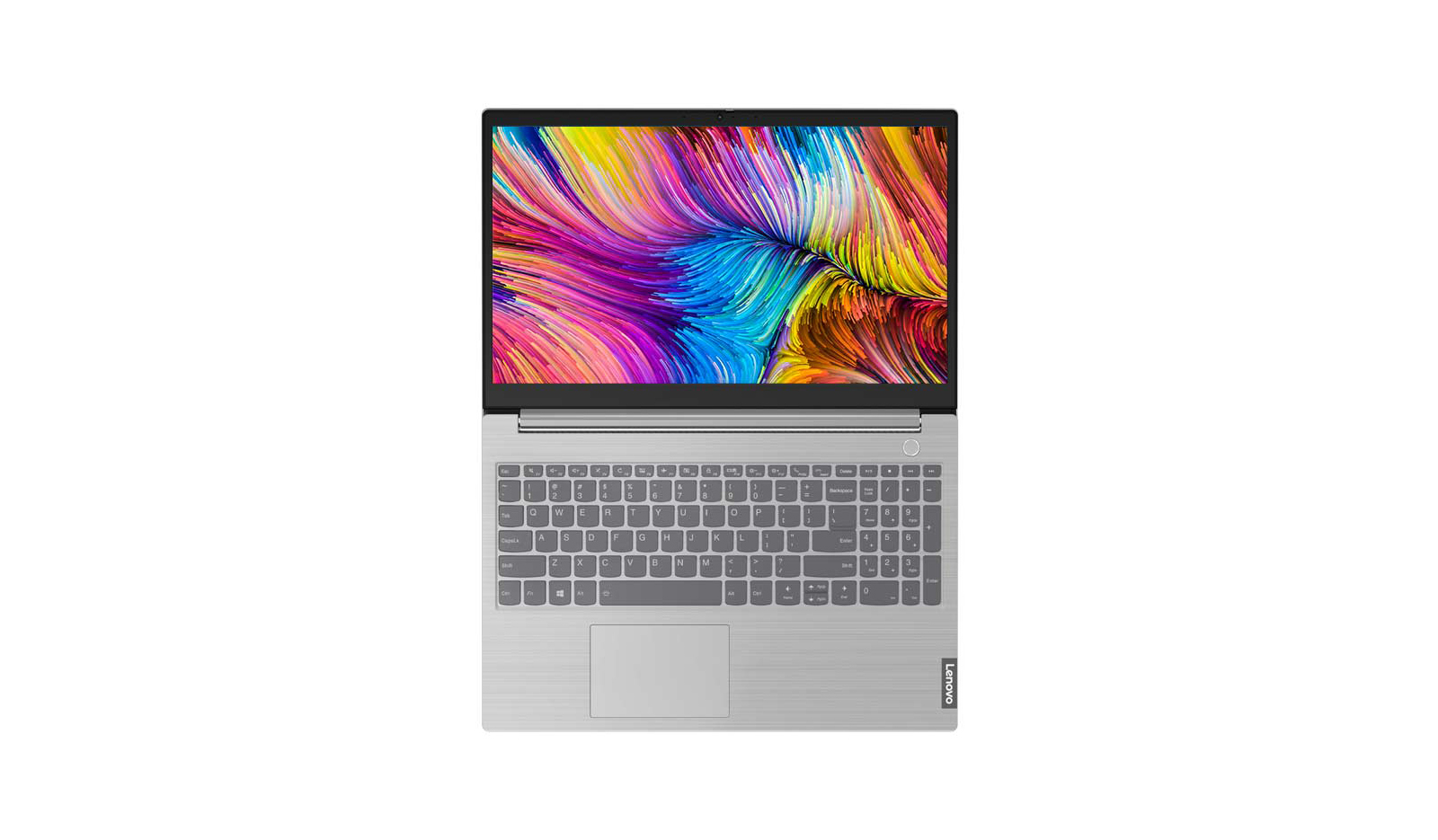
| Lenovo ThinkBook 15-IML | Check the memory configuration, storage and screen. Budget for upgrades if the listing has only the base memory. |


Test the laptop with a project before paying
Open a representative layered image or vector document, zoom and pan, switch between apps, then export. Check free storage afterward. On a used laptop, also test the charger, display, hinges and battery. If adding RAM, storage and a better monitor pushes the price past your budget, compare a better-configured unit before purchasing.
Related Articles
 Top 4 Laptops for Professional Graphics - Good - Cheap
 Top 5 high-end laptops 2020 running well with graphics and gaming
 5 attractive laptops for students
 Which graphics card is good for gaming laptops
 Affordable ASUS laptop models under 10 million VND for students
 10 add-ons for Firefox are needed for the 'people' design
Reader Comments 0
Sign in with email or Google to join the discussion.