Table of Contents
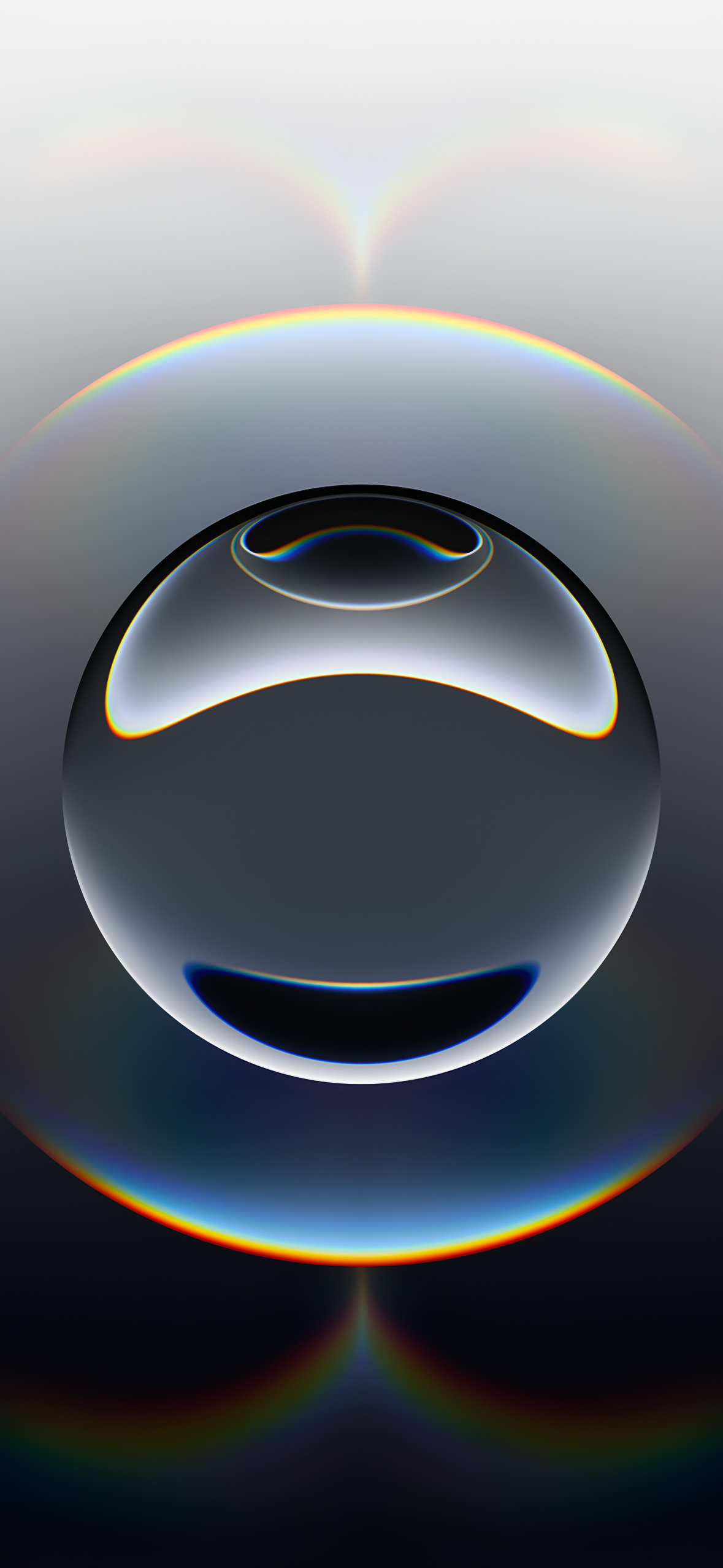
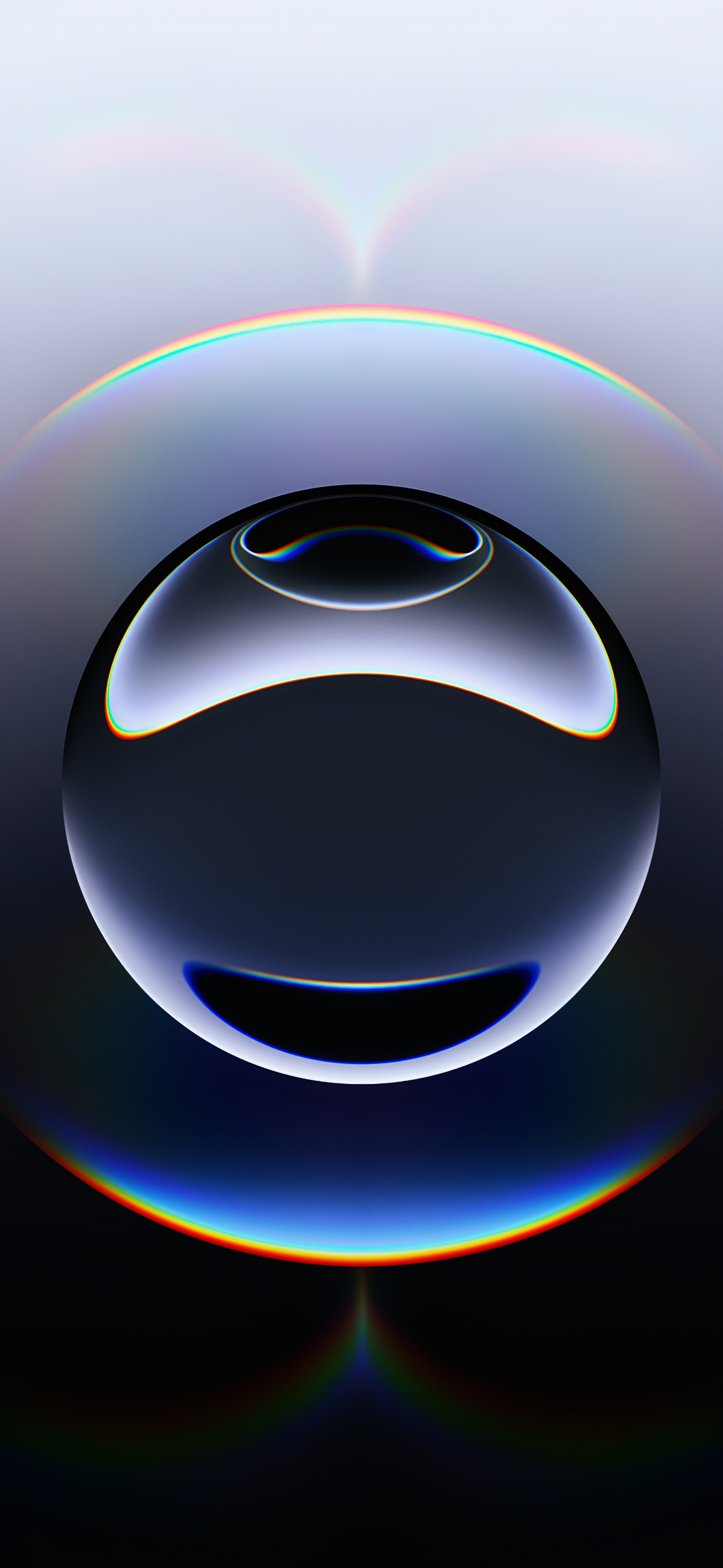
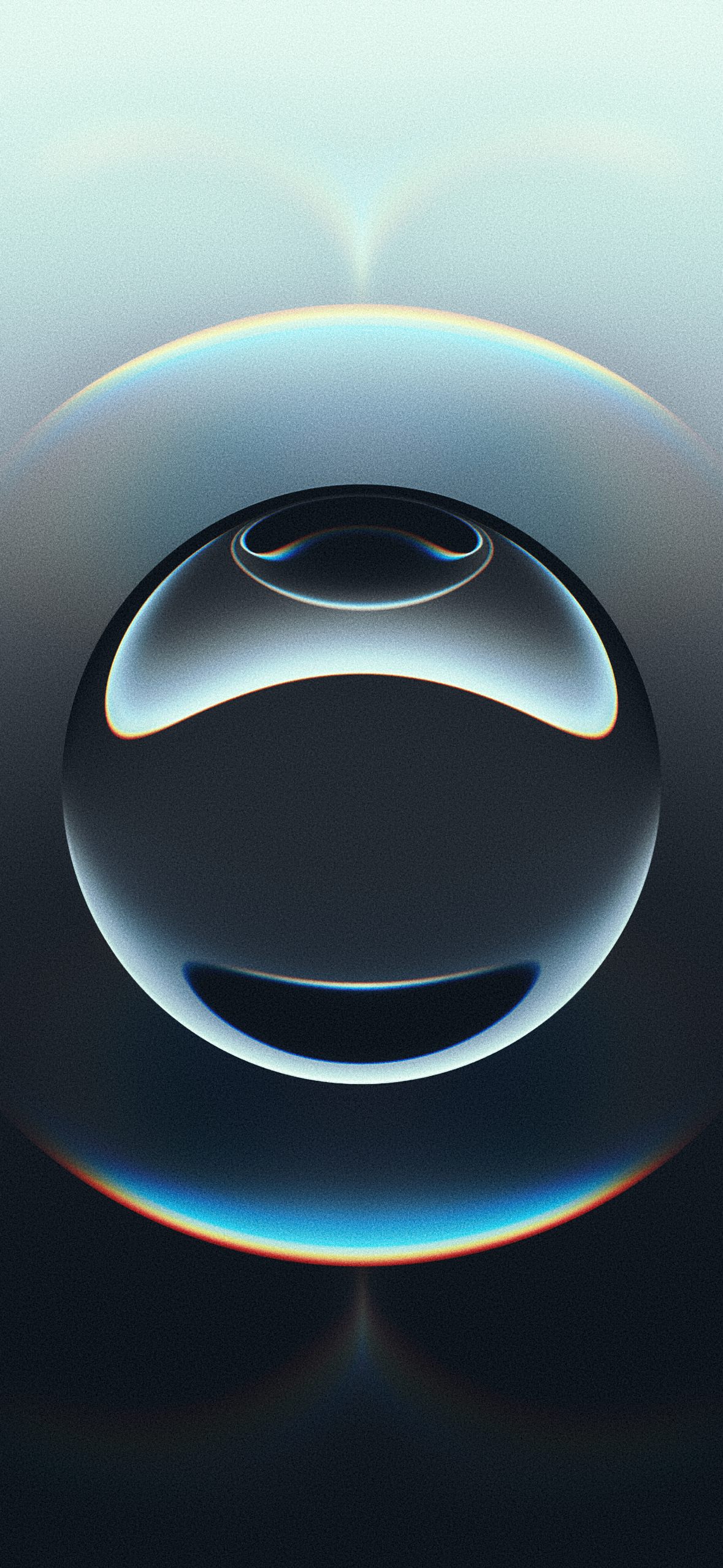
Choose an iPhone 16e wallpaper from the gallery below and save the image to your Photos library. You can use these backgrounds on other iPhones too. Preview the crop on your own screen before applying it.
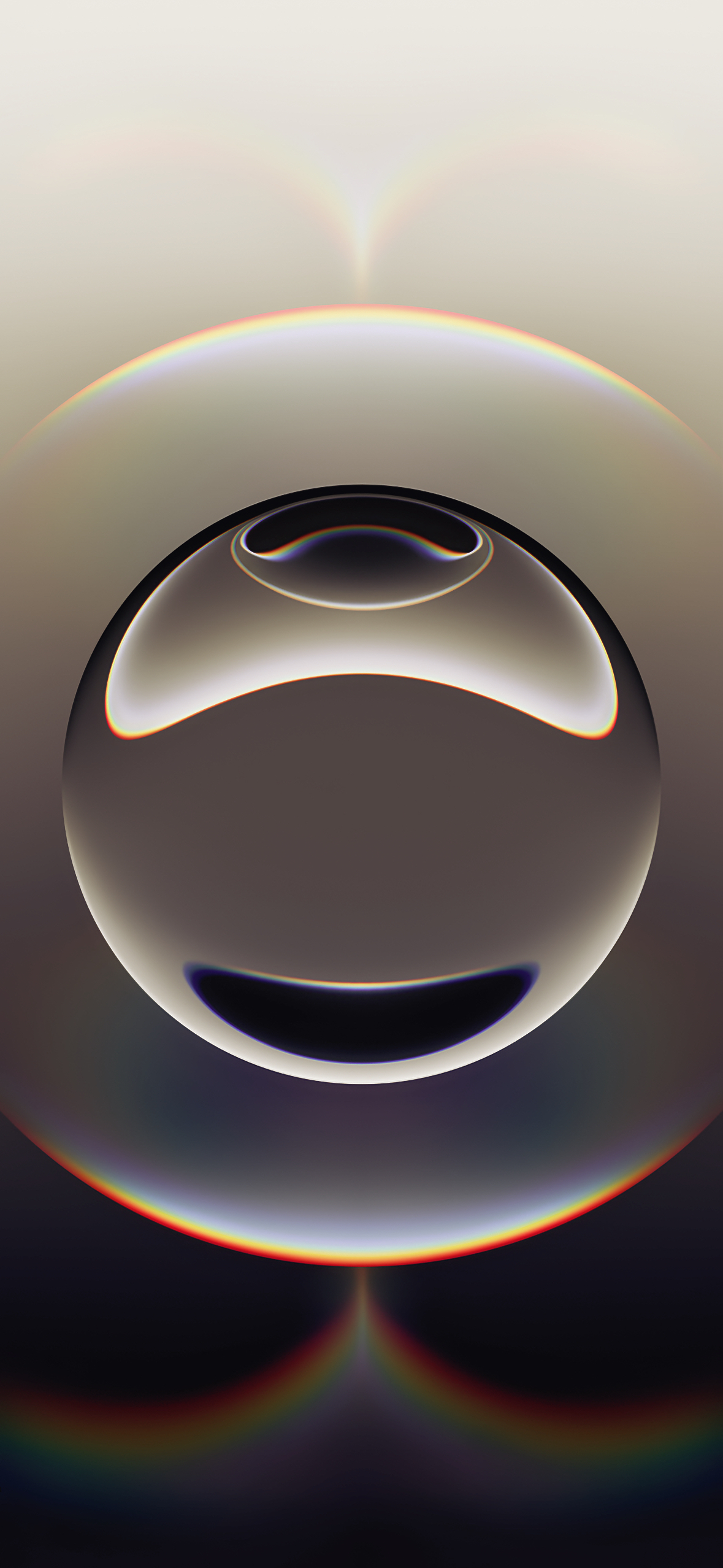
iPhone 16e wallpaper gallery
Open the image itself before saving so you can use the largest version your browser provides. The darker designs can make light clock text easier to read. Check that the bright part of the design does not sit directly behind the time.
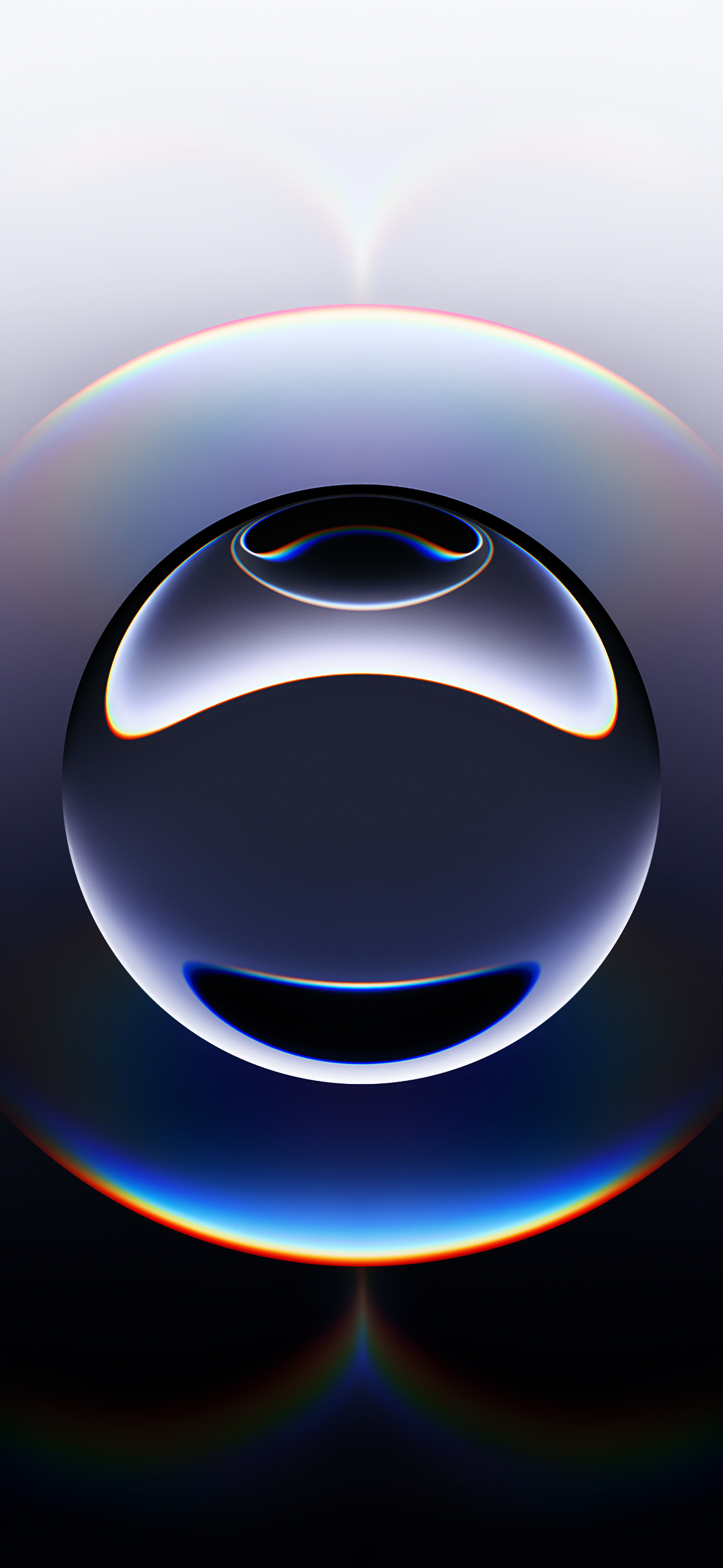
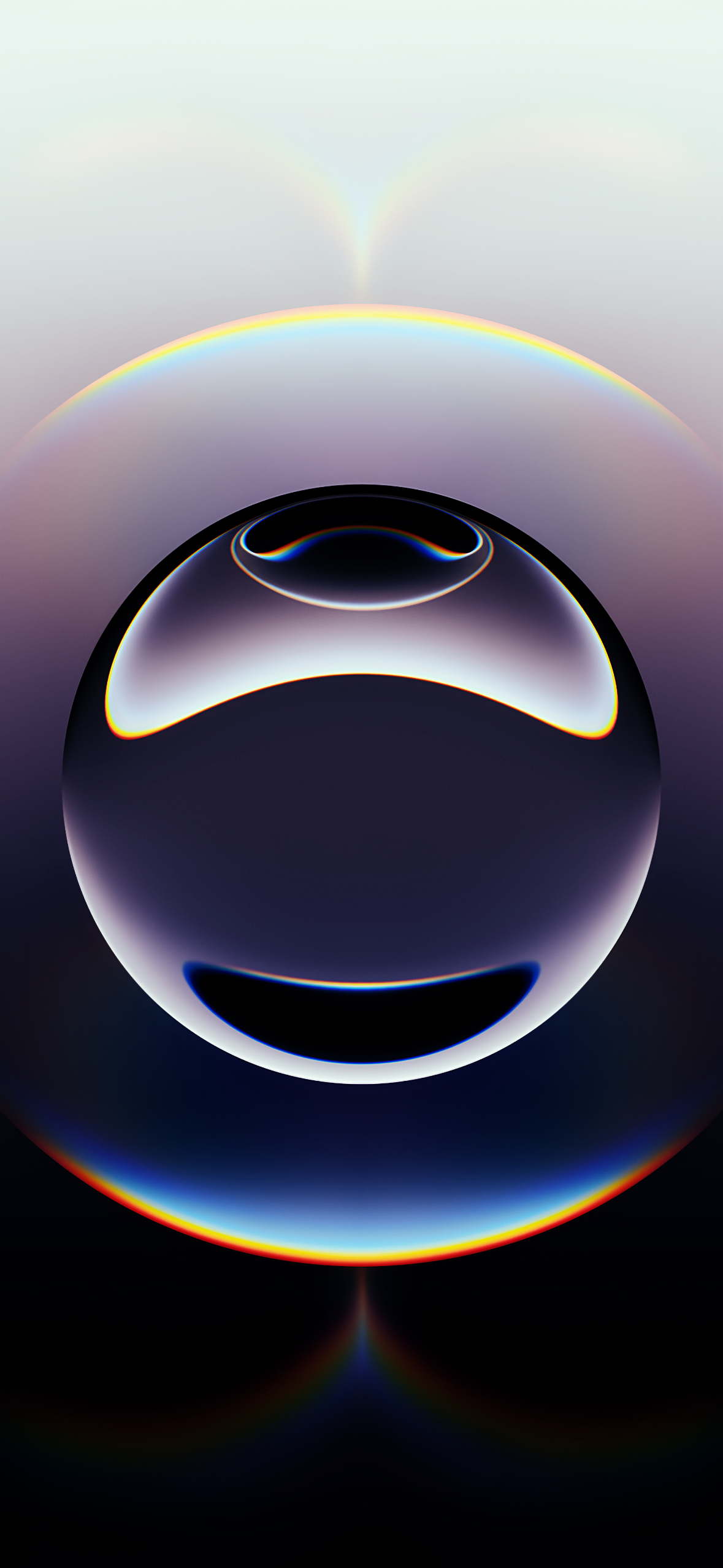
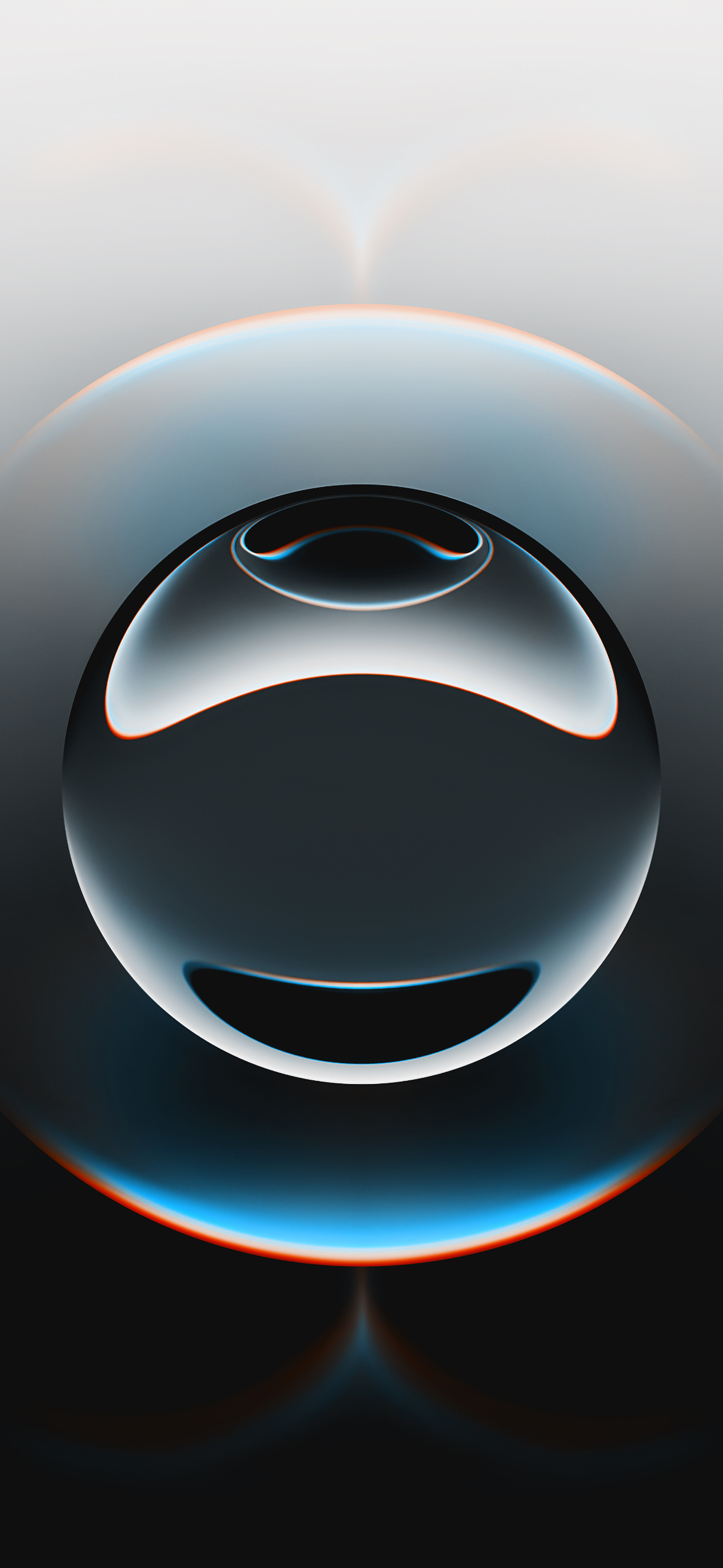
Set the wallpaper on your iPhone
- Open Settings > Wallpaper > Add New Wallpaper and choose Photos.
- Select the saved image. Reposition or zoom it to fit the display.
- Tap Add, then choose Set as Wallpaper Pair or customize the Home Screen separately.
See Apple’s wallpaper guide for the current controls. For other ways to change the layout, see how to customize the iPhone Home Screen or how to make a glass-style Lock Screen background.
Related Articles
 Download iPhone 11, iPhone 11 Pro, iPhone 11 Pro Max wallpapers
 iPhone 13 wallpapers, iPhone 13 Pro Max wallpapers
 Download the best set of iPhone wallpapers in 2022
 How to download an exclusive iPhone X animated wallpaper on other iPhones
 How to create emoji wallpaper on iPhone
 How to set Live Wallpaper on iPhone
Reader Comments 0
Sign in with email or Google to join the discussion.