Table of Contents
This gallery contains eight iOS 18 wallpaper options for iPhone, including complementary light and dark designs. Open an image at full size before saving it so the phone uses the highest available resolution rather than a small page preview.
iOS 18 wallpaper gallery

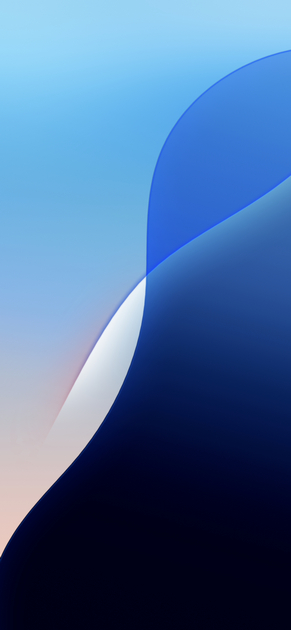

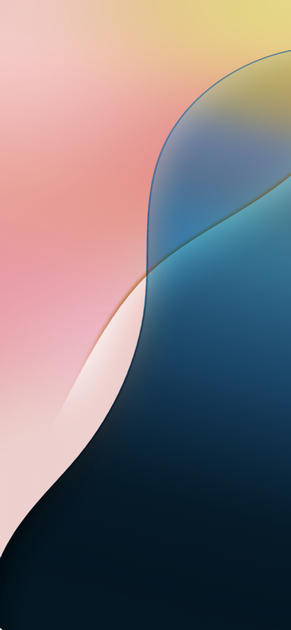
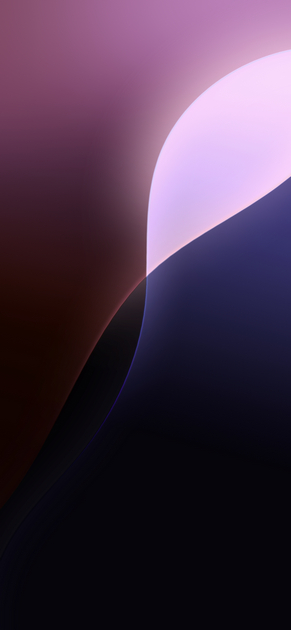
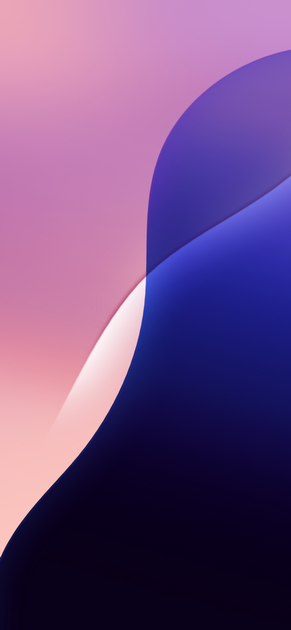


Save an image to your iPhone
- Tap the wallpaper you want to open the full-size image.
- Touch and hold the image, then choose Save to Photos. If your browser offers a download instead, open the downloaded file and save it to Photos.
- Check the picture in Photos before setting it. A screenshot of the page will include browser controls and should be avoided.
Set the wallpaper in iOS 18
- Open Settings > Wallpaper.
- Tap Add New Wallpaper, choose Photos, and select the saved image.
- Pinch to crop or reposition the design. Adjust the clock style, widgets and other Lock Screen options as needed.
- Tap Add, then choose Set as Wallpaper Pair or customize the Home Screen separately.
You can also touch and hold an unlocked Lock Screen, tap the plus button, and create a new wallpaper from there. Apple’s current iPhone wallpaper guide documents the available controls.
Make the wallpaper easier to use
- Choose the right version: darker images reduce glare in dim rooms, while lighter variants can make dark icons easier to distinguish.
- Watch the focal point: keep important artwork clear of the clock, widgets and Dynamic Island.
- Customize the Home Screen: if icons are hard to read, select a blurred or tinted Home Screen version rather than using the same detailed image.
- Keep the original: retain the downloaded image in Photos so you can recrop it later for another iPhone model.
For more ideas, compare the latest iOS and iPadOS wallpapers, see iPhone 16e wallpaper options, or review the most useful iOS 18 customization features.
What changed with iOS 18
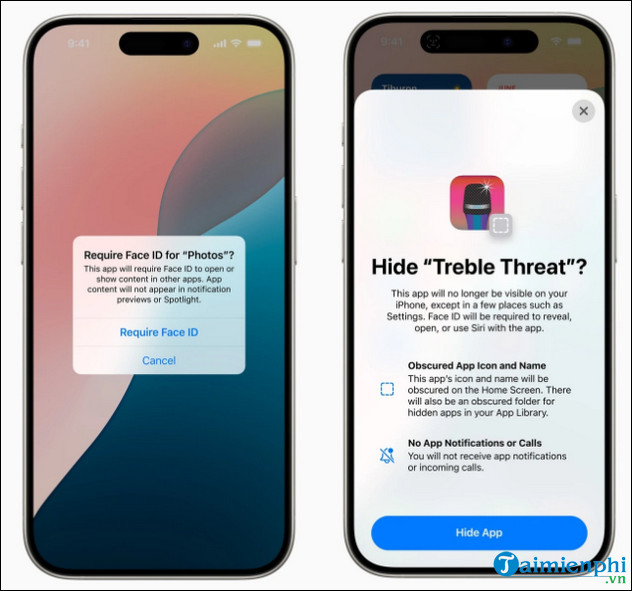
iOS 18 added more flexible Home Screen icon placement and appearance controls, a redesigned Control Center, and options to lock or hide apps. These controls make it easier to coordinate a wallpaper with icon colors and layout without altering the source image.
Related Articles
 How to Download High-quality Background Images Instantly for iPhone Xs4 minutes read
 Top 200 Very Beautiful Laptop Wallpapers, Super Sharp Resolution2 minutes read
 Please Download a Wide Range of Themes, Full Hd Resolution for2 minutes read
 45 Stunning Landscape Wallpapers, High Resolution7 minutes read
 Set of 50+ High Quality Background Images, Many Themes for Smartphones3 minutes read
 Unique Wallpaper Set for AMOLED Screen Smartphones3 minutes read
Reader Comments 0
Sign in with email or Google to join the discussion.