Table of Contents
Choose from 37 Christmas wallpapers sized for a phone screen, including festive red, winter, ornament, tree, snow, and holiday-light designs. Save a favorite image to Photos or Gallery, then set it as the home screen, lock screen, or both.
How to download a wallpaper
Android
- Tap the image you want to view, then touch and hold it.
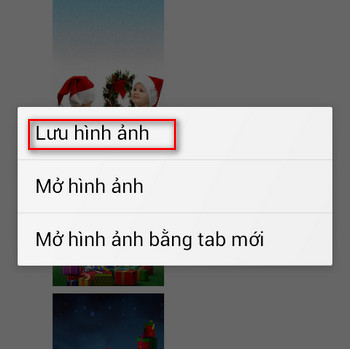
- Select Download image or Save image. The wording varies by browser.
- Open the Downloads folder, Google Photos, or the phone's Gallery app and confirm that the image saved correctly.
iPhone
- Touch and hold the image in Safari or another browser.
- Select Save to Photos. If that option is not shown, use the Share button and choose Save Image.
- Open Photos and check the saved image before setting it as wallpaper.
If a browser opens a menu instead of the full image, first choose Open Image in New Tab, then touch and hold again. TipsMake's image-search guide also explains common save-image controls on mobile and desktop browsers.
How to set the image as wallpaper
Android
Open the saved image in Photos or Gallery, open its menu, and choose Use as or Set as wallpaper. Crop and position it, then select the home screen, lock screen, or both. Menu names differ between Samsung, Google Pixel, Xiaomi, and other phones.
iPhone
Open Settings > Wallpaper > Add New Wallpaper > Photos, choose the saved image, reposition or scale it, and tap Add. Select a wallpaper pair or customize the Home Screen separately.
Choose a wallpaper that fits
- Use a portrait image that matches the phone's aspect ratio to reduce cropping.
- Keep important details away from the clock, notification area, and app icons.
- Dark or low-detail images usually make icons and text easier to read.
- Preview both the lock screen and home screen before confirming.
- If an image looks soft, choose another image rather than stretching it beyond its saved resolution.
For nonseasonal options, see TipsMake's phone wallpaper collection and wallpaper apps for Android and iPhone.
Christmas phone wallpaper gallery

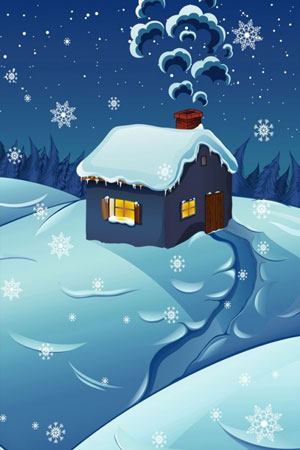


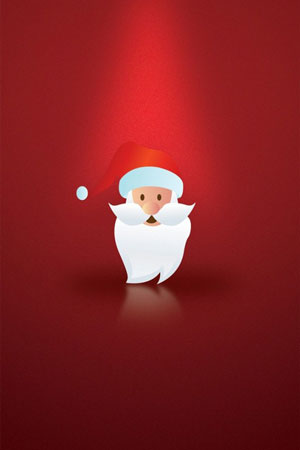

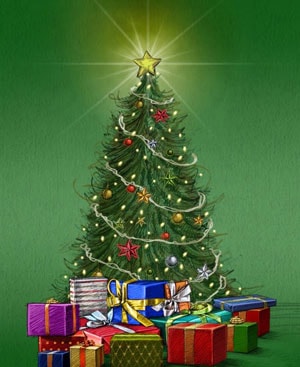
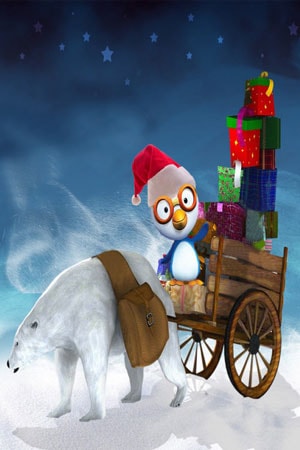





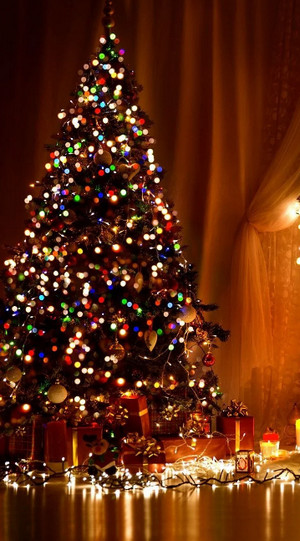

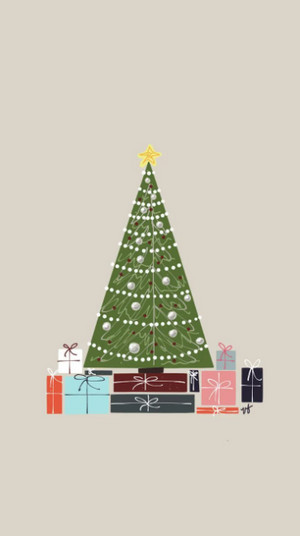

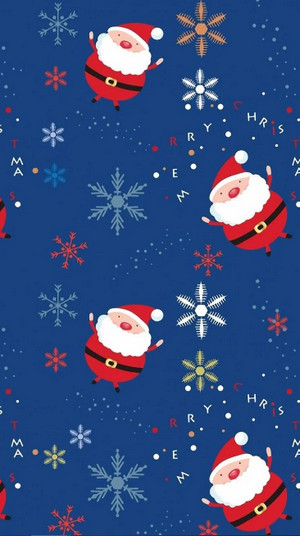

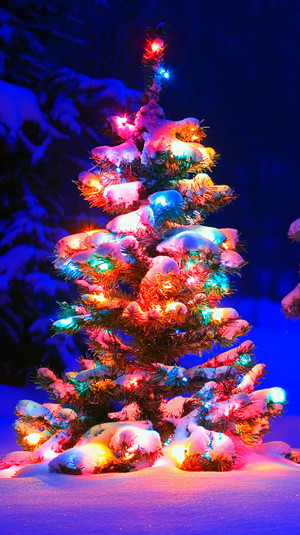

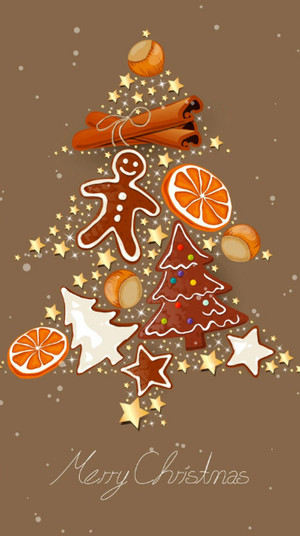
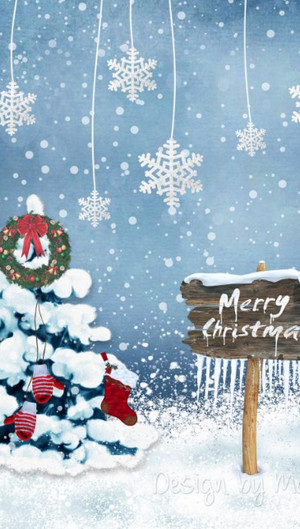

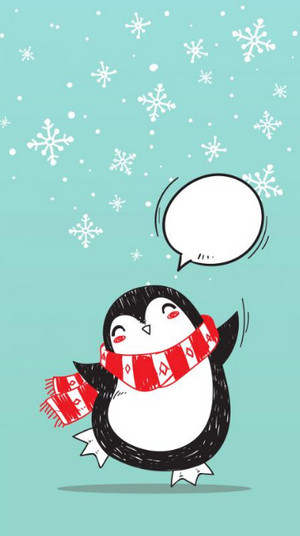
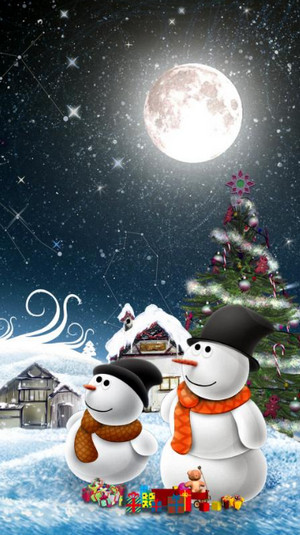
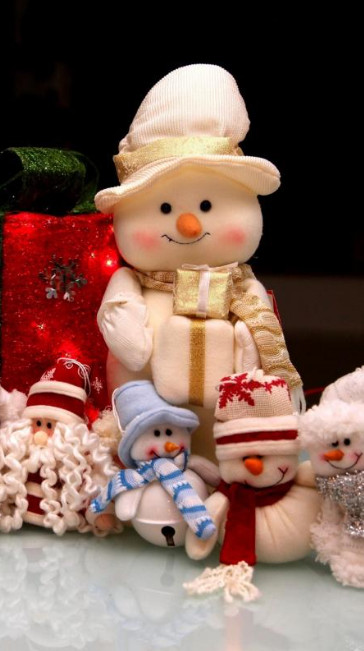


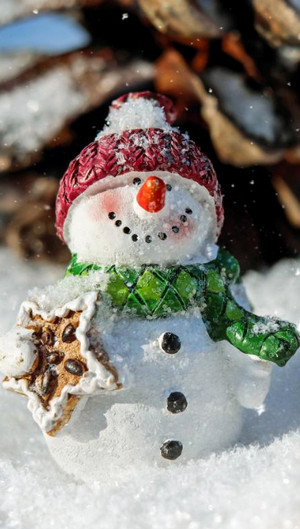


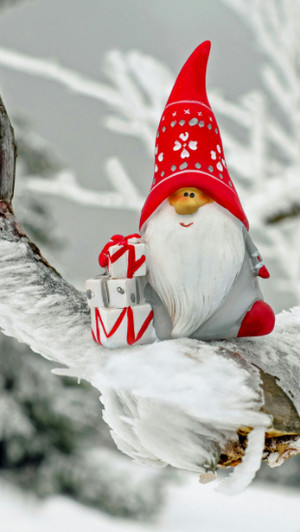



Using and sharing the images
These images are offered as phone-wallpaper choices. Saving one for a personal home or lock screen is different from republishing, selling, or using it in a commercial design. Check the image's original rights and license before any reuse beyond personal wallpaper. If you need other themes, browse TipsMake's phone wallpapers by theme.
Related Articles
 These Beautiful Glitter Christmas Wallpapers for Computers4 minutes read
 Beautiful Christmas/Noel Wallpapers for Computers and Laptops4 minutes read
 Download Now a Simple but Charming Vintage Photo Wallpaper Theme2 minutes read
 Download Now a Collection of High Quality Wallpapers for Smartphones4 minutes read
 Why Is There a Christmas? (part 2)6 minutes read
 The Origin and Meaning of Christmas4 minutes read
Reader Comments 0
Sign in with email or Google to join the discussion.