Table of Contents
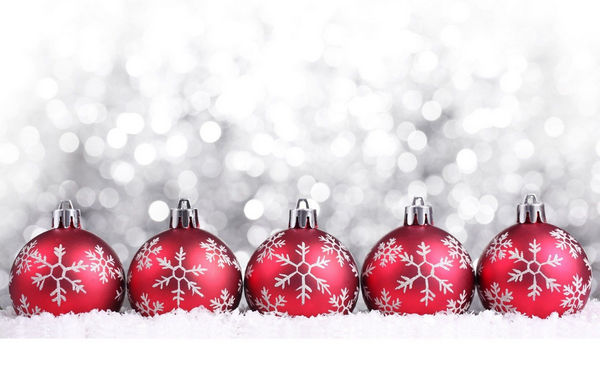
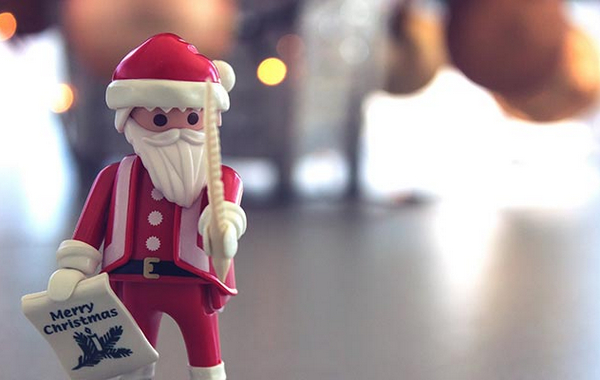
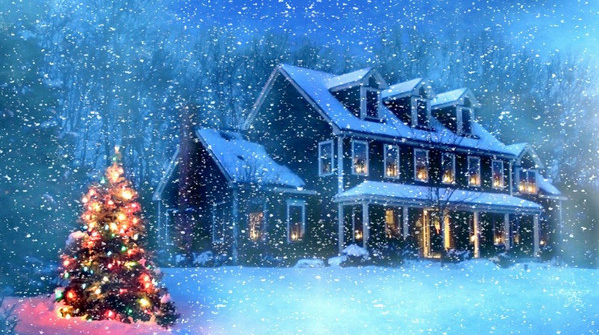
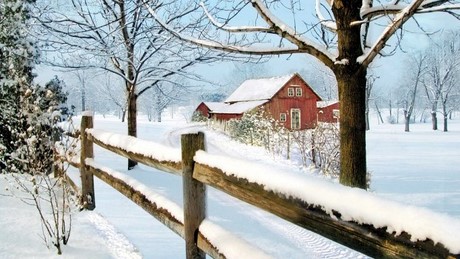
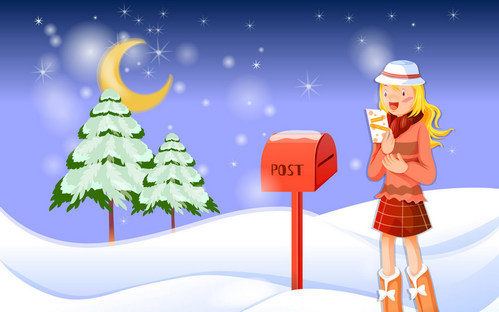
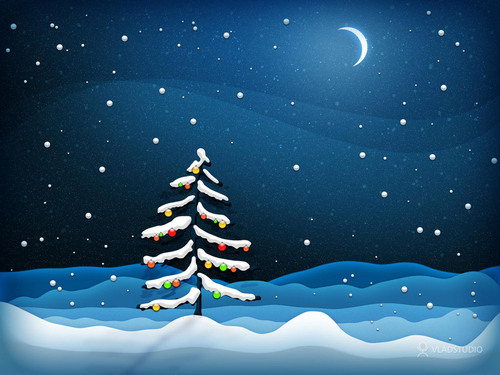
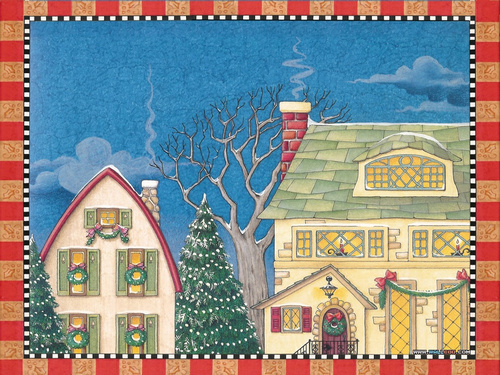
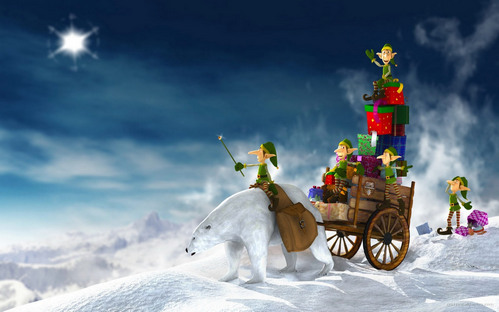
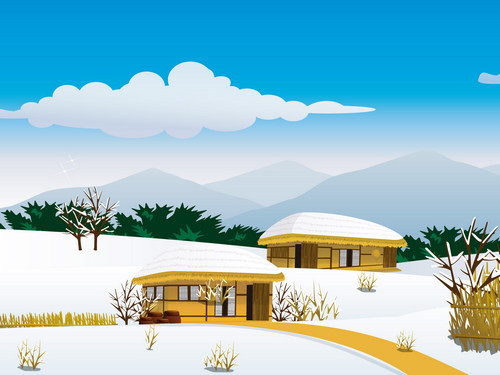
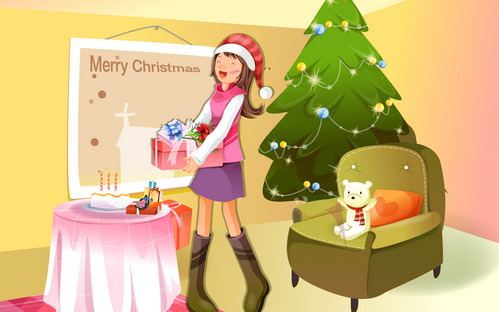
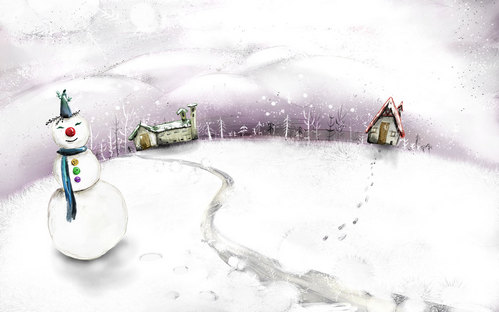
This gallery includes 23 Christmas wallpapers for desktop and laptop screens, with winter scenes, decorated trees, ornaments, lights, festive characters, and holiday messages. Save a favorite image, then use the operating system's wallpaper controls to crop or fit it to the display.
How to download a wallpaper
- Click an image to view it at the largest size the page provides.
- Right-click the image and choose Save image as. On a Mac trackpad, Control-click if secondary click is not enabled.
- Save the file in Pictures or a dedicated Wallpapers folder.
- Open the saved file and confirm that it is sharp enough for the screen before setting it as the background.
If the browser saves a small preview, open the image in a new tab first and save it again. TipsMake's image-search guide explains the common save and image-address controls.
Set the wallpaper in Windows 11 or 10
- Right-click an empty area of the desktop and select Personalize.
- Open Background and choose Picture.
- Select Browse photos or Browse, then choose the saved image.
- Use Fill, Fit, Stretch, Tile, Center, or Span to control the crop. Fill normally looks best when the image and monitor have similar aspect ratios.
You can also right-click a saved JPG or PNG file and choose Set as desktop background. See the full Windows wallpaper guide or learn how to use different backgrounds on Windows 11 desktops and monitors.
Set the wallpaper on a Mac
Control-click the saved image in Finder and choose Set Desktop Picture. For more control, open System Settings > Wallpaper, add the image or its folder, and select the display and fit options. TipsMake's Mac wallpaper guide covers the available layouts and slideshow behavior.
Choose the right image for the screen
- Use a landscape image for a normal monitor and a very wide image for an ultrawide or multi-monitor span.
- Match or exceed the display's pixel dimensions when possible; stretching a smaller image can make it look soft.
- Keep the focal point away from desktop icons, taskbars, menus, and widgets.
- Use darker, less detailed areas behind icons for better label readability.
- Preview Fill and Fit before editing the original image. Fit may add borders; Fill may crop the edges.
Christmas desktop and laptop wallpaper gallery








Use the images responsibly
Saving a picture for a personal desktop background is different from republishing, selling, or using it in a commercial design. Verify the image's original creator and license before reuse beyond personal wallpaper. For a phone-sized collection, browse TipsMake's Christmas wallpapers for iPhone and Android.
Related Articles
 Collection of Beautiful Wallpapers, Beautiful Wallpapers with2 minutes read
 Halloween Wallpapers for Computers3 minutes read
 Share a Full Hd Wallpaper Set with Beautiful Themes for Your2 minutes read
 Laptop Wallpapers: 200 Full Hd Computer Wallpapers, Varied Themes3 minutes read
 Please Download a Wide Range of Themes, Full Hd Resolution for2 minutes read
 Diablo 4 Wallpapers, Beautiful Diablo 4 Wallpapers for Phones and3 minutes read
Reader Comments 0
Sign in with email or Google to join the discussion.