Table of Contents
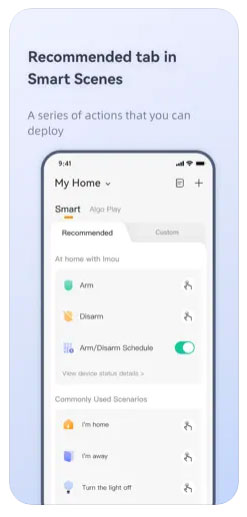
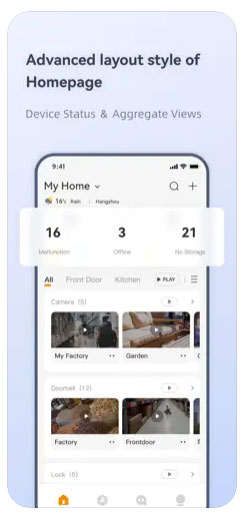
Imou Life is the mobile app for compatible Imou security cameras, video doorbells, sensors, and network video recorders. Use it to add devices, check live video, review recordings, and manage motion alerts.
Download it from Google Play or the App Store.
Add a camera and test the connection
- Power the camera on and sign in to Imou Life.
- Tap + to add a device. If the app asks you to scan a QR code, look on the device label or in the quick-start materials.
- Follow the connection instructions for your model. Check its Wi-Fi requirements if setup fails. If you’re connecting a recorder or a wired camera, use the instructions for that device.
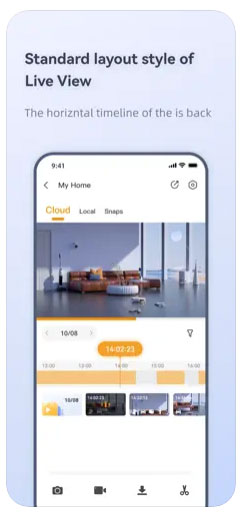
- Open Live View to confirm video works before mounting the camera permanently. Walk past it and verify that a test alert reaches your phone.
Set up alerts, recording, and sharing
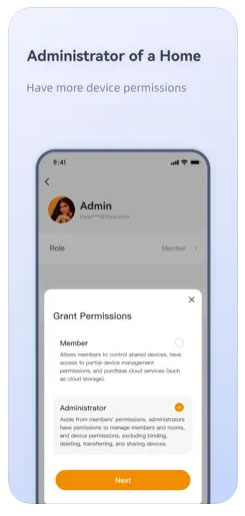
If your phone shows no notifications, check both the app’s alert schedule and the phone’s notification permission for Imou Life. Depending on the model, you may also be able to filter for people, use two-way talk, or turn on a spotlight or siren. Share the individual device with another account and review the permissions it grants before sending the invitation.
Live view and playback are separate. A camera can show live video even when it has no recording available. If your model supports local storage, check that the card is recognized, recording is enabled, and a test clip appears in playback. See the Imou camera memory card guide for installation and compatibility considerations.
Check whether you need Imou Protect
Imou Protect is a paid service that can add cloud recordings and other features. Check the plan offered for your device and region in the app, including retention, camera count, and renewal price. If local playback meets your needs, check that first before paying for cloud storage. Manage an existing subscription through the service that billed you.
Related Articles
 How to install and use IMOU on your computer simply
 IMOU camera memory card - Installation instructions and choosing the right type
 PERMA rules and know-how to have a full life
 42 Thought-Provoking Questions About Life, Values, and Direction
 20 things 'Paradox' but it is 'Truth' in today's life!
 Life only encapsulates in 10 things, understanding these things your life will definitely relax
Reader Comments 0
Sign in with email or Google to join the discussion.