Table of Contents
This updated guide explains how to Make the Screen Transparent iPhone: Step-by-Step through clear steps, practical examples, and important checks that help prevent common errors.
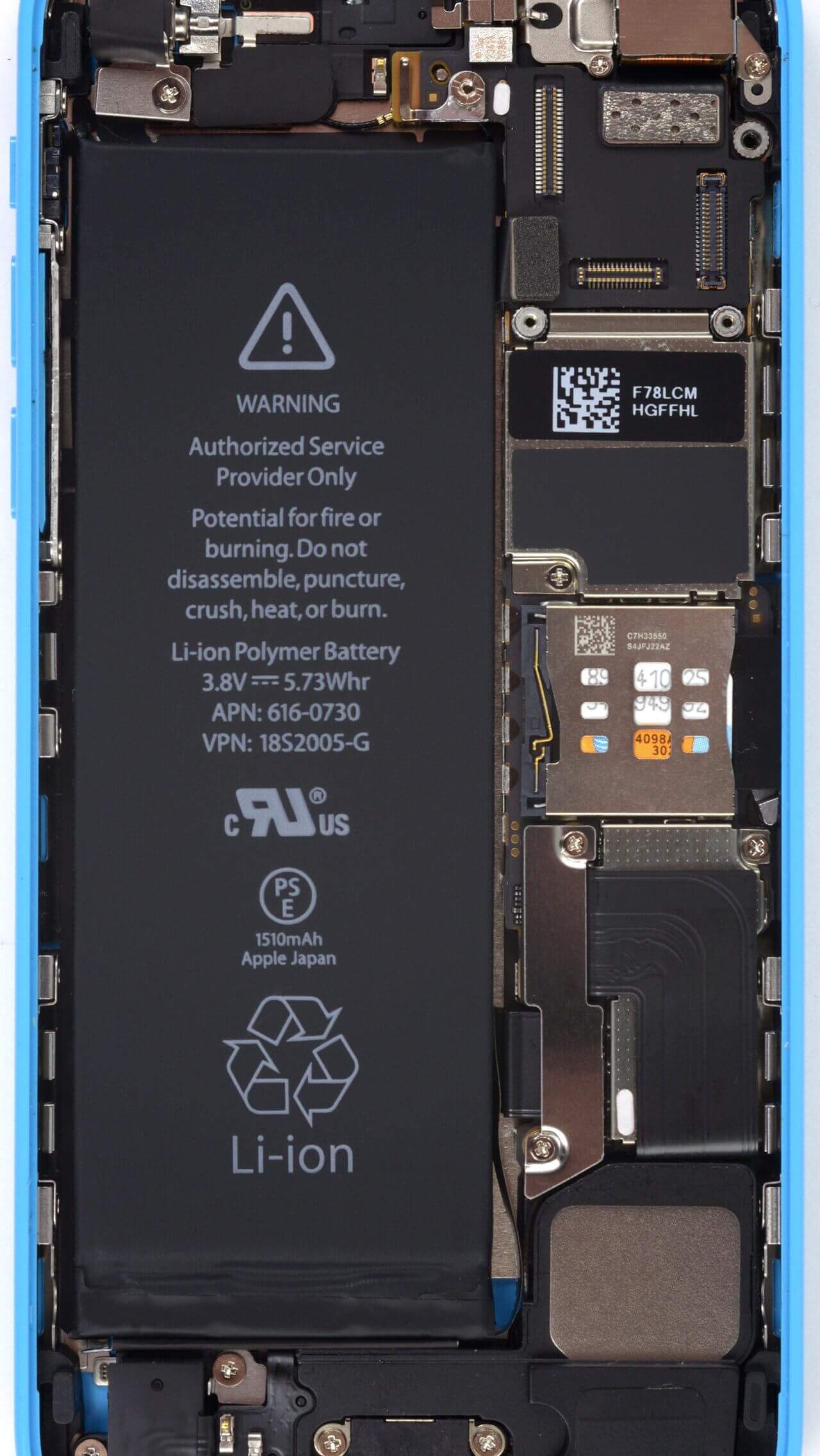
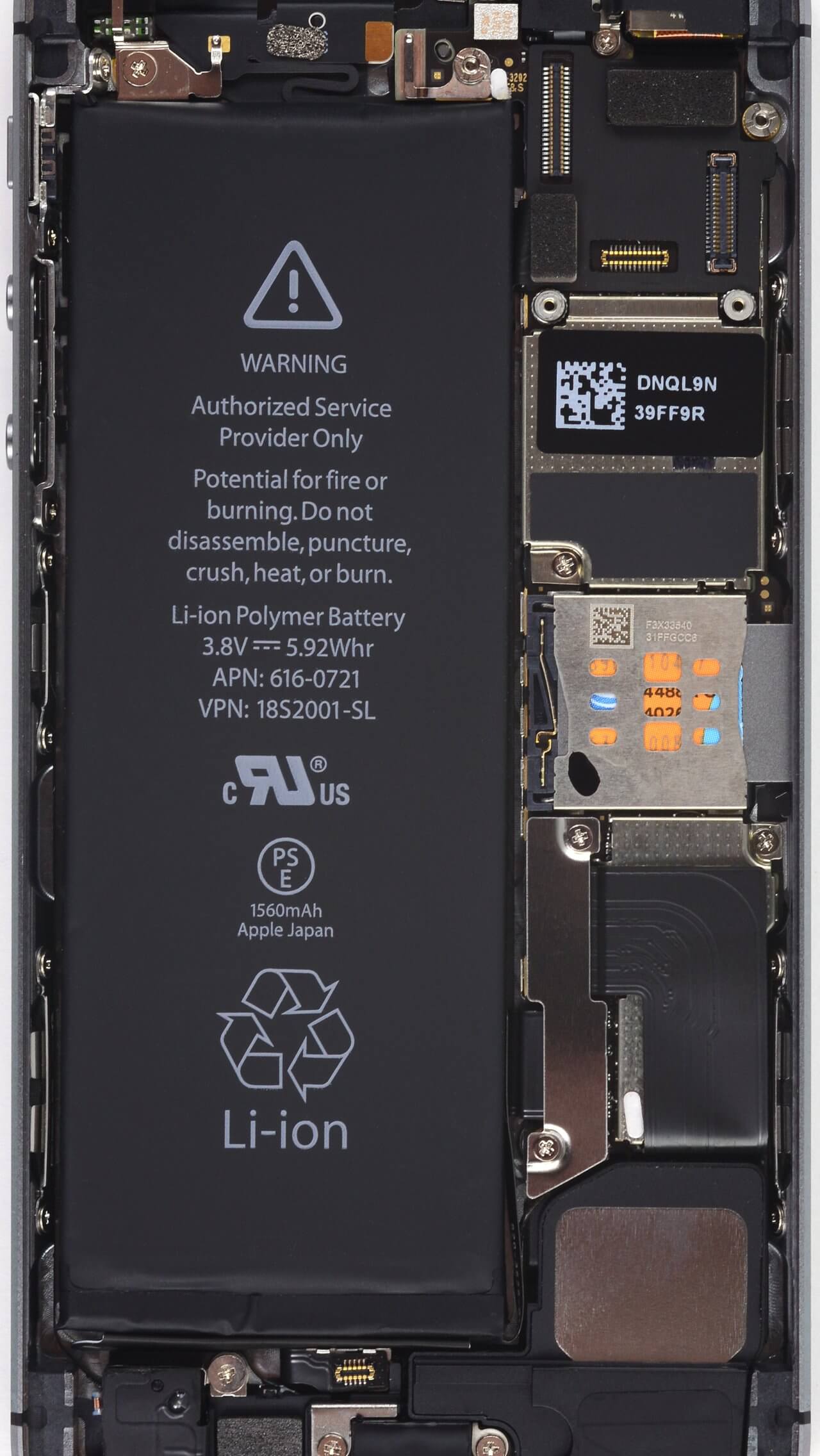
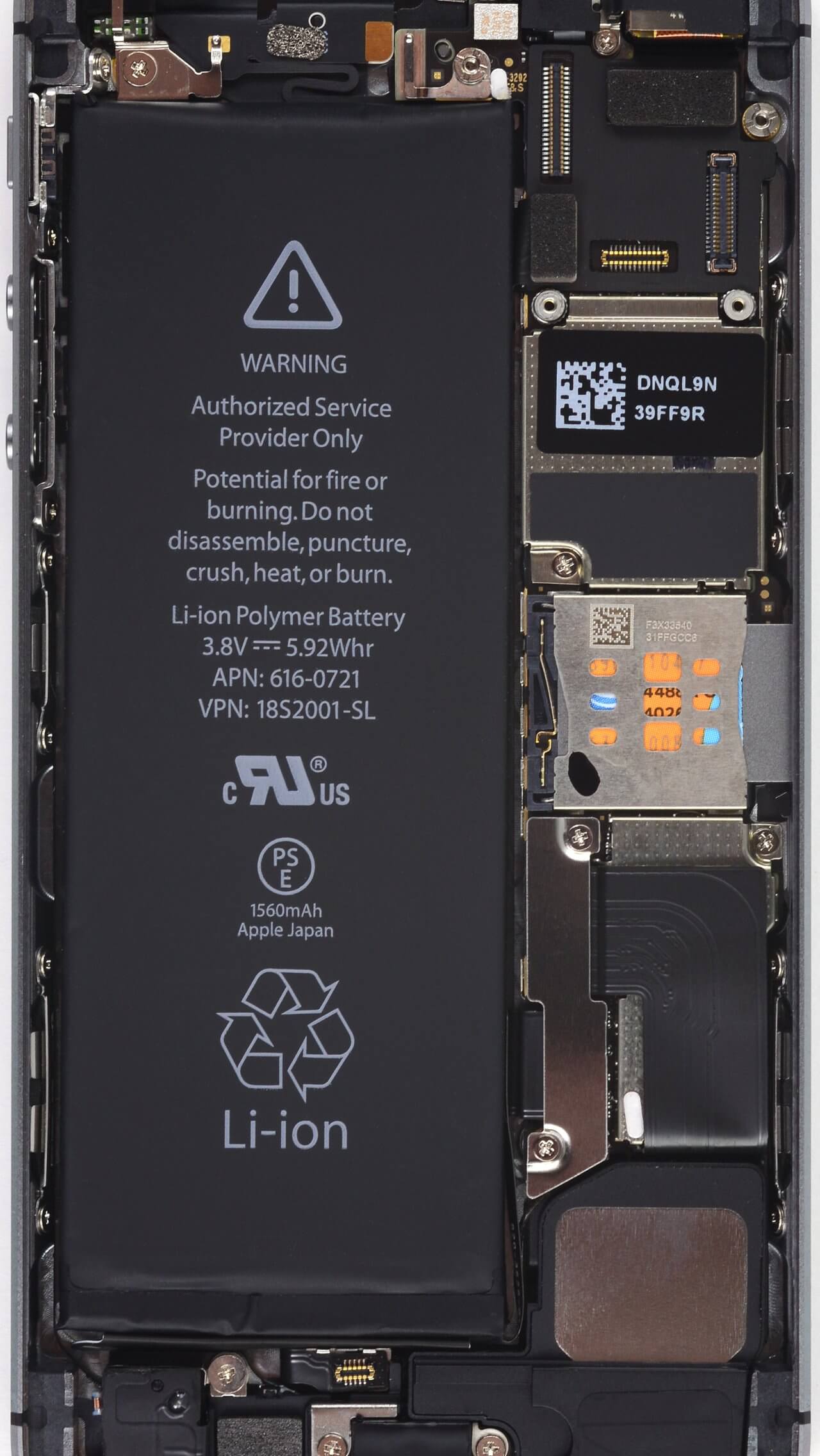
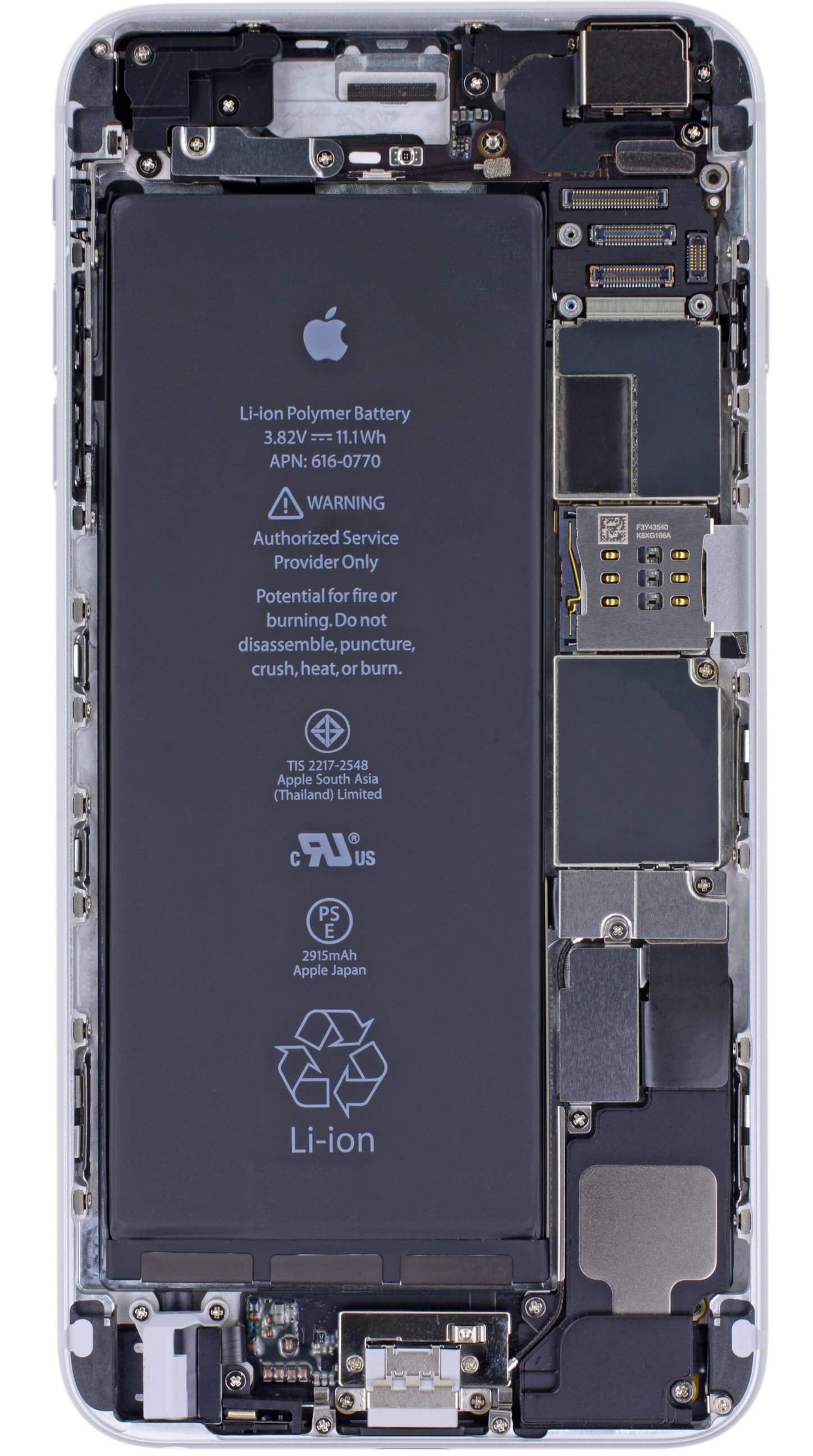
Many people wonder how to have a transparent screen on a smartphone. All you need to do is simply use the correct wallpaper with the hardware on that machine. To make the iPhone transparent screen, download the hardware wallpapers corresponding to the model you are using below this article.
How to Make the Lock Screen Transparent iPhone
In addition to the hardware-transparent iPhone wallpapers here, you also have an X Ray scan wallpaper for some iPhone models. Here are iPhone and X-Ray transparent iPhone wallpapers.

Transparent Screen iPhone 5c
Transparent Screen iPhone 5s
Transparent Screen iPhone 6
Transparent Screen iPhone 6 Plus
Transparent Screen iPhone 6s
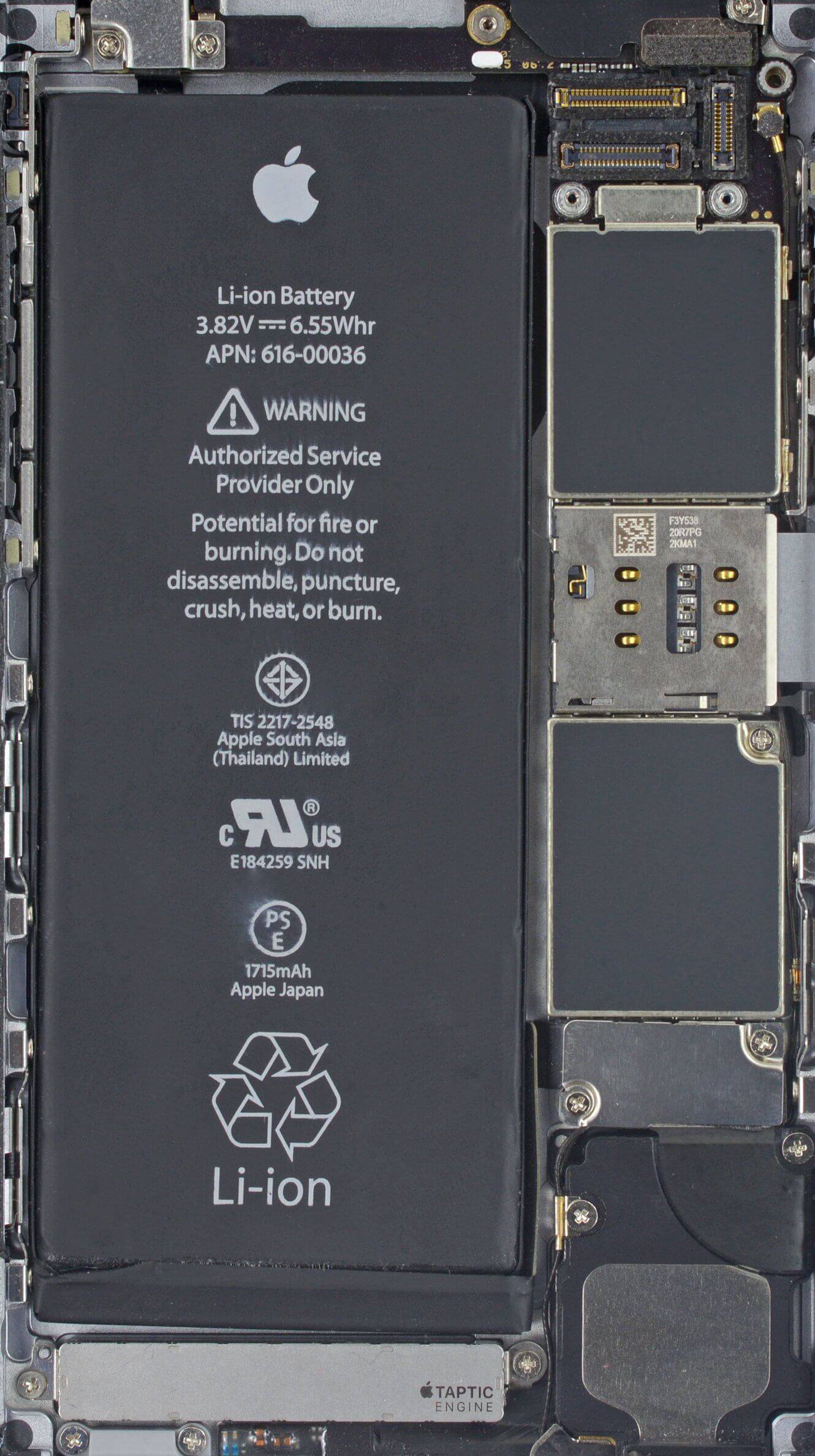
Transparent Screen iPhone 6 Plus
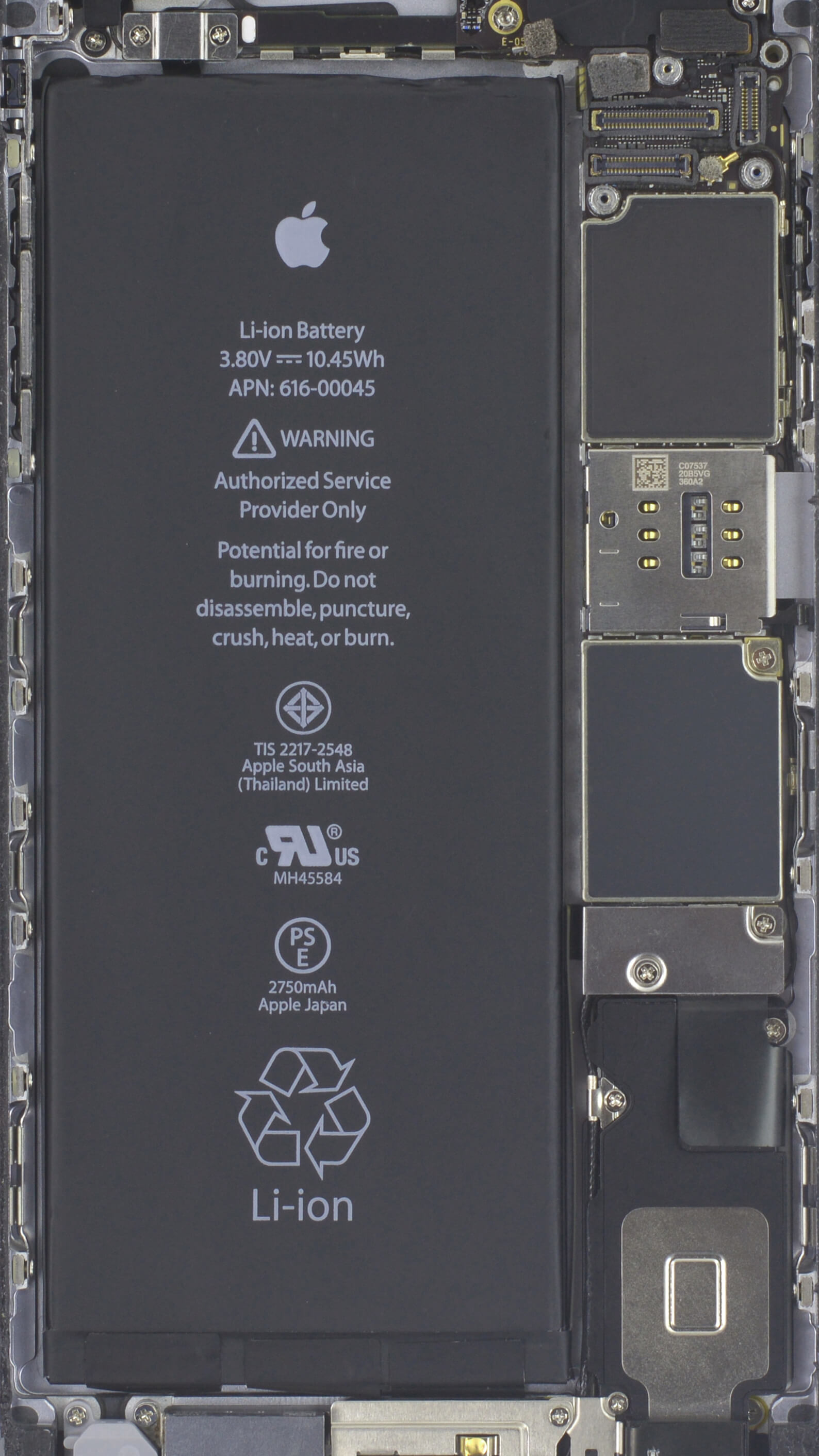
Transparent Screen iPhone 7
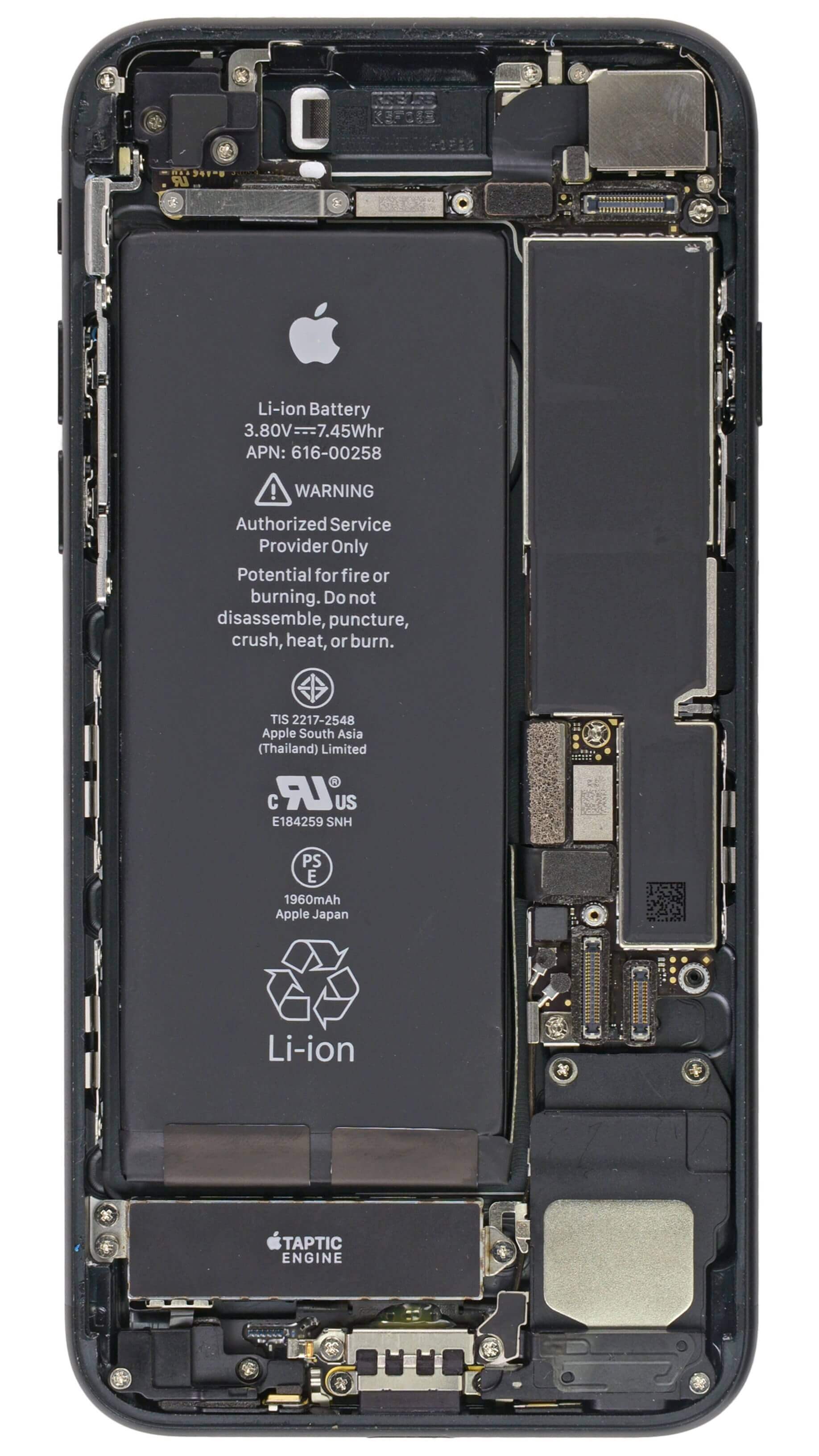
Transparent Screen iPhone 7 Plus

Transparent Screen iPhone 8

Transparent Screen iPhone 8 Plus
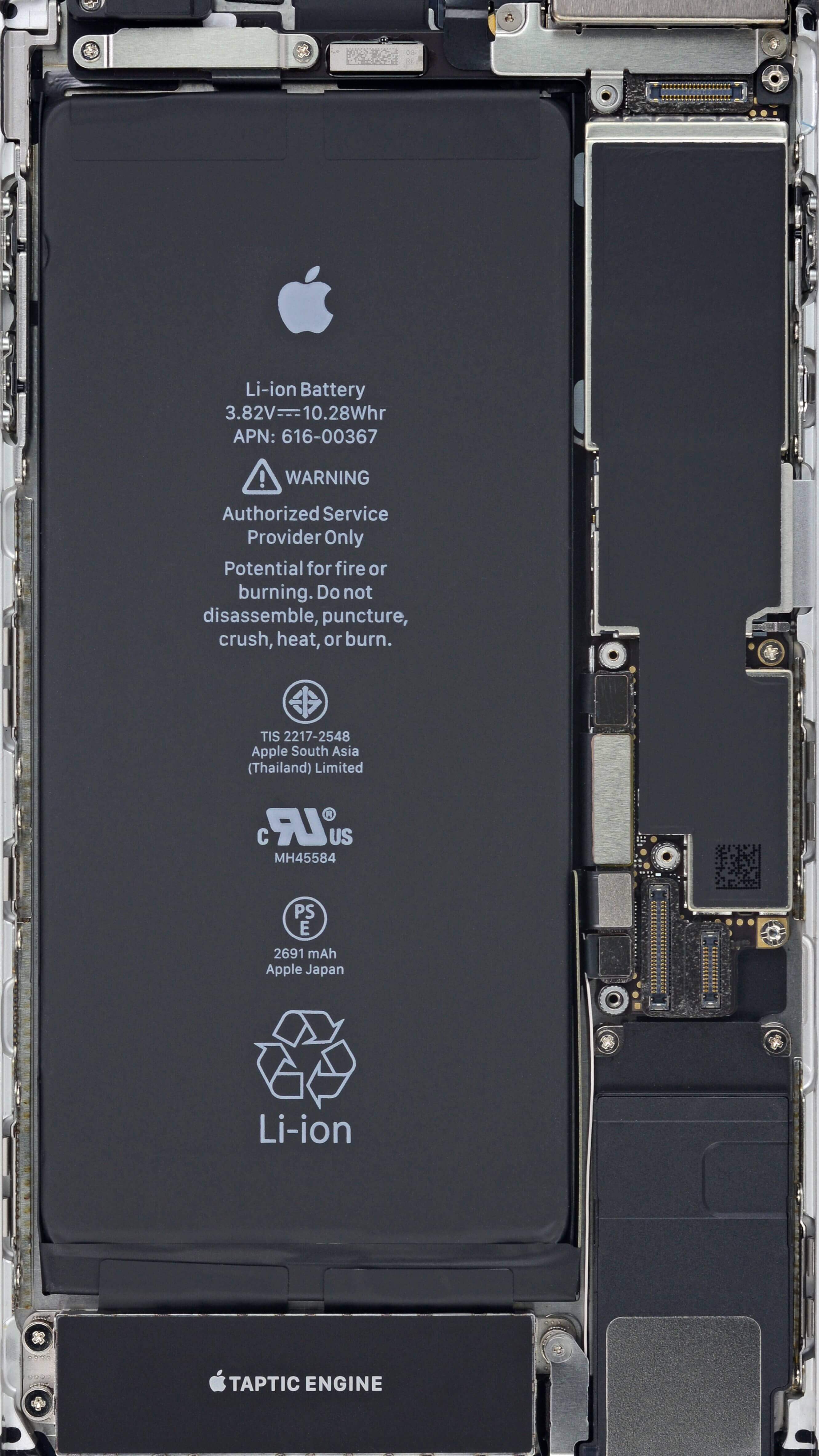
Transparent Screen iPhone X

iPhone XR Transparent Screen
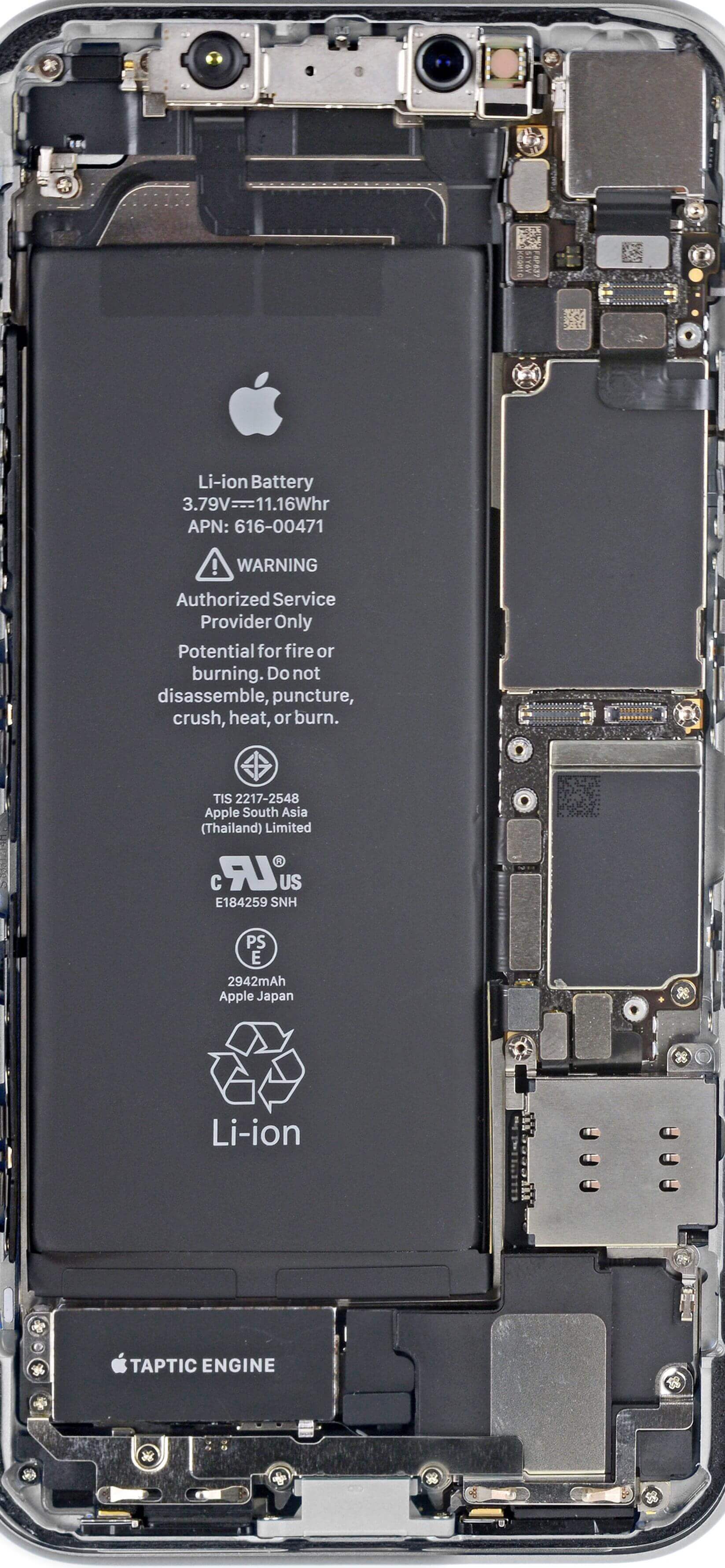
Transparent Screen iPhone Xs

Transparent Screen iPhone Xs Max

Transparent Screen iPhone 11

Transparent Screen iPhone 11 Pro
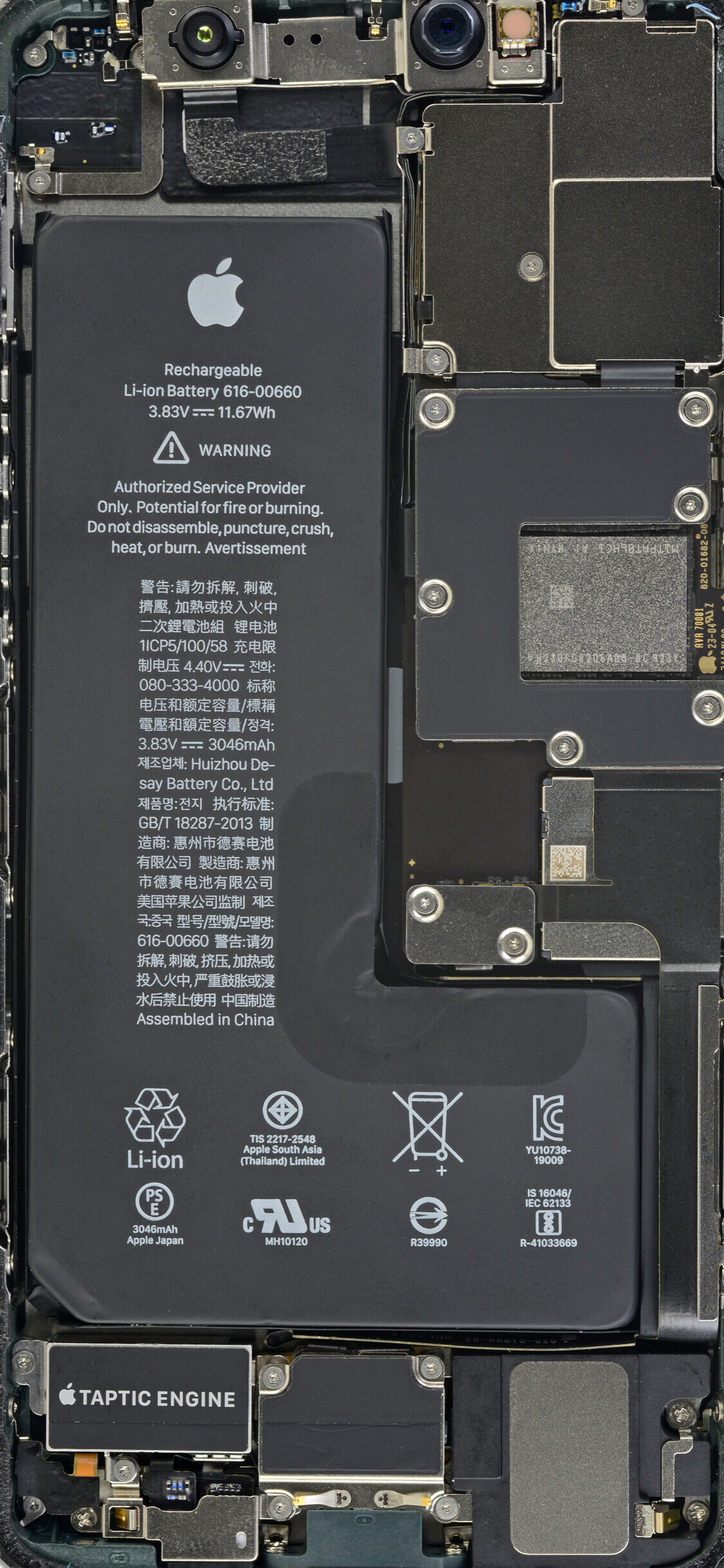
Transparent Screen iPhone 11 Pro Max
iPhone XRay Wallpaper
X-Ray Wallpaper iPhone 8

X-Ray iPhone 8 Plus Wallpaper

X-Ray iPhone X Wallpaper

X-Ray iPhone XR Wallpaper

X-Ray iPhone Xs Wallpaper

X-Ray Wallpapers iPhone Xs Max
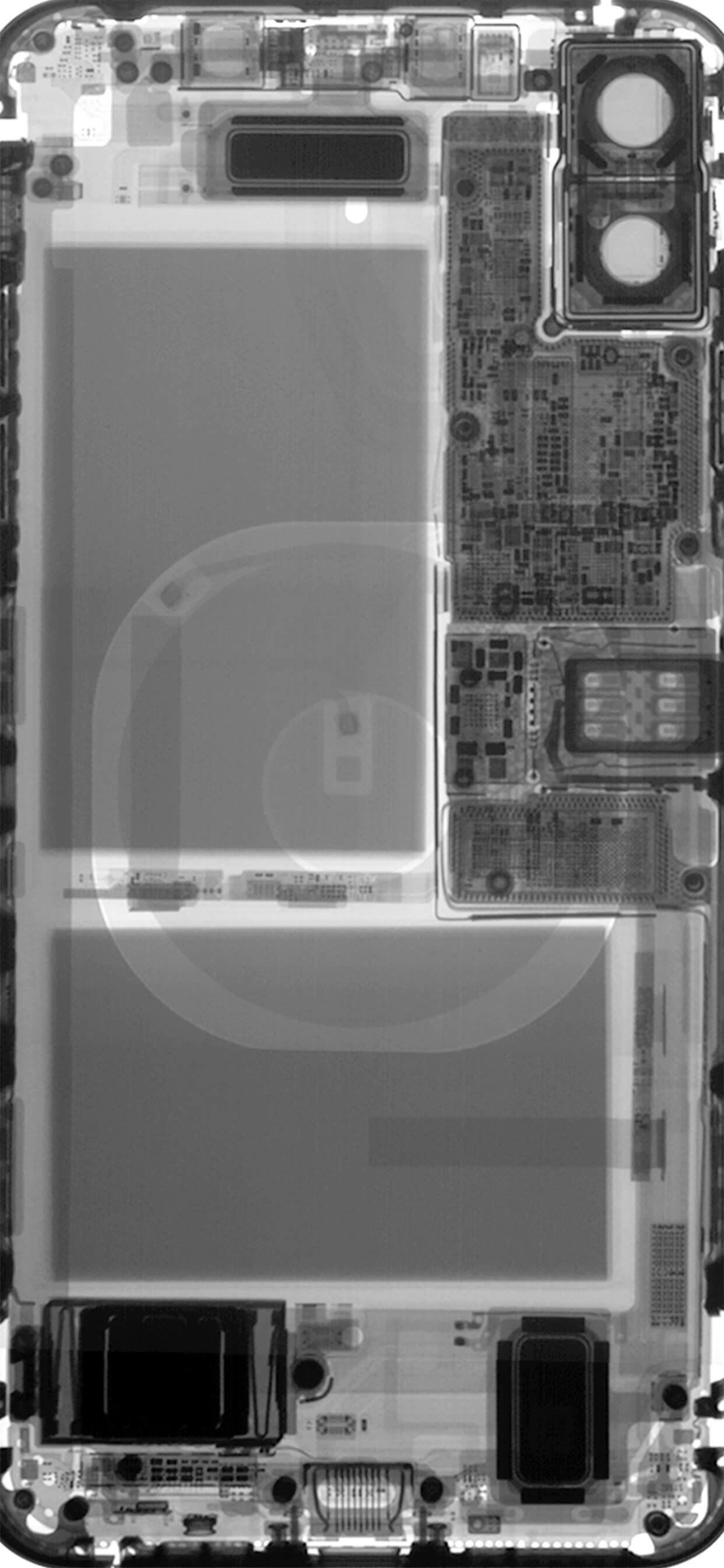
X-Ray Wallpaper iPhone 11

X-Ray Wallpaper iPhone 11 Pro

X-Ray Wallpapers iPhone 11 Pro Max

It is possible that the transparent wallpaper above does not have the same beautiful and vibrant colors as other normal wallpapers. However, this is how you can make the phone screen transparent and not.
FAQ
What is the easiest way to Make the Screen Transparent iPhone: Step-by-Step?
Start with the requirements in this guide, then follow each step in order. Check the result after every major change so problems are easier to identify.
Can beginners follow these instructions?
Yes. The process is organized into practical steps, and you can repeat any step before moving forward.
What should I check if the method does not work?
Confirm your software or device version, permissions, settings, file format, and internet connection when the task depends on online services.
Related Articles
 How to Make Transparent Icons on iPhone: Step-by-Step Guide3 minutes read
 This Little Trick Can Make Your Widget Invisible on iOS 143 minutes read
 Download This Wallpaper for iOS 12.1, the iPhone Screen Will Be Interesting to Make the Folder3 minutes read
 Invite to Download Transparent Wallpaper App for Android Screen4 minutes read
 How to Make App Icons Transparent on iOS 264 minutes read
 Create Space on the Home iPhone Screen Without Jailbreak6 minutes read
Reader Comments 0
Sign in with email or Google to join the discussion.