The name Grand Theft Auto is no stranger to countless gamers worldwide. Since its initial release on October 21, 1997, the GTA series has come an incredible way, bringing joy to millions of gamers across generations.
How to play GTA San Andreas on Windows 10
Some game installments are so popular that they become icons of an entire decade. Grand Theft Auto: San Andreas is certainly one of them. It was the best-selling video game of 2004 and one of the best-selling games of all time. You can follow the instructions shared in this article to download GTA San Andreas for free on Windows 10.
Table of Contents:
1. How to Download GTA San Andreas for Windows 10 for Free .
2. Introduction to GTA San Andreas .
System requirements:
- OS: Windows XP/7/8/10
- Processor: 1 GHz Pentium III or AMD Athlon
- RAM: 256 MB
- GPU: 64 MB graphics card (Geforce 3 or higher)
- Memory: 3.6 GB of free storage space
- Other requirements: You need to install software including DirectX and Sony DADC SecuROM.
It's safe to say that former players will always want to return to the game, continuing the captivating adventure that was once their childhood. But that doesn't mean younger generations won't enjoy the game. There's always something in Grand Theft Auto that everyone can relate to and be drawn to. If you don't believe it, download GTA San Andreas for free on Windows 10 64-bit and try it yourself with the following guide:
Step 1: Access the website Steamunlocked.com HERE and search for Grand Theft Auto: San Andreas.
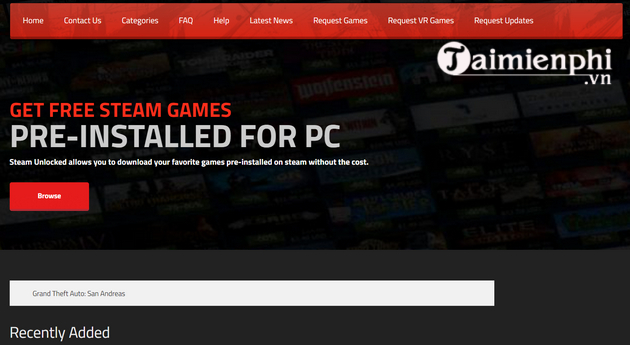
Step 2: After searching , click on the game image to go to the download page.
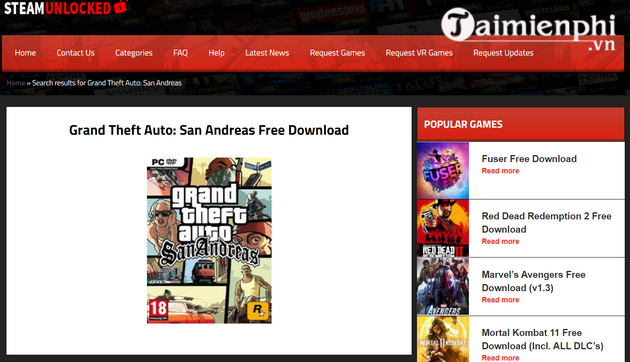
Step 3: Scroll down and click the download button.
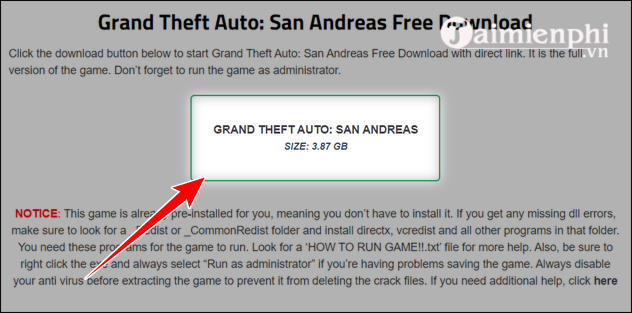
Step 4: Wait until the download process is complete and extract the GTA San Andreas file.
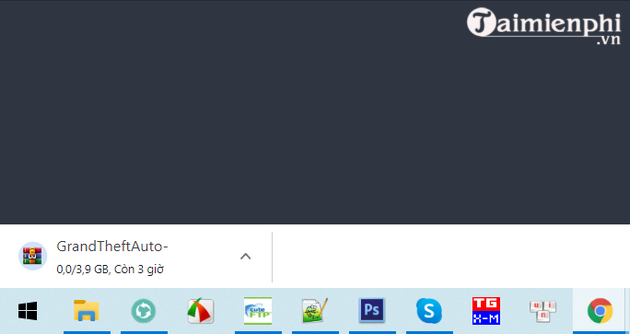
Step 5: Run the game as administrator and enjoy the game.
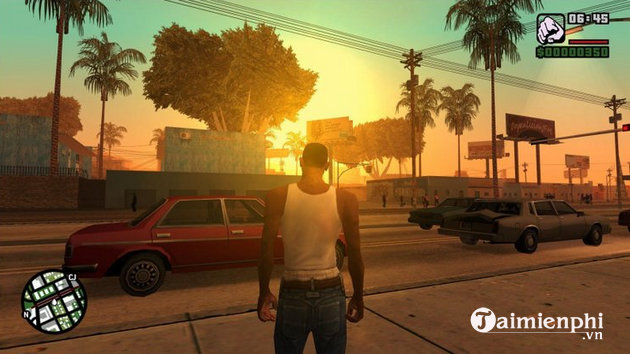
Don't forget to experience the game by using the GTA S Android Andreas codes!
Note: This is the pre-installed version of the game. This means you don't need to install it on your device. Simply download, extract the file, and start enjoying the game. In case you encounter any missing DLL errors, please check the _Redist or _CommonRedist folder. The same procedure applies to the free GTA San Andreas download for Windows 10 32-bit.
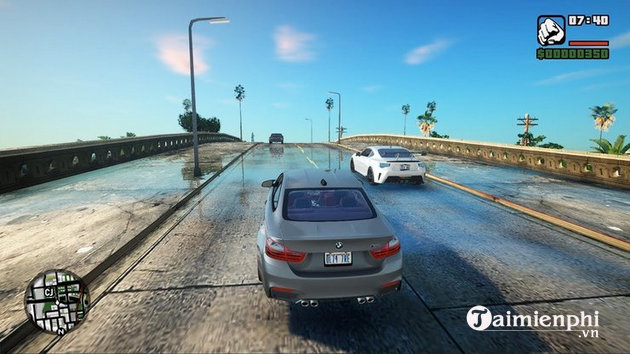
This is just one of many websites on the internet offering a free version of Grand Theft Auto: San Andreas. You can download the game from other sites, but remember to steer clear of any that seem suspicious. Furthermore, the game is currently sold for only $7 on Steam. Therefore, if you truly love the series, show your support for the developers by purchasing a licensed version.
During gameplay, if you encounter a Runtime Error causing you to be kicked out of GTA San Andreas, you can refer to the troubleshooting steps here.
For long-time fans of the GTA series, San Andreas is undoubtedly a classic. But, for newcomers, you might need a little more information about the game before starting with this guide on how to download GTA San Andreas for free on Windows 10 PC.
In GTA San Andreas, you play as a criminal in a fictional city modeled after a real-life metropolis. Your goal is to reach the top of the underworld, no matter how much blood and comrades you have to lose.
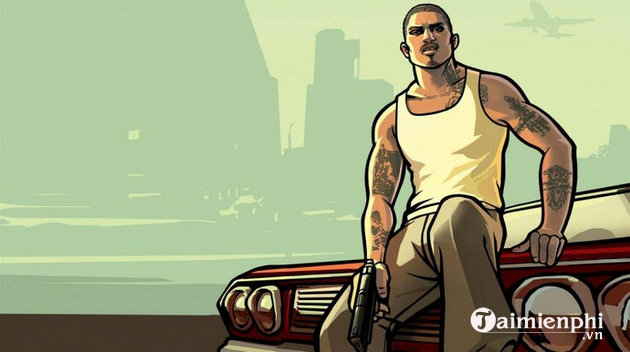
GTA San Andreas is an open-world adventure and action game, meaning you have to choose between completing missions or wandering the city. Most players will combine both playstyles. But the world is yours, so choose whichever way you want to play, and GTA San Andreas won't let you down.
1.1. The Plot of Grand Theft Auto: San Andreas
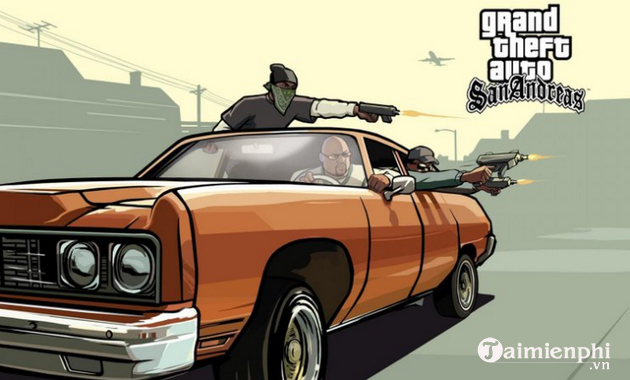
GTA San Andreas is set in the chaotic city of Los Santos, San Andreas, in the 1990s. The game centers around Carl "CJ" Johnson, a former gang leader who left his crime-ridden hometown. CJ returns to the criminal underworld after his mother is killed in a car chase and shootout. The player's mission is to seek revenge, reunite CJ's broken gang, the Grove Street Family, and reclaim dominance of the city.
1.2. What makes GTA San Andreas special?
The game received overwhelmingly positive reviews from the gaming community upon its release, praising everything from the storyline and graphics (which, of course, were in 2004) to even the voice cast. Rockstar Games went even further to ensure that GTA San Andreas felt as authentic as possible through its storytelling. The city of Los Santos had a total of 11 radio stations, each recorded by real artists and playing all kinds of popular music from the '90s.
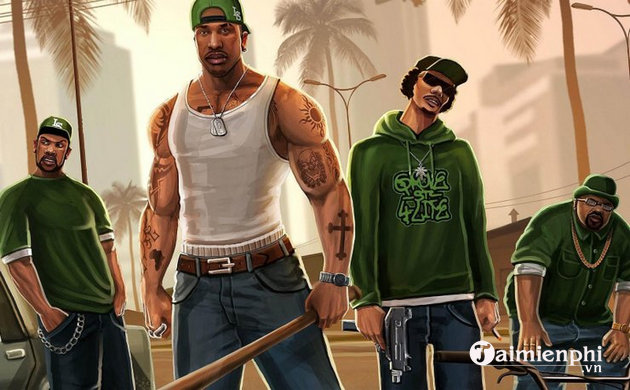
GTA San Andreas boasts an incredibly vast yet deep world design, offering over 30 hours of gameplay. You'll be free to roam the bustling streets, hillsides, countryside, beaches, casinos, and more. There's plenty to do in the game: story mode, side missions, exploration, entertainment, or simply violence. Plus, you can customize CJ's appearance and his car to your liking. And don't forget the cheats that give you "unreasonable" powers to dominate the city.
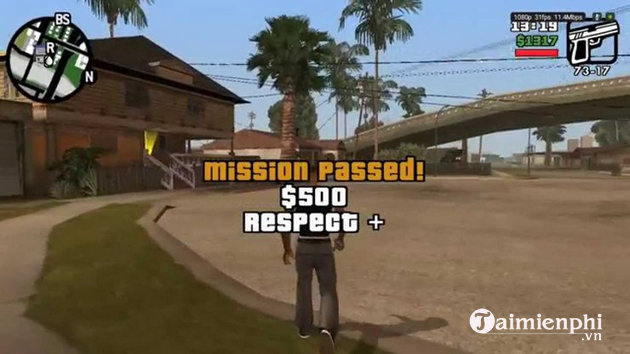
In short, these are the pros and cons of GTA San Andreas:
* Advantage:
- Long gameplay.
- The story is fantastic, the music is catchy, and the voice acting is authentic.
- Many interesting cheats to use.
- Friendly to moderators.
* Disadvantages:
- Not suitable for the faint of heart or children; it contains adult content and violence.
The graphics are outdated in 2020.
- It might feel quite boring to complete the entire game.
- The controls are difficult to get used to.
Related Articles
 GTA San Andreas Code, Street Robbery Command GTA San Andreas Game8 minutes read
 TOP 10 Best Graphics Mods for GTA San Andreas9 minutes read
 Invite to Receive the Blockbuster Gta San Andreas Is Free on3 minutes read
 GTA San Andreas Codes for Vehicles: Features, Uses, and Practical4 minutes read
 Command and Code Game Pirates of the Street GTA San Andreas Most Complete4 minutes read
 How to Install Google Play Store on PC Without Using an Emulator9 minutes read
Reader Comments 0
Sign in with email or Google to join the discussion.