Table of Contents
ChatGPT can turn anything you say into interactive quizzes. It's awesome, but completely useless until you figure out how to use it where you need it.
ChatGPT has become a staple in tests, fill-in-the-blanks, and flashcards. They help you remember not only your schoolwork, but anything you really want to commit to long-term memory.
ChatGPT can turn anything you say into interactive quizzes. It's awesome, but completely useless until you figure out how to use it where you need it.
"Glitch" with ChatGPT flashcards
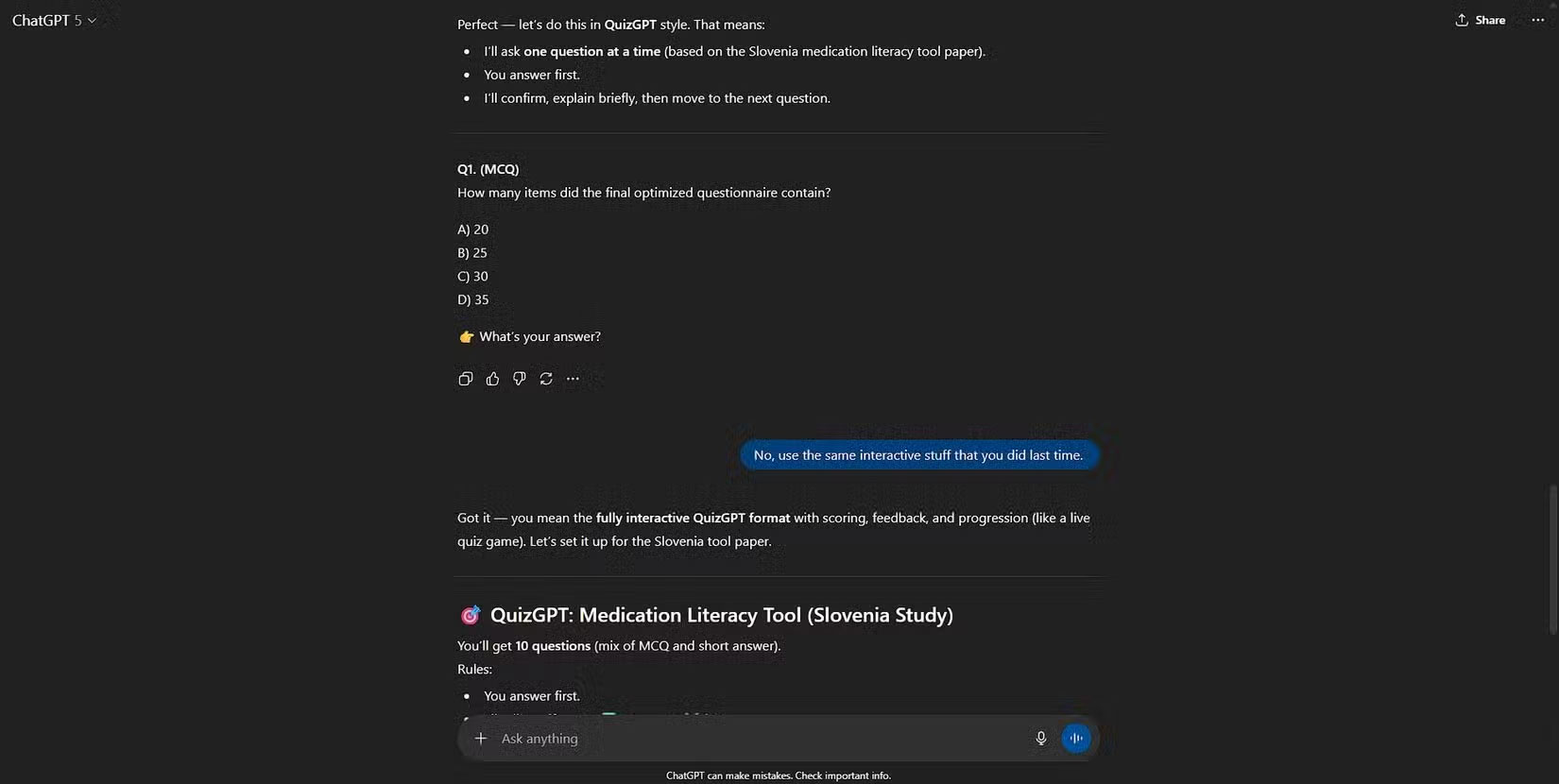
People often use LLM for data formatting tasks because it's easier than writing a Python script every time. The author was working with a transcript and asked ChatGPT to extract specific parts of it. In response, ChatGPT started testing the author on the transcript itself. The interactive quizzes were appropriate - reply buttons, instant feedback, all good. It was fun at first, but it quickly became annoying as it responded with a quiz for everything the author said. The author wasn't even in ChatGPT's learning mode.
I tried switching to another chat where I actually needed practice questions, but ChatGPT only returned plain text. I asked for a flashcard and got a table that could be imported into a flashcard app like Anki, but there was no sign of interactive flashcards. When I directly asked ChatGPT to create interactive cards that could be used right in the chat, it completely denied that ability. Meanwhile, back in the first chat, ChatGPT refused to stop creating interactive tests.
In a day-to-day setup, many people use a local LLM inside Obsidian with the Obsidian Spaced Repetition plugin. It's reliable and private, but the buggy ChatGPT puzzles seem to run much smoother. When looking at OpenAI's documentation, there's no mention of this feature.
How to enable hidden flashcard mode in ChatGPT
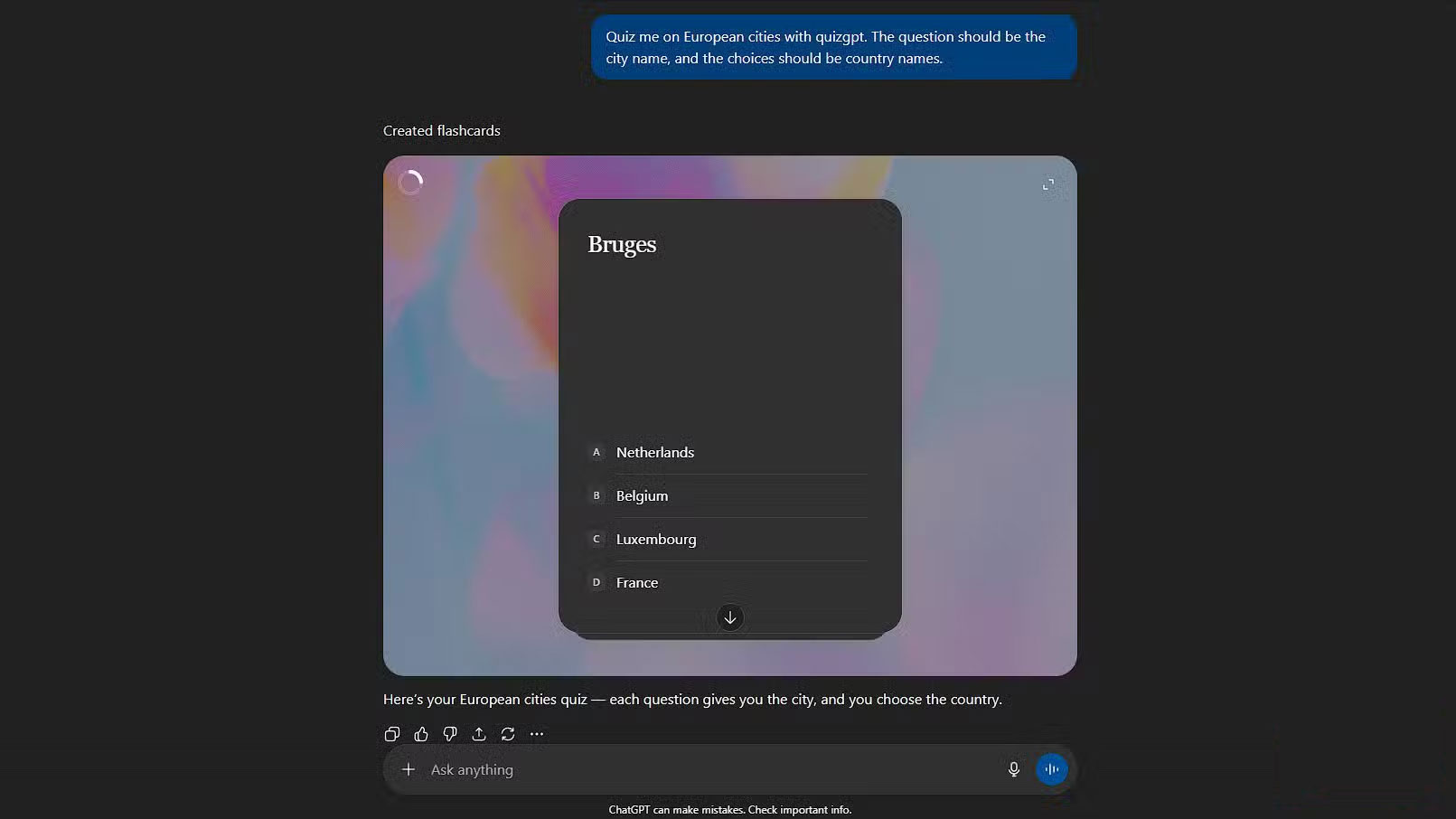
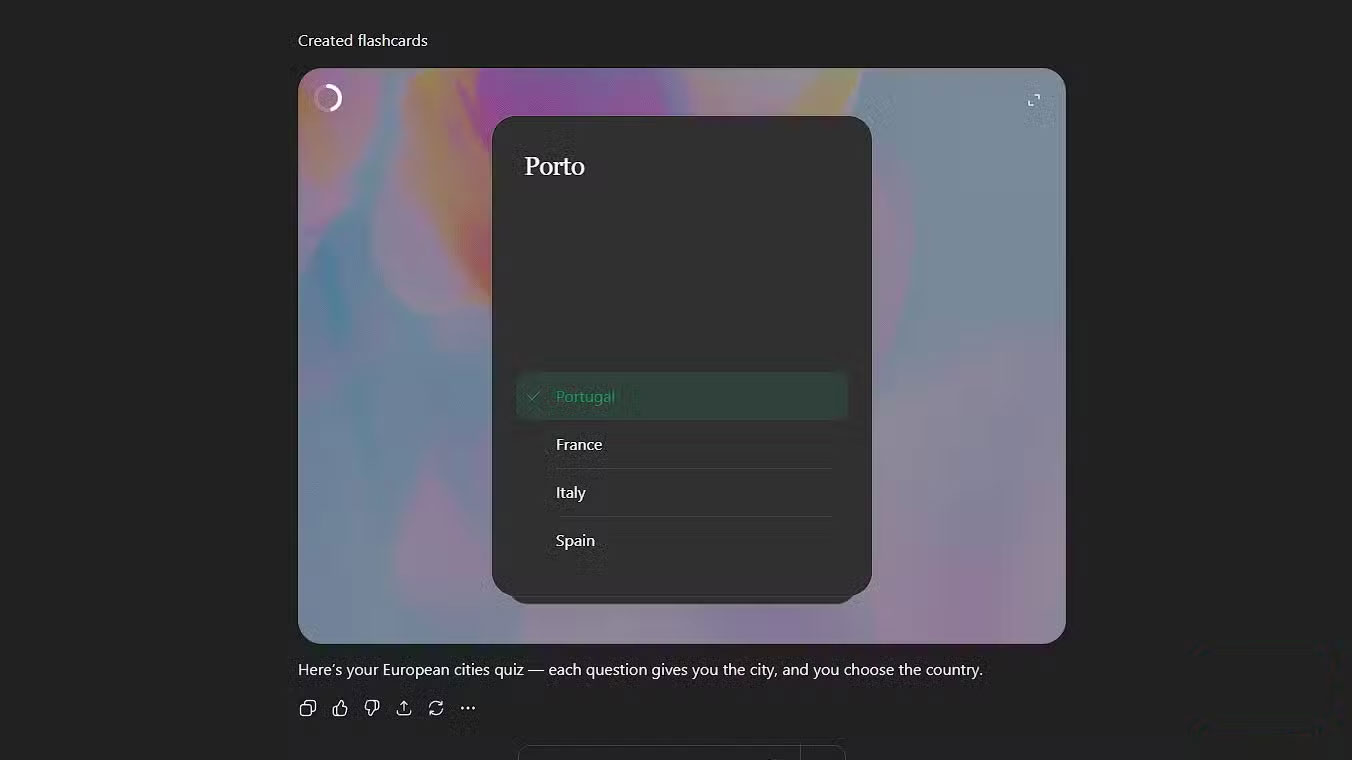
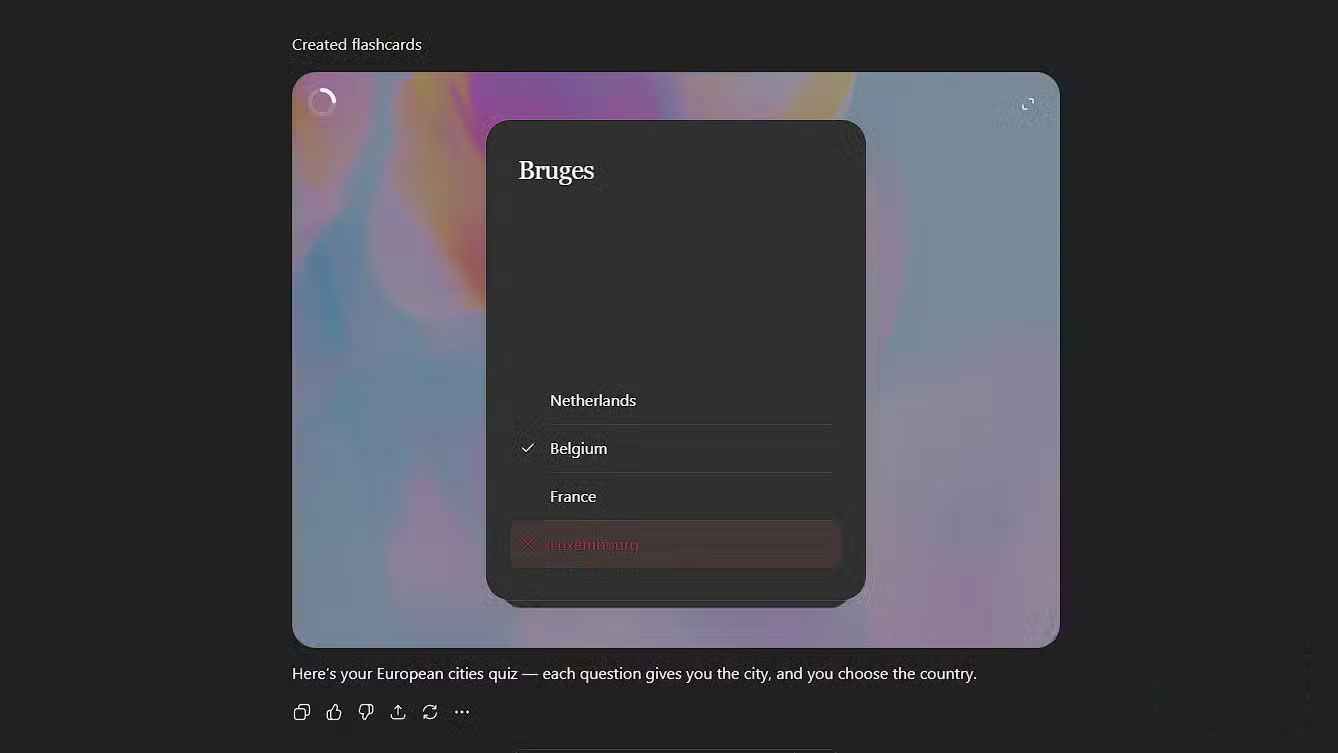
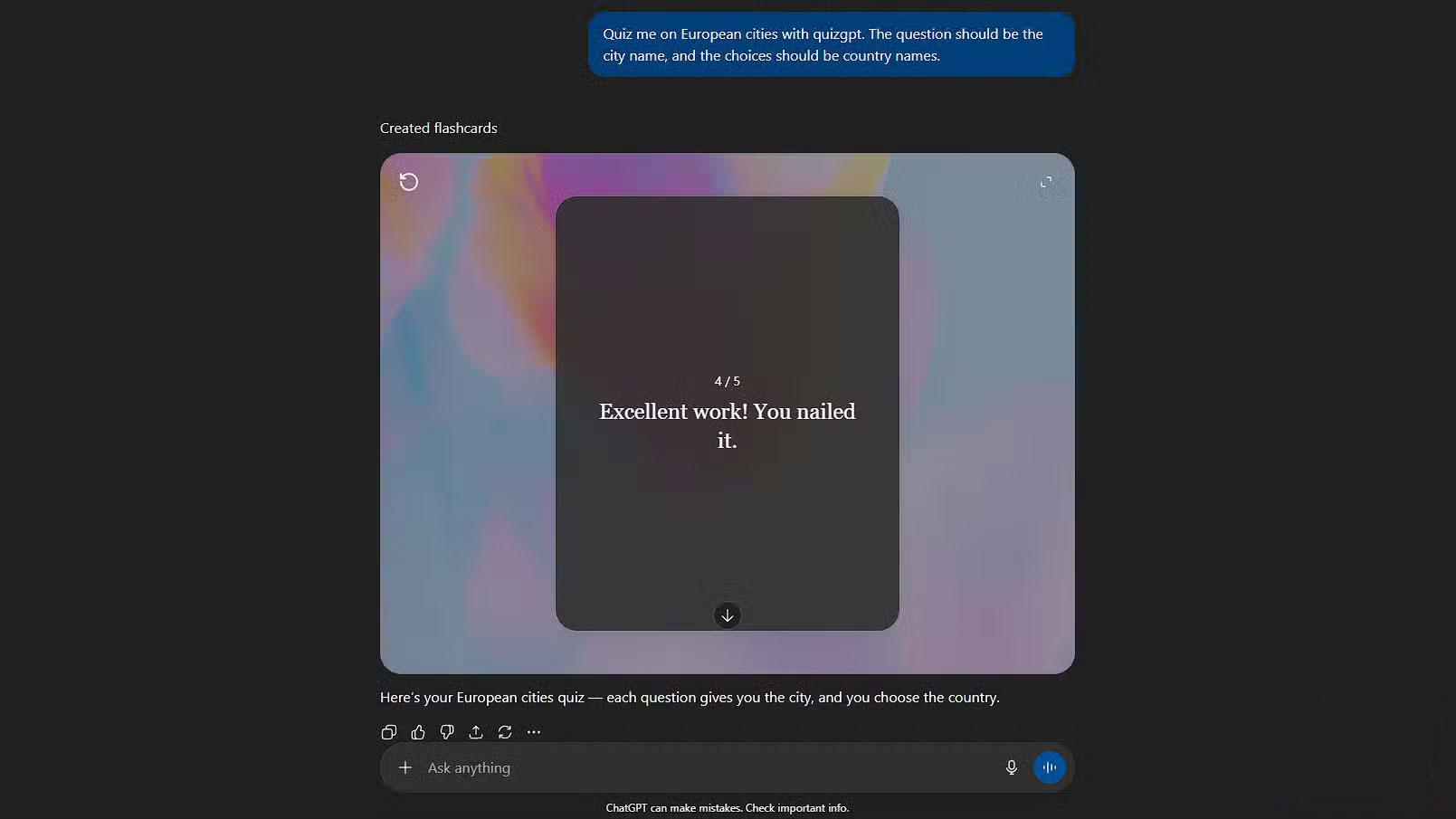
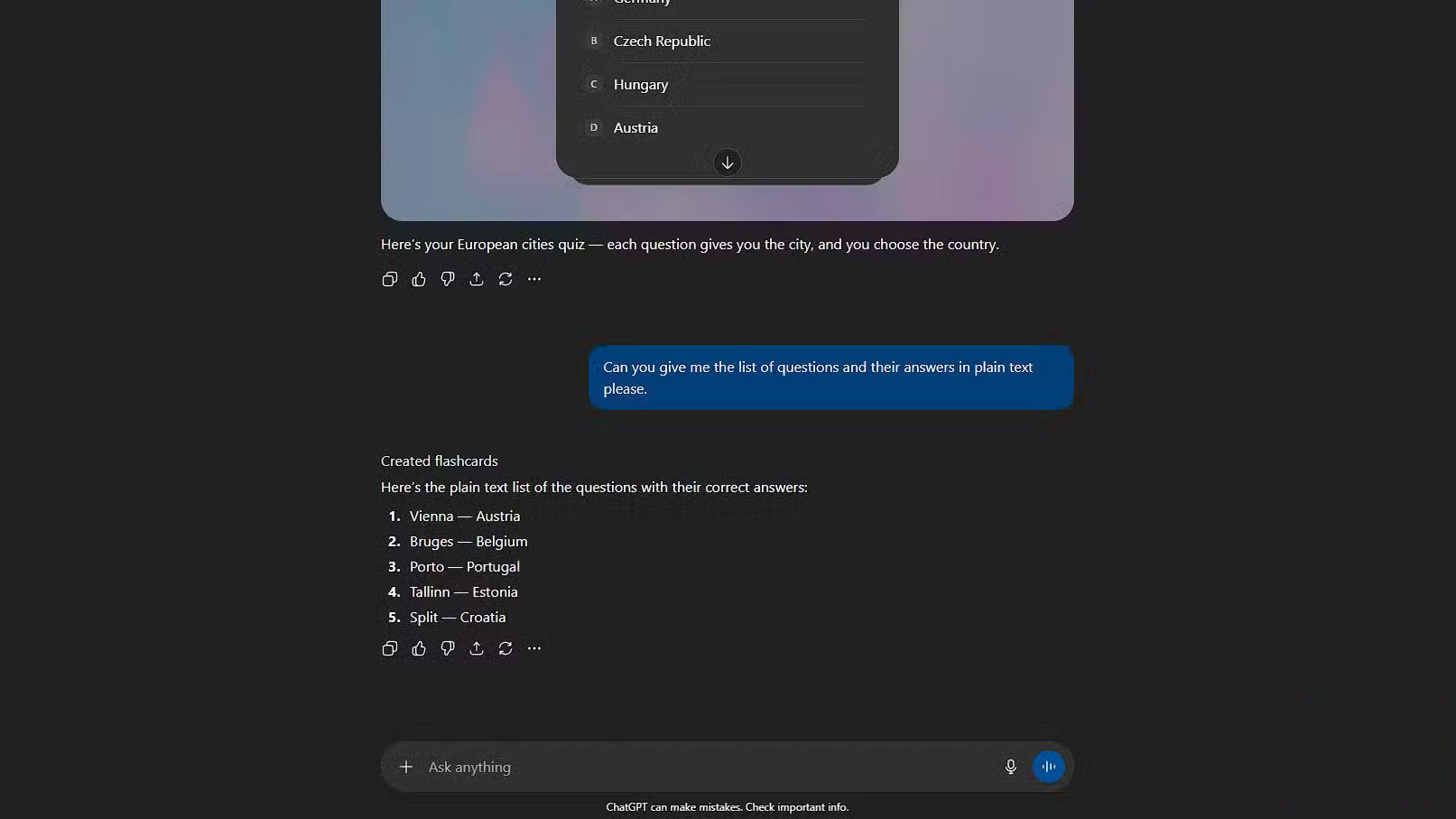
The secret isn't in the prompt itself; it's a specific combination of words that appears somewhere in the transcript: "quiz" and "gpt." When these words appear together, ChatGPT will trigger the quiz flashcard generator. The magic phrase is simply quizgpt. Try it in any new conversation and it should work. For example:
Quiz me on European cities with quizgpt. The question should be the city name, and the choices should be country names.
Ask me about the cities in Europe using quizgpt . The question must be a city name, and the choices must be country names.
If you have it unlocked, ChatGPT will flash a small Creating flashcards Message and display a slick set of interactive cards. Progress bars, full-screen mode, click-to-forward - it goes beyond just displaying text.
Note : In full screen mode, a button labeled Open in flashcards Appears, which could be a sign that OpenAI is quietly preparing a complete flashcard system.
You can use ChatGPT's test for any purpose.
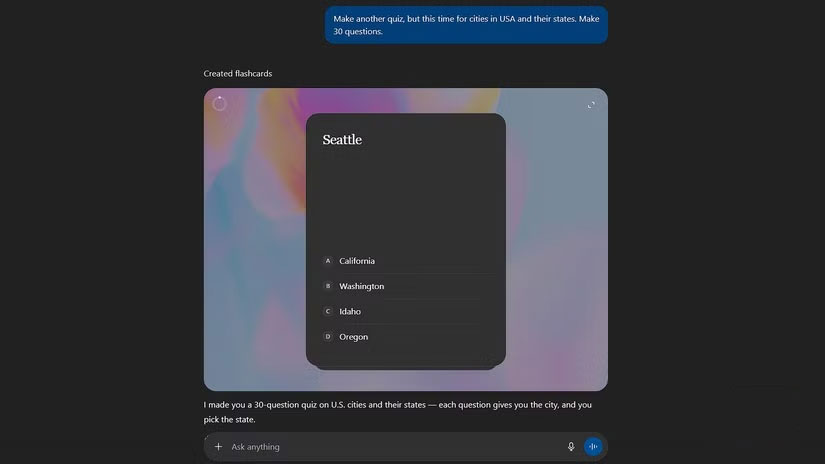
By default, ChatGPT creates 5 tags, but you can request more or adjust the format. For example, after almost completing the European cities, the author requested:
Make another quiz, but this time for cities in the USA and their states. Make 30 questions.
Create another quiz , but this time for cities in the United States and its states. Create 30 questions.
Now there are 30 questions instead of 5. You can also request 2 choices instead of 4, fill in the blanks or any other modifications.
Of course, pop culture quizzes aren't the workflow-changing part. What's great is that this feature also works with uploaded files. So you can upload notes and have it generate quizzes like this. It's surprisingly flexible. With the right prompt, you can force it to stick to the uploaded source, much like NotebookLM. That means it won't stray into irrelevant information unless you let it. The old practice of making flashcards by hand is now almost obsolete and has a few minor flaws.
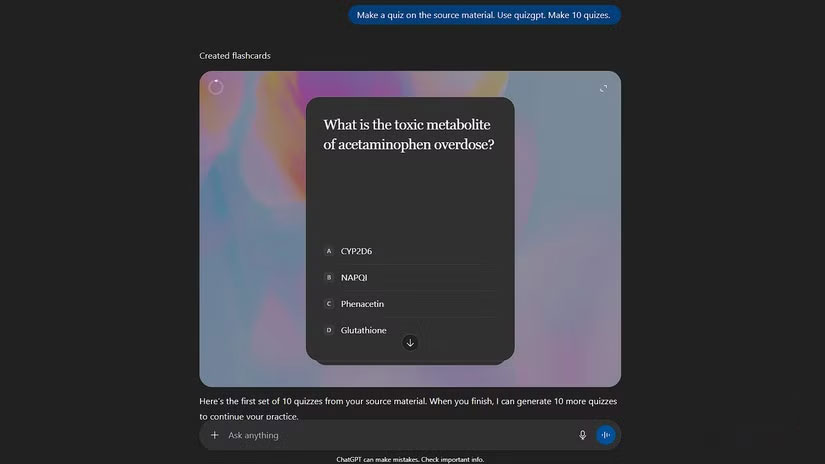
For example, while ChatGPT claims to 'generate flashcards,' it can't create classic flip cards—each card has to have a choice. Other AI tools can create flashcards if you need them. Another oddity is that you can't turn it on mid-conversation; you have to start a new thread, and once turned on, it stays active in that conversation. Forever. ChatGPT will generate a quiz for everything you say. Interestingly, the bot then turns every response into a flashcard. See the screenshot below.
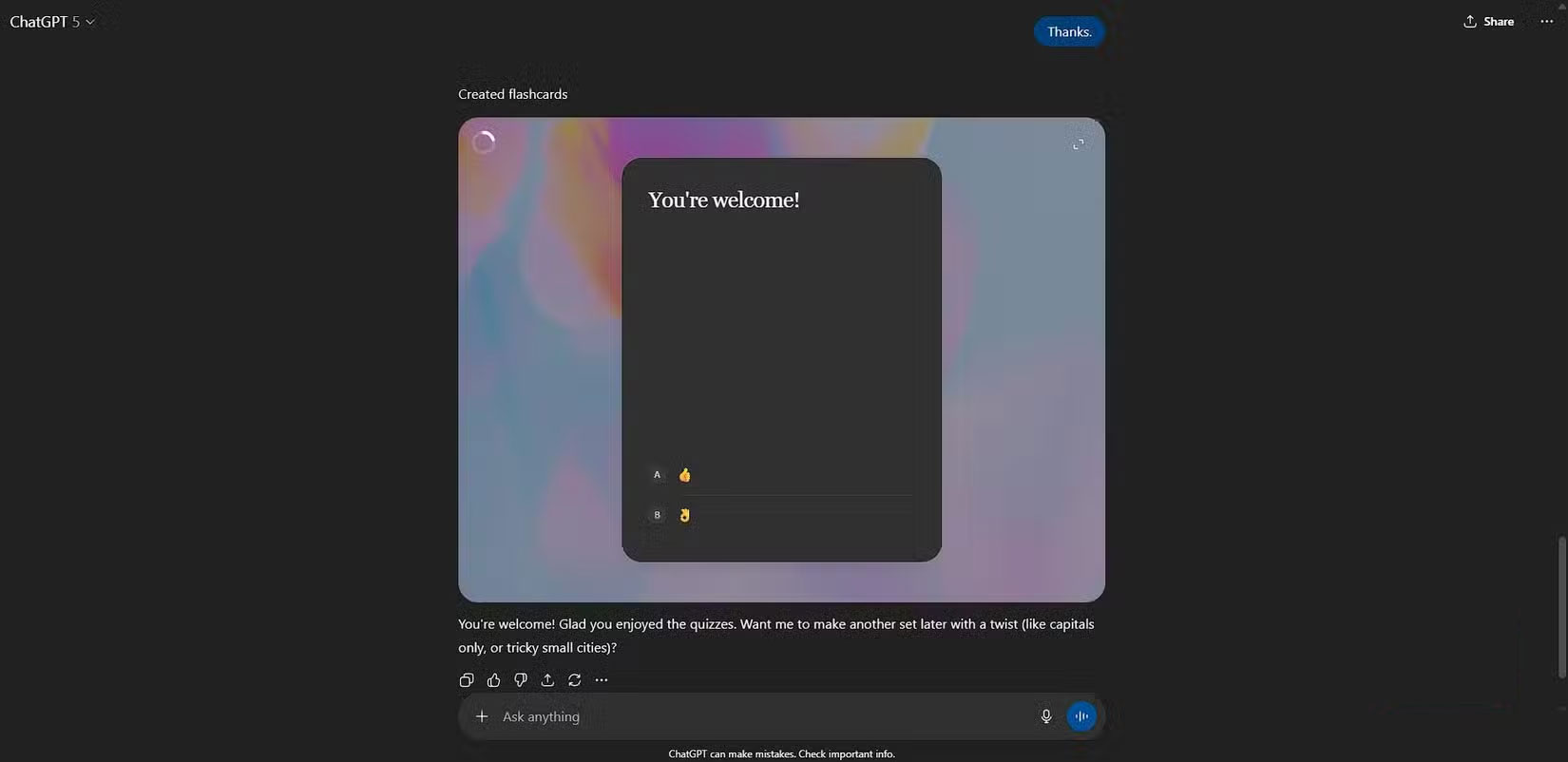
OpenAI is constantly adding features to ChatGPT
Right now, the only thing keeping people from using this feature more often is that finding old sets of cards is a pain. They sit dormant in the middle of long conversations, making it difficult to review. There's currently no central hub to manage, organize, or tag them. Little hints on the interface suggest that a proper flashcard library is on the way. Having a dedicated section would make a big difference.
People appreciate OpenAI's constant rollout of new features. Right now, quizzes feel like a nice bonus built into ChatGPT Plus. If OpenAI can continue to add more features without impacting the price, it's an incredible value—and a rare one in today's subscription economy. But if this is truly the calm before the storm, then at least we'll be able to enjoy these good days.
FAQ
How do you enable hidden flashcard mode in ChatGPT: step-by-step guide?
In practical terms, ChatGPT can turn anything you say into interactive quizzes. It's awesome, but completely useless until you figure out how to use it where you need it.
What should you check before getting started?
Review the requirements, compatible device or software version, and any warnings described in the guide before making changes.
What should you do if the steps do not work?
Repeat the steps in order, confirm that your app or system is up to date, and review the troubleshooting details provided above.
Related Articles
 3 Free AI Flashcard Generators That Make Learning Easy6 minutes read
 Hidden Features of ChatGPT That You Might Not Know About4 minutes read
 ChatGPT's New Study Mode Makes Studying Easier8 minutes read
 How to Use ChatGPT Voice Mode to Take Notes: Step-by-Step Guide8 minutes read
 How to Enable 2FA on ChatGPT to Secure Your Account3 minutes read
 How to use ChatGPT to unlock your hidden potential4 minutes read
Reader Comments 0
Sign in with email or Google to join the discussion.