Table of Contents
A better home workspace starts with the problems you notice each day: distractions, unreliable calls, an awkward seat, screen glare, or a routine with no breaks. You do not need to replace everything at once. Try these five changes, beginning with adjustments to what you already own.
1. Give work a defined place
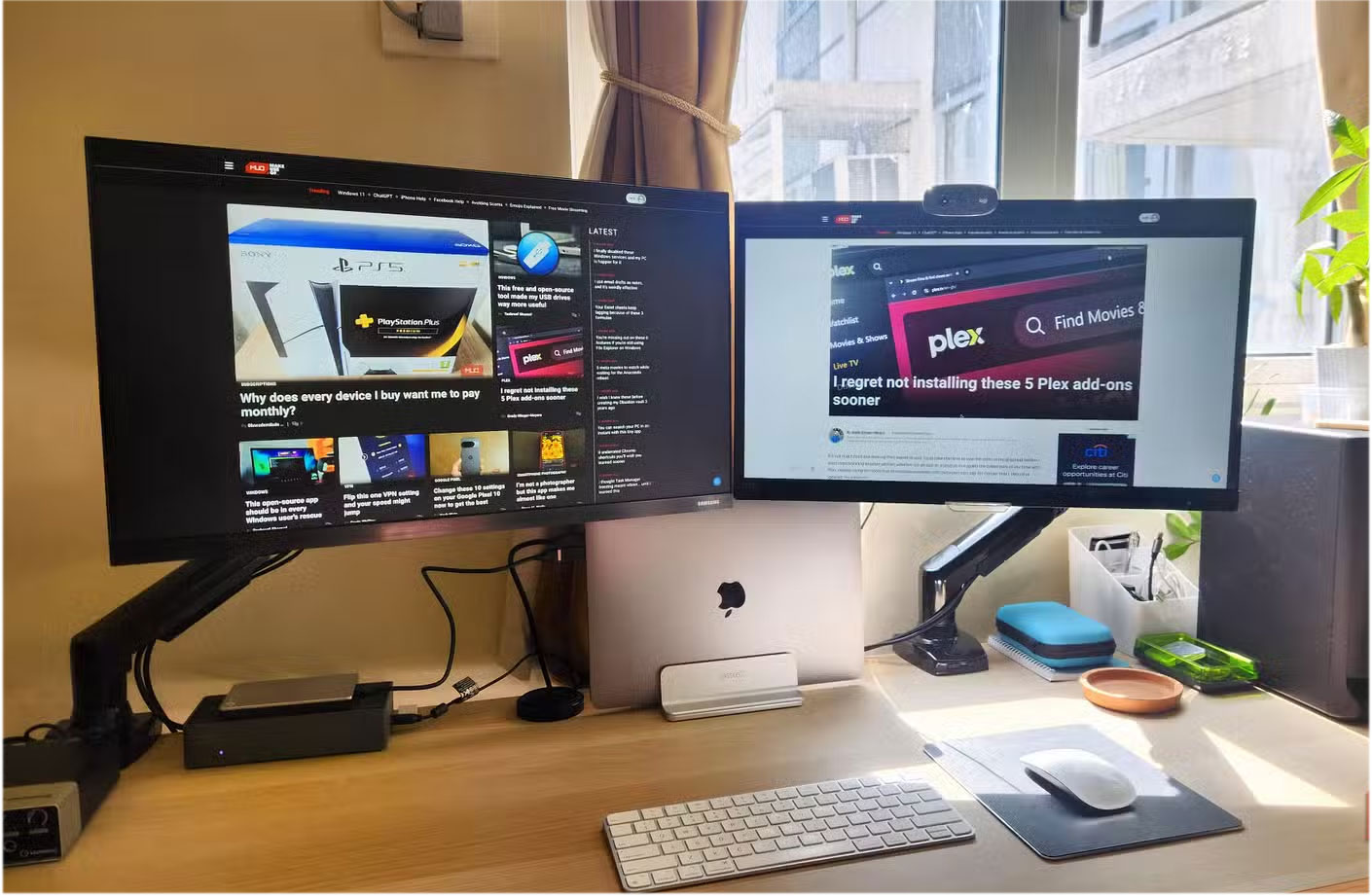
Choose a surface with room for your computer and the items you use most. A separate room is useful but not essential; a consistent corner or a setup you can pack away can also help mark the start and end of work.
Clear items that compete for space. Keep a notebook or whiteboard only if it supports an actual task, and add a photo or plant if you enjoy it. Decoration should leave enough room to work comfortably.
2. Fix recurring technology interruptions
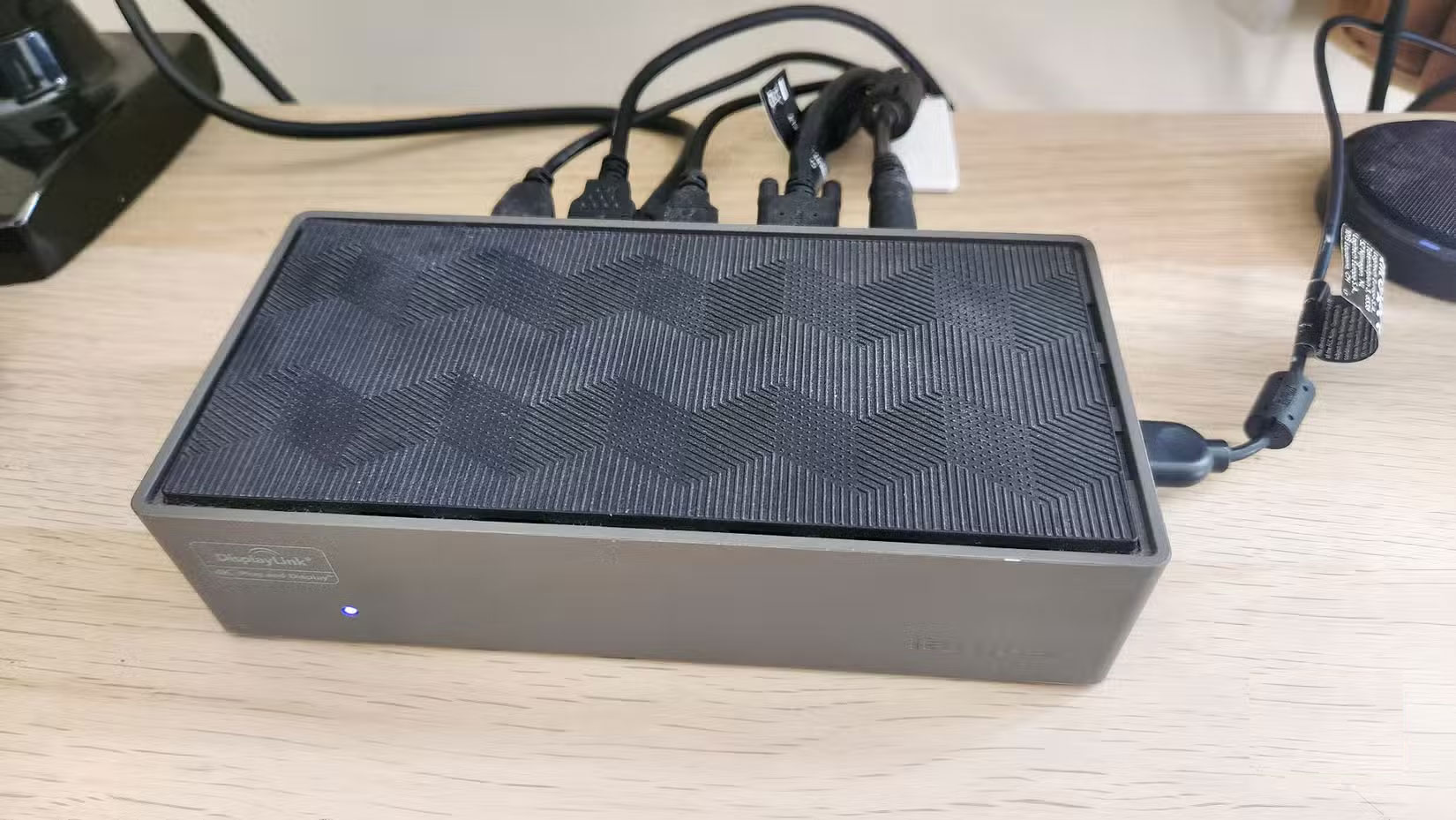
List the interruption before buying a solution. If calls drop, test the connection where you work and compare it with another location. Use our slow or unstable Wi-Fi troubleshooting guide and router placement advice to narrow down the cause.
Route cables so they do not pull on devices or obstruct your feet. A separate keyboard, mouse, or second monitor is worthwhile when it solves a specific problem, such as repeated window switching or an awkward laptop position. Wireless accessories are optional, not an automatic productivity upgrade.
3. Adjust the chair and screen together
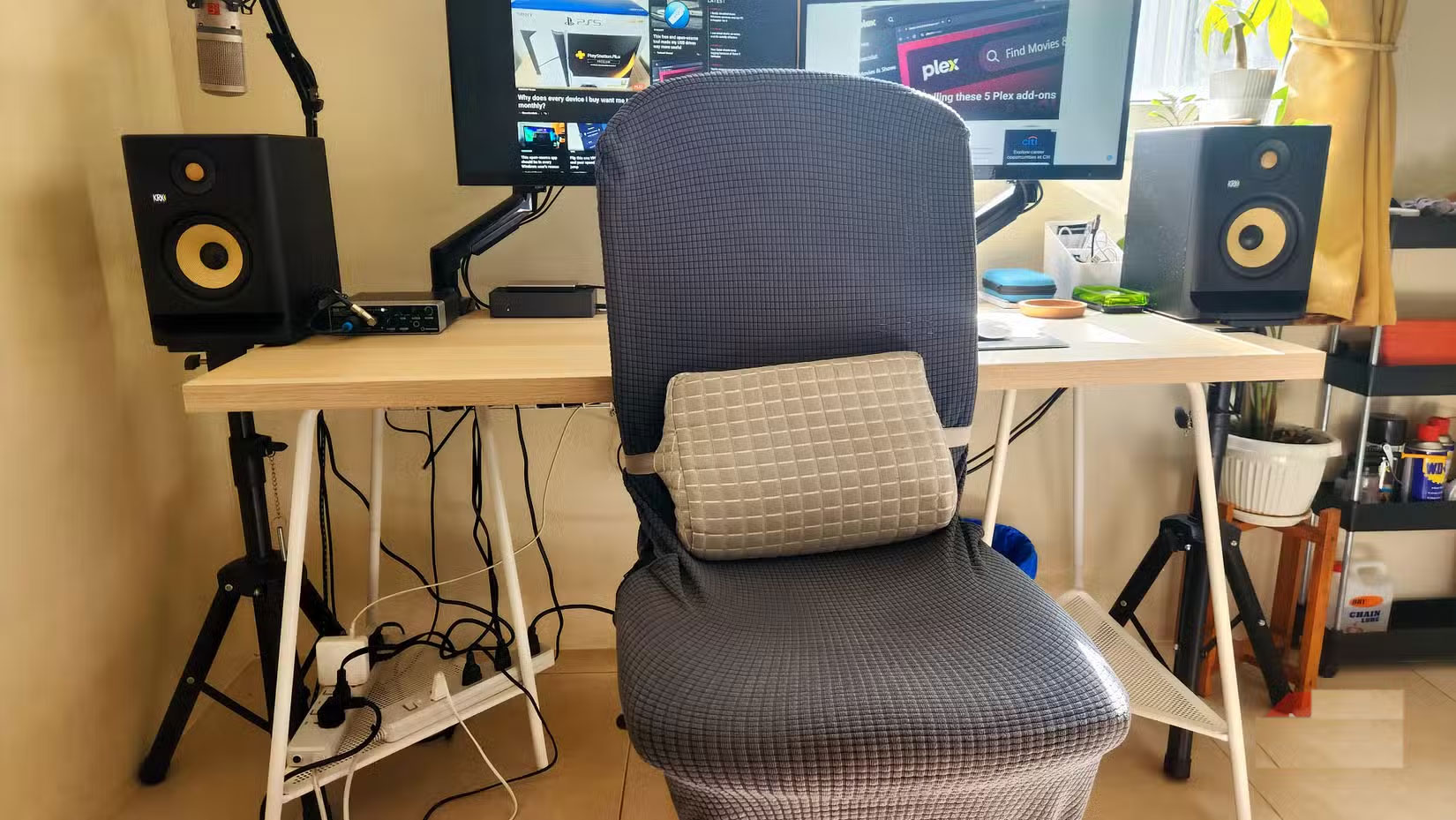
Arrange your seat, keyboard, and monitor as a system. Support your feet, keep frequently used controls within comfortable reach, and place the main screen in front of you. The top of the screen should generally be at or below eye level, with text large enough to read without leaning forward.
If you raise a laptop screen, use a separate keyboard and mouse so you are not reaching upward to type. Try available chair adjustments before shopping for a replacement. OSHA's workstation guidance provides practical setup checks.
4. Reduce glare and uneven lighting
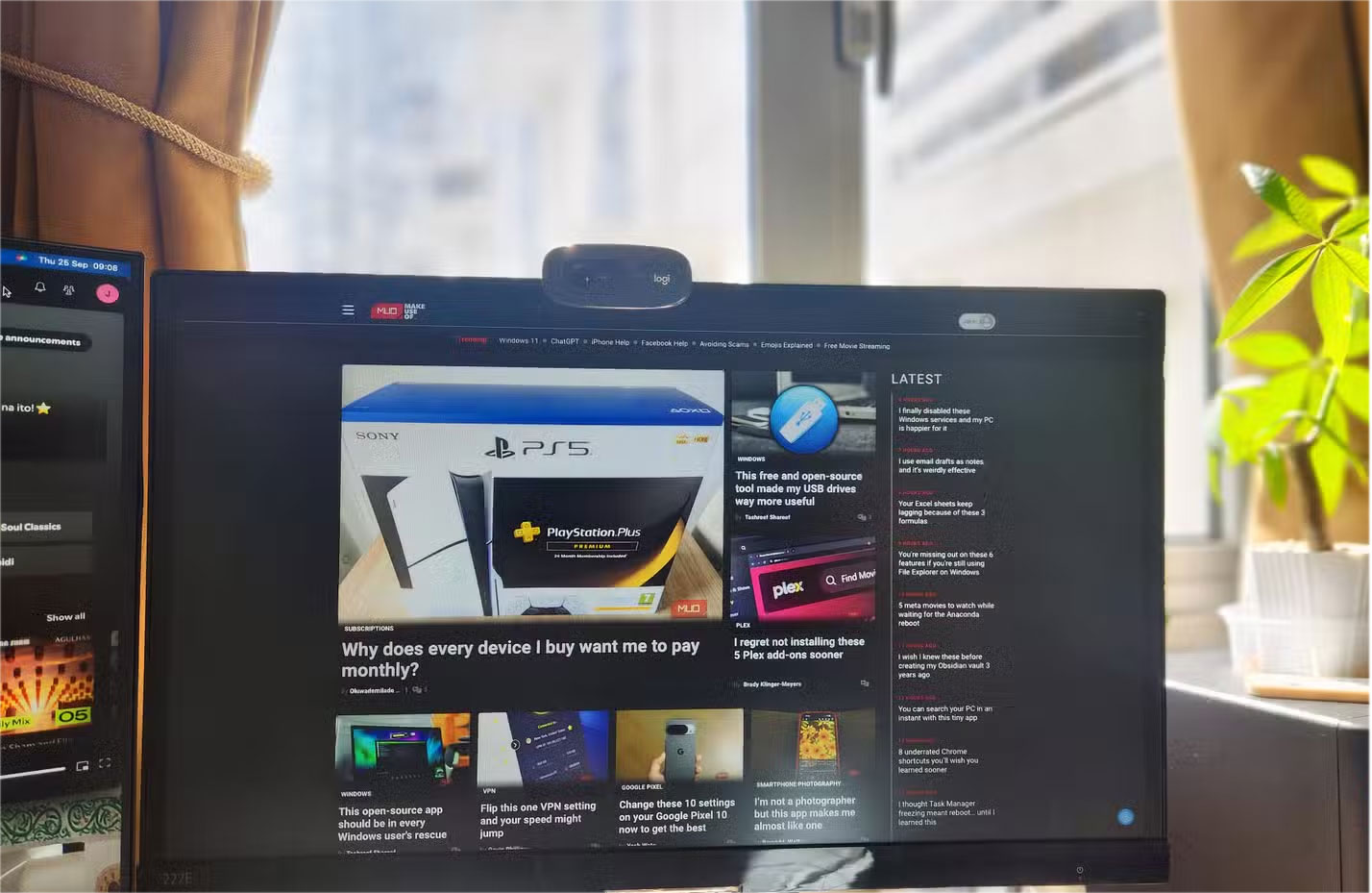
Move the screen or adjust blinds if a window reflects in the display. A desk lamp can help illuminate paper or the keyboard, but keep its light out of your eyes and off the screen. Test the arrangement at the times you normally work; a setup that works in the morning may produce glare later.
You do not need a special daylight-branded bulb to begin. Aim for comfortable, adjustable lighting that suits the task.
5. Make breaks part of the workday

Use natural stopping points, such as the end of a call or a completed task, to stand, change position, or step away from the screen. Put a reminder in your calendar if you tend to work through those moments.
Set a stopping time and a short shutdown routine: note the next task, close work applications, and clear the surface. Reassess the setup after a few days and keep the changes that actually reduce friction.
Related Articles
 Working from home? Here's how to make sure your Wi-Fi is up to speed
 Major upgrades in Age of Empires
 Make distilled water at home because it's incredibly easy: Here's how
 17 jobs to help you stay home still make money
 5 Practical Smart Home Security Upgrades
 How To Equip Your First Home Office On A Tight Budget
Reader Comments 0
Sign in with email or Google to join the discussion.