Table of Contents
ImageGlass serves as a free image viewer for Windows that supports around 72 formats, including PSD (Photoshop) and RAW formats.
What is ImageGlass?
ImageGlass is a free image viewer for Windows that supports around 72 formats, including PSD (Photoshop) and RAW. It is open source and available as a portable and installer version. It is fast and relatively light on resources, but it is not the fastest or lightest third-party image viewer available for Windows 10.
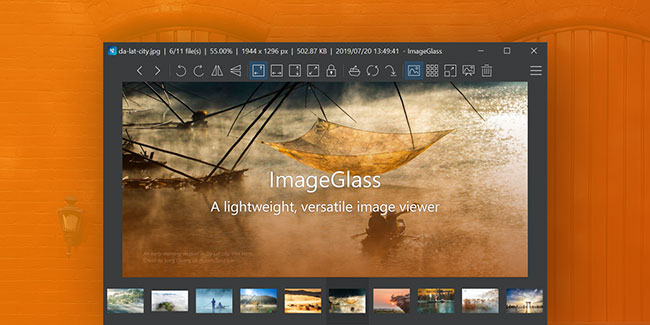
ImageGlass Features
Better file support and smoother viewing experience
Open dozens of image formats without any glitches
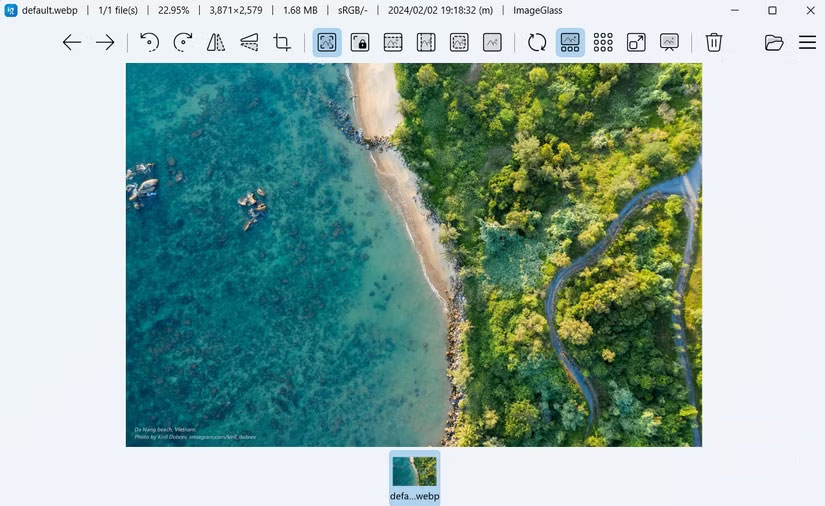
One of the first things you'll notice about ImageGlass is its ability to handle a wide variety of image formats with ease. Unlike Windows' default Photos app, which can struggle with certain files or require you to download additional extensions, ImageGlass can handle almost any image format you throw at it.
ImageGlass supports over 80 file types, including popular ones like JPG, PNG, and GIF, and also handles formats that many users often overlook, like PSD, TIFF, and even RAW files straight from your camera. In practice, no matter where your photo comes from, you can open it with confidence in ImageGlass.
Performance is another strong point of ImageGlass over the default Photos app. The app is lightweight and responsive, opening photos almost instantly and maintaining that speed even when browsing folders full of high-resolution photos.
Handy imaging tools at your fingertips
Access essential functions without leaving the viewer
Unlike the Photos app, ImageGlass doesn't rely on flashy AI effects or automatic tweaks. It focuses on its core purpose: providing a reliable photo viewing experience with the tools you actually need.
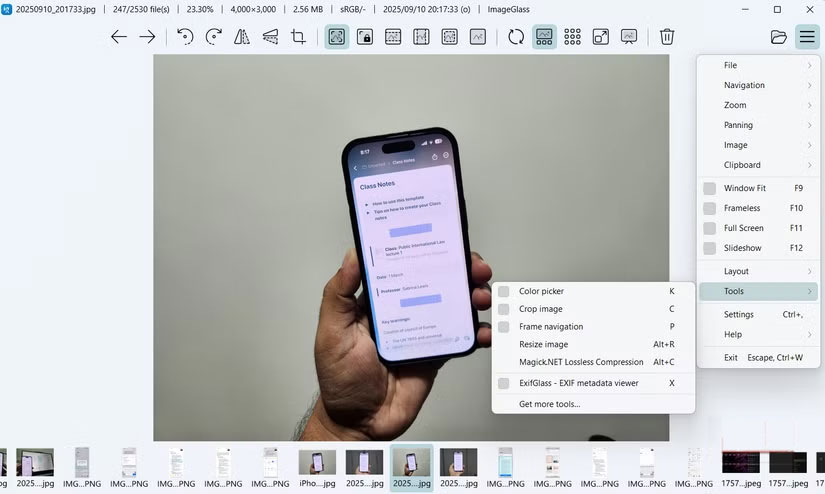
You'll find essential features like rotate, flip, scale, auto-zoom, and more, allowing you to quickly adjust your view without having to dig through menus. Click the three horizontal lines in the upper right corner to switch between display modes like Window Fit, Fullscreen , or Frameless .
While ImageGlass doesn't offer the full suite of editing tools of the Photos app, it does include all the essentials. You get a simple crop tool to crop photos, a built-in resize tool to adjust dimensions, and a particularly handy color picker that lets you find the exact hex code of any pixel you hover over.
Another handy feature is lossless image compression. You can access this by clicking the menu button and going to Tools . This feature lets you reduce file size without losing quality, which is useful for saving space or preparing images for online use.
Customizable layout and theme to your style
Arrange toolbars and switch between beautiful themes
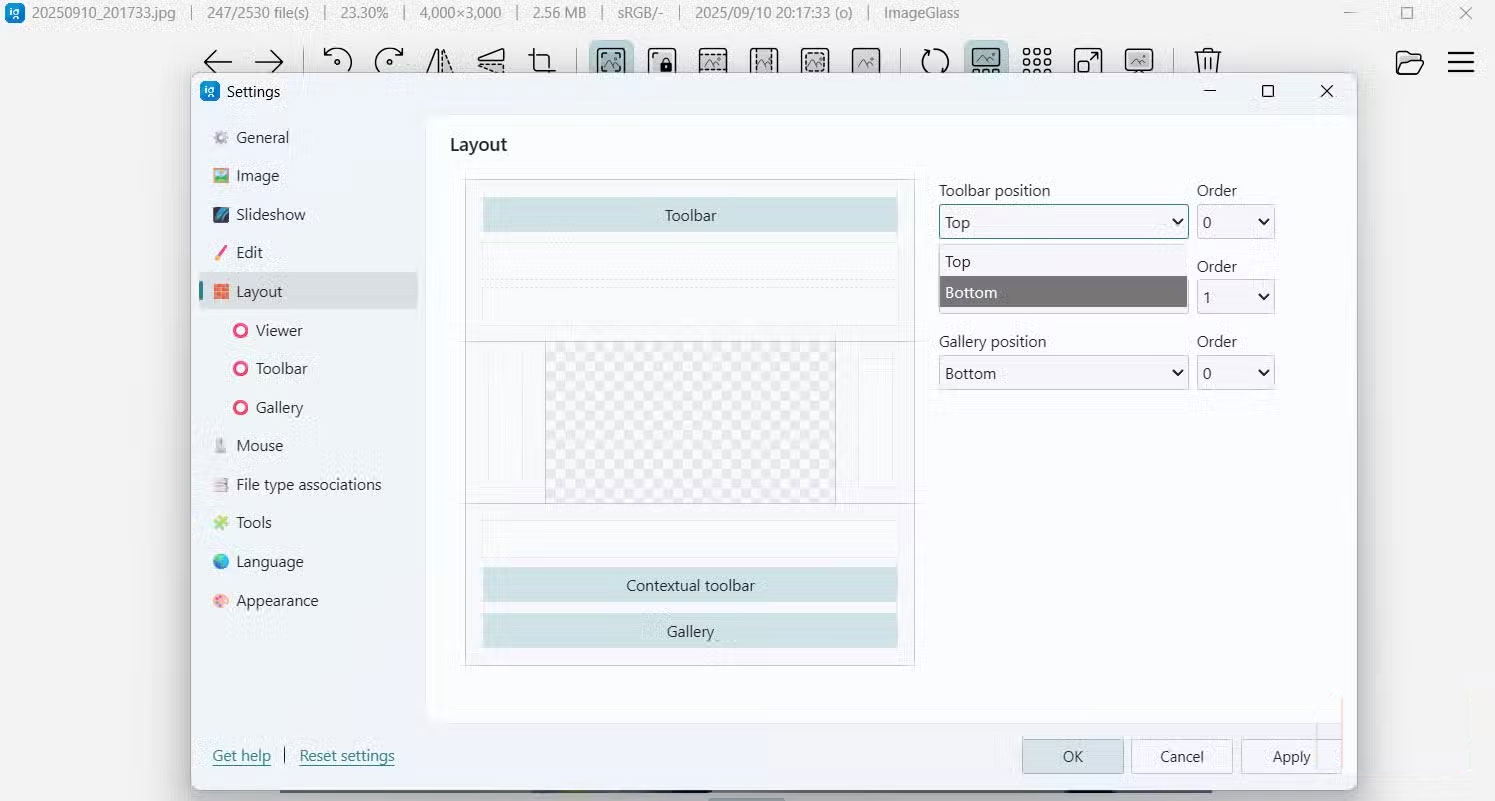
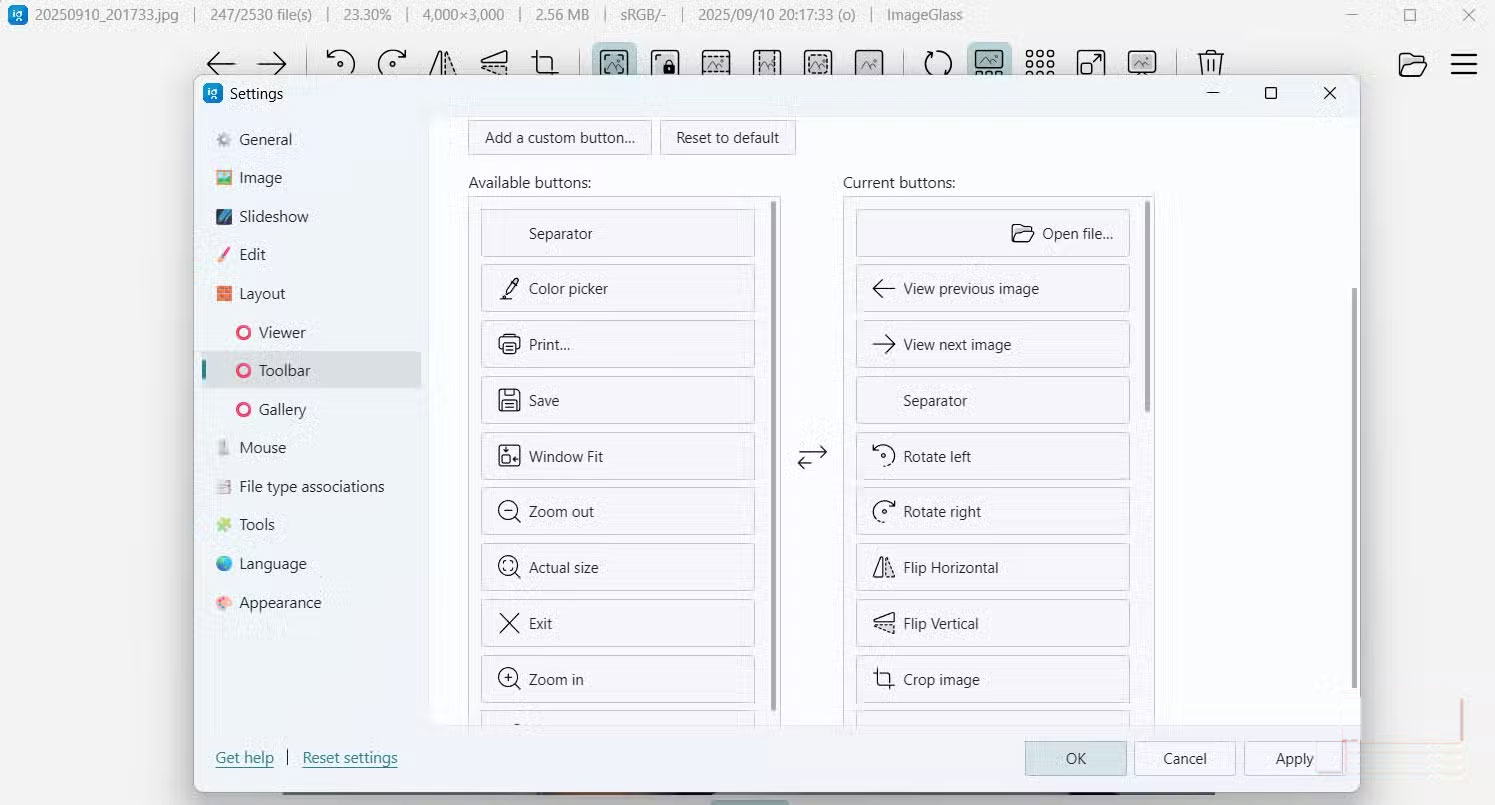
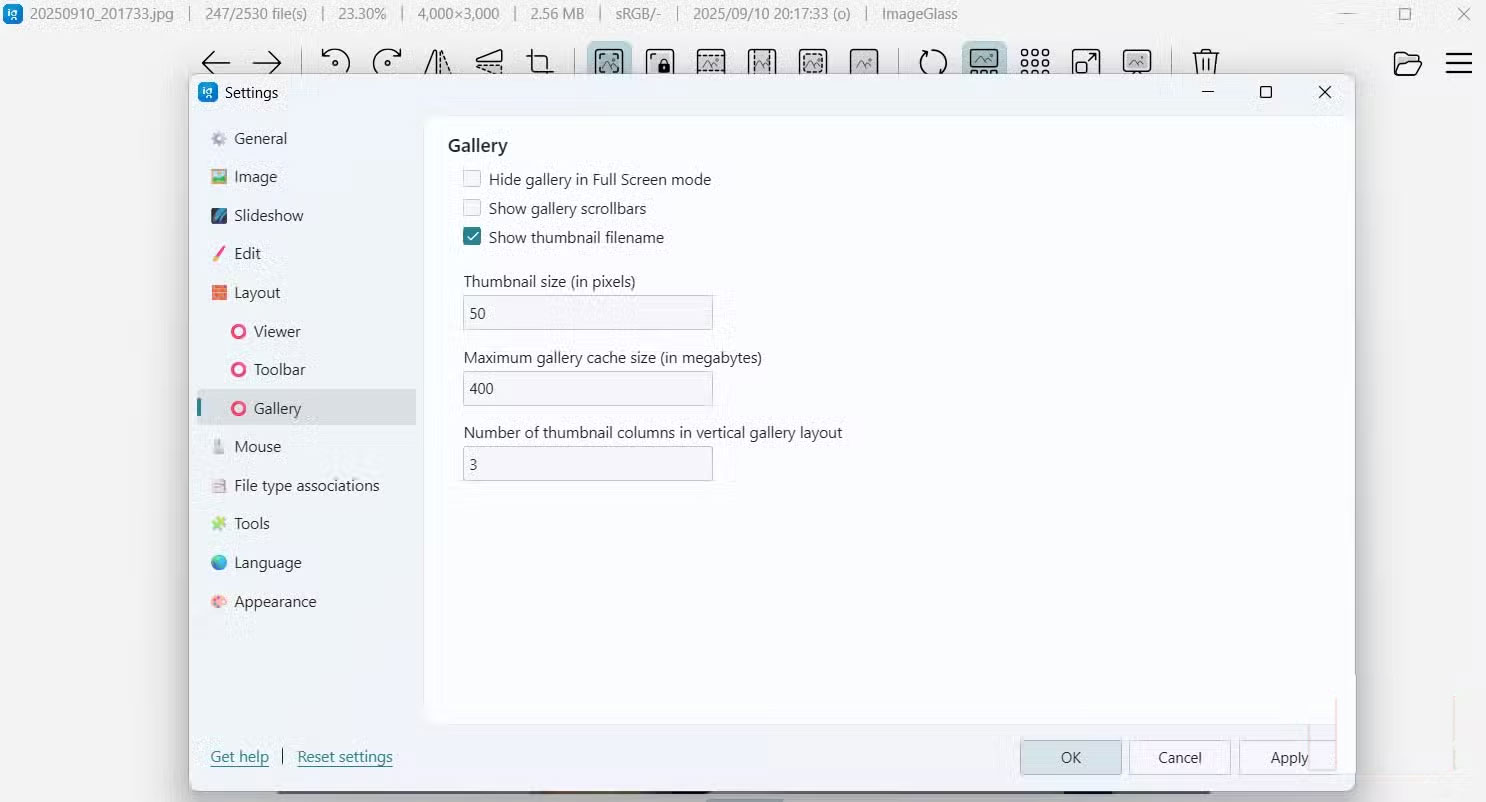
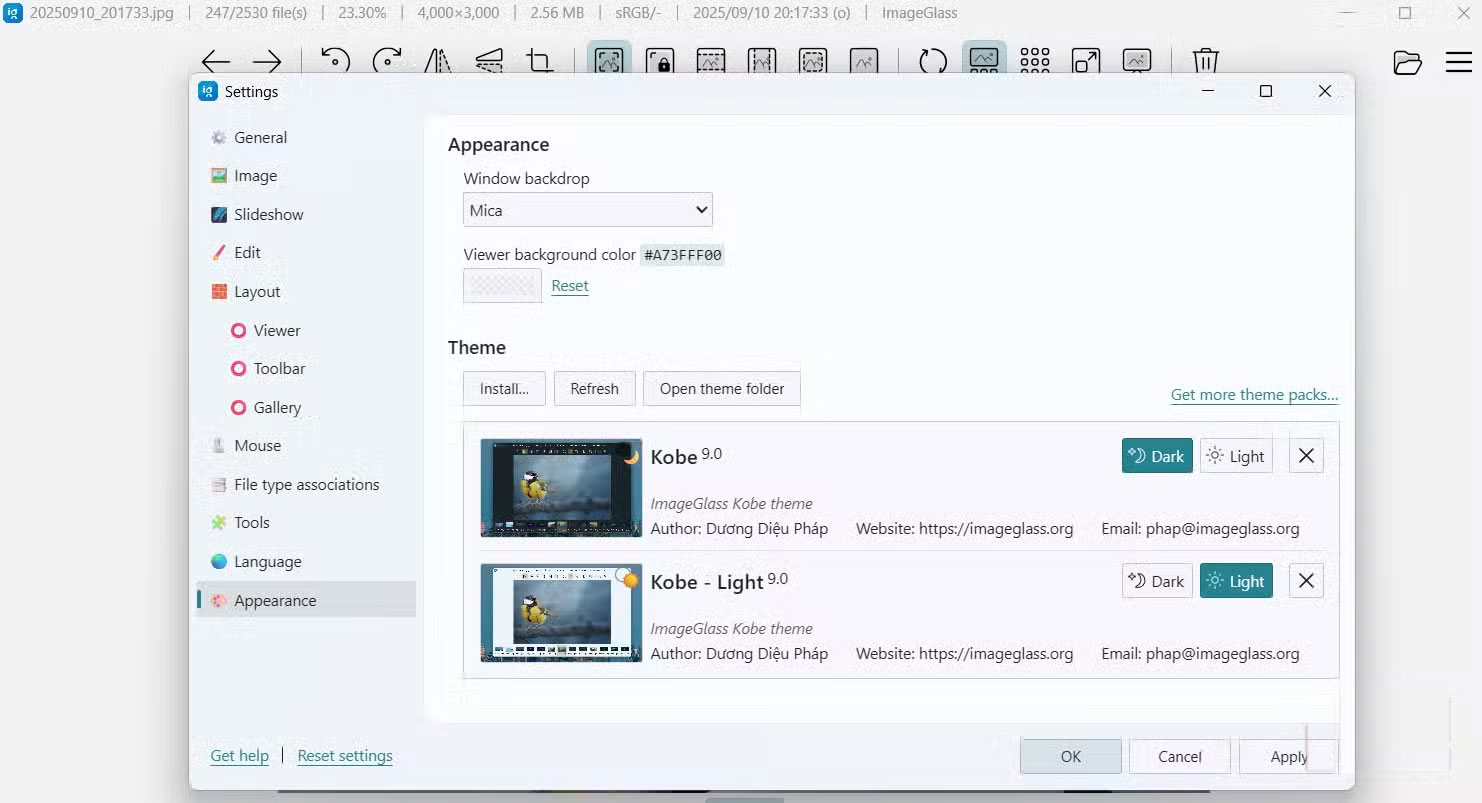
Unlike most other image viewers, ImageGlass doesn't lock you into a single interface. You can customize the layout to be as simple or as detailed as you like. For example, pressing the T Key on your keyboard will instantly show or hide the toolbar, giving you a cleaner workspace whenever you need it.
If you go to Settings > Layout , you'll see how much control you have. In The Toolbar Tab, you can rearrange or remove shortcuts to suit your workflow. If you use the color picker often, you can add it to the toolbar for quick access. Likewise, if you don't use the flip or slideshow options, you can hide them. In the Gallery Tab, you can even adjust the size of the thumbnails to suit your preferences, whether you prefer a top-down overview or a larger preview.
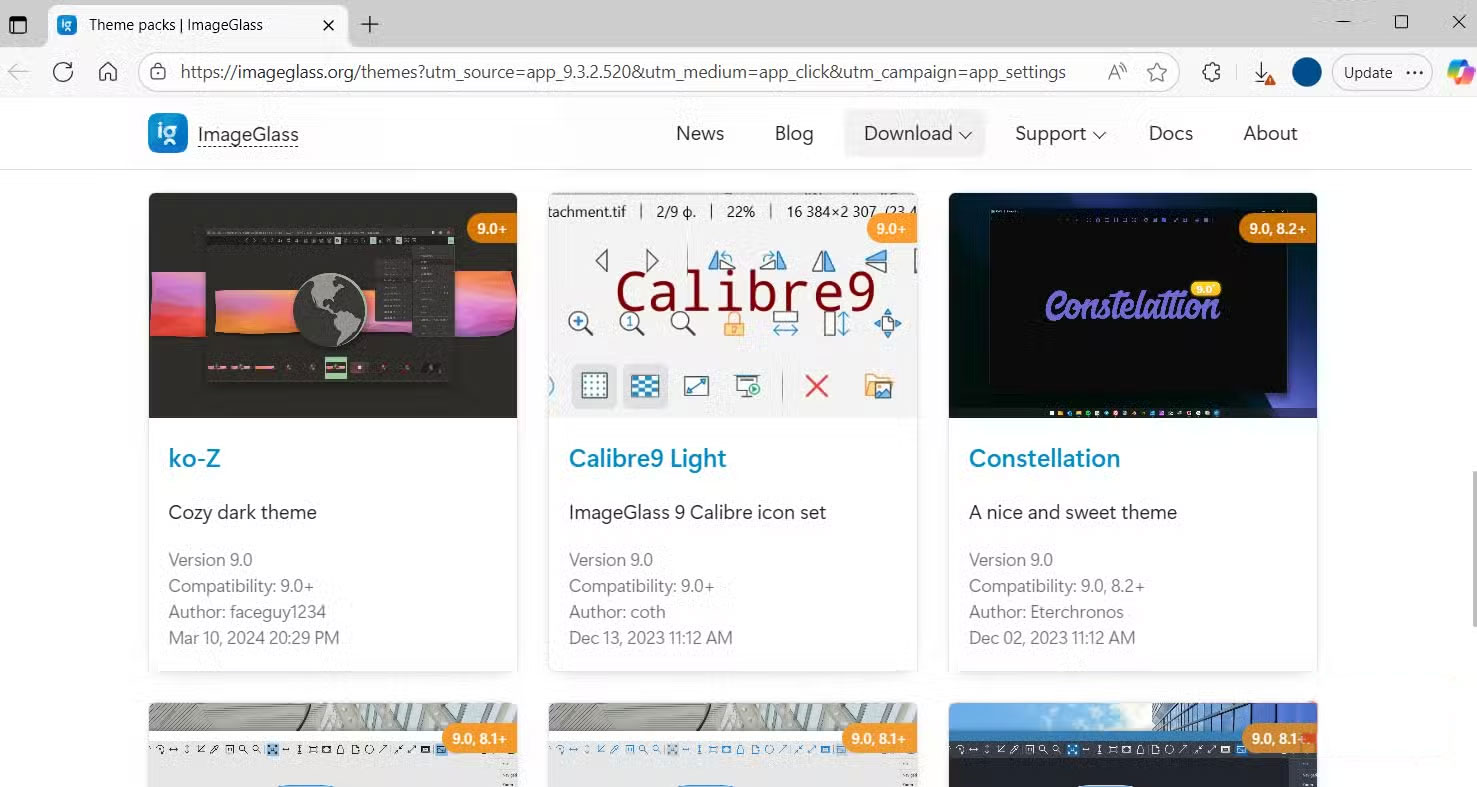
Themes are another strong point of ImageGlass. ImageGlass supports a variety of downloadable skins that can change the look of your user interface on the fly. Head to the Appearance Tab and click Get more themes pack To visit the ImageGlass community site, where you can browse and download skins created by other users. Whether you prefer dark mode, a minimalist design, or more vibrant colors, ImageGlass makes it easy to personalize your viewing experience.
You can download it completely free.
Enjoy premium features at zero cost
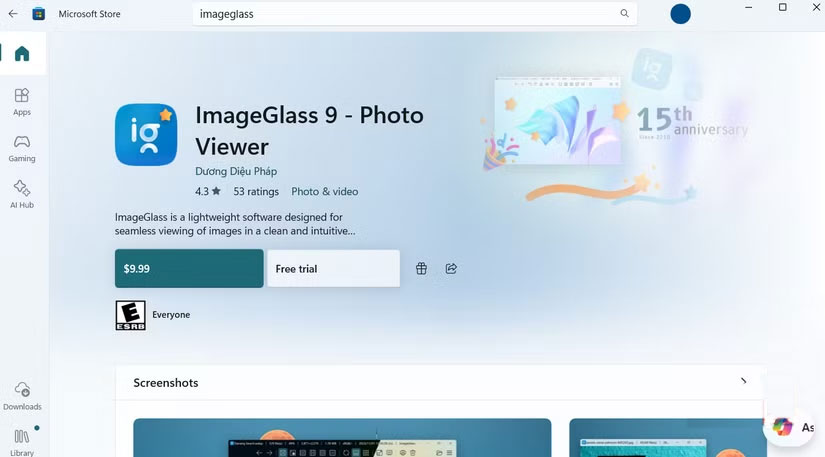
One of the best things about ImageGlass is that it's completely free and open source. There are no trial registrations, subscription fees, or annoying ads.
You can find two versions to choose from, depending on how you want to install the software. The first is ImageGlass Classic, which is available for free from the official website. The second is the Microsoft Store version, which has similar functionality but offers the convenience of faster, automatic updates. This version costs $5 (may vary by region), which is essentially a donation to support ongoing development.
Advantage
- Support multiple file formats
- Useful tools
- Support convenient shortcut keys
- User friendly
Disadvantages
- Image editing is not allowed
- Not the fastest and lightest option for Windows 10
FAQ
What should you know about imageglass?
In practical terms, imageGlass is a free image viewer for Windows that supports around 72 formats, including PSD (Photoshop) and RAW formats.
Why does imageglass matter?
The article highlights that it is fast and relatively light on resources, but it is not the fastest or lightest third-party image viewer available for Windows 10.
What is the main takeaway?
The main takeaway is that imageGlass Features Better file support and smoother viewing experience Open dozens of image formats without any glitches One of the first things you'll notice about ImageGlass is its ability to handle a wide variety of.
Related Articles
 Download Imageglass 8.0.12.8: a Free Image Viewer for5 minutes read
 Imageglass Software to View Pure Vietnamese Images Cannot Be Missed3 minutes read
 How to Add // Remove Xps Viewer Application in Windows 103 minutes read
 Best Photo Viewer Software on Windows 109 minutes read
 How to Install Free DWG Viewer4 minutes read
 How to Access Event Viewer in Windows 103 minutes read
Reader Comments 0
Sign in with email or Google to join the discussion.